Pricing Table – Responsive & Easy

Pricing Table – Responsive & Easy
Description
Pricing Table lets you add professional pricing tables to your WordPress site. Show your products, services, or subscription plans in a clean, organized layout that visitors can compare at a glance.
View Pro Demo: Pricing Table Premium
More About Pro: Pricing Table Premium Features
Where To Buy: Buy Pricing Table Premium
This pricing table builder works with shortcodes, so you can place tables anywhere — pages, posts, sidebars, or widget areas. Each table supports unlimited pricing packages with custom features, icons, and call-to-action buttons.
Video Tutorial
What You Can Do
Create pricing comparison tables for:
- SaaS subscription plans
- Service packages (basic, standard, premium)
- Product feature comparisons
- Membership levels
- Hosting or software pricing
Free Version Features
- 4 ready-to-use pricing table templates
- Unlimited pricing packages per table
- Unlimited features per package
- Responsive layout for mobile, tablet, and desktop
- Header, button, and feature color customization
- Icon picker for feature icons
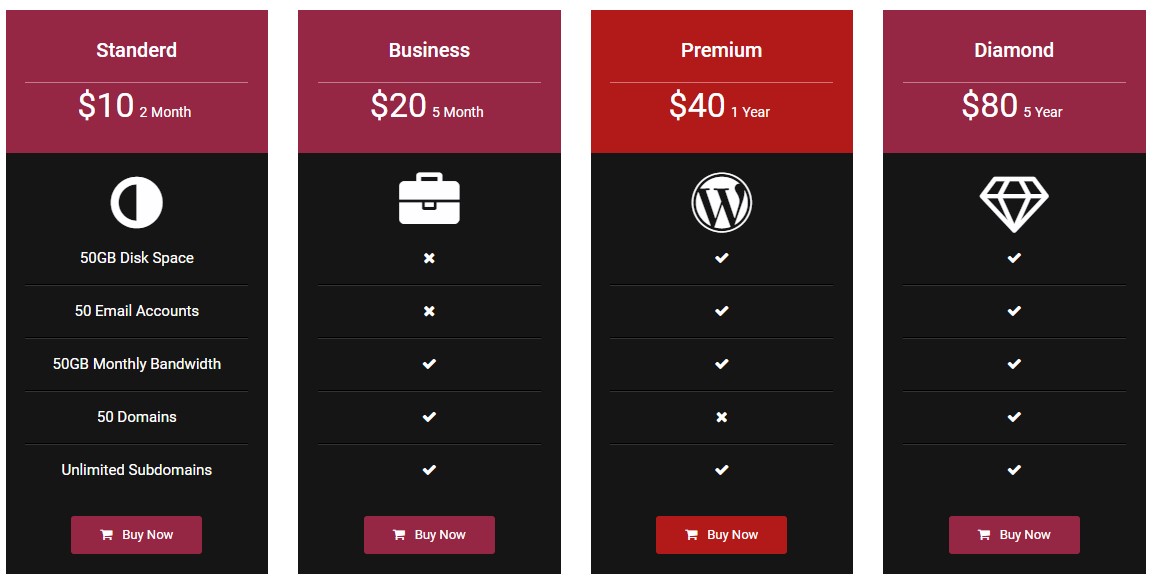
- Show/hide features with ✔️(right) or ❌(cross) marks
- Shortcode support for pages, posts, and widgets
- Sidebar widget integration
- Custom CSS option for advanced styling
- Works with Gutenberg and Elementor
- Multi-language support (English, Hindi, German, Spanish, Arabic, Indonesian, Portuguese, Chinese)
Pro Version Features
- 26 additional template designs
- Pricing switcher (monthly/yearly toggle)
- Tooltip feature for detailed descriptions
- YouTube and Vimeo video support
- Custom image support in pricing cards
- Advanced column layout settings
- Button icon customization
- Extended font size controls
- Open link in new tab option
- Priority support
More Pro Demos
Pricing Table With Sidebar
Multi Columns Tables
Tooltip On Features
Pricing Switcher
Features True & False
Icon Picker
Image Or Video Support
Languages
Available in: English, Hindi, German, Spanish, Arabic, Indonesian, Portuguese, and Chinese.
Installation
-
Install the plugin via WordPress.org Plugin Directory or upload the plugin files to your
/wp-content/plugins/directory. -
Activate the plugin through the ‘Plugins’ menu in WordPress.
-
Navigate to the ‘Pricing Table’ menu in the admin dashboard.
-
Click on ‘Add New Pricing Table’ to create a new table.
-
Customize your pricing plans, features, colors, and styles.
-
Copy the generated shortcode and paste it into any post, page, or widget area.
-
Save your changes and view the page to see your pricing table live.
For more help, visit the “DOC” section inside the plugin menu.
Screenshots
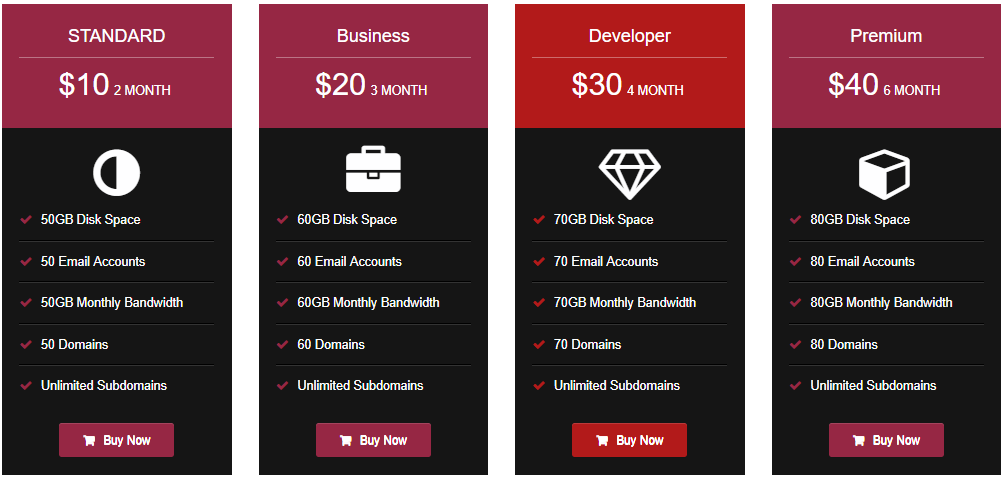
Sample pricing table layout with 4 columns
Backend settings for pricing plans
Add new pricing table screen

Widget shortcode in sidebar
Responsive design preview on mobile
Faq
Go to “Pricing Table” in your WordPress dashboard, click “Add New,” and fill in your plan details including name, price, features, and button text. Save and copy the shortcode to use on any page.
Yes, this pricing table works with both Elementor and Gutenberg editors. Just paste the shortcode in any widget or block.
After creating a pricing table, copy its shortcode and paste it into any page, post, or sidebar widget.
Yes. All pricing tables adapt to screen sizes including desktop, tablet, and mobile devices.
Unlimited. You can create as many pricing tables as needed with unlimited plans inside each table.
Yes, you can highlight a specific plan using the featured option. This makes one plan stand out from the others to draw visitor attention.
The pricing table displays information and links. You can connect buttons to WooCommerce product pages or checkout URLs for a smooth buying experience.
Yes, each pricing package has its own button with customizable text, link URL, and color settings.
Use the feature toggle options to show a checkmark (✔️) for included features or an X (❌) for excluded ones in each plan.
Yes, you can set individual header colors, button colors, and feature colors for each pricing package.
No, you can create unlimited pricing tables. Each table gets its own unique shortcode.
The free version includes 4 templates and essential features. The pro version adds 26 templates, pricing switcher, tooltips, video support, and more customization options. View Pro Features
No, the plugin uses lightweight CSS and minimal JavaScript. It does not load unnecessary resources on pages where the shortcode is not used.
The pro version supports exporting and importing pricing table settings for backup or migration purposes.
For free version support, use the WordPress.org support forum. Pro users receive priority support through the developer website.
Reviews
Great Plugin, Great Support
By 
The Plugin is easy to use and it looks very nice even on the free version. I had an issue where things weren't working properly on a certain page and the support team was able to fix the issue without any trouble.
Excellent plugin
By 
Excellent plugin, easy to use and quick service when problems occur.
no html support in "features"
By 
The only thing you can put in "features" is... just plain text.
Very limited in scope.
Excellent plugin
By 
Adds nag dialog to all admin pages
By 
!important style. Realy? Drop down menu
By 
Quick implementation, great support
By 
Great
By 
good plugin
By 
frustrating on a very basic level
By 
Changelog
1.5.4
- Compatible with WordPress 7.0
- Fixed frontend CSS loading by properly enqueuing core stylesheets and rendering dynamic template styles
- Enqueued inline scripts into external JS files to adhere to WP.org guidelines
- Removed hidden trialware/pro-feature elements to comply with Guideline 5
- Removed TGMPA (TGM Plugin Activation) library and recommendation code
- Added late escaping for custom CSS and template icon HTML outputs
- Added nonce verification to plugin cache refresh links for enhanced security
- Refactored shortcode rendering by removing redundant WP_Query execution
- Updated admin capabilities, static meta box IDs, and input field handling
= 1.5.3=
* Compatible with WordPress 6.9.4
* WordPress.org Plugin Development Guidelines Fixed In this plugin
1.5.2
- Compatible with WordPress 6.9
1.5.1
- Compatible with WordPress 6.8.3
1.5.0
- Compatible with WordPress 6.8.1
- Security patches applied
- Sanitize bug fix
- Minor bug fixes and code cleanup
1.4.9
- Updated readme.txt for SEO optimization
- Minor bug fixes and code cleanup
1.4.8
- Compatible with WordPress 6.7.2
- Minor bug fixes and improvements
1.4.7
- Compatible with WordPress 6.7.1
- UI enhancements and minor bug fixes
1.4.6
- Tested with WordPress 6.6.2
- Resolved issues with color picker and layout conflicts
1.4.5 to 1.4.0
- Multiple compatibility updates for WordPress 6.4+ to 6.6+
- Enhanced responsiveness for all table layouts
- Fixed shortcode output issue in widget areas
1.3.x Series
- Support added for more languages
- Improved template structure and performance
- Bug fixes related to Font Awesome icons and button styling
1.2.x Series
- UI refinements and template design tweaks
- Bootstrap conflicts resolved
- Bug fixes for CSS styles
1.1.x Series
- Security patches applied
- Enhanced settings panel and layout options
- Support added for WordPress 5.9+
1.0.x Series
- Initial stable release of Pricing Table Plugin
- Multiple template options and shortcode support
- Added custom CSS and widget support