Account Switcher
Account Switcher
Description
What is Account Switcher?
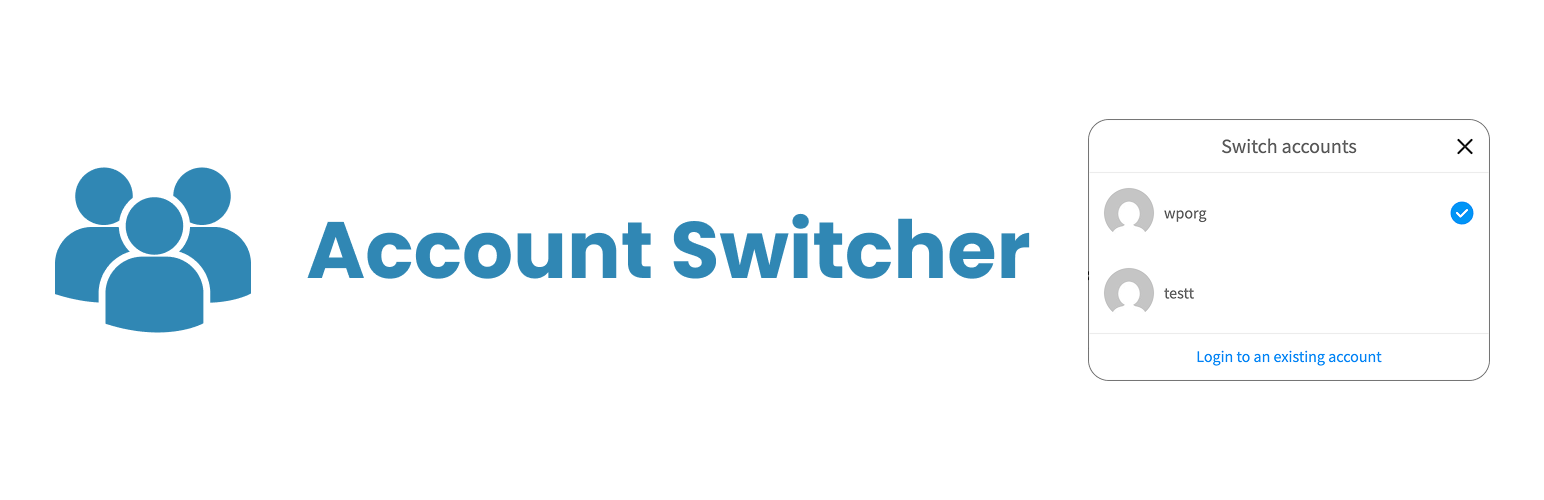
With Account Switcher, you can add a new and super feature to your sites, especially by eliminating a big deficiency of your social WordPress sites. Account Switcher offers you the convenience of logging in with more than one account and switching between accounts on a device you see on many popular social media sites.
How to use?
It is very simple to use as you can see in the picture below. You just need to add a menu to the field you want to add with the ”#account-switcher” link. Account Switcher only works after login. In other words, if no login is logged, Account Switcher will be inactive.
You do not need any additional settings. If you want it to appear in the WooCommerce My Account menu, you can activate it as follows.
Privacy notices
With the default configuration, this plugin, in itself, does not:
- use cookies;
- track users by stealth;
- send any data to external servers;
3rd Party Libraries & API’s
- https://beycanpress.com/
- Privacy policy: https://beycanpress.com/privacy-policy/
- This is our website. We use it to provide support and sell premium plugins.
Translations
You can easily translate with Loco translate.
Installation
- Upload the entire
/account-switcherdirectory to the/wp-content/plugins/directory. - Activate Account Switcher through the ‘Plugins’ menu in WordPress.
- Enjoy.
Screenshots


Reviews
Changelog
1.0.2
- Fixed: _load_textdomain_just_in_time early call
1.0.1
- Fixed some bugs.
1.0.0
- Plugin released.