Add New Default Avatar [Emrikol's Fork]
Add New Default Avatar [Emrikol's Fork]
Description
I’d been manually adding custom default avatars in functions.php for a while, and it was always a hassle to edit it to change them. I decided to see if there was a plugin available to do the job, and stumbled upon “Add New Default Avatar” here: https://wordpress.org/extend/plugins/add-new-default-avatar/
It was nice, but it was missing some features such as the ability to manage avatars, upload images, and automatically resize thumbnails. So I made a few modifications 🙂
Features:
- Saves current default avatar before activating and restores it when deactivated
- Upload images using AJAX directly from the plugin page
- Ability to remove unneeded custom default avatars from the default avatar list
Installation
Extract the zip file and just drop the contents in the wp-content/plugins/ directory of your WordPress installation and then activate the Plugin from Plugins page.
Screenshots

The plugin page showing a few added avatars.

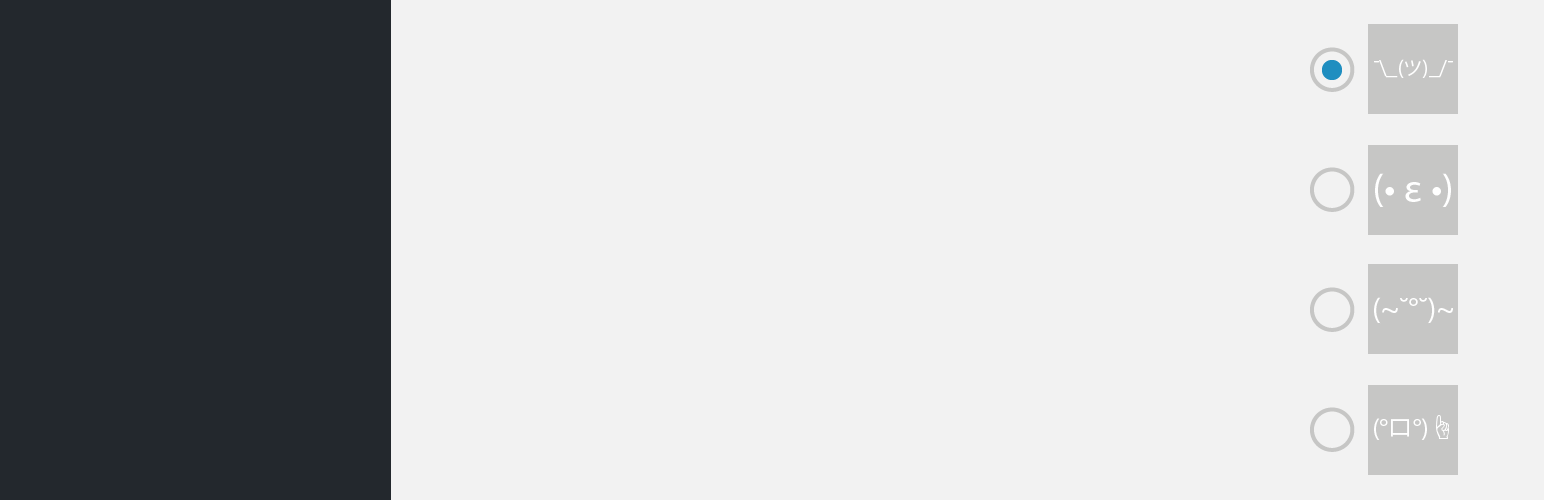
The "Discussion" settings showing the available avatars.

twentysixteen theme showing the Hellow World post and comment with new avatar
Faq
None Yet
Reviews
Do the job - Improvement for gender based avatar
By 
Hi,
Effective plugin, thank you. I have found a piece of code which seems to set a default avatar based on the gender : Male / Female. Do you think you are able to adapt this code with your plugin?
add_filter( 'bp_core_fetch_avatar_no_grav', '__return_true' );
	function myavatar_add_default_avatar( $url )
	{
		global $bp;
		$gender = xprofile_get_field_data('Gender', bp_get_member_user_id());
		if ($gender == "Male") {
			return $img_url = SECU.'thefashionhero.com/wp-content/uploads/male_avatar.png';
		}
		else {
			return $img_url = SECU.'thefashionhero.com/wp-content/uploads/female_avatar.png';
		}
	}
	add_filter( 'bp_core_mysteryman_src', 'myavatar_add_default_avatar' );
	add_filter( 'bp_core_default_avatar_user', 'myavatar_add_default_avatar' );
Changelog
3.0.0
THIS UPDATE WILL BREAK YOUR CURRENT CUSTOM AVATARS
It’s been five years since the last update, and I finally took another look at this plugin. Unfortunately it was full of security holes and coding standard issues. Things have come a long way since the last version. There aren’t any more known security issues, and it’s unlikely that I’ll update this plugin again unless any new issues arise.
- Major refactoring to remove security vulnerabilities and poor coding standards
2.0.1
- Small bug. I left a WB_DEBUG on 🙁
2.0.0.1
- Fixed small problem in readme.txt
2.0
- Upgraded to latest TimThumb, 2.8.10
- Fixed “wp_enqueue_script/wp_enqueue_style was called incorrectly” bug.
- A bit late, but thanks to Honza for letting me know about a bad CSS bug that killed the bullets on all li tags. Fixed.
- Cleaned up a lot of code, moved some actions to only admin area
1.0.1
- Upgrade to the more secure TimThumb 2.8
1.0
- Initial Release