Admin Edit Comment
Admin Edit Comment
Description
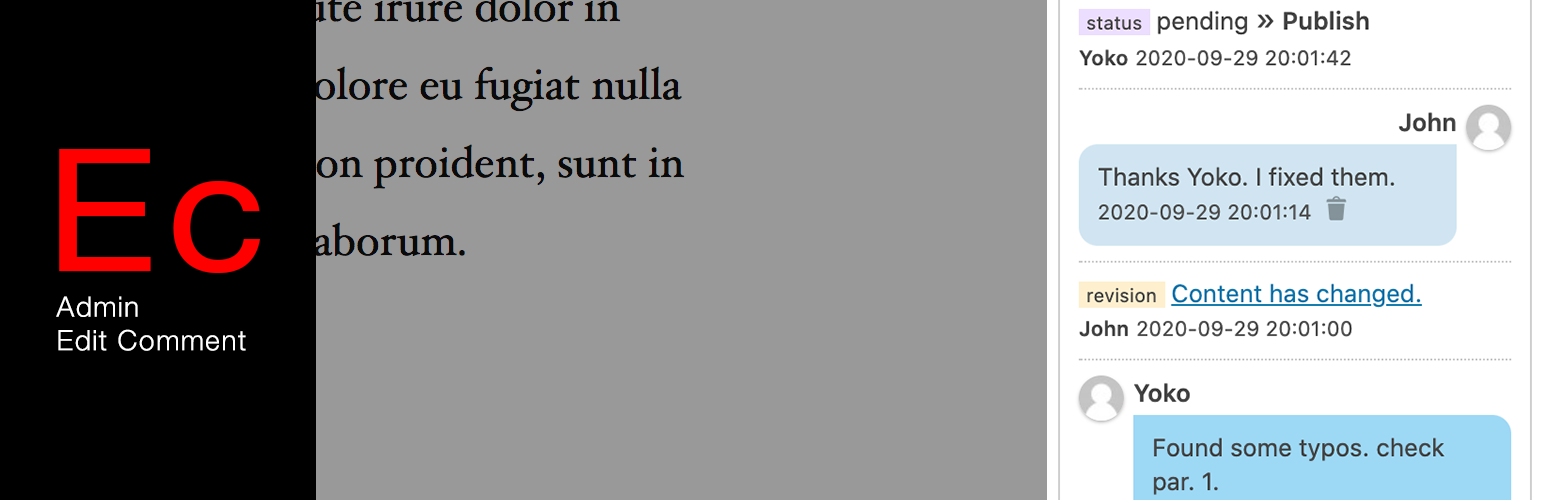
This plugin adds another comment functionality in post/edit screen.
You can communicate with your editorial/admin team members within your WordPress screen.
In the setting page, You can enable/disable the function for each post type.
UPDATE in version 2
- Display comment list on the post list screen as well.
- Show revision and status change in comment timeline.
Installation
- Upload the plugin package to the plugins directory.
- Activate the plugin through the Plugins menu in WordPress.
Screenshots

Add Admin Edit Comment panel on the Document tab.

Admin Edit Comment panel

Display comment timeline on the post list screen.

Display comment timeline on the post list screen.

Menu is located in "Admin menu" > "Tools" > "Admin edit comment"

Setting page
Reviews
Very neat functionality for a team of editors
By 
Changelog
2.0.1
A minor bug fix.
2.0.0
Add revision & changed status in comment timeline with filtering function.
Add display a comment in the list screen of each post type.
Tested up to 5.5.1.
1.2.0
Fix deactivation action. Thanks to Jevgenijs Cernihovics.
Add Uninstallation action.
Support multisite.
1.1.0
Add option page. & Tested up to 5.2.1.
1.0.1
Add translation file & Tested up to 5.0.3.
1.0.0
first version.