Admin login URL Change
Admin login URL Change
Description
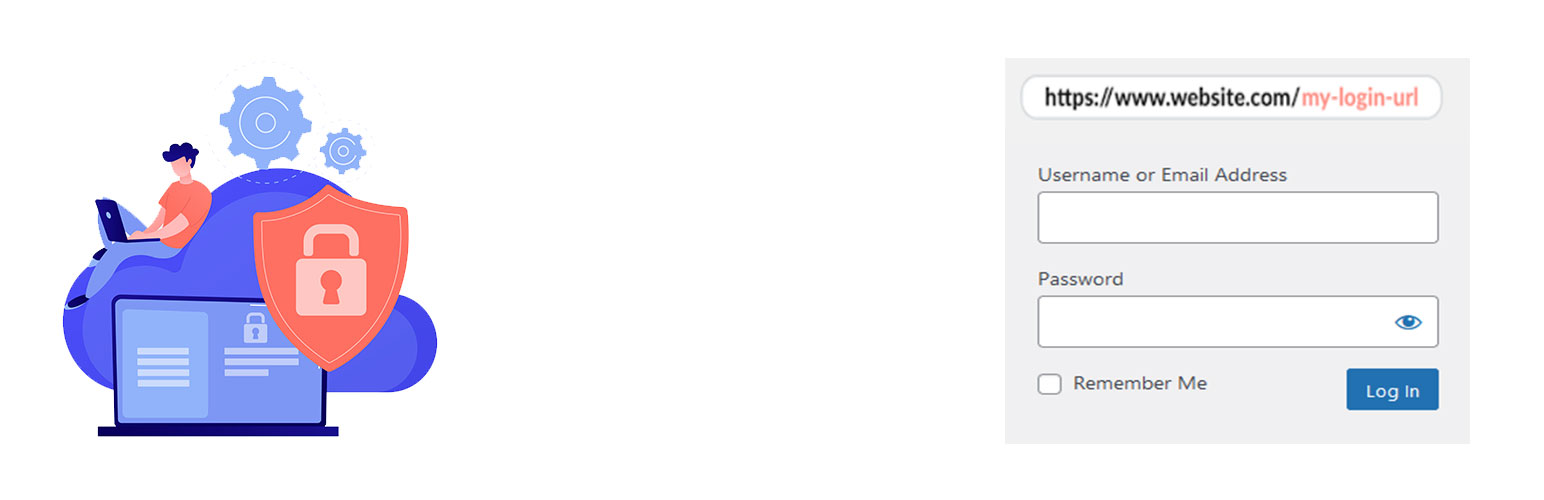
Admin login URL Change is a very lightweight, highly secure plugin that lets you easily and safely change the URL of the login form page to anything you want. It does not change any core files. It simply intercepts page requests and works on any WordPress website. This is great for your convenience, but it also closes the door to would-be brute-force attackers.
Why Use Admin Login URL Change?
WordPress websites are common targets for automated bots and hackers attempting to gain unauthorized access via brute-force login attempts. The default login URLs (wp-login.php and wp-admin) are widely known, making them easy targets. Admin Login URL Change solves this problem by letting you rename your login URL to something unique, effectively closing this security loophole.
🚀 Get Even More Security with Pro Features!
Upgrade to the Pro Version to unlock elite-level protection mechanisms:
* IP Address Blocker: Block individual IPs or entire CIDR ranges from even accessing your custom login page, featuring auto-ban thresholds, ban durations, and email alerts.
* Searchable Country Blocker: Restrict login access to specific countries using a live, search-filtered database of 200+ global regions.
* Login Attempt Limiter: Set max retries, retry windows, lockout durations, and display warning alerts to prevent dictionary and brute-force attacks.
* Two-Factor Authentication (2FA): Add an ironclad second layer of verification via Authenticator Apps (Google Authenticator, Authy, Microsoft Authenticator) or Email OTP.
* Login Alerts: Receive instant email notifications whenever someone successfully logs in or fails to log in — with IP, username, and timestamp included.
* Full Login Audit Log: Unlimited login history (up to 500 entries) with user-agent details, replacing the free 10-entry limit.
How to use the plugin
- Go to your dashboard and navigate to the Admin Login Slug menu.
- Enter your custom login slug (e.g.
madmin). - Click “Save Settings”.
- Bookmark your new URL and test it!
Installation
- Install Admin login URL Change by uploading the
admin-login-url-changedirectory to the/wp-content/plugins/directory. - Activate Admin login URL Change through the
Pluginsmenu in WordPress. - Change your URL Slug by going to the Admin Login Slug
- Now you can logout and login by new URL.
Screenshots
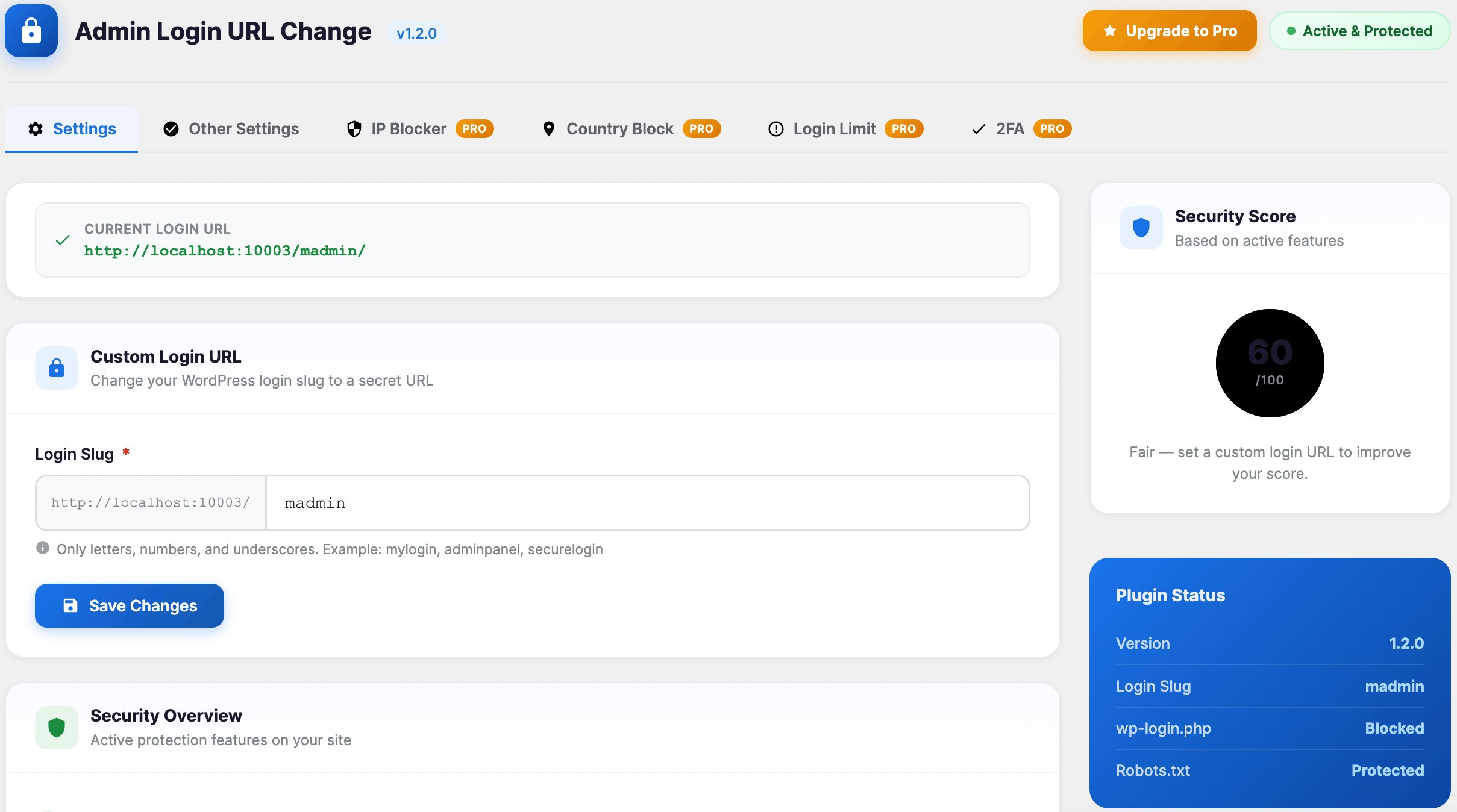
Settings
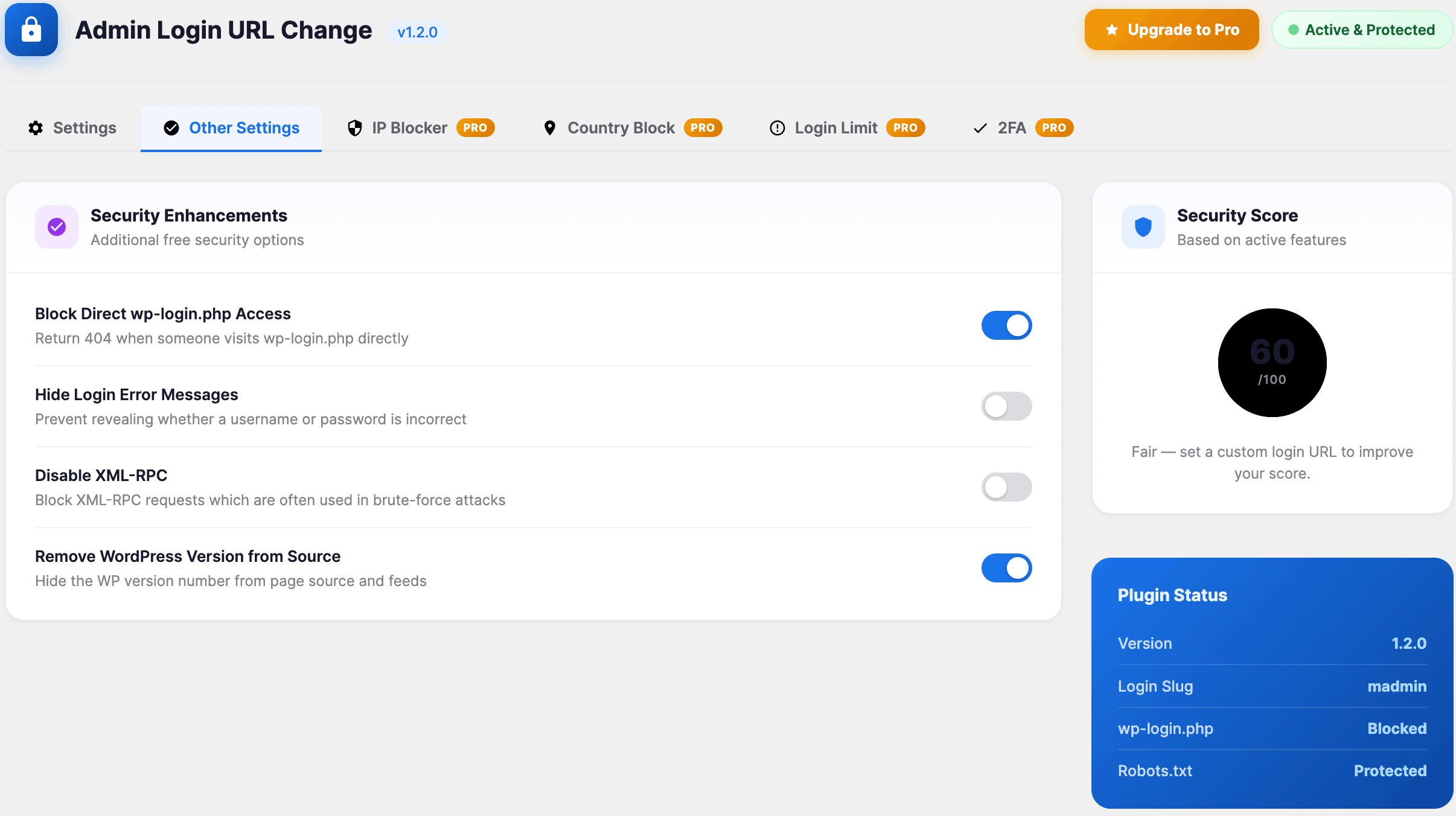
Other Settings
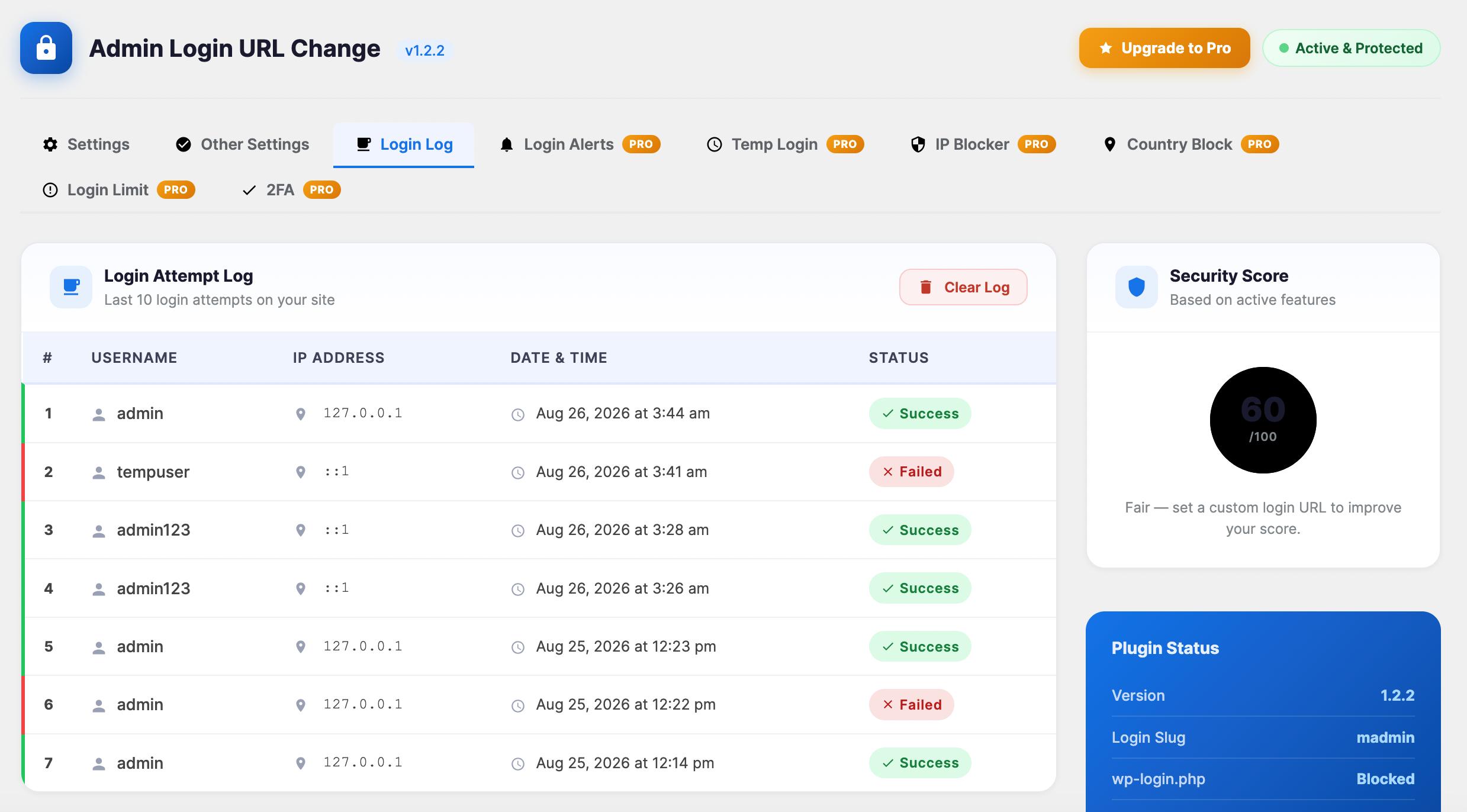
Login Logs
Faq
Absolutely not.
No, the plugin is fully compatible with native WordPress login flows and integrates seamlessly with WooCommerce checkouts and account logins.
Reviews
Excellent Little Plugin
By 
This plugin works exactly as expected and is no-frills, lightweight, and makes other robust competitor plugins used for this purpose look clunky. Great job! Thanks!
It always works
By 
I have installed this plugin on several websites and it always works with no issues.
The only thing that I don't see right is that after login with the custom url it shows a 404 page message (always on every installation I have made); I can navigate the WordPress admin/backend using the top menu., but it should go to the main dashboard page by default.
Is there a way to fix/solve it ? Thank you in advanced
Perfect and The best!
By 
I tried many plugins but only this one works!
Thanks!
Perfect!
By 
Thanks for solving this with a usable and functional plugin. I tested more than a few plugins and tried creating my own. Could not quite get it to work. This plugin works perfectly. Any of the built in redirects fail with a proper 404 (/dashboard, /login, /admin, /wp-admin, etc).
This plugin does not create files or the .htaccess file. Just enter a new slug, done.
Changelog
1.2.2
- Added: Compatibility with WordPress 7.1
- Added: Login Alerts — instant admin email notification on every successful or failed login attempt (IP, username, and timestamp included).
- Added: Full Login Audit Log — unlimited login history (up to 500 entries with user-agent).
- Added: Create a time-limited login link (1hr/24hr/7day) without needing a password
1.2.1
- Added: Compatibility with WooCommerce 11.0.1
- Added: Compatibility with Elementor 4.2.2
1.2.0
- Improved: Submenu “Admin Login URL Change” Position as a top-level menu “Admin Login Slug”.
- Added: Seamless integration hooks for Pro features (IP Blocker, searchable Country Blocker, Login Limiter, and Two-Factor Authentication).
- Improved: Restructured dashboard settings page into a stunning, responsive Material-style grid with notice suppression.
- Improved: Codebase refactored into clean Object-Oriented Programming (OOP) structure.
- Added: Compatibility with WordPress 7.0
1.1.6
- Fixed: Broken Access Control
1.1.5
- Added: Compatibility with WordPress 6.9
1.1.4
- Improvement: Updated file Structure
- Fixed: Redirect issue fixed
1.1.3
- Fixed: Deprecated issue Fixed
1.1.2
- Added: Compatibility with WordPress 6.8
1.1.1
- Added: Compatibility with WooCommerce 9.8.1
1.1.0
- Added: Compatibility with WordPress 6.7
1.0.9
- Added: Compatibility with WordPress 6.6
1.0.8
- Removed: Auto Redirect to the Setting Page
1.0.7
- Added: Compatibility with WordPress 6.5
1.0.6
- Updated: Security
- Fixed: Nonce Validation and escaping issues
1.0.5
- Fixed: Redirect Issue
1.0.4
- Added: Compatibility with WordPress 6.4
1.0.3
- Added: Compatibility with WordPress 6.3
1.0.2
- Added: Compatibility with WordPress 6.2
- Removed: Unused Code
1.0.1
- Settings Page Integrate
1.0
- Initial version