Ads.txt File Manager By Magicbid

Ads.txt File Manager By Magicbid
Description
Ads.txt File Manager By Magicbid allows publishers to manage both ads.txt and app-ads.txt file directly from the WordPress admin panel, without using FTP or file managers. It offers a safe and intuitive UI to help users edit, save, and back up their ads.txt file to comply with programmatic advertising requirements.
Features
- Live ads.txt editor with line numbering and syntax highlighting
- Automatic versioned backups every time you save changes
- Restore previous versions anytime from the backup list
- Create ads.txt file instantly if it doesn’t exist
- Track changes by user, showing which admin updated what and when
- Secure editing – only admins can access and modify the file
- Lightweight and fast, no bloated dependencies
Why use this plugin?
If you’re monetizing your site with platforms like Google AdSense, OpenX, or other SSPs/DSPs, you need to serve a valid ads.txt file at the root of your domain. This plugin simplifies that process by letting you manage the file without technical knowledge.
Usage
- Go to
Ads.txtfrom the left admin menu. - If the file doesn’t exist, click Create ads.txt.
- Edit the file in the editor and click Save.
- Every save creates a backup with timestamp and user info.
- You can restore any previous version from the Backups tab.
Credits
Plugin developed by Magicbid.ai
Support
Need help or want to monetize your site?
Email us at: support@magicbid.ai
Or visit: https://magicbid.ai/contact-us/
Installation
- Upload the plugin folder to the
/wp-content/plugins/directory. - Activate the plugin through the ‘Plugins’ screen in WordPress.
- Navigate to Ads.txt in the WordPress dashboard sidebar.
- Use the editor to create, edit, or restore the
ads.txtfile.
Screenshots
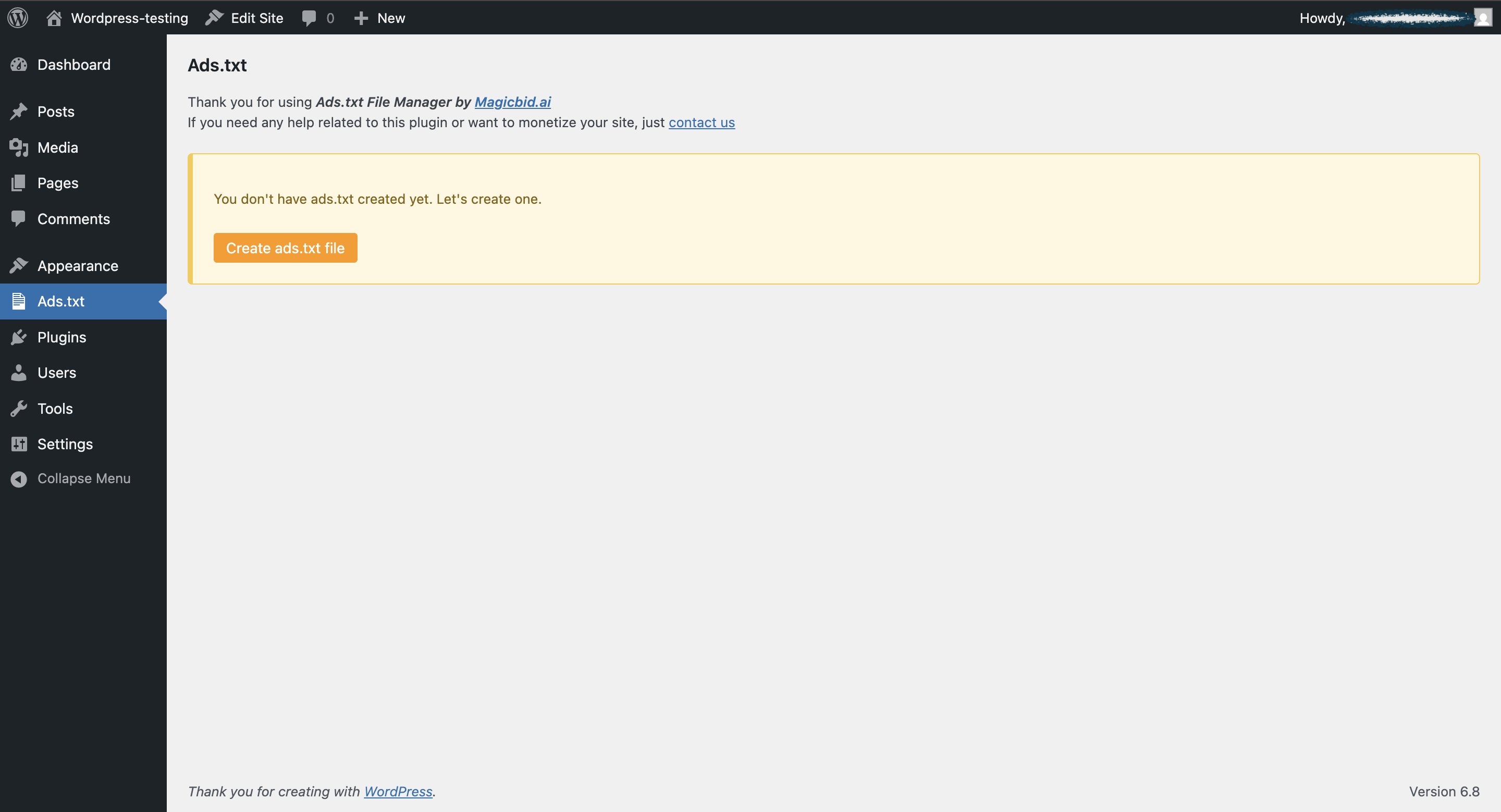
Popup to create new ads.txt file
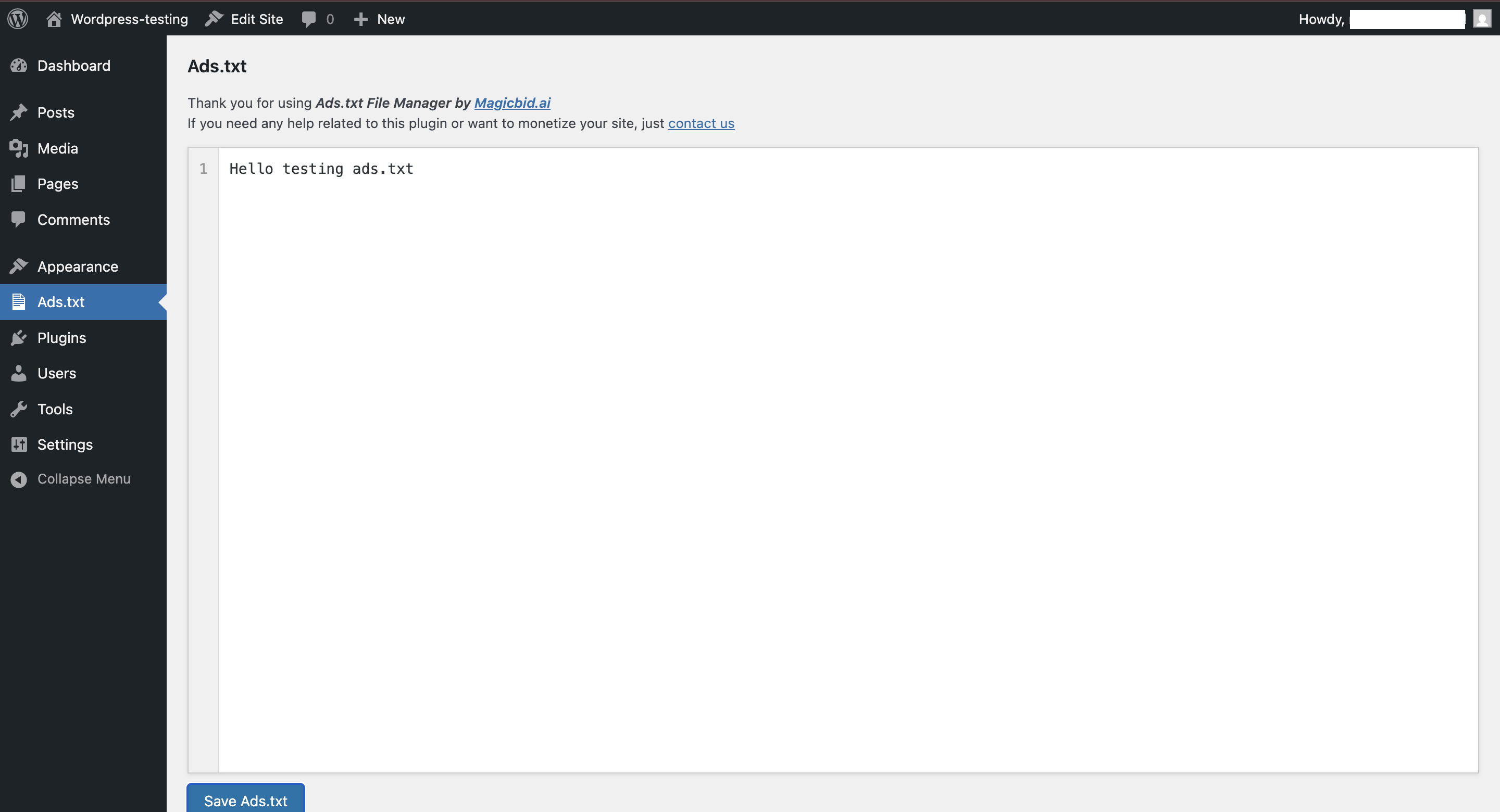
Editor with line numbering and Save button
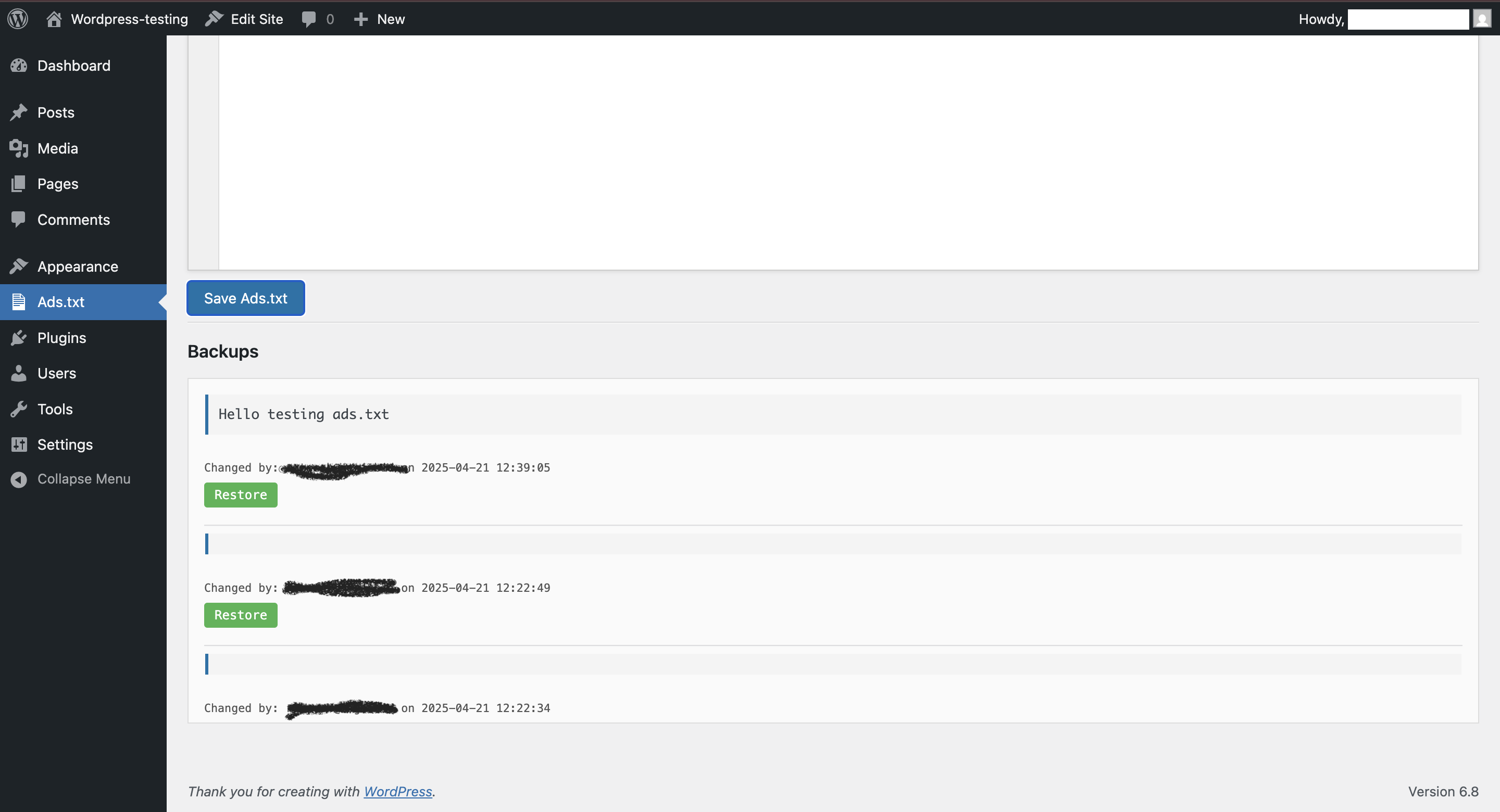
Backup history with restore options

New Update UI
Faq
The plugin saves it directly in your WordPress root directory as /ads.txt.
You can recreate it instantly using the Create button inside the plugin.
Yes! Every save action stores a backup which you can restore anytime.
Only WordPress administrators with the manage_options capability.
Currently, this plugin is designed for single-site use.
Absolutely! This tool was built to simplify ads.txt compliance for platforms like Google AdSense, GAM and other SSPs.
Reviews
Best ADS.TXT plugin
By 
Easily add and manage ads.txt on my site in minutes—no coding needed.
Changelog
2.2.1
- New Update: Asking user review.
2.2.0
- Fixed a bug “Subscribe Box Not Collapsed after minimize”.
2.1.7
- Fixed a bug of null backup saving.
2.1.6
- Added Subscribe Us Widget that only get name, email and wesbite of the user.
2.1.5
- Added support for
app-ads.txtalongsideads.txtwith easy toggle switch. - Improved UI: Switch between files using button-style toggle.
- Added ability to view and open current file directly from the plugin interface.
- Added delete option for individual backups.
- Added rotating promotional banner section.
- Enhanced responsive layout for editor and sidebar.
- Minor bug fixes and performance improvements.
2.1.2
- Improved warnings handling for code quality tools (PHPCS)
- Added sanitization and un-slashing to prevent unsafe input
- Added inline ignore flags for secure $wpdb usage
2.1.2
- Added user tracking for backups
- Improved backup restore logic
- Minor UI improvements
2.1.2
- Initial release