AdUnblocker

AdUnblocker
Description
AdUnblocker helps publishers understand how ad blocking affects their site and recover visitor support with configurable, accessible messages.
The free plugin detects blocked advertising assets, displays the popup you design, and provides a seven-day view of detection and recovery outcomes. Analytics stay in your WordPress database and raw IP addresses are never stored.
Learn more on the AdUnblocker product page or ask a question in the WordPress.org support forum.
Design recovery messages with blocks
Create popup content in the WordPress block editor instead of working with a fixed message or raw HTML.
- Start from an automatically created, inactive starter popup.
- Choose strict, temporary, or dismissible behaviour.
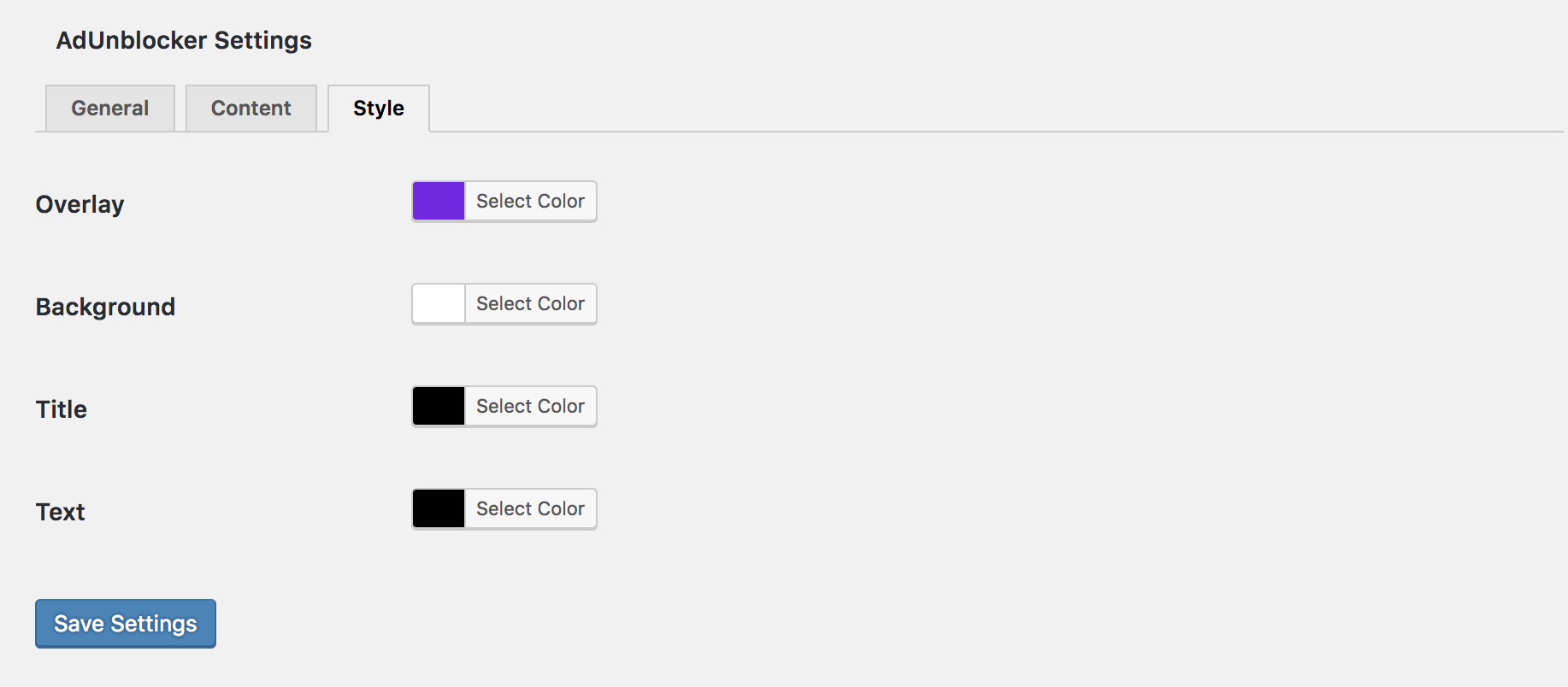
- Control display delay, page or session scope, colours, spacing, width, padding, and border radius.
- Show a customizable “allow ads and refresh” action.
- Display a popup across the site or target selected pages.
- Preview the adblock experience from an authenticated popup action without changing the live campaign.
- Keep unlimited popup drafts. The free edition allows one published popup at a time.
- Disable AdUnblocker on individual pages when needed.
Measure detection and recovery
The free analytics dashboard reports the last seven days of activity:
- Adblock rate, total detection checks, and blocked checks.
- Unique blocked visitors and popup viewers.
- Dismissed and recovered visitors.
- Recovery and dismissal rates.
- Daily blocked-versus-not-blocked trends.
- Per-popup views, recoveries, dismissals, and conversion rates.
Visitor identifiers are generated in the browser and stored as salted hashes in WordPress. Raw IP addresses are not stored. Free analytics are automatically pruned after seven days and administrators can clear them at any time.
Built for resilient delivery
AdUnblocker can regenerate its frontend script and stylesheet with randomized names and selectors. Generated assets are stored in WordPress’s persistent cache directory, with safe fallback to the bundled assets when that location is unavailable.
The frontend recovery interface supports keyboard operation, focus management, Escape-key behaviour where dismissal is allowed, and reduced-motion preferences.
Pro Add-on
AdUnblocker Pro is delivered as a separate add-on and requires the free plugin.
Pro adds:
- Multiple simultaneous active popup campaigns.
- Editable multi-step recovery journeys.
- URL, device, browser, and visit-based targeting rules.
- Weighted A/B experiment variants and variant leaderboards.
- Offer handoffs for subscriptions, Mailchimp, Kit, and generic webhooks.
- Recovery funnel reporting.
- Seven, 30, and 90-day reporting ranges.
- Device, browser, and page-level analytics.
- License activation and authenticated add-on updates.
External Services
AdUnblocker requests Google’s hosted AdSense script at https://pagead2.googlesyndication.com/pagead/js/adsbygoogle.js on public pages where detection is enabled. Whether that request succeeds or is blocked is one of the signals used to determine adblock status.
The visitor’s browser makes this request directly to Google. Google may receive standard web-request information such as the visitor’s IP address, browser user agent, and referring page. This service is provided by Google under its Privacy Policy and AdSense Terms and Conditions.
The optional coupon form in the AdUnblocker admin sidebar submits the name and email address entered by an administrator to https://digitalapps.com/email-subscribe/. Nothing is sent to this service unless the administrator chooses to submit that form. This service is operated by Digital Apps under its Terms and Conditions.
Installation
- Install AdUnblocker from Plugins > Add New, or upload the
adunblockerfolder to/wp-content/plugins/. - Activate AdUnblocker.
- Open AdUnblocker > Popups and review the inactive starter popup.
- Customize and preview the popup, then publish it when ready.
- Open AdUnblocker > Settings to configure detection and review analytics.
For the optional Pro add-on, keep the free plugin active, install and activate adunblocker-pro, then validate the license under AdUnblocker > Pro License.
Screenshots
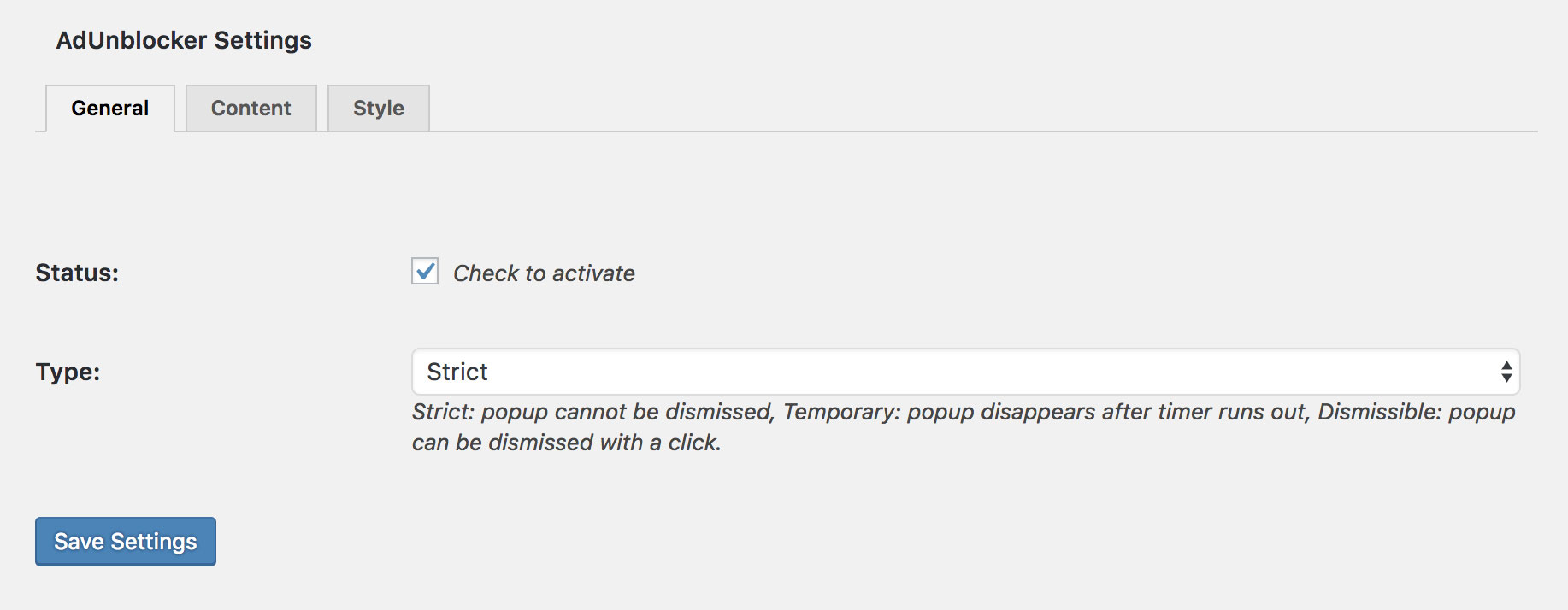
AdUnblocker settings and recovery configuration.

An adblock recovery message displayed to a visitor.
Pro license management in the separate add-on.
Faq
No. It detects signs that advertising assets are being blocked, displays your recovery message, and measures visitor responses.
AdUnblocker stores event time and date, event type, adblock status, popup ID, normalized page path, broad device and browser categories, a visit identifier, and a salted visitor hash in your WordPress database. It does not store raw IP addresses. Free analytics are retained for seven days and can be cleared by an administrator.
The browser also uses local storage and session storage for random visitor/session identifiers, popup state, and recovery tracking. This data stays in that visitor’s browser unless it is submitted to your own WordPress site as part of an analytics event.
No. Free analytics are sent only to your own WordPress installation and remain in its database. The detection check uses a Google-hosted advertising asset as described under External Services.
Randomized runtime assets are stored below wp-content/cache/. If WordPress cannot write there, AdUnblocker falls back to its bundled script and stylesheet so the site continues to work.
The free edition supports unlimited drafts and one published popup at a time. Publishing another popup automatically returns the previously active popup to draft. Pro supports multiple active campaigns.
Use the WordPress.org support forum, contact Digital Apps, or report a reproducible issue on GitHub.
Reviews
Simple and very useful
By 
Simple and very useful.
Great
By 
I just installed it. I don't recall installing it previously. Thus far, so good.
Rápido, sencillo y efectivo
By 
Muy bueno
Works perfect
By 
I have not had any problems with this plug-in
Best adblocker
By 
It's very simple and really working
Awesom, working great
By 
Good
By 
Good Plugin
By 
Effective
By 
keren. semoga langgeng ga error kalo update wp.
By 
Changelog
2.0.0
- Added block-editor popup management with strict, temporary, and dismissible behaviour.
- Added an inactive starter popup, unlimited drafts, page targeting, and authenticated frontend previews.
- Added seven-day privacy-friendly analytics for detections, blocked visitors, popup views, dismissals, recoveries, trends, and per-popup performance.
- Added accessible refresh actions, keyboard focus management, and reduced-motion handling.
- Added randomized frontend script and stylesheet generation in the persistent WordPress cache directory with bundled-asset fallback.
- Added the free-core and separate Pro add-on architecture.
- Added Pro support for multiple campaigns, recovery journeys, targeting rules, experiments, offers, 90-day reporting, and audience breakdowns.
- Improved blocker-resistant admin analytics asset loading and failure reporting.
- Confirmed compatibility with WordPress 7.0.1.
1.3.5
- Fixed Safari compatibility issues.