GeoVerse Maps – Google Maps Block for WordPress
GeoVerse Maps – Google Maps Block for WordPress
Description
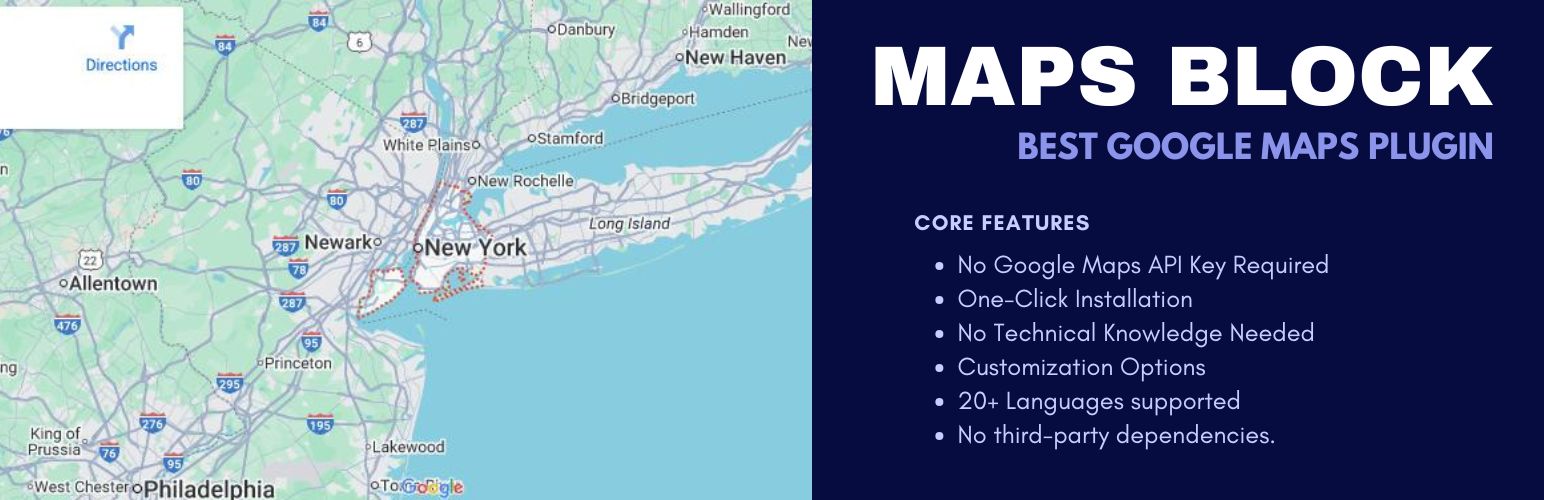
GeoVerse Maps adds a real Google Maps block to the WordPress block editor. Drop it into a post or page, search for your address, and you have a working map — no Google Cloud console, no API key, and nothing to configure just to get a location on the page.
When you’re ready for more, add a free Google Maps API key (it takes a couple of minutes) and the rest of the plugin opens up: custom marker icons, color-coded map themes, a location search box, turn-by-turn directions, live traffic and transit layers, and a filterable list view for sites with more than a couple of pins on the map.
It’s built for people who need a Google Maps Gutenberg block that just works — store locators, contact pages, real estate listings, restaurant “find us” pages, or any site where showing where you are actually matters for local SEO.
Why people use it
- You don’t need an API key to get started. Most Google Maps plugins send you straight to the Google Cloud billing console before you see anything. GeoVerse Maps shows a working embedded map out of the box, and upgrades cleanly once you do add a key.
- It’s a native block, not a shortcode. Everything lives inside the block editor — align it, resize it, style it like any other block. No shortcode syntax to remember, no page-builder lock-in.
- It scales from one pin to a full store locator. Add as many markers as you need, group them by category, and let visitors filter, search, and get directions without leaving the page.
- It’s built with local SEO in mind. Clean markup, fast-loading assets that only load on pages where the block is actually used, and a clear presentation of your address that both visitors and search engines can read.
- It’s responsive by default. Maps resize properly on phones and tablets without any extra CSS from you.
Who it’s for
- Local businesses — shops, clinics, offices, and agencies with one location or several.
- Restaurants, hotels, and venues that need a clear “find us” page.
- Real estate and travel sites showing property locations or destination context.
- Multi-location brands that need a proper store locator with filtering.
- Agencies building client sites who want a map block that doesn’t require explaining API keys to every client.
What’s included
- A native Google Maps block for the WordPress block editor
- Custom marker icons, with unlimited markers per map
- Multiple map style presets (or paste your own custom style JSON)
- Info windows with rich text — hours, phone numbers, links, short descriptions
- A visitor-facing location search box
- Marker categories with front-end filtering
- Turn-by-turn “Get Directions” from the visitor’s location
- Optional traffic, transit, and bicycling map layers
- A clickable marker list view alongside or below the map, for longer location lists
- Fullscreen mode and responsive height controls
- The Google Maps API key can be set right from the block’s own settings panel, or from one central settings screen
Credits
- Map experience powered by Google Maps.
- Built for modern WordPress — blocks, themes, and current performance practices.
Installation
From the WordPress admin
- Go to Plugins Add New.
- Search for “GeoVerse Maps”.
- Click Install Now, then Activate.
Manual upload
- Upload the plugin folder to
/wp-content/plugins/. - Activate it from the Plugins screen.
Adding your first map
- Edit a post or page in the block editor.
- Click the block inserter (+) and search for “GeoVerse Maps” or “map”.
- Insert the block, then set the location. Add markers, pick a style, and turn on search, filters, or directions if you want them.
- Publish or update the page.
If you want markers, custom styles, search, directions, or map layers, add a Google Maps API key first — either from the block’s own “API Key” panel in the editor, or from Settings GeoVerse Maps. Without a key, the block still works as a simple embedded map.
Faq
Not to get started. Without one, GeoVerse Maps shows a basic embedded map for your chosen location. Add a key when you want markers, custom styles, search, directions, filters, or map layers — Google’s API key setup is free for typical usage on most sites.
Yes. Maps are added as a native block inside the WordPress block editor — no shortcodes, no separate plugin settings you have to hunt for.
Yes. Add as many markers as you need on one map, and optionally group them into categories so visitors can filter to just the locations they care about.
Yes, once an API key is configured. Each marker can show a “Get Directions” button that routes from the visitor’s own location using Google Maps.
Yes. The layout is responsive, and height can be set per breakpoint (desktop/tablet/mobile) so it doesn’t dominate the screen on smaller devices.
It helps with the part a map plugin can help with: fast, clean markup and a clear, accurate presentation of your business location — which matters for both visitors and search engines. Pair it with consistent NAP (name, address, phone) info and solid on-page content for the best results.
Either from Settings GeoVerse Maps in your WordPress admin, or directly from the map block’s own Inspector settings while editing a post or page — whichever’s more convenient. It’s a single, site-wide setting either way.
Most alternatives require an API key from the first click, or lock features behind a shortcode-only workflow. GeoVerse Maps gets you a working map immediately, is built as a proper Gutenberg block from the ground up, and grows into a full-featured, filterable store locator without switching plugins.
Reviews
Changelog
1.5.2
- Tested and verified against WordPress 7.1.
- Fixed a PHP 8.4 deprecation notice (implicitly nullable parameter) raised by the dynamic CSS builder.
- Compatibility and maintenance release — no functional or breaking changes.
1.5.1
- Fixed a fatal error on activation for some installs: the plugin was loading a helper file from its build source tree instead of its shipped
includes/folder, which isn’t guaranteed to be present in every deployment.
1.5.0
- Major update: map styles, markers, location search, fullscreen, and responsive height now actually render on the live site once an API key is configured — this previously only worked in the editor preview.
- New: marker categories with front-end filtering, so visitors can narrow down a map with a lot of pins.
- New: turn-by-turn directions — an optional “Get Directions” button on each marker.
- New: traffic, transit, and bicycling map layers.
- New: a clickable marker list view next to or below the map.
- New: the API key can now be set directly from the block’s own Inspector settings, in addition to Settings GeoVerse Maps.
- Security fix: marker titles are now escaped before being rendered in the map popup.
- Redesigned the marker popup card and marker list styling.
- Various editor reliability fixes around marker address search, the category picker, and the live map preview.
- Now requires WordPress 6.1 or later.
1.4.1
- Updated the build toolchain and npm dependencies for better compatibility with current WordPress and the block editor.
- Maintenance release — no breaking changes.
1.4.0
- Release packaging and WordPress.org-ready metadata.
- Clearer, more SEO-focused readme copy.
- Plugin title updated to “GeoVerse Maps – Google Maps Block for WordPress” for consistent branding.
- Tested up to WordPress 7.0.
1.3.2
- Renamed the plugin to “GeoVerse Maps” to comply with WordPress directory guidelines.
- Fixed compatibility issues with the latest WordPress version.
- Improved map performance, stability, and general usability.
1.3.1
- Updated the plugin name to comply with WordPress guidelines.
- Fixed compatibility issues with the latest WordPress version.
- Improved map performance and stability.
1.3.0
- Improved map performance and loading speed.
- Better mobile responsiveness and touch controls.
- Updated the Google Maps integration for improved compatibility.
- General bug fixes, stability, and security improvements.
1.0.0
- Initial release.
- Core Google Maps block, no API key required to get started.
- Multiple map styles and themes.
- Custom marker support.
- Responsive by default.