Advanced Scrollbar – Custom Scrollbar Styling and Behavior

Advanced Scrollbar – Custom Scrollbar Styling and Behavior
Description
Intuitively design scrollbar color, width, and behavior with a lightweight – No Code Required
Advanced Scrollbar | Pricing | Support | Demo
Advanced Scrollbar is a lightweight WordPress plugin that lets you easily add and customize scrollbars to fit your site’s style. Customize scrollbar color, width, background, speed, and alignment—no coding required. Fully compatible with all major browsers and WordPress themes, it’s the fast way to give your site a polished, user-friendly scrolling experience.
Whether you prefer subtle styling tweaks or vibrant animated effects, Advanced Scrollbar helps you enhance navigation and match your design—especially useful for content-heavy pages with long scroll areas.
Key Features – Free Version
- Scrollbar Appearance: Customize thumb color, rail background, width, border, and rounded corners.
- Visibility Controls: Show or hide the scrollbar when not in use.
- Scroll Behavior: Adjust scroll speed, smoothness, and mouse scroll step.
- Alignment Options: Place the scrollbar on the left or right.
- Touch-Friendly: Enable optimized scrolling for touch devices.
- Lightweight & Universal: Ad-free, powered by jQuery, works across browsers and themes.
Cursor & Click Effects: Free Styles
- Cursor Shapes: Follow, Dot, Blob, Elastic.
- Click Effects: Spark, Spark Simple, Starburst.
Advanced Scrollbar Pro – Unlock Premium Features
The Pro version adds advanced design options, premium effects, and enhanced controls to give your scrollbar a unique look and feel.
What’s New in the Pro Version?
- Dynamic Full-Height Scrollbars: Ideal for long pages.
- Gradient & Floating Designs: Apply modern gradient colors or floating scrollbars.
- Premium Cursor Shapes: Glitch Matrix, Neon, Gradient, Magnetic, Ribbon, Spotlight, and more.
- Premium Click Effects: Ripples, Pulses, Waves, Explosions, and other animations.
- Custom Floating Scrollbar Colors: Set background and text colors for floating scrollbars.
Upgrade to Pro and unlock all premium features today!
Flexible Application Modes
- Global Mode: Apply chosen styles site-wide from the plugin dashboard.
- Page/Post Specific Mode: Apply unique effects directly in the WordPress editor—great for campaigns or featured content.
How to Use Advanced Scrollbar – Quick Start Guide
Getting started is easy!
- Install and activate the plugin.
- Go to Settings Advanced Scrollbar.
- Customize scrollbar and cursor styles in the settings panel.
- Save changes and enjoy your new scrolling experience.
Use Cases
- Enhance user experience on content-heavy pages.
- Strengthen brand consistency with customizable UI.
- Optimize navigation flow on long-form content or sites with dynamic layout.
Live Demo | Try the Pro Version
Feedback
Like that plugin? Hate it? Want a new feature? Send your feedback
Check out our other WordPress Plugins-
Html5 Video Player – Display videos as single and playlist in multiple skins.
PDF Poster – Display/Embed PDF files with different styles.
Html5 Audio Player – Listen audios with awesome visuals.
StreamCast – Customizable radio player with different skins.
3D Viewer – Embed 3D models and 3D products with interaction.
Advanced Post Block – Show posts and custom posts in different layouts.
Installation
Automatic installation
- Go to the Plugin menu and click on the Add New Button
- Search for Advanced Scrollbar
- Install and activate the Advanced Scrollbar plugin from there
Download & Upload:
- Download the Advanced Scrollbar plugin (.zip file)
- In your admin area, go to the Plugins menu and click on Add New
- Click on Upload Plugin and choose the
advanced-scrollbar.zipfile and click on Install Now - Activate the plugin and Enjoy!
Manually:
- Download and upload the Advanced Scrollbar plugin to the
/wp-content/plugins/directory - Activate the plugin through the Plugins menu in WordPress
Screenshots
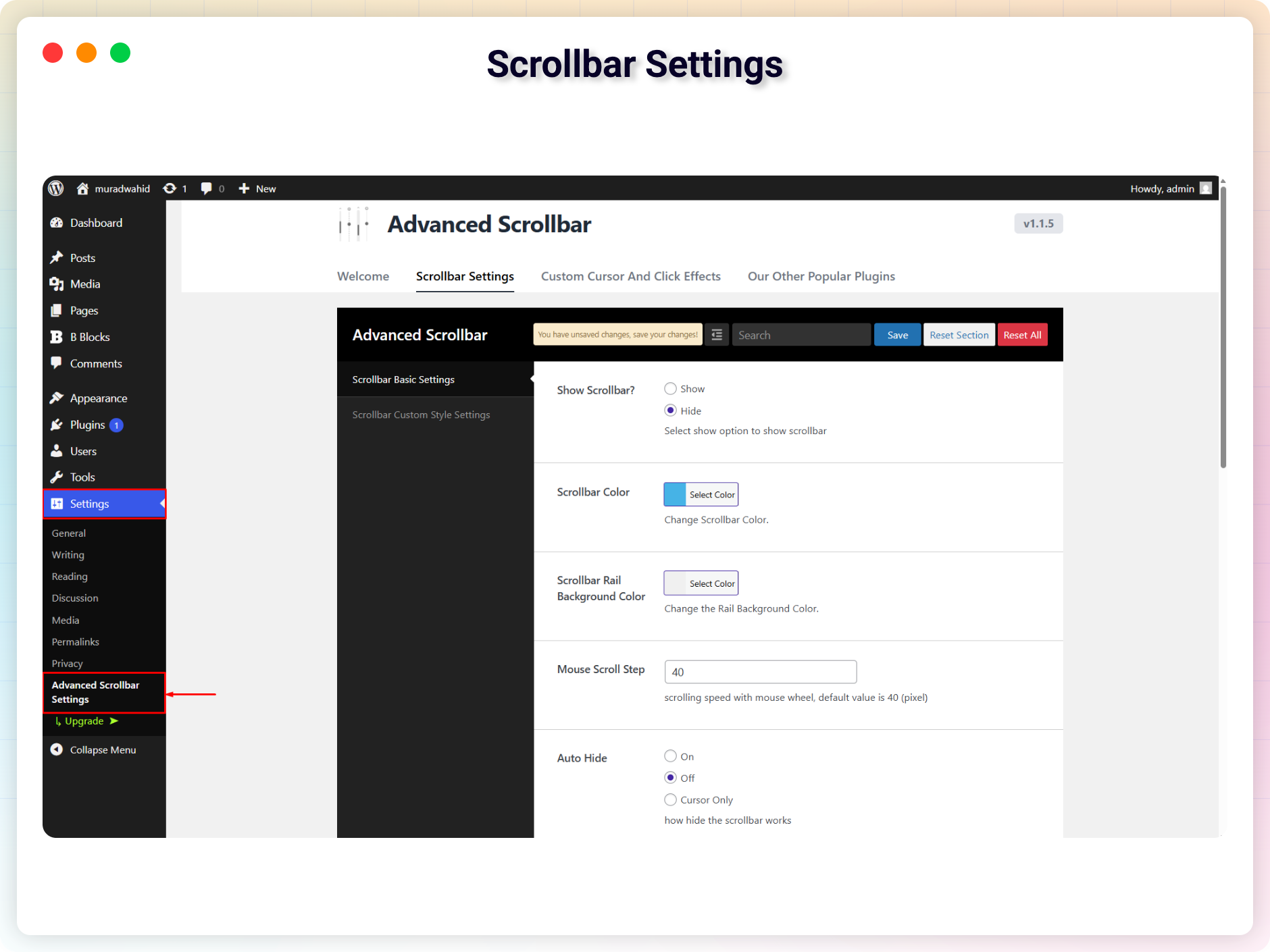
Scrollbar Settings
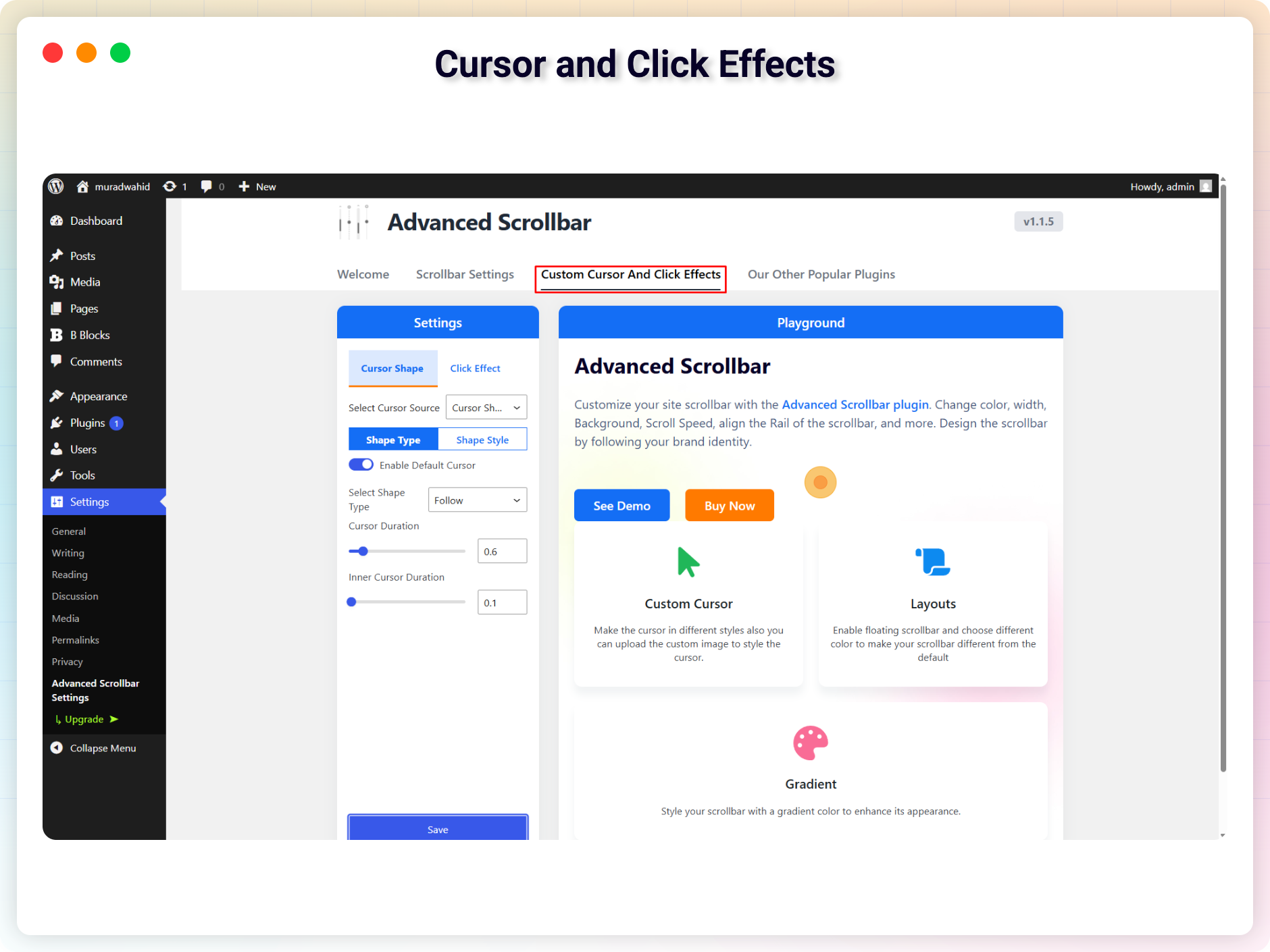
Cursor and Click Effects
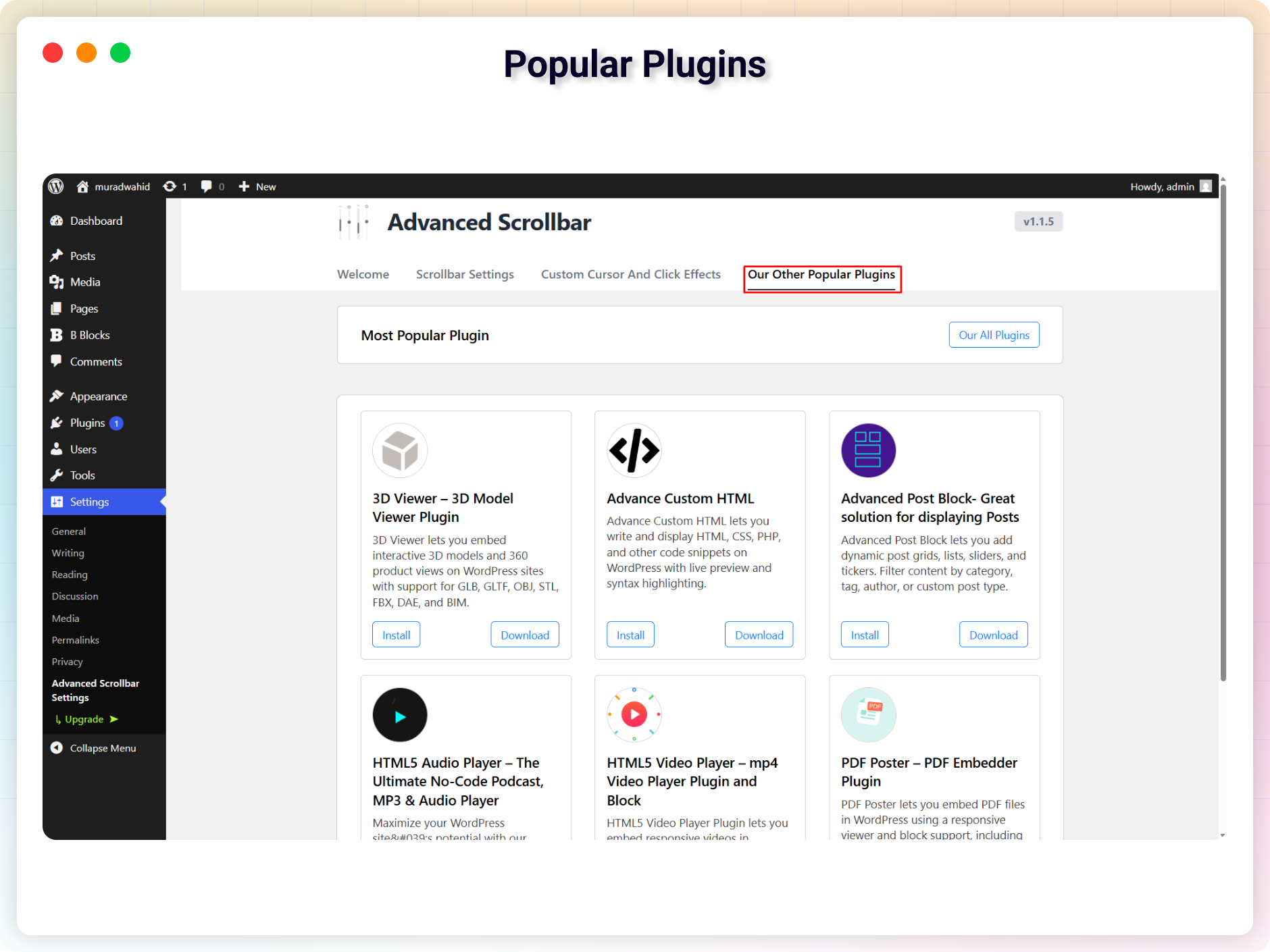
Popular Plugins
Faq
You can install it as another regular wordpress plugin. No different way. Please see on installation tab.
No, The plugin is adless and totally free of cost.
Yes, You can do that.
Reviews
Does not support Elementor version 3.25.4
By 
The plugin does not support the latest version of Elementor 3.25.4. Almost all browsers have started experiencing issues with page scrolling. It's as if the page won't scroll, or scrolling happens with significant delays and jerks. Using your plugin has become nearly impossible. We had to roll back Elementor to an older version.
Completely Junk
By 
Not sure why WordPress approved this plugin.
Junk
By 
Nice Job!
By 
Needs work
By 
Simple, does the job!
By 
Suits the Job
By 
Changelog
1.1.9 – 9 Oct, 2025
- Fixed scroll behavior
1.1.8 – 23 Sep, 2025
- Fixed emulate touch issue
1.1.6 – 10 Sep, 2025
- Added Cursor shape and click effects
- Added Modern dashboard
1.1.4 – 28 Jan, 2025
- Update freemius sdk
1.2
- Update Settings
- Optimized
1.1
- Removed The admin menu from the dashboard.
1.0
- Initial Release