Advanced Timeline Block
Advanced Timeline Block
Description
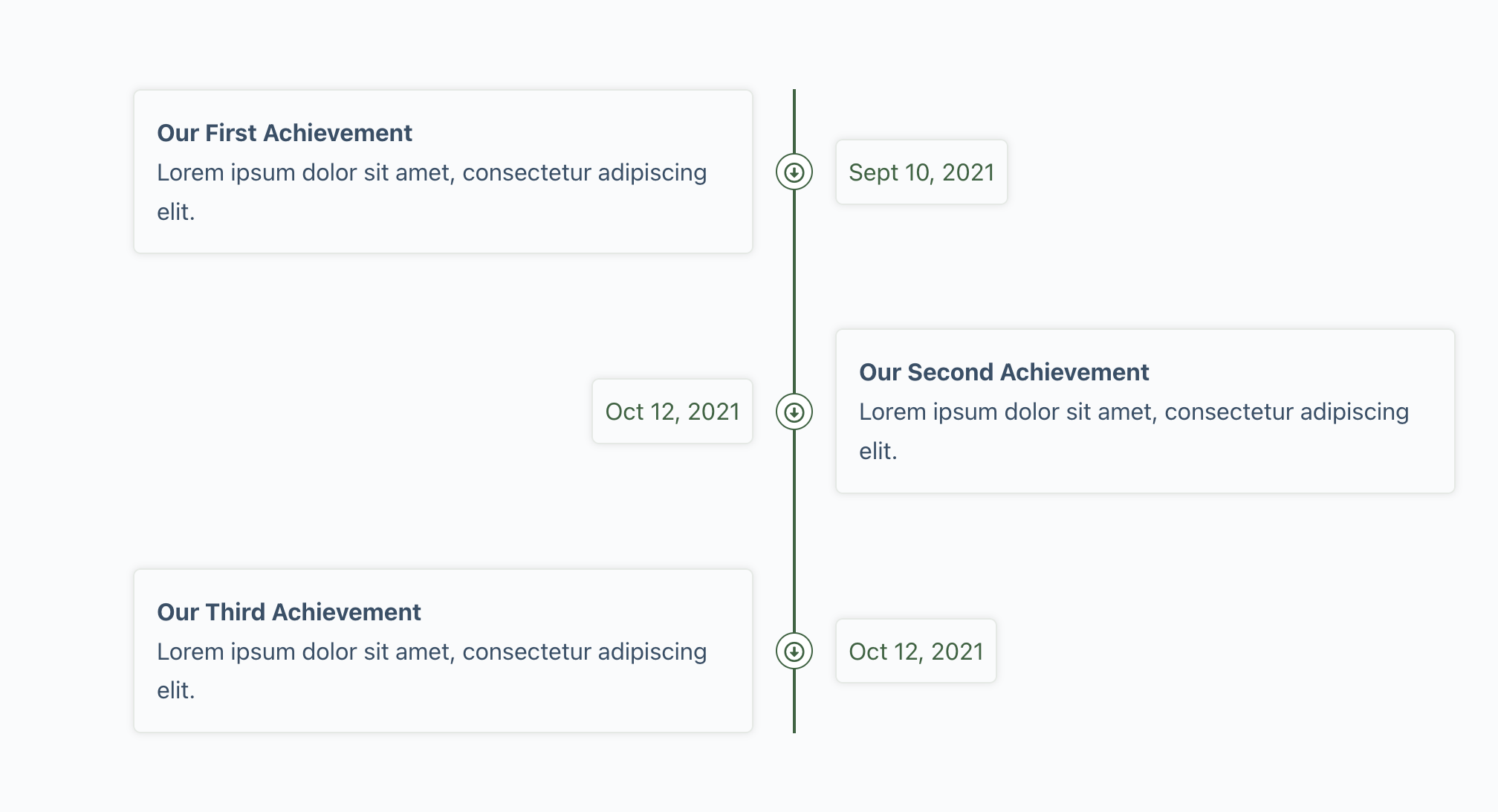
Advanced Timeline Block is a custom Gutenberg timeline block for WordPress, developed with Gutenberg Native Components. Design beautiful vertical timelines for your company history, brand story, events, process steps, tutorials or product roadmaps — right inside the WordPress Block Editor.
The timeline block is highly customizable and 100% responsive: you get separate timeline layouts for desktop, tablet and mobile, and every color, spacing, border, and icon can be adjusted without writing a single line of code.
No page builder, no block builder, no bloat — just native Gutenberg components and clean, CSS-based output that keeps your pages fast.
Overview
Key Features
- Vertical Timeline Block — both sides, left side or right side timeline layouts
- Responsive Timeline — independent layouts and spacing for desktop, tablet and mobile
- SVG Icon Marker — choose any icon from the built-in inline SVG icon library, or paste your own custom SVG code
- Lightweight & Fast — no icon font loaded; markers are rendered as inline SVG for the best Core Web Vitals
- Unlimited Timeline Items — add as many timeline entries as you need
- Only CSS Based Timeline — clean markup, no JavaScript required on the frontend
- Built with Gutenberg Native Components — no block builder at all
- Unlimited Colors — custom colors for the connector line, content box, marker and date/name
- Full Styling Control — padding, border, border radius, box shadow and background for every part of the timeline
- Easy to Use — drag & drop, with a familiar block editor experience
- Developer Friendly — custom anchor ID and additional CSS classes for every timeline
Perfect For
- Company history & about us timelines
- Step by step tutorials and process timelines
- Event schedules and program timelines
- Product roadmaps and changelog timelines
- Personal stories, resumes and achievements
About Developer
Designed & Developed By Zakaria Binsaifullah. Available for any freelance work, feel free to Contact Me
Installation
- Upload the plugin files to the
/wp-content/plugins/advanced-timeline-blockdirectory, or install the plugin through the WordPress plugins screen directly. - Activate the plugin through the ‘Plugins’ screen in WordPress.
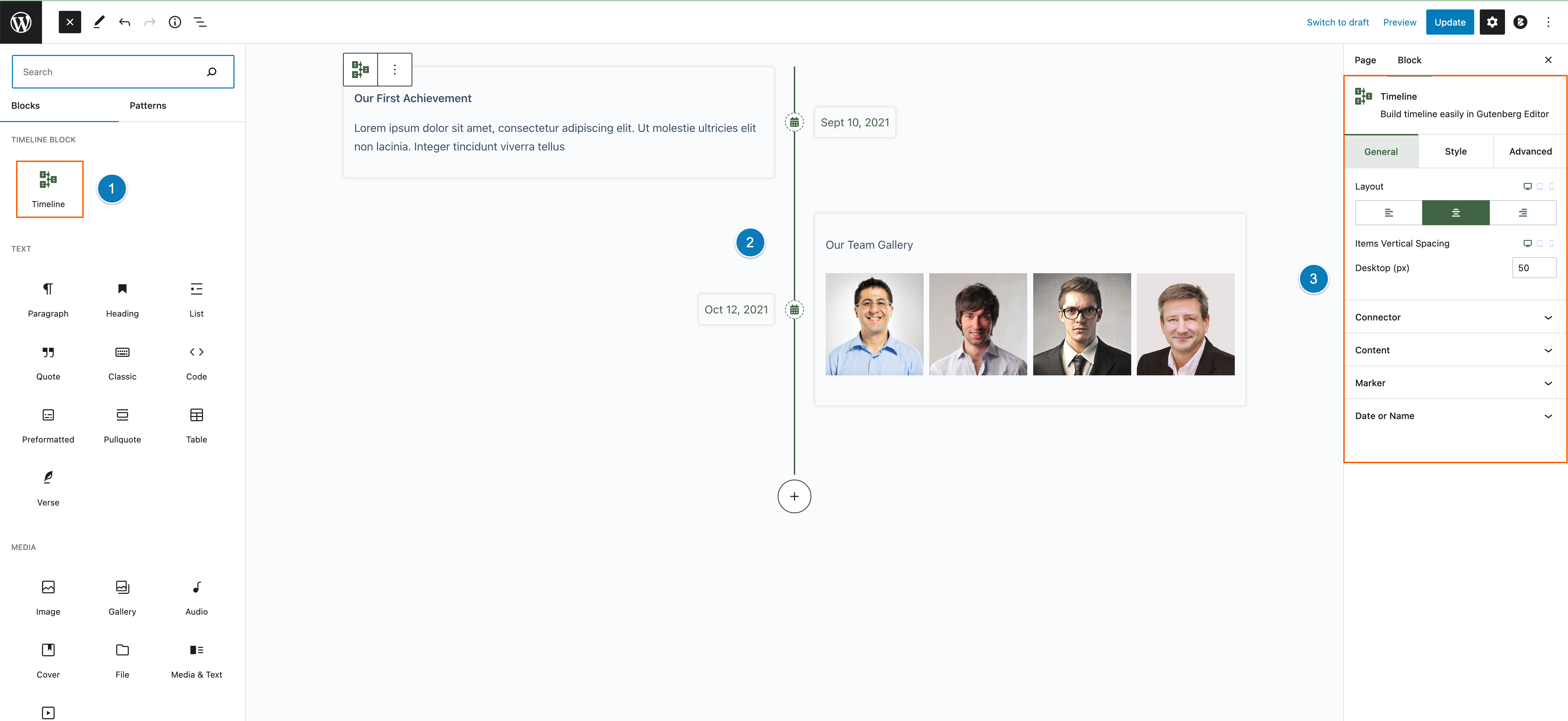
- Open the Gutenberg Block Editor and add the Advanced Timeline Block from the “Timeline Block” category.
- Add timeline items with one click and style the timeline from the block settings sidebar.
Screenshots
Faq
Yes, the timeline is 100% responsive. You can even choose a different timeline layout (both sides, left side or right side) for desktop, tablet and mobile.
Yes. Pick any icon from the built-in inline SVG icon library or paste your own custom SVG code in the marker icon picker. Icons inherit the marker color automatically when they use currentColor.
No. Since version 2.2.0 the timeline marker uses lightweight inline SVG icons, so no icon font stylesheet or webfont file is loaded on your site. Markers saved with older releases are automatically rendered as inline SVG too.
No, the block is built with 100% Gutenberg Native Components only.
Yes, the block works with any theme that supports the Gutenberg block editor, including block themes and classic themes.
Reviews
Best simple time line plugin
By 
I have tried many time line plugins and ended up here. this what exactly i was looking to maintain a simple time line page. hope to see more features in the Future developments.
Best timeline plugin
By 
Easy to customize, even beyond the block options.
Very good, neat, clean design - best choice!
By 
After playing with it for a year or two I've found it a great block for adding multiple timelines around a site, for general site news or progress reports and highlights on a given project. This is what distinguished the block over other offerings which limit you to only one timeline on a site. Here you can create multiple timelines.
The block-based management and customization of the timelines is clean, clear and simple, and powerful enough to satisfy most users, and can be tweaked with CSS overrides when needed. I'm sure many users will ask for more but I appreciate the creator is going to need a few thousand more users to encourage his work.
Keep up the good work and best wishes for the future of this great little building block for great sites.
very nice and clear interface, simple and clean
By 
all run in a block
Great plugin
By 
Just a Gutenberg block as you expect it should be. Beautiful integrated.
One of the best timeline block
By 
Few recommendation just change your plugin name Advanced Timeline Gutenberg Block to Advanced Timeline Block for better search query.
Other than that your timeline support the inner block that makes it unique from others.
I would like to more features in future.
Simple and Modern Timeline plugin
By 
Great plugin, simple. Works well with standard block Editor elements! Only I did not find how to change arrow in vertical timeline, but it is easy to customize for web programmers. Tested on 6.1.1
Top Notch!
By 
Works Great!
By 
Changelog
2.2.1
- Plugin header and icon are updated
2.2.0
- New: Inline SVG icon support for the timeline marker, with a built-in SVG icon library and custom SVG code option
- New: “Use this icon” custom SVG picker with automatic sanitization of pasted SVG code
- Improved: Removed the Font Awesome icon font library (~1.5MB) — markers are now rendered as lightweight inline SVG for faster page loads
- Improved: Existing markers saved with Font Awesome classes are automatically converted to inline SVG on the frontend, with no block recovery required
- Improved: Sidebar controls reorganized into native Settings, Styles and Advanced panels
- Improved: Icon picker loads on demand in the editor for better editor performance
- Improved: Code quality and overall structure improvements
2.1.3
- Fixed: New timeline item add button issue
- Improved: Codes quality Improved
2.0.0
- 2.0.0 – A major update with a lot of new features and more optimization
1.1.0
- 1.0.0 – Initial Release