AffiliLabs — Amazon & Digistore Product Review Affiliate Plugin Powered by AI
AffiliLabs — Amazon & Digistore Product Review Affiliate Plugin Powered by AI
Description
AffiliLabs allows you to build and manage your affiliate digital products with ease and flexibility, while also providing AI suggestions in order to improve your products’ lead generation.
Development
The plugin is being actively developed by leveraging the Freemius platform for deployment and security.
You can also participate in the beta program by enabling the checkbox on your account section within this plugin’s dashboard.
External Services
This plugin relies on the following third-party services to function fully:
-
AffiliLabs AI API
- Website: https://affililabs.ai
- Service: Our proprietary AI service (AffiliLabs AI) acts as a bridge to interact with relevant AI providers.
- Usage: It is used to enrich product data, generate content (reviews, pros/cons), suggest criteria, and perform product ratings.
- Data Sent: When you use AI features, the plugin sends product details (such as title, description, or URL) and your license authentication keys (Freemius user ID and API key) to our servers. OBS: We are committed to ensuring the security and privacy of your data and will never sell or share your data with third parties. No sensitive data is stored on our servers.
- Links: Terms of Service, Privacy Policy.
-
Digistore24
- Website: https://digistore24.com
- Service: A digital marketplace for affiliate products.
- Usage: Used in the “Product Finder” feature to search for affiliate products and import them into your site with your affiliate link.
- Data Sent: Search keywords are sent to Digistore24 when you perform a product search.
- Links: Terms of Service, Privacy Policy.
Installation
- Using the WordPress Repository, simply install and activate the plugin.
- You can find more information on the documentation page.
Screenshots
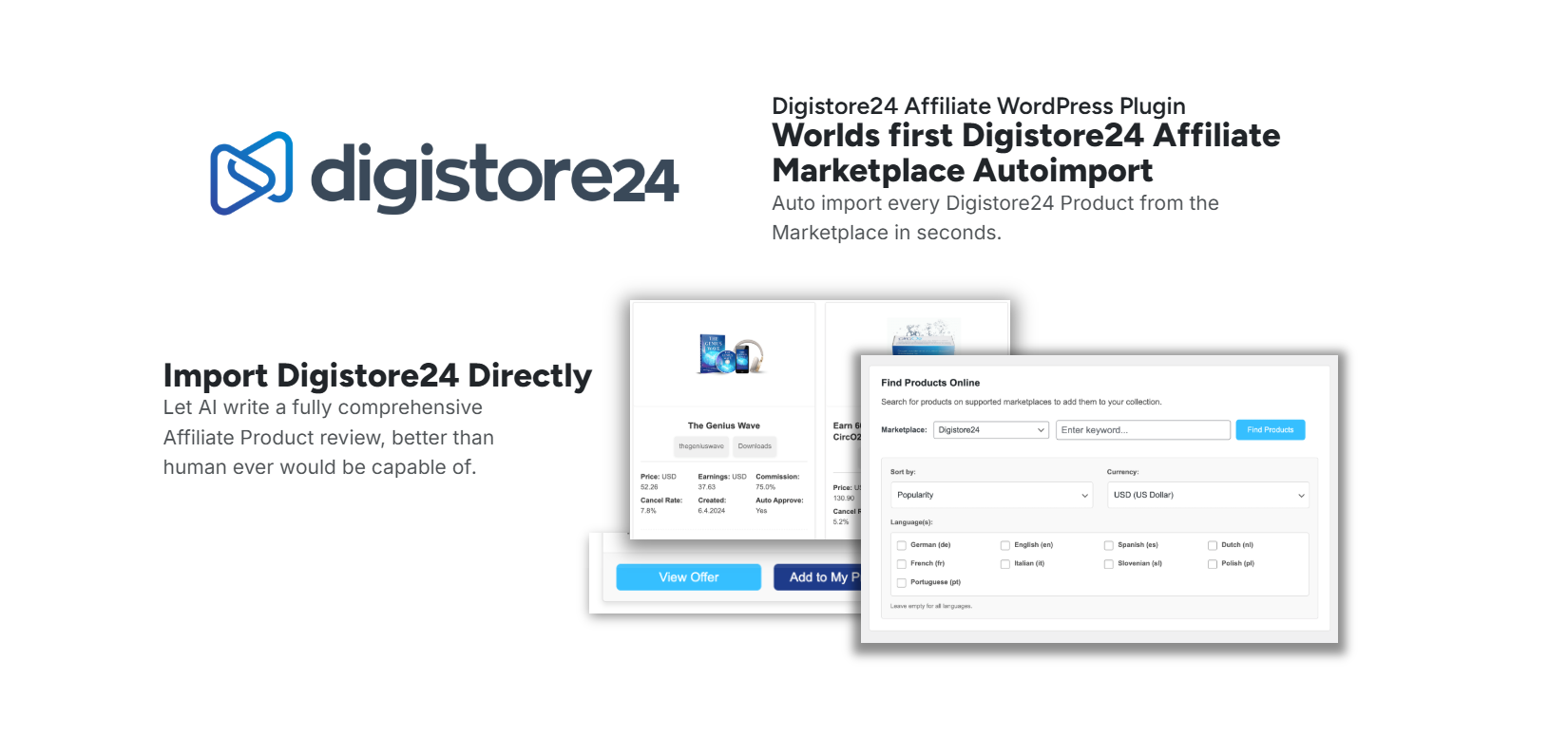
Product Finder
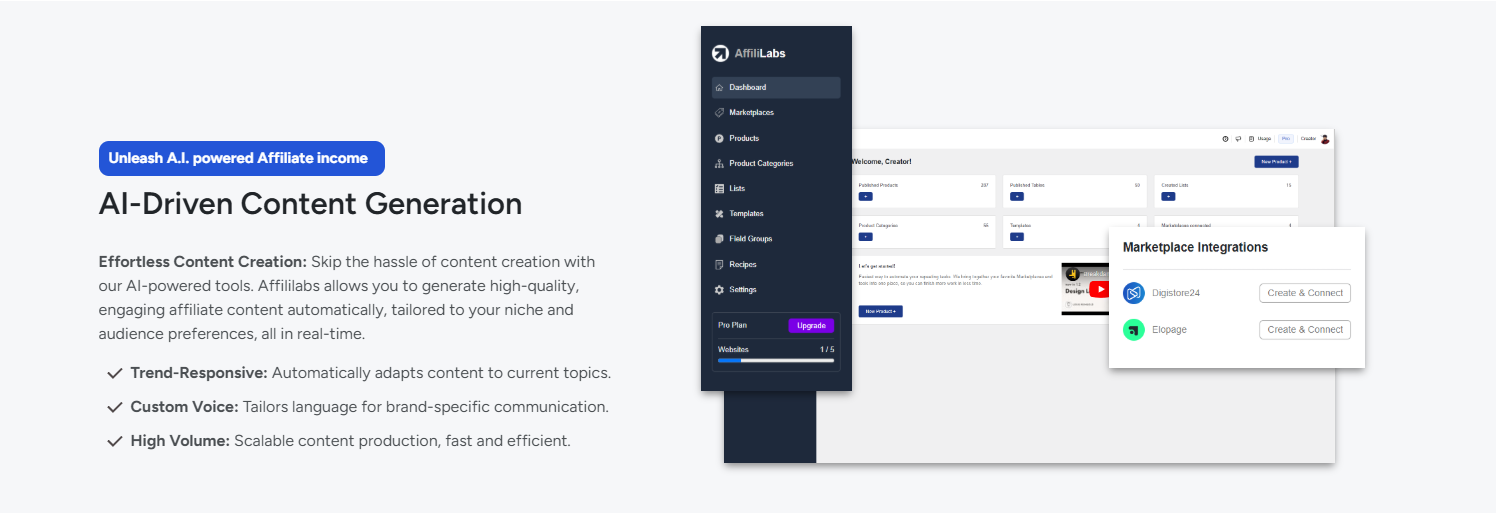
AI Features
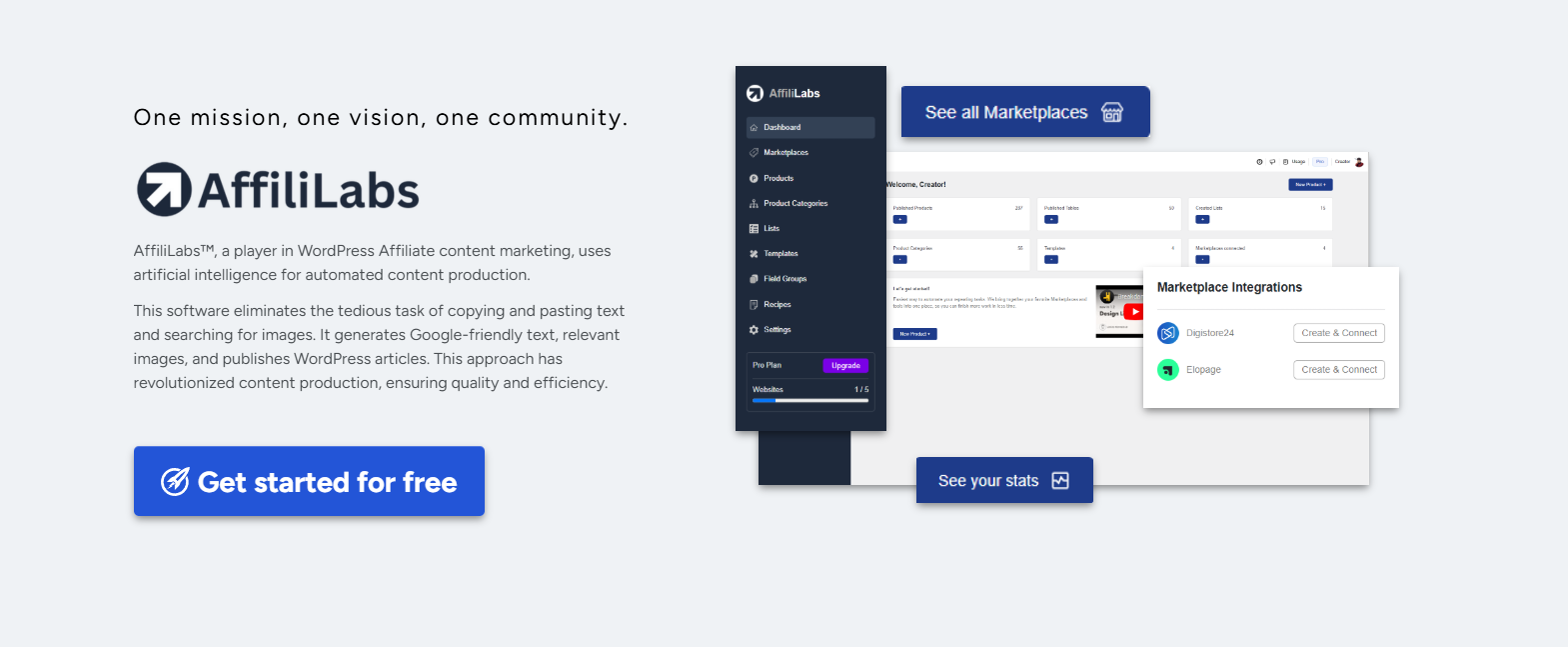
Dashboard Analytics and Overview
Faq
You can find the Frequently Asked Questions here.
After activating the plugin, you may be able to use the features.
You can easily manage the templates and options using the intuitive dashboard.
Please reach out to the official support form on the Contact Us submenu page if you still have questions.
Reviews
Changelog
0.7.10
- Fixed Author URI
- Implemented Digistore Product Finder feature globally
0.7.9
- Fixed links in plugin description
- Improved plugin title for SEO
0.7.8
- Added one-liner sanitization for inputs on AJAX Controller
- Removed custom JS and CSS fields on Template Editor for compliance
- Added sanitization for Logger debug messages
- Added nonce verification on all input fields on edit pages
0.7.7
- Removed textareas related to sources field in product edit page user interface (internal logic kept)
- Fixed click listeners on AI suggest criteria button
0.7.6
- Improved sources field handling when using Fill Criteria with AI
- Improved sanitization and escaping of form data throughout the codebase
- Applied nonce verification on all edit pages
- Created SVG custom sanitization function
0.7.5
- Updated Freemius integration with SDK to reflect last changes
- Applied conditional logic to “Fill Criteria with AI” button
0.7.4
- Fixed category creation issue due to type mismatch
0.7.3
- Improved websocket timer reliability
- Fixed language parameter in suggest criteria with AI
0.7.2
- Fixed debug logging functions on AI-related methods
0.7.1
- Fixed API endpoints for websockets
0.7.0
- Added websocket support for AI-powered deep review generation for real time updates
- Fixed parameter name on DigiStore API request
- Improved styles of product edit page’s textareas
0.6.9
- Changed old links to correct affililabs.ai domain
- Improved JSON error message handling for API responses
0.6.8
- Added Deep Review feature to Product Edit page to generate a comprehensive review for the product using AI
0.6.7
- Updated WordPress tested version to 6.9
0.6.6
- Fixed table head styles in Marketplaces listing page
0.6.5
- Moved Freemius SDK to vendor folder
- Updated Freemius function logic for better compatibility
- Added Screenshots section to readme.txt file
0.6.4
- Added top-level assets folder for WP Repository media presentation
0.6.3
- Implemented random product selection for Product Box
- Prevented empty suggestion cards from being displayed
0.6.2
- Included sanitization for several input fields
- Applied JSON Stringify to all AJAX forms
0.6.1
- Replaced text domain constant with literal string as per WordPress coding standards
0.6.0
- Added a ‘Danger Zone’ section in settings for irreversible actions, such as a cleanup service for uninstalling the plugin, which removes all related data
- Implemented a user-friendly ‘Usage’ popup to provide insights into resource consumption, including the AI credits.
- Enhanced the AI-powered criteria filling feature with improved data extraction, error handling, and support for criteria sources, increasing the API request timeout for better performance
- Introduced the ‘Seal’ shortcode, allowing users to embed a seal of approval or product highlights with customizable styles and options
- Added tooltips for rating and criteria sources fields to enhance user guidance and prevent errors with nullish coalescing for form field values
- Improved JSON validation and data handling for wrong markdown-noted AI responses.
0.5.9
- Implemented a ‘Classic Links’ admin page to display classic Custom Post Type (CPT) links, with a corresponding sidebar menu item and dedicated CSS for layout and components
- Enhanced UI with filled SVG icons for pros, cons, checkmarks, and close buttons, and updated the dashboard menu icon to a light logo variant for better visibility
- Added a ‘View’ button to product cards for direct access to the product page, with enhanced styling and layout for action buttons in the product edit section
- Introduced custom product template settings, allowing users to enable and save custom templates with AJAX handling and loading indicators
- Implemented a collapsible sidebar with improved styles and toggle functionality, a notification popup in the navbar, and a comprehensive logging system with a visualizer for easier debugging.
0.5.8
- Graphical Drag and Drop general template for products
- Refactored Template editor to support both tables and products
- Added support for Template CSS and JS customizations
- Improved security and performance of Preview section in Template editor
0.5.7
- Added support for drag-and-drop Optimizepress global element for Product fields
- Created setting section to manage those custom global elements
0.5.6
- Added shortcodes for Product fields: [affl_name], [affl_price], [affl_rating], [affl_description], [affl_features], [affl_pros], [affl_cons], [affl_category], [affl_marketplace], [affl_image], [affl_button], and [affl_criteria]
0.5.5
- AI Suggestions improvement for criteria and rating fields
- Added CPT support for editor and template system
0.5.4
- Handle unauthorized access response in Digistore and AI services with better messages
- Add slug sanitization for Category name input
0.5.3
- Updated Freemius SDK to 2.12.2
- Improved AI API scalability
0.5.2
- Implemented Web AI Rating feature on the product edit page, which automatically generates a product rating, a rationale for the rating, and the sources used to determine the rating.
- Sanitize echo constructs in product info box.
0.5.1
- Created button to add new category or marketplace directly form product edit page via modal.
- Implemented AI-powered criteria suggestions on the product category edit page.
0.5.0
- Refactored the
afflCriteriaService::savemethod to improve security and prevent data duplication. The new implementation replaces the entire state of a criterion with the incoming data, ensuring a more reliable and predictable save process. - The “Product Category” edit page now sends the complete state of all criteria groups when saving, which prevents data loss when removing fields or entire groups.
- Implemented a mechanism to correctly unlink a criterion from a category when a user removes a criterion group from the “Product Category” edit page.
0.4.9
- Complete redesign of the “Product Category” edit page, introducing a deeply integrated criteria editor.
- Categories now have their own criteria fields, allowing for more structured product attributes.
- Implemented a simplified workflow for new categories, automatically creating a linked, default criterion.
- Resolved a critical data loss bug where updating a criterion would delete its existing fields.
- Criteria fields are now sorted consistently by their definition ID on both the backend and frontend.
- Corrected internationalization keys for delete criteria action.
0.4.8
- Added Product Permalink Customization: Introduced a new setting to allow users to define a custom slug for product URLs (e.g.,
/my-products/product-name). - Added Option to Hide Product Slug: Implemented a new advanced setting to completely hide the product slug from URLs, allowing products to appear at the root domain (e.g.,
/product-name). - Improved support for decimal numbers separated by commas in product price and rating.
- Added a setting to select the language for AI-based suggestions.
- Introduced UI cards to accept or deny AI-generated criteria suggestions.
- The system now dynamically fetches criteria associated with a product’s category when the category is changed.
- Redesigned the “Product Box” shortcode for a more modern and effective presentation.
- Added a setting to define the separator for list-based fields (comma, newline, etc.).
- Implemented a new taxonomy template system to allow for theme-based customization of category pages.
- Added a setting to enable or disable the custom taxonomy archive page, allowing themes to take control of the URL.
- Improved styling for taxonomy listing pages to better match theme designs.
- Corrected an issue where product permalinks were not being handled correctly with the new taxonomy templates.
0.4.7
- Created VideoFrame component to handle iframe video elements.
- Replaced all unsafe implicit echo methods with safe affl_import method.
0.4.6
- Updated API endpoint for AI to api.affililabs.ai
0.4.5
- Removed Product Model legacy class
0.4.4
- Updated Freemius SDK to 2.12.0
0.4.3
- Resolved an issue with the marketplace short key functionality.
0.4.2
- Added a new debug option to plugin settings for easier troubleshooting.
0.4.1
- Implemented dynamic count updates for dashboard metrics and fixed width issues for improved responsiveness.
0.4.0
- Initialized table list merge functionality.
- Improved table list merge UI and fixed product finder bar metabox.
- Enhanced table sticky header arrows.
- Fixed table tier badge placement inside cells.
- Ensured table alignment and sticky behavior are resolved.
- Added criteria suggestion feature.
- Resolved table preview width issues.
- Initiated dynamic quota indicator for resource usage.
0.3.0
- Applied text domain to all relevant strings for internationalization.
- Implemented product cards.
- Added product search and filter functionality.
- Resolved issues with the table editor’s 3-column display.
- Fixed table bottom elements.
- Corrected table editor non-movable items.
- Fixed draggable gray icons in the table.
- Achieved stable table editor performance.
- Enhanced product finder with cards display.
- Refined import modal styles.
- Fixed import modal’s success notification.
- Initialized settings API.
- Updated import modal UI and enabled adding new cards via JavaScript.
- Added delete button for settings API key.
- Removed top-level affl API key function for better structure.
- Implemented product finder filters.
- Ensured single product page echoes description HTML correctly.
- Updated marketplace count and nofollow attributes.
- Implemented manual connection mode for status.
- Introduced product status mode.
- Resolved modal issues, including category exceptions.
- Improved modal destructuring.
- Stabilized modal behavior.
- Integrated spinner components for loading states.
- Verified sanitize ID functionality is working as expected.
0.2.0
- Implemented group fields functionality.
- Introduced product edit criteria.
- Enhanced table rendering.
- Resolved issues with tiered products and mixed fields in tables.
- Fixed nicename functionality.
- Ensured table frontend compatibility.
- Improved safe import print function.
- Fixed safe import print issues.
- Resolved Freemius import problems.
0.1.1
- Improved group field table functionality with AI integration.
0.1.0
- Completed critical safety measures and refactorings across the plugin.
0.0.5
- Simple integration with DigiStore24 API
- Created NavBar and SideBar components
- Added static Marketplaces page
- Added static Dashboard page
0.0.4
- Created Readme with changelog.
- Freemius logic separation
- Upgraded Freemius SDK to 2.7.4
0.0.3
- Implemented Free/Premium logic
- Dedicated folder structure to separate different modules
- Centralized Path constants
- Created Custom Post Types constants and models for Marketplace
0.0.2
- Fixed Plugin Basename issue
- Created this changelog and readme file
- Freemius integration
0.0.1
- Initial structure with options settings (with default values)
- Standard WP theme design
- All internal structure decoupled and clean