AfriRegions City & Neighborhood for WooCommerce
AfriRegions City & Neighborhood for WooCommerce
Description
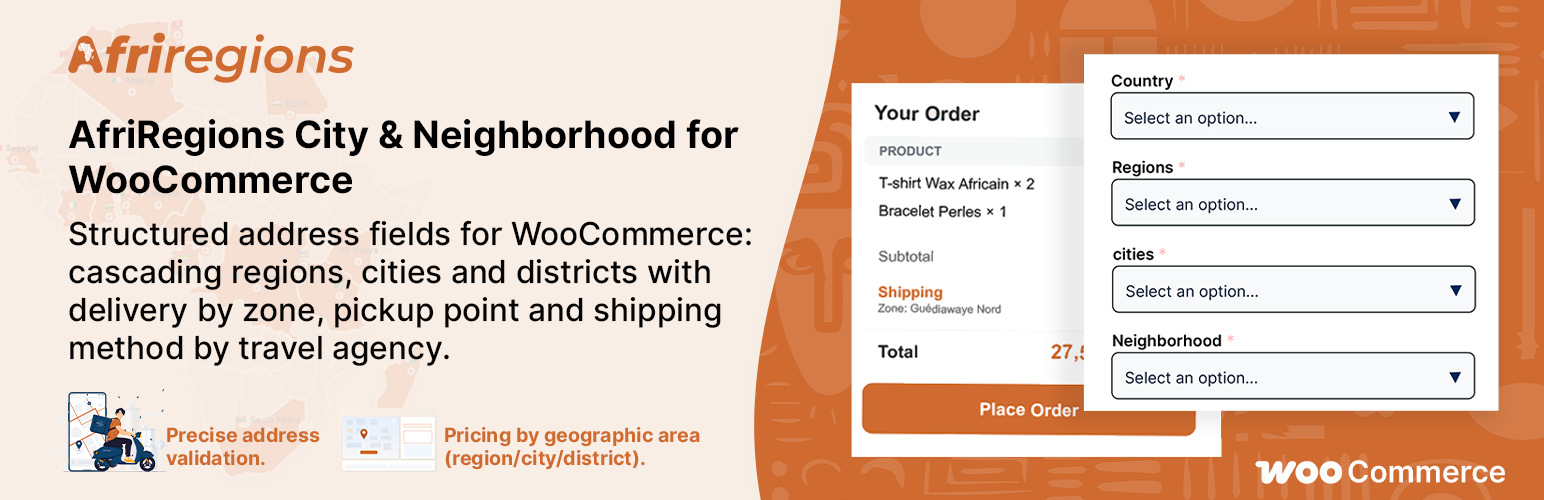
AfriRegions City & Neighborhood for WooCommerce adds structured geographic address fields to WooCommerce checkout, cart, and My Account pages:
- Cascading dropdowns: Region City Neighborhood with searchable selectors
- Zone-based shipping rates — the most specific zone always wins (neighborhood beats city, city beats region)
- Cart shipping calculator with neighborhood field for accurate rate estimation
- Multi-country support — data filtered by WooCommerce allowed countries
- Address validation — verify region/city/neighborhood consistency at checkout
- Delivery restrictions — block orders from specific regions or cities
- Landmark field — optional “Landmark / Directions” for precise delivery instructions
- Admin dashboard with sidebar navigation and setup guide
- Anti-duplicate shipping rules — visual indicators prevent assigning the same zone twice
- REST API with rate limiting and pagination for mobile apps
- HPOS compatible — works with WooCommerce High-Performance Order Storage
- Multilingual ready (English default, French included)
How it works
- Activate the plugin and add a supported African country to your WooCommerce settings
- Regions, cities, and neighborhoods are automatically available at checkout
- Configure zone-based shipping rates in WooCommerce Shipping settings
- Optionally add custom cities/neighborhoods via the Zones admin tab
- Optionally restrict delivery to specific zones
Supported countries
- 🇩🇿 Algeria (DZ) — 48 wilayas
- 🇦🇴 Angola (AO) — 18 provinces
- 🇧🇯 Benin (BJ) — 12 departments
- 🇧🇫 Burkina Faso (BF) — 13 regions
- 🇨🇲 Cameroon (CM) — 10 regions
- 🇨🇮 Cote d’Ivoire (CI) — 14 districts
- 🇨🇩 DR Congo (CD) — 26 provinces
- 🇪🇬 Egypt (EG) — 27 governorates
- 🇪🇹 Ethiopia (ET) — 13 regions
- 🇬🇦 Gabon (GA) — 9 provinces
- 🇬🇭 Ghana (GH) — 16 regions
- 🇰🇪 Kenya (KE) — 47 counties
- 🇲🇬 Madagascar (MG) — 22 regions
- 🇲🇺 Mauritius (MU) — 10 districts
- 🇲🇦 Morocco (MA) — 12 regions
- 🇲🇿 Mozambique (MZ) — 11 provinces
- 🇳🇬 Nigeria (NG) — 36 states + FCT
- 🇷🇼 Rwanda (RW) — 5 provinces
- 🇸🇳 Senegal (SN) — 14 regions
- 🇿🇦 South Africa (ZA) — 9 provinces
- 🇸🇩 Sudan (SD) — 18 states
- 🇹🇿 Tanzania (TZ) — 31 regions
- 🇹🇳 Tunisia (TN) — 24 governorates
- 🇺🇬 Uganda (UG) — 4 regions
24 countries supported. Each includes regions, cities, and neighborhoods for major urban areas.
Third-Party Libraries
This plugin bundles the following third-party JavaScript library:
- Fuse.js v7.3.0 — Lightweight fuzzy-search library used for typo-tolerant matching in checkout dropdowns.
- Source: https://www.fusejs.io/
- License: Apache License 2.0 (compatible with GPLv2 or later via GPLv3)
Installation
- Upload the plugin folder to your WordPress plugins directory
- Activate via the WordPress Plugins menu
- Add your target countries to WooCommerce Settings General Selling/Shipping locations
- Go to WooCommerce AfriRegions to configure
Screenshots

Checkout page with cascading Region → City → Neighborhood dropdowns

Cart shipping calculator with neighborhood field for accurate rate estimation

Admin dashboard with sidebar navigation and setup guide

Zones management — expand a region to add or edit cities and neighborhoods

Zone Shipping method — default price, "Hide if no rule matches", and per-zone rules table

Delivery restrictions — block specific regions or cities with visual status indicators
Faq
Go to WooCommerce AfriRegions Zones tab. Expand a region, then use the “Add a city” or “Add” button for neighborhoods.
Go to WooCommerce Shipping your zone add “Zone Shipping” method. Configure a default rate, then add rules by region, city, or neighborhood. The most specific rule always takes priority.
Go to WooCommerce AfriRegions Restrictions tab. Enable restrictions, then check the regions or cities you want to block.
Yes. The neighborhood field appears in the cart shipping calculator when a city with neighborhoods is selected. Shipping rates update in real-time.
Yes. The plugin fully supports both HPOS and classic order storage.
The REST API is enabled by default and exposes geographic data (regions, cities, neighborhoods) bundled in the plugin. Built-in rate limiting protects against abuse. The data itself is not sensitive — it is the same public geographic data available at checkout.
Reviews
Changelog
1.0.8
- Fixed: City and neighborhood fields no longer stay disabled when the page loads with a pre-selected region or city
- Fixed: Selecting a saved address no longer triggers a checkout update loop
- Improved: Shipping method settings — reduced vertical spacing between fields for a more compact layout
- Improved: Responsive layout on mobile for the shipping method admin page
- Improved: “How does it work?” help box now mentions the “Hide if no rule matches” option
1.0.7
- Improved: Admin interface redesigned with a two-column sidebar layout — tabs are now a vertical sticky sidebar, always visible while scrolling
- Improved: “Geo Data” tab renamed to “Zones” for clarity
- Improved: Sidebar footer displays Documentation and Support links plus the current version number
- Performance: Geographic data is now cached after the first load
- Performance: The search endpoint is significantly faster
- New: Added support for 5 new countries — Angola, Ethiopia, Mozambique, Sudan, and Uganda (24 countries total)
1.0.6
- New: Upgrade to Pro directly from the plugin — licence management and opt-in usage analytics via Freemius
- Fixed: Shipping rule highlight animation now replays correctly when the same rule is edited multiple times
- Improved: Keyboard navigation for sortable table columns and region/city accordion (Enter and Space keys)
1.0.5
- Fixed: Typo-tolerant search now works correctly at checkout — it was included but not properly activated
- Fixed: The upgrade page now accurately describes what is available for free and what requires the Pro version
- Improved: Plugin translations load automatically on WordPress 6.7 and later
1.0.4
- New: “Hide if no rule matches” option — hides the shipping method when no rate applies, instead of showing a default price
- Improved: Address dropdowns now work without accents — typing “yaounde” correctly finds “Yaoundé”
- Improved: Typo-tolerant search now requires at least 4 characters to avoid unrelated results
- Fixed: Shipping cost details no longer appear as unreadable text in the admin order view
- Updated: French translations improved
1.0.3
- Fixed: A crash that could occur when the free shipping threshold was set to zero
- Fixed: Shipping label prices now display correctly
1.0.2
- Improved: Address fields load more reliably on slow mobile connections
1.0.1
- New: Neighborhood field added to the cart shipping calculator for accurate rate estimates before checkout
- New: Shipping rates refresh automatically when the neighborhood changes
- New: Setup guide on the dashboard with a progress checklist
- New: Statistics leaderboard with sorting, search, and medals
- Improved: Shipping rules editor highlights zones already in use to prevent duplicates
- Improved: Admin pages redesigned to match the standard WordPress look and feel
- Fixed: Neighborhood saved in the cart no longer overrides an empty selection at checkout
- Fixed: Shipping rates now recalculate correctly when only the neighborhood changes
1.0.0
- Initial release
- 19 African countries supported
- Cascading address fields: Region City Neighborhood
- Zone-based shipping with rates per region, city, or neighborhood
- Address validation at checkout
- Landmark and directions field
- Delivery zone restrictions
- Admin dashboard with order statistics
- REST API for mobile app integration
- Compatible with WooCommerce High-Performance Order Storage (HPOS)
- Available in English and French