AH Code Highlighter
AH Code Highlighter
Description
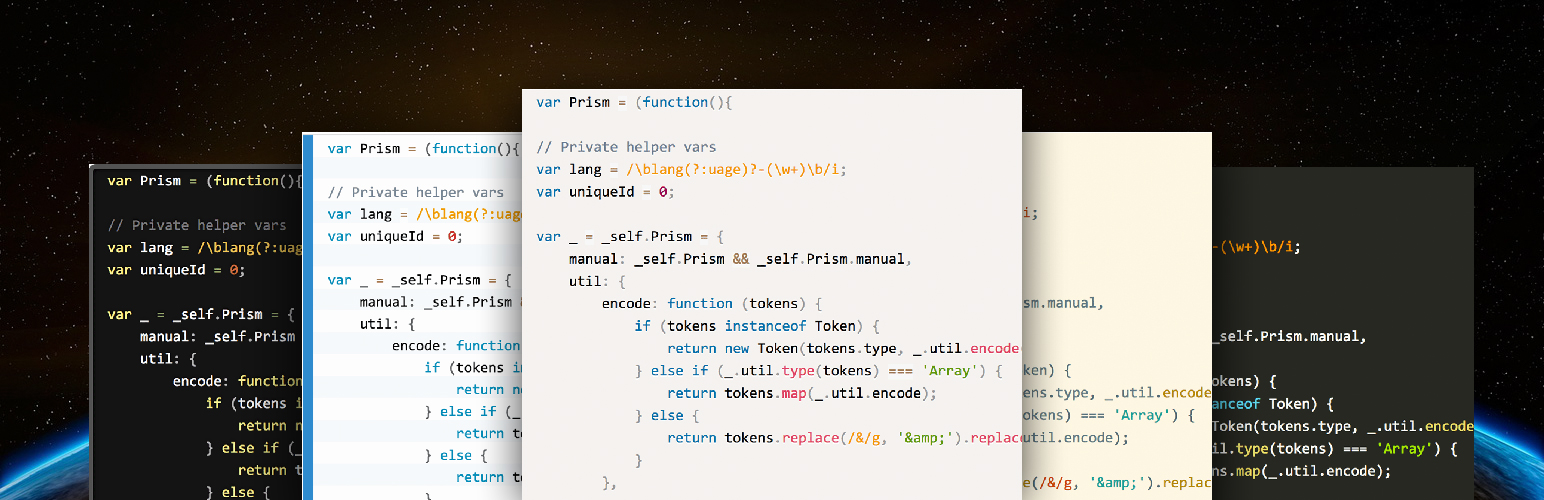
Really simple to use and extrem lightweigt Code Highlighting with 8 different code highlighting themes. You can highlight your code with or without line numbers. It is based on Lea Verou’s Prism.js. Prism is used on several big websites like the Smashing Magazine, A list Apart, CSS Tricks, SitePoint and Drupal, because it is fast, simple and lightweight.
AH Code Highlighter supports PHP, HTML, CSS, JavaScript, Apache, HTTP, Sess, Lass, Markdown, Nginx, MySql, Xml, Mathml, JSON, Git, C, C# und C++ and more…
Demo
You can find a demo of the plugin on the plugin homepage: Plugin Homepage
Basic Usage
Install and activate the plugin. Select your favorite Highlight Theme on the Options page (Settings => AH Code Highlighter). When you write a new post, click on the Code button, choose the code language and insert your code. Click OK and you’re done.
Installation
- Upload the plugin files to the
/wp-content/plugins/ah-prism-syntax-highlighter/directory, or install the plugin through the WordPress plugins screen directly. - Activate the plugin through the ‘Plugins’ screen in WordPress
- Ready to use!
Screenshots

The Settings Page

The Code Button

The Code Generator.

The Default Highlighting Theme

The Okaidia Highlighting Theme

The Coy Highlighting Theme

The Twilight Highlighting Theme

The Solarized Lite Highlighting Theme

The Dark Highlighting Theme

The Funky Highlighting Theme

The Tomorrow Night Theme
Faq
None at this time.
Installation Instructions
- Upload the plugin files to the
/wp-content/plugins/ah-prism-syntax-highlighter/directory, or install the plugin through the WordPress plugins screen directly. - Activate the plugin through the ‘Plugins’ screen in WordPress
- Ready to use!
Reviews
Perfect Plugin
By 
Changelog
2.0.5
- Add Tomorrow Night theme
- Add new plugins and programming languages
2.0.4
- Bugfix
2.0.3
- Add two highlighting themes
- Rename the Plugin
2.0.2
- Add Review Link
2.0.1
- Bugfix and backward compatibility
2.0.0
- Completely rewritten
1.0.5
- Some little fixes