AI Agent Chat – Jotform
AI Agent Chat – Jotform
Description
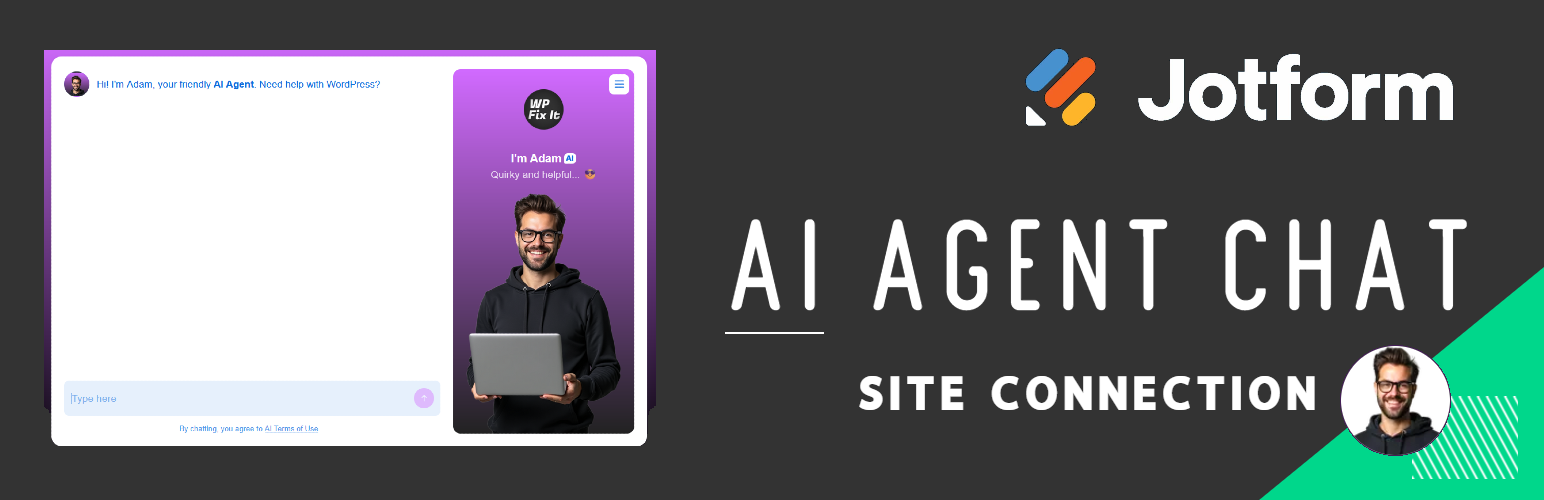
This plugin allows you to display a Jotform AI chat agent on your WordPress site.
You can configure your Agent ID in Settings > AI Agent Chat.
External Services
This plugin connects to Jotform’s embedded agent service to display the AI chat interface.
It sends the configured agent ID to Jotform when a visitor clicks the chat button to initiate a session. This is required for the embedded agent interface to work.
Service Provider: Jotform
Terms of Service: https://www.jotform.com/terms/
Privacy Policy: https://www.jotform.com/privacy/
CDN Provider: https://cdn.jotfor.ms/
Installation
- Upload the plugin folder to the
/wp-content/plugins/directory. - Activate the plugin through the ‘Plugins’ menu in WordPress.
- Go to Settings > AI Agent Chat and configure your Agent ID.
- Adjust settings to your desire.
Screenshots

Settings page for configuring your AI Agent ID.

Frontend view of the chat button.
Faq
No, this version supports a single global Agent ID. Multi-agent support may be added in future releases.
The chat opens in a modal powered by Jotform s embedded agent interface.
Reviews
Changelog
1.5
- Added settings page with many options
1.0.1
- Updated script loading to use wp_enqueue_script and wp_add_inline_script.
- Documented external service usage (Jotform).
- Fixed filename convention.
1.0.0
- Initial release.