Aiy Sales Chat for WooCommerce
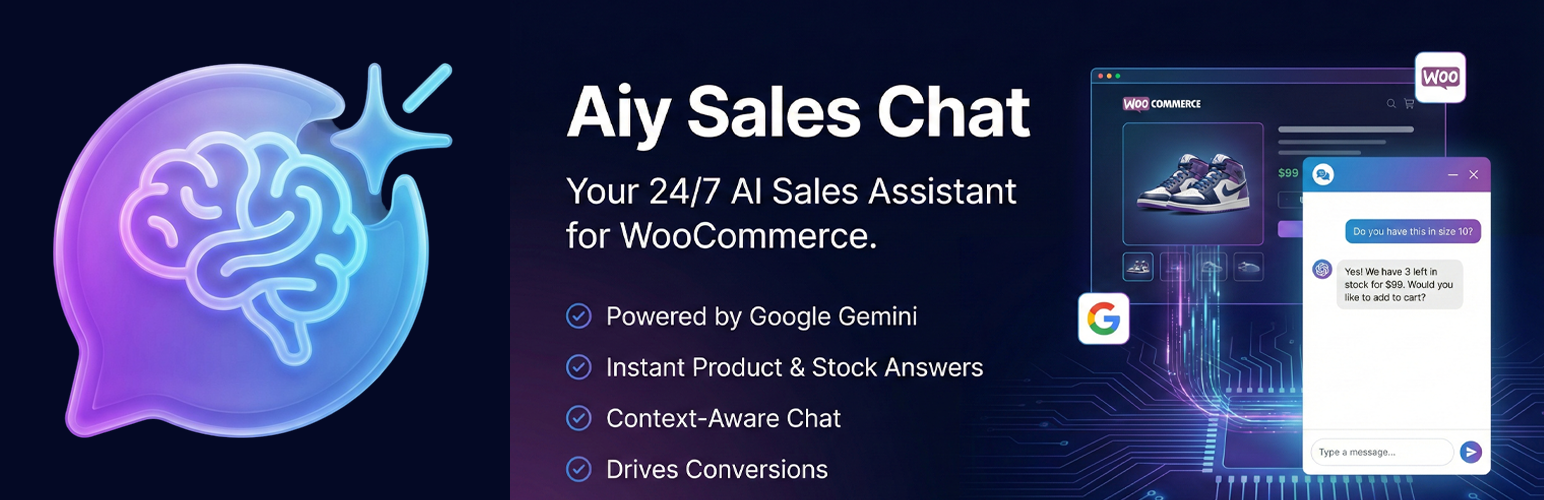
Aiy Sales Chat for WooCommerce
Description
Aiy Sales Chat is a smart, AI-powered chat widget designed specifically for WooCommerce stores. It uses Google’s Gemini API to act as a virtual sales assistant, helping customers find products, check stock, and get answers to their questions instantly.
Key Features
- WooCommerce Integration: Automatically detects Product Name, Price, Stock Status, and Attributes (Size, Color) on product pages.
- Context-Aware: The AI knows exactly which page the customer is viewing.
- Editable Knowledge Base: Add your own contact info, return policies, or special instructions in the settings.
- Display Control: Choose to show the widget on All Pages, Product Pages Only, or Cart/Checkout.
- Customizable: Change the chat title, brand color, and welcome message to match your store.
- Conversion Focused: Falls back to WhatsApp/Phone/Email when it doesn’t know the answer.
How it Works
- Enter your Google Gemini API Key (Free) in the settings.
- The widget appears on your site.
- When a customer asks “Do you have size M?”, the AI checks your actual WooCommerce inventory and replies accordingly.
External services
This plugin uses Google Gemini API to generate AI responses.
* Service: Google Gemini API
* Used for: Processing user messages and generating smart responses based on product context.
* Data Sent: User messages, Product details (Name, Price, Stock, Attributes). No personal user data (like PII) is stored or sent by the plugin itself beyond the chat message content.
* Privacy Policy: Google Privacy Policy
* Terms of Service: Google Generative AI Terms
Installation
- Upload the
aiy-sales-chatfolder to the/wp-content/plugins/directory. - Activate the plugin through the ‘Plugins’ menu in WordPress.
- Go to AI Chat -> Settings.
- Paste your Google Gemini API Key.
- Configure your Brand Color and Contact Info.
Screenshots

Chat Widget: The floating sales assistant on a product page.

Admin Settings: Easy configuration of API key and customization.

Conversation Logs: View user interactions and AI responses.
Faq
No, the free tier of Google Gemini API is sufficient for most small to medium stores.
Yes, it will still work as a general chatbot, but the product-specific data extraction (Stock, attributes) requires WooCommerce.
Reviews
Changelog
1.0.0
- Initial release.
- Added WooCommerce deep integration.
- Added Display Location settings.
- Added Conversation Logging.