Alegra Invoicing for WooCommerce
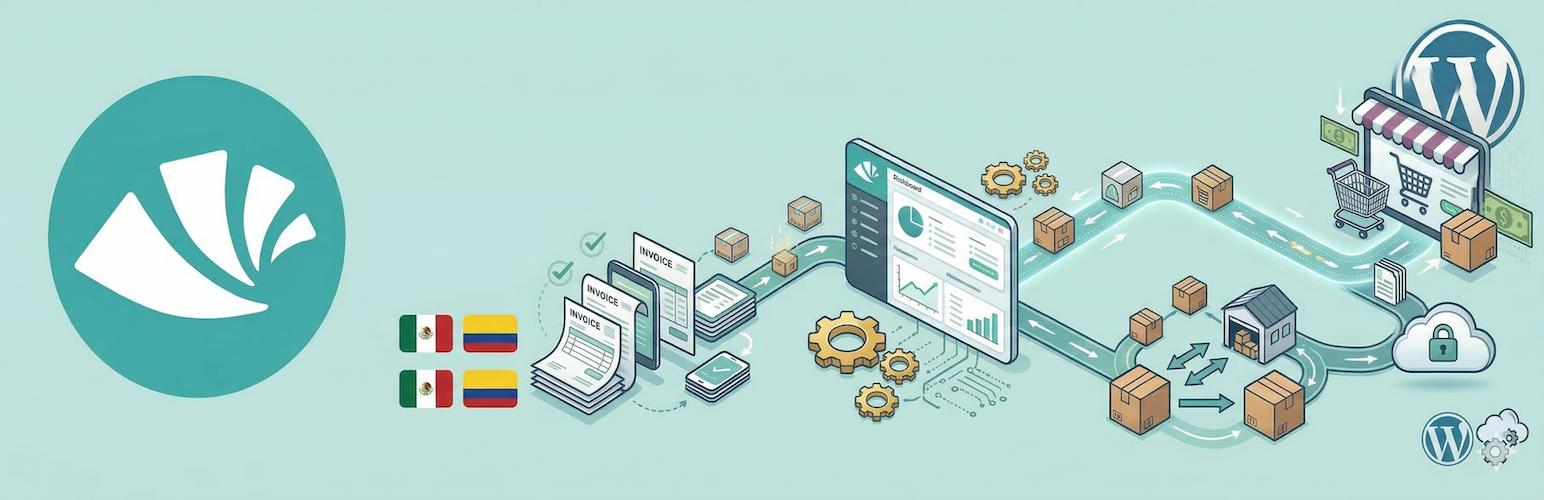
Alegra Invoicing for WooCommerce
Description
Automate your invoicing workflow with Alegra. This plugin adds identification fields to your WooCommerce checkout so Alegra can issue compliant invoices automatically after each sale.
How does it work?
- The plugin adds document number and document type fields to your checkout.
- You connect WooCommerce from your Alegra account.
- Alegra receives the order data and generates the invoice automatically.
Key features
- Compatible: Works with both classic WooCommerce checkout and WooCommerce Blocks.
- Secure: Processing happens in Alegra, without adding heavy tasks to your web server.
- Configurable: Customize the document number label and choose whether the fields are required.
Installation
- Upload the plugin folder to
/wp-content/plugins/, or install it from the WordPress plugins screen. - Activate the plugin from the
Pluginsscreen in WordPress. - Go to
WooCommerce > Settings > Generaland find theAlegra - Electronic Invoicingsection. - Configure the document number label, document type label, and whether the fields are required.
- Sign in to your Alegra account, open
MarketplaceorIntegrations, find WooCommerce, and follow the connection steps.
Faq
No. The plugin prepares your store to capture the tax information required for invoicing. Invoice issuance and accounting happen automatically in your Alegra account.
The integration is primarily designed to support Mexico (SAT) and Colombia (DIAN), but you can use the checkout field in any country available in Alegra.
Installing the plugin is only the first step. To see invoices, go to your Alegra account and complete the WooCommerce connection to activate synchronization.
Reviews
Agradecimiento y dudas
By 
Soy usuario activo de woocommerce y alegra y me parece genial que estén creando esta integración!! gracias.
Quiero saber ¿en qué momento se genera la factura automática?
Pues ya hice varias pruebas y no me sale.
Sería genial que en los ajustes uno pudiera elegir en qué estado del pedido generar la factura.
Quedo atentaaa 🙂
Changelog
1.0.2
- Fix: the customer document is now saved and sent correctly on stores using High-Performance Order Storage (HPOS), preventing orders from being invoiced to “Consumidor final”.
- Compatibility: declared support for WooCommerce High-Performance Order Storage (custom order tables).
1.0.1
- Fix: document fields now also render on the classic (shortcode) checkout, not only on WooCommerce Blocks.
- Fix: document data captured on the block checkout is now sent correctly to Alegra.
- Change: document type options are now shown in Spanish (Colombia and Mexico).
- New: added the “Permiso especial de permanencia (PEP)” document type for Colombia.
1.0.0
- Initial public release.
- Support for document capture in WooCommerce Blocks and classic checkout.
- Settings integration in WooCommerce general settings.