Alertify Blocks – Advanced Notification Blocks
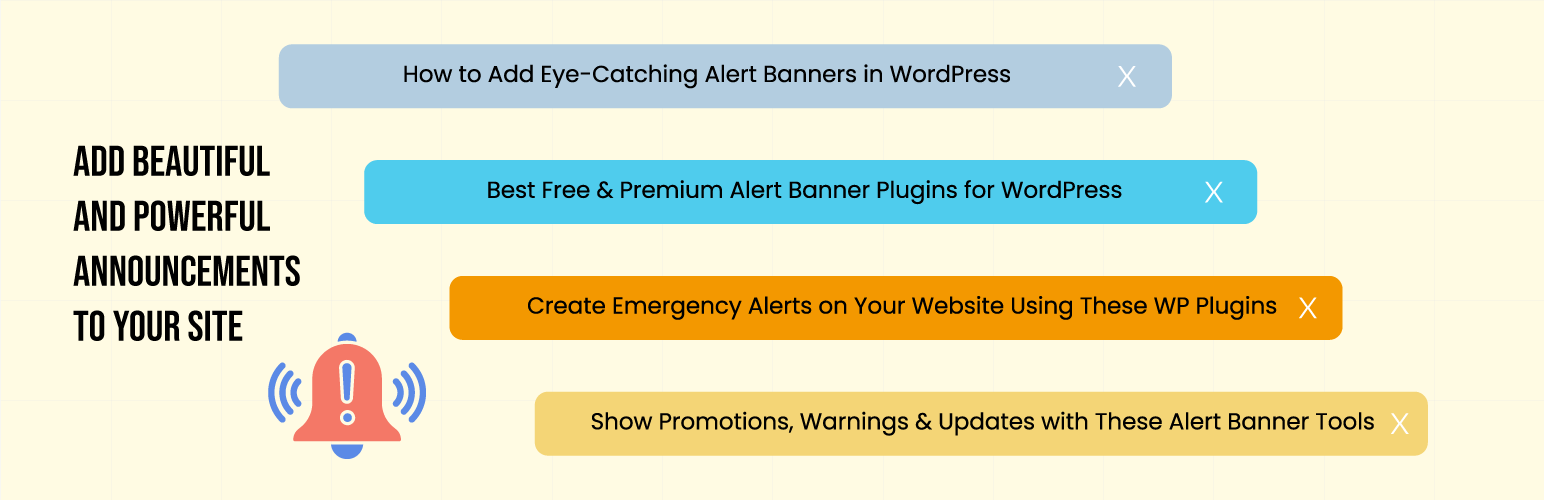
Alertify Blocks – Advanced Notification Blocks
Description
Alertify Blocks adds a collection of beautiful and customizable alert/notice blocks to your WordPress editor. Perfect for displaying important messages, warnings, success notifications, and more on your website.
Features
- Multiple alert types (Info, Success, Warning, Error)
- Dismissible notices with customizable duration
- Rich text editing support
- Customizable colors and typography
- Spacing controls
- Clean and modern design
- Lightweight and fast
Alert Types
- Info – For general information messages
- Success – For positive feedback and confirmations
- Warning – For important notices that need attention
- Error – For critical messages and errors
Usage
- Install and activate the plugin
- Open the block editor
- Search for “Alertify” or “Notice” in the block inserter
- Choose your desired alert type
- Customize the content and styling as needed
Installation
- Upload the plugin files to the
/wp-content/plugins/alertify-blocksdirectory, or install the plugin through the WordPress plugins screen directly. - Activate the plugin through the ‘Plugins’ screen in WordPress
- Use the block editor to add alert blocks to your content
Screenshots

Samples
Faq
Yes, each alert block supports custom background and text colors through the block editor’s color settings.
Yes, when a user dismisses a notice, it stays dismissed using local storage until the specified duration expires.
Yes, all alert blocks are fully responsive and look great on all devices.
Reviews
Changelog
1.0.0
- Initial release
- Added basic alert block
- Added dismissible notice block
- Added color and typography customization
- Added spacing controls