All Embed – Multi-Source Embed Widgets for Elementor
All Embed – Multi-Source Embed Widgets for Elementor
Description
All Embed Addon for Elementor enhances your Elementor experience by allowing you to embed content from multiple platforms directly into your pages. Each widget is designed to be user-friendly, fully customizable, and responsive.
Support | Demo
Features include:
– Seamless integration with Elementor.
– Widgets for video, audio, social media, and interactive content.
– Fully responsive embeds for all screen sizes.
– Supports over 25 popular platforms.
Available Widgets:
1. YouTube Embed: Add YouTube videos to your pages with ease.
2. Vimeo Embed: Showcase high-quality Vimeo videos.
3. SoundCloud Embed: Embed audio tracks from SoundCloud.
4. InVision Embed: Display interactive prototypes from InVision.
5. JotForm Embed: Add forms created with JotForm.
6. Google Maps Embed: Integrate interactive Google Maps.
7. Appointly Embed: Schedule and manage appointments.
8. Spotify Embed: Showcase music, albums, or podcasts from Spotify.
9. Giphy Embed: Add fun and engaging GIFs from Giphy.
10. Imgur Embed: Share images from Imgur.
11. SlideShare Embed: Present slides from SlideShare.
12. CodePen Embed: Showcase interactive code snippets.
13. Twitch Embed: Stream live or recorded Twitch videos.
14. TwitFrame Embed: Embed Twitter content dynamically.
15. Bandcamp Embed: Share music from Bandcamp.
16. Dailymotion Embed: Embed Dailymotion videos.
17. Dartfish Embed: Share Dartfish sports videos.
18. Genially Embed: Add interactive visual content from Genially.
19. Sirv Embed: Showcase images with interactive zoom features.
20. Mixcloud Embed: Embed audio mixes from Mixcloud.
21. Kuula Embed: Share 360° images and VR content.
22. Facebook Embed: Add Facebook posts, pages, or videos.
23. Pinterest Embed: Share boards, pins, or profiles.
24. LinkedIn Embed: Showcase LinkedIn posts or profiles.
25. Reddit Embed: Embed posts and discussions from Reddit.
Usage
- Online document: https://elementoraddons.org/docs/documentation/
Feedback
Liked that plugin? Hate it? Want a new feature? [Send me some feedback](mailto: support@bplugins.com “Send feedback”)
⭐ Checkout our other WordPress Plugins-
🔥 Html5 Audio Player – Best audio player plugin for WordPress.
🔥 Html5 Video Player – Best video player plugin for WordPress.
🔥 PDF Poster – A fully-featured PDF Viewer Plugin for WordPresss.
🔥 StreamCast – A fully-featured Radio Player Plugin for WordPresss.
🔥 3D Viewer – Display interactive 3D models on the webs.
Installation
Download the latest version of All Embed Addons For Elementor (.zip file)
In your Admin, go to menu Plugins > Add New
Select “Upload Plugin”
After Install The Plugin, Just Active It And Use it Smoothly
Note: This plugin works with Elementor. Make sure you have Elementor installed.
e.g.
-
Upload the plugin files to the
/wp-content/plugins/plugin-namedirectory, or install the plugin through the WordPress plugins screen directly. -
Activate the plugin through the ‘Plugins’ screen in WordPress.
Screenshots
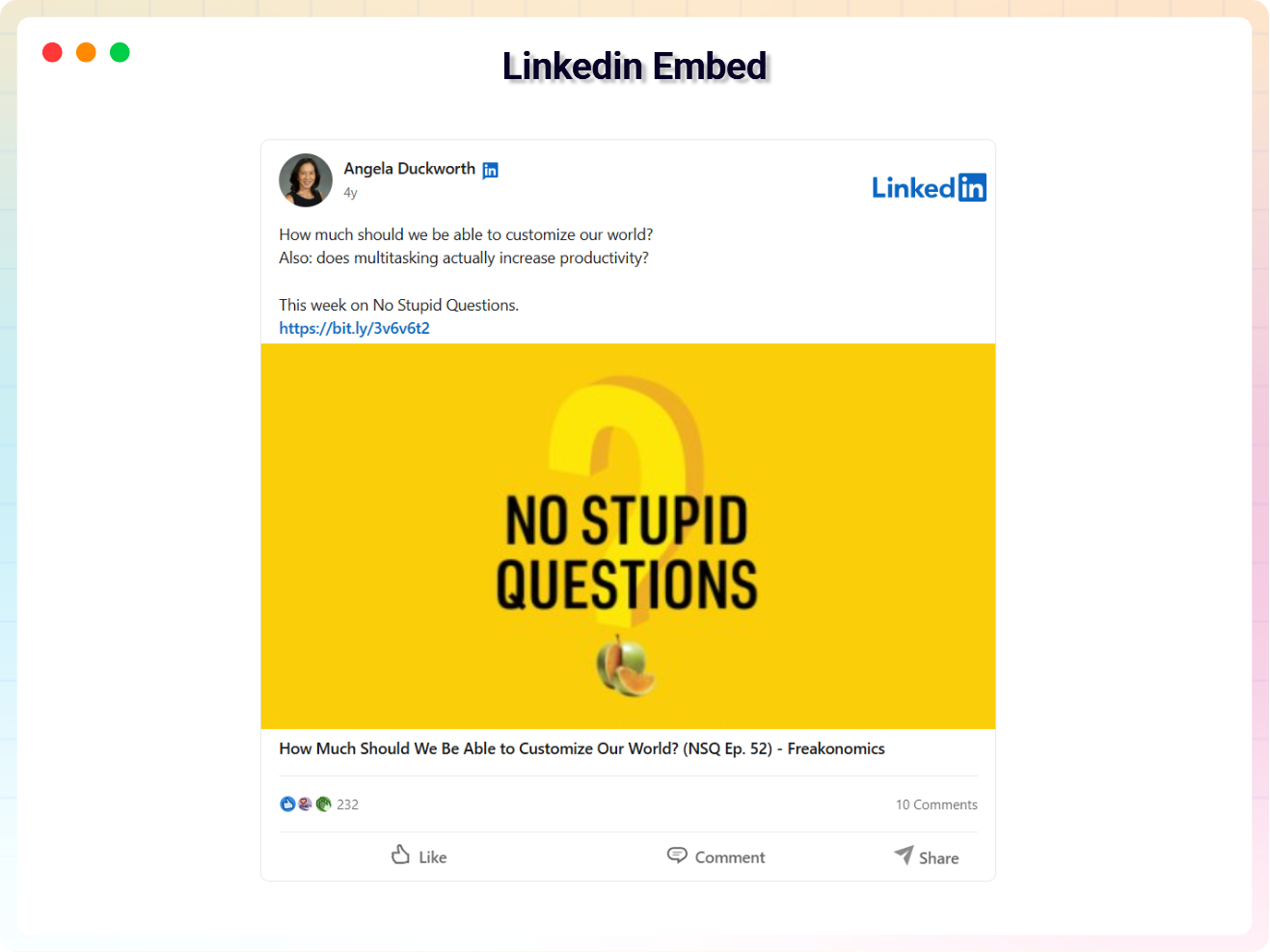
LinkedIn Embed
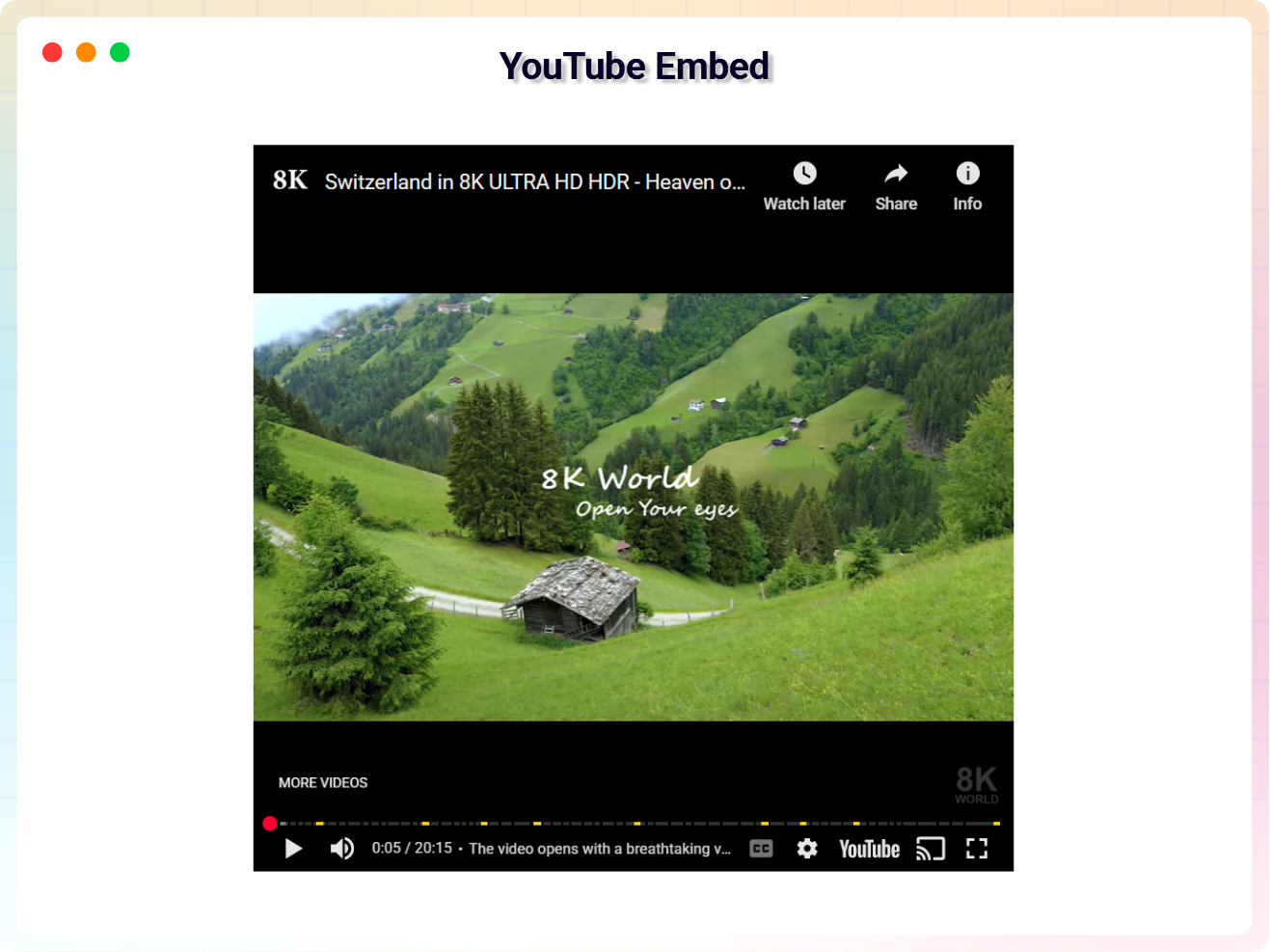
YouTube Embed
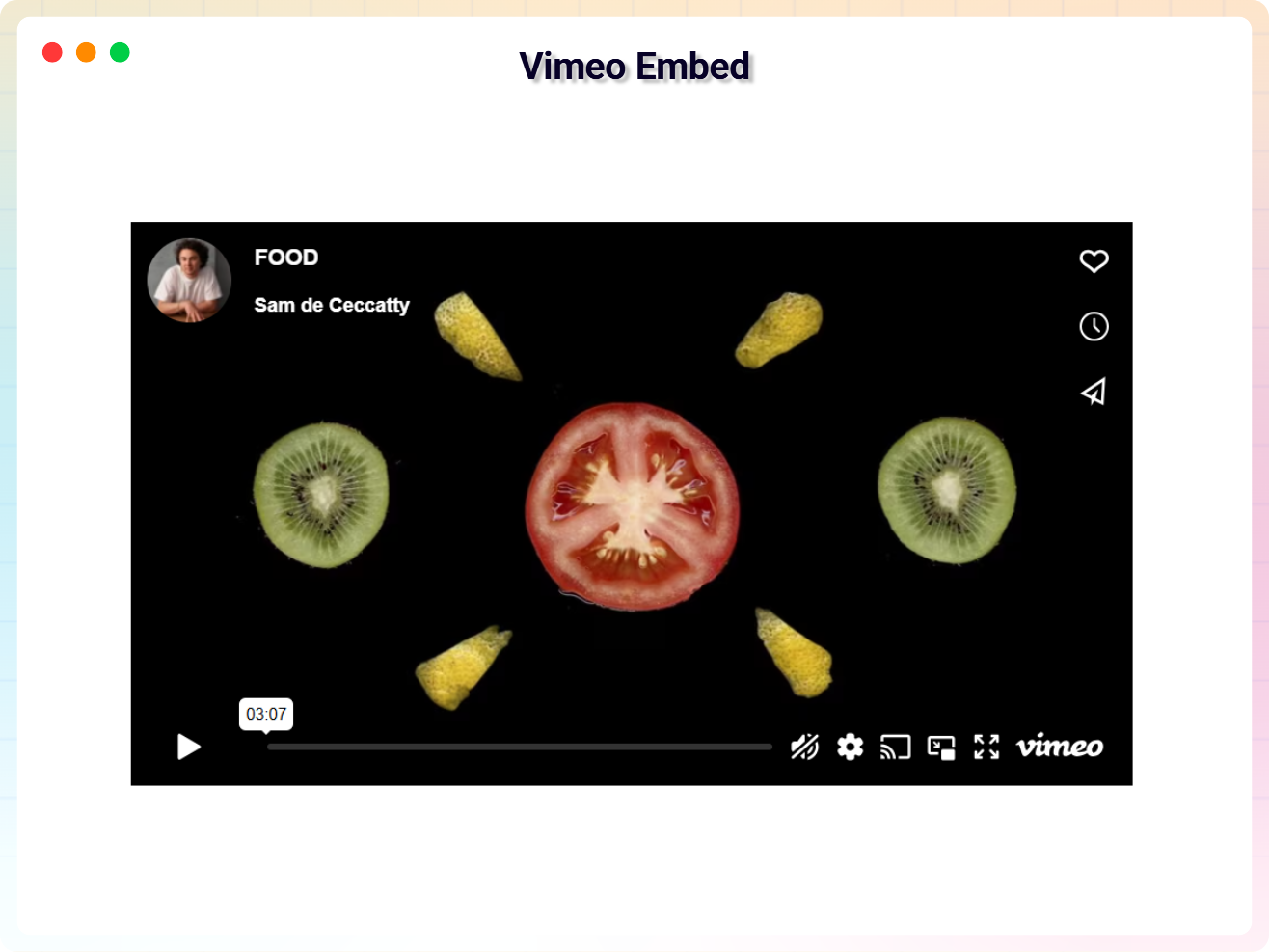
Vimeo Embed
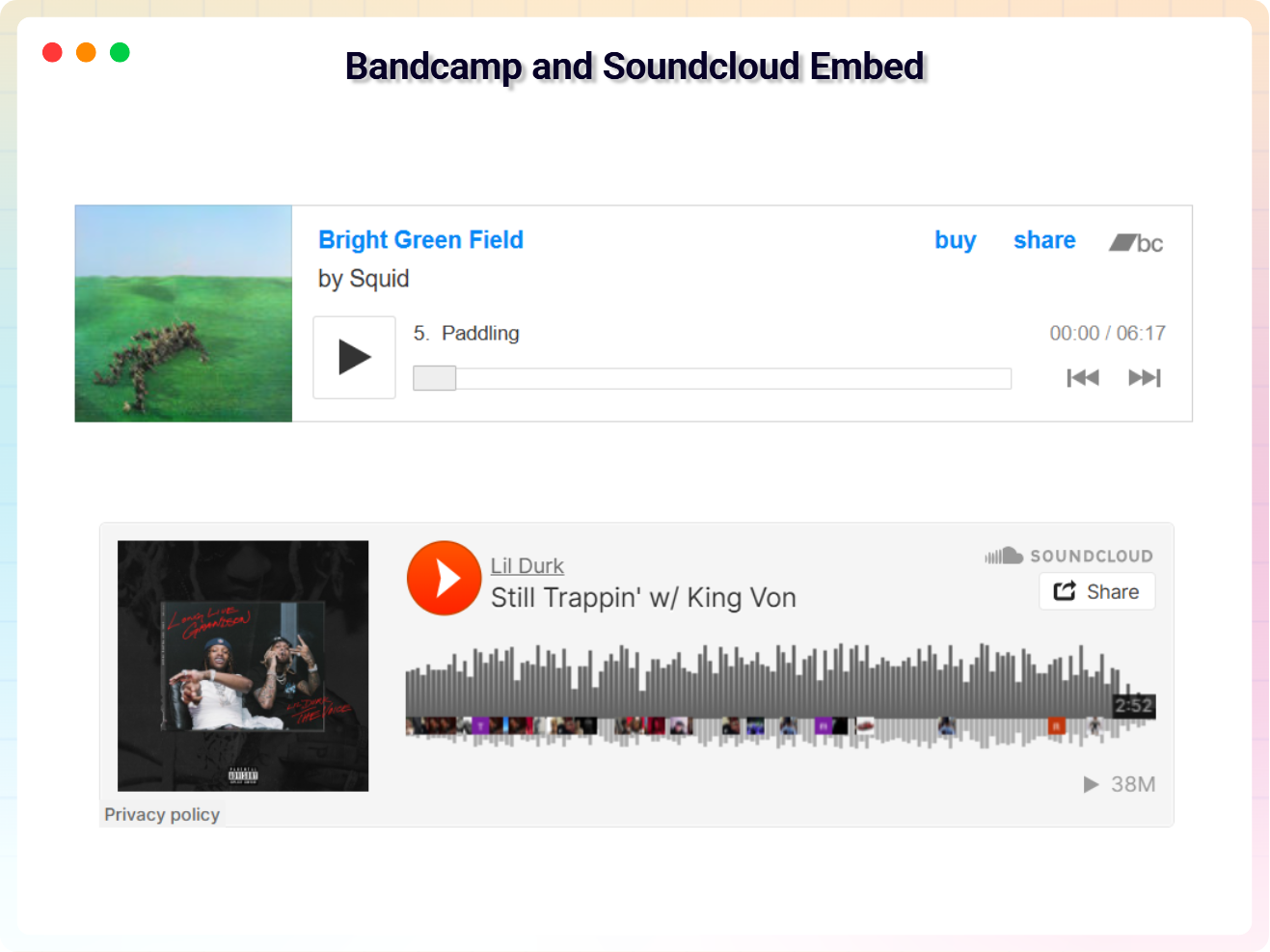
Bandcamp and Soundcloud Embed
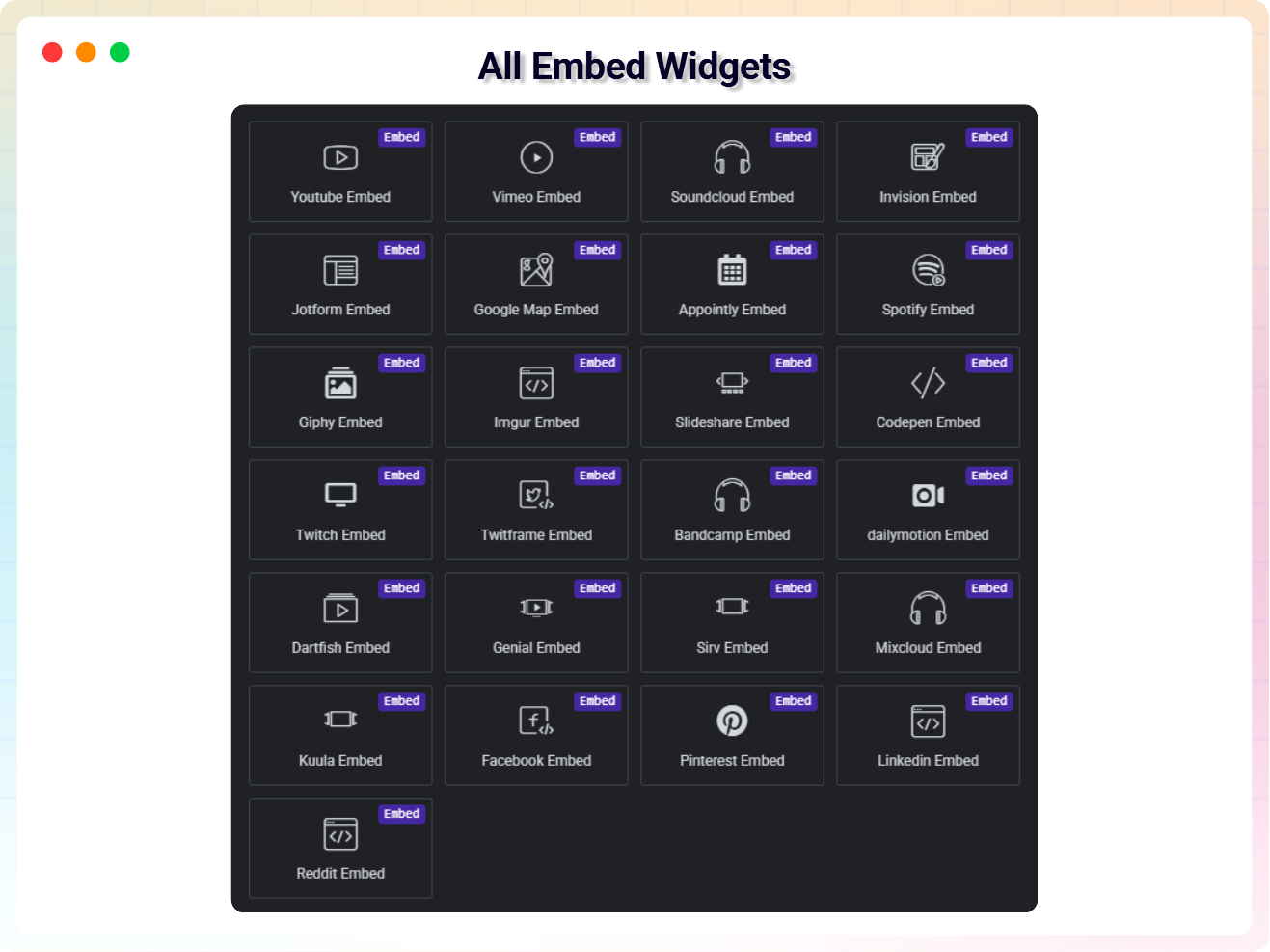
All Embed Widgets
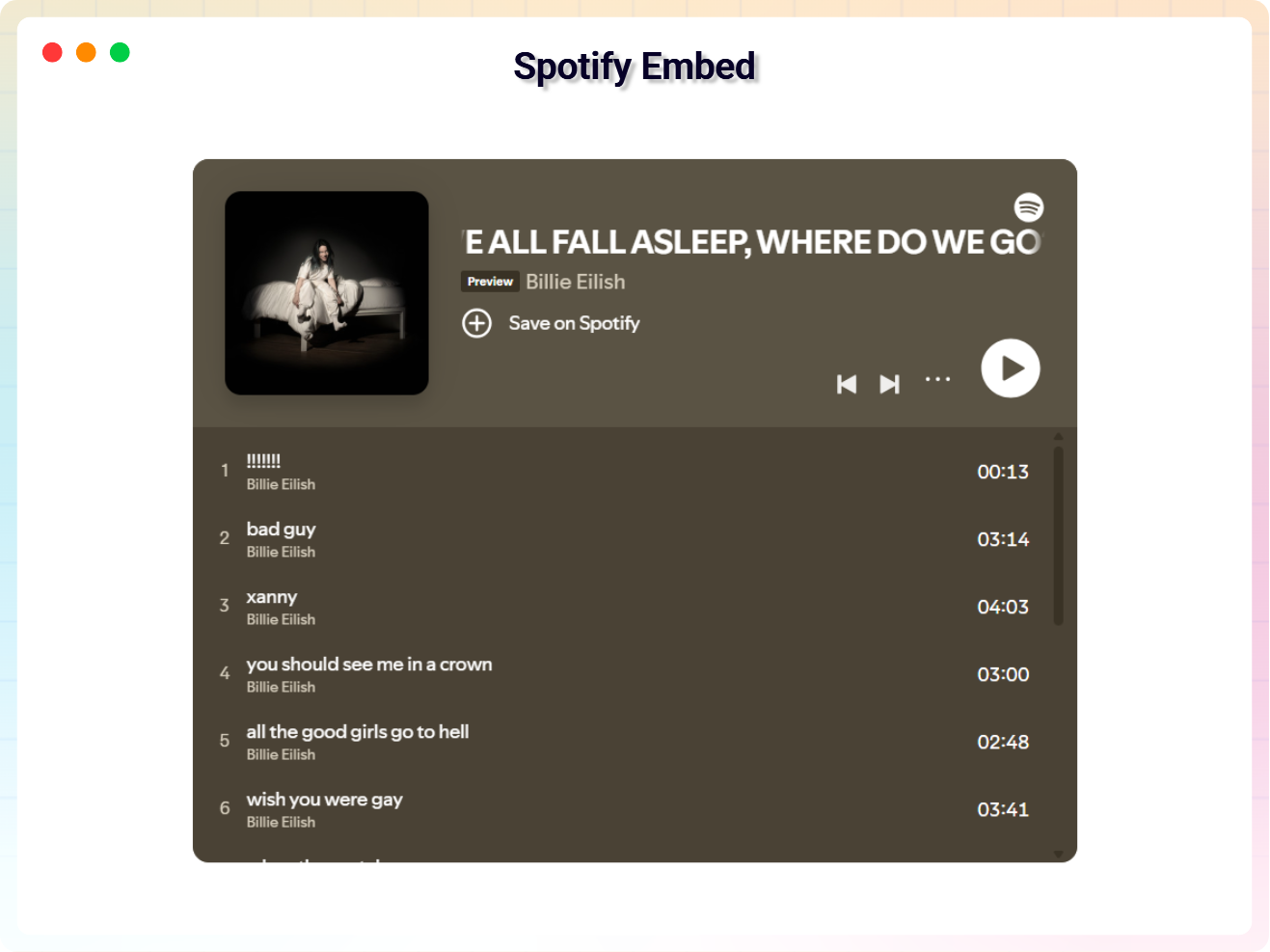
Spotify Embed
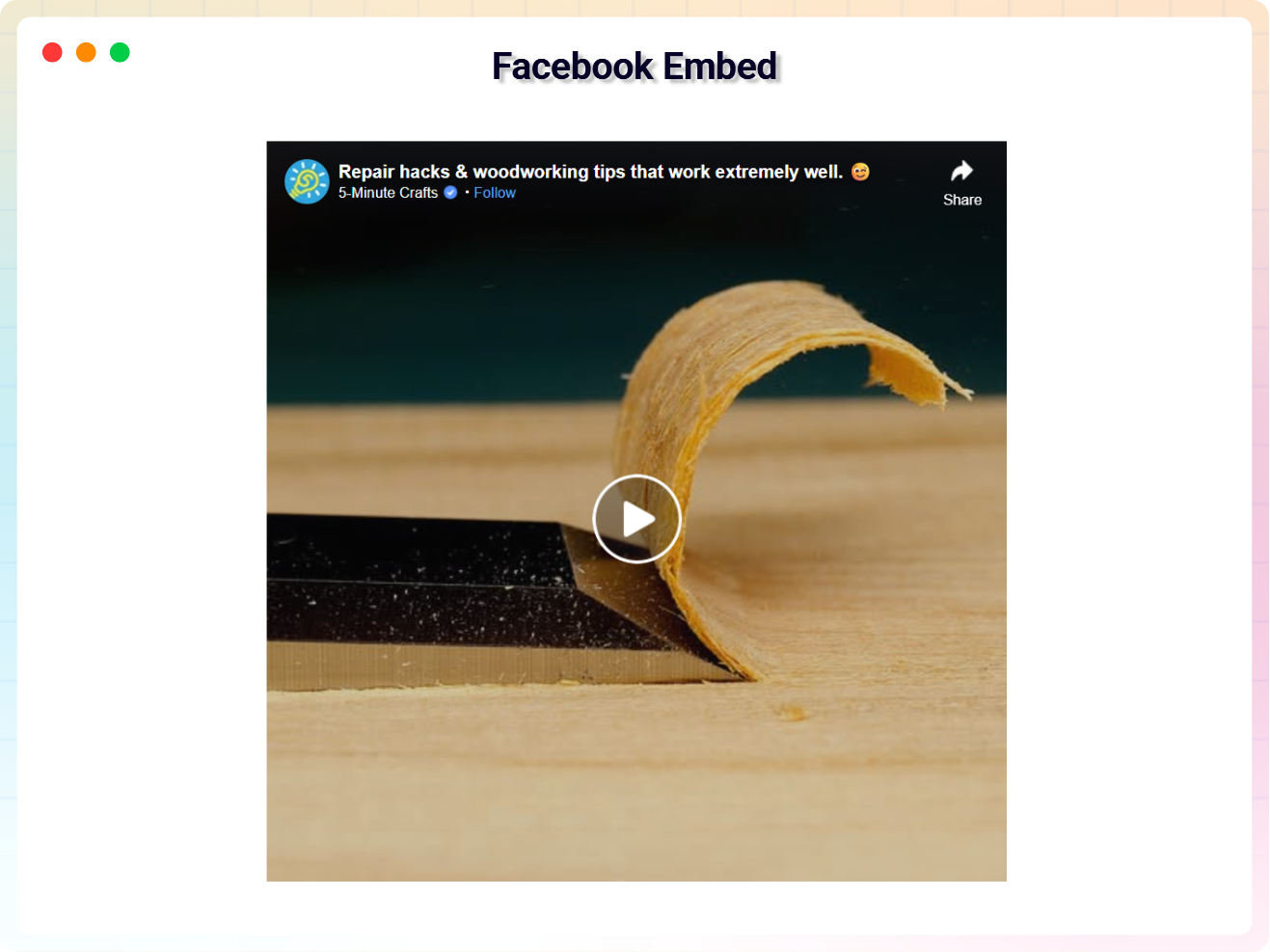
Facebook Embed
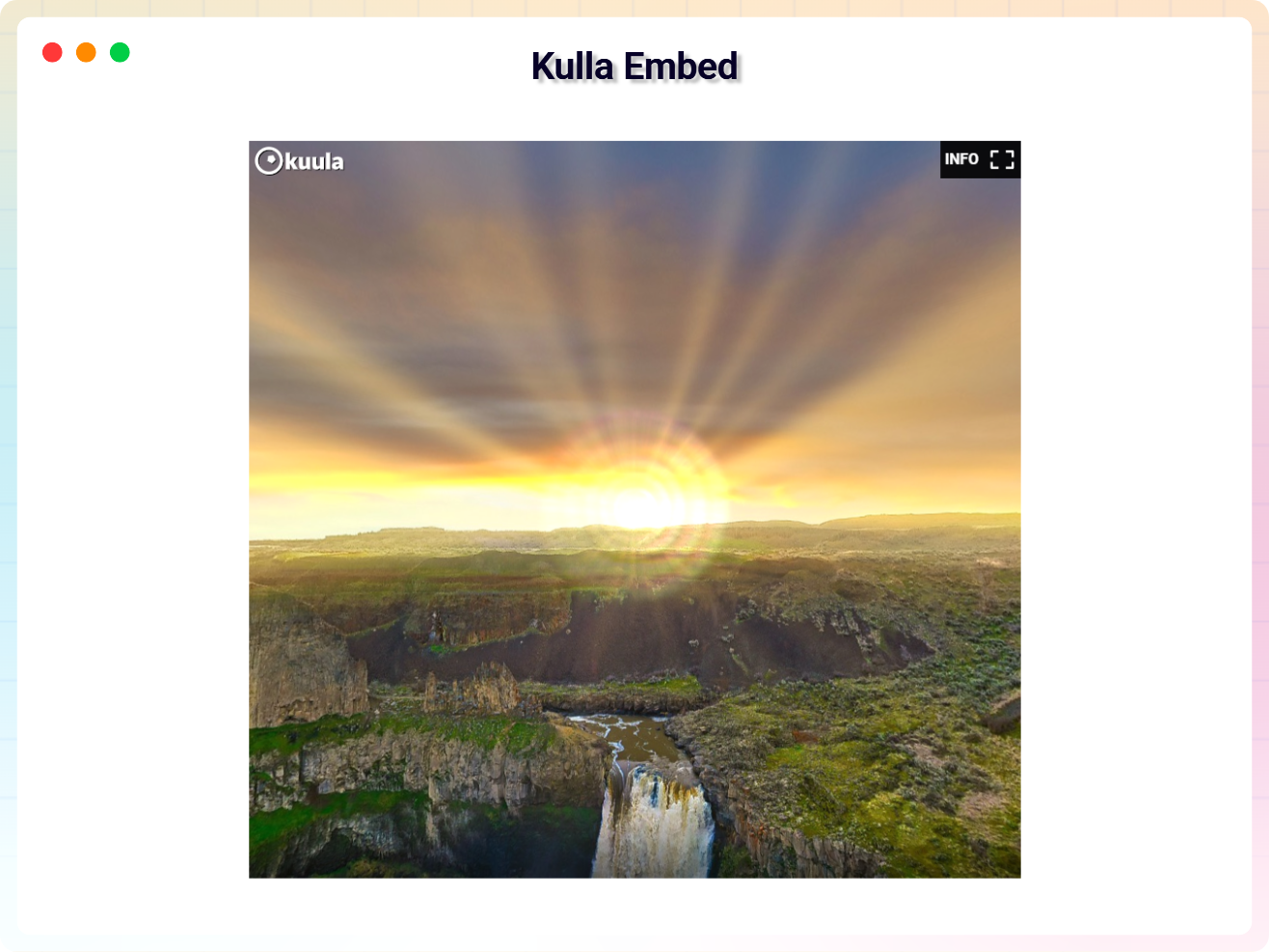
Kuula Embed
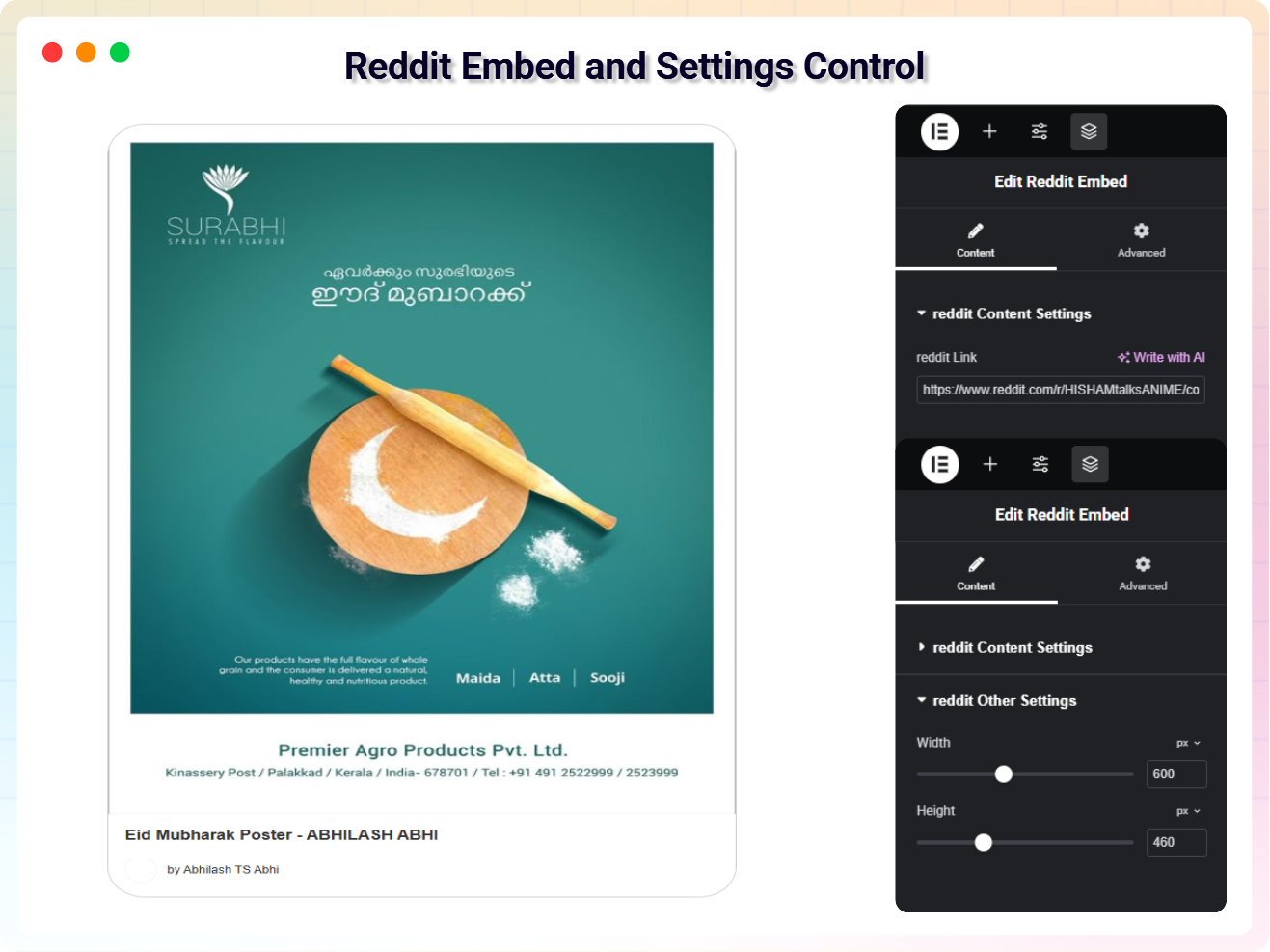
Reddit Embed and Settings Control
Faq
We support over 25+ platforms including YouTube, Vimeo, Spotify, SoundCloud, Google Maps, Facebook, Twitter, Twitch, Dailymotion, Reddit, and many more. It is the ultimate Elementor embed solution for any content type.
Simply search for the YouTube widget in the Elementor panel, drag it to your page, and paste your video URL. You can also customize settings like autoplay, mute, and loop directly from the editor.
Yes! We have specific widgets for Spotify, SoundCloud, Mixcloud, and Bandcamp. These allow you to embed songs, playlists, and podcasts directly into your Elementor pages with a native look and feel.
Absolutely. All Embed Addons works perfectly with both Elementor Free and Elementor Pro. You do not need the Pro version of Elementor to use our widgets.
We provide dedicated widgets for Facebook and Twitframe (Twitter). You can easily embed public posts, feeds, timelines, and tweets to increase your social engagement.
Yes, it is excellent for business websites. You can easily embed Google Maps for your office location and Jotform for contact forms, surveys, or booking forms.
Yes, all embeds are designed to be fully responsive. They will automatically adjust to fit the screen size of mobile phones, tablets, and desktop computers, ensuring a great user experience.
No coding is required at all. This is a beginner-friendly Elementor addon designed for easy drag-and-drop usage. If you can use Elementor, you can use this plugin.
Reviews
Love it
By 
Changelog
1.1.4
- fixed Cross Site Scripting (XSS)
1.1.2
- fixed deprecated error
1.0
- Initaial release