All-in-one Widget
All-in-one Widget
Description
Homepage| Support | Demo/Documentation | Premium Version
All-in-one Widget is a WordPress plugin that provides you with an numbers(13) of essential widgets for any website. They give you additional functionality to easily display more varied content in your sidebars, such as images,tweets,tabs, popular post(stylist), facebook page like,instagram, Date & Time etc.
This plugin is completely standalone and will work equally well with any WordPress theme you use.
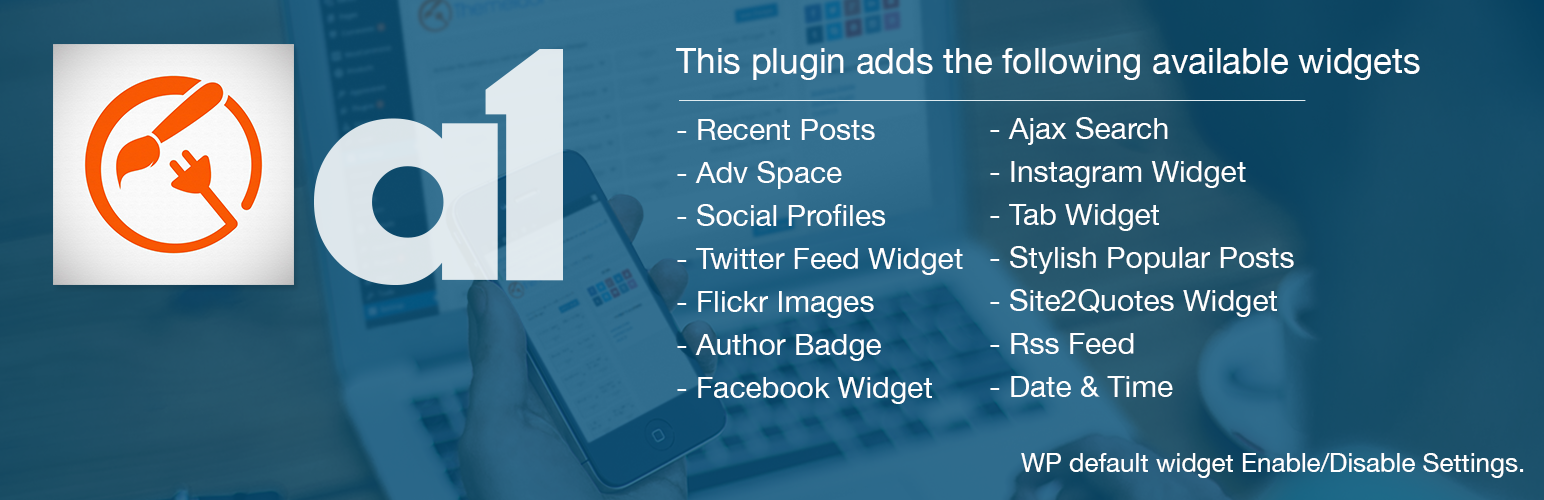
This plugin adds the following available widgets:
- Recent Posts
- Adv Space
- Social Profiles
- Recent Tweets
- Flickr Images
- Author Badge
- Facebook Widget
- Ajax Search
- Instagram Widget
- Twitter Feed Widget
- Tab Widget
- Stylish Popular Posts
- Site2Quotes Widget
- Rss Feed
- Date & Time
- WP default widget Enable/Disable Settings.
Premium Features:
★ Major 27 Social Count included
  (Facebook, Twitter, Google+, Instagram,
  SoundCloud, Dribbble, Youtube, Steam,
  Vimeo, Pinterest,  VK,Flickr, Behance,
  Github, Envato,Posts, Comments,Member,
  Goodreads,Twitch,500px,RSS,Tumblr,
  Linkedin,Foursquare,Instagram,Delicious)
  with various design options like, Gray, Metro,Colored,
  Colored Border and with multiple columns.

★ Beautiful Feature Post Widget.

★ Tabbed Login Widget

★ Post Slider Widget with Backbone.js
  and respective image Uploader

★ Facebook Tabs widget to display
  FB Likebox, FB Streams, FB Activity

★ Smart Posts Widget that displays posts from
  a specific category/tag/author

★ Vertical Slider Widget that displays
  latest posts or posts of specific category
  as vertical slider

★ Contact Info Widget to display
  google map and contact details

★ Many more to come....in future
Premium Upgrade
- For premium upgrade, please go here
Included Widgets
- Recent Posts
- Image Banner widget
- Social Profiles widget
- Recent Tweets widget
- Flickr Images widget
- Author Badge widget
- Stylist Post widget
- Facebook Page like widget
- Instagram widget
- Ajax Search widget
- Site2Quotes widget
- WP Tab Widget
- RSS Feed
- Date & Time
- WP default widget Enable/Disable
Installation
Installing Through The WordPress Admin
- Download the ZIP file
- In your WordPress admin area, go to Plugins > Add Plugin, and select Upload Plugin
- Upload the ZIP file and installation will commence
- Activate the plugin through the ‘Plugins’ menu in WordPress
- You are now ready to use the widget from widget section
Installing Through FTP
- Download the ZIP file and unpack it
- Upload the entire all-in-one-widget to the /wp-content/plugins/ directory
- Activate the plugin through the ‘Plugins’ menu in WordPress
- Activate the plugin through the ‘Plugins’ menu in WordPress
- You are now ready to use the widget from widget section
Screenshots

Display your most recent posts with a more stylish design

Insert images into your sidebars without having to code HTML

Add your latest tweets without cumbersome setting pages

Show the latest Flickr photos from a Flickr account

Display a list of links to your social profiles

Display WP Tab Widget Settings & WP Tab Widget

Display Site2Quotes widget Settings & Site2Quotes widget

Display Facebook widget Settings & Facebook widget

Display Instagram widget Settings & Instagram widget

Display Ajax Search widget Settings & Ajax Search widget

Display Stylist Post widget Settings & Stylist Post widget

Display Author widget Settings & Author widget

Display Rss Feed widget Settings & Rss Feed widget

Display Date & Time widget Settings & Date & Time widget

All-in-one Widget Settings Page
Reviews
A very good and useful plugin
By 
Bad experience waste my time and shutdown my website.
By 
Cannot access backend after install
By 
Great Plugin
By 
Changelog
1.0
- Plugin release, yay!
1.1
- New extra widget with theme independend styling and optmized code with enable and disable WP default widget release, yay!