Altinator
Altinator
Description
Altinator helps you manage, review, and optimize image alternative texts (alt texts) in your WordPress site. Improve accessibility, SEO, and editorial workflows with:
- Media library filters for images with/without alt text
- Help tab in the media library about alt texts
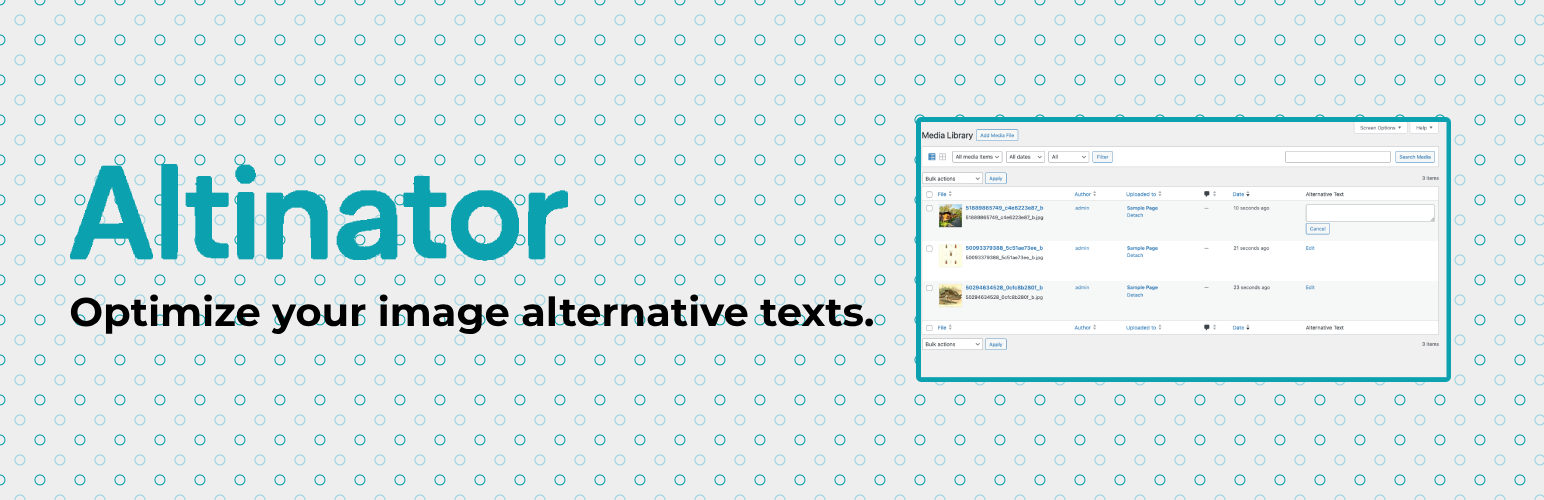
- Quick-edit alt texts directly in the media library list view
- Frontend inspector module to highlight images missing alt text on your site
- Settings page to enable/disable features and configure modules
- Extensible via WordPress hooks and filters
For technical documentation and available hooks, see the README.md.
Links
Installation
- Upload the plugin files to the
/wp-content/plugins/altinatordirectory, or install the plugin through the WordPress plugins screen directly. - Activate the plugin through the ‘Plugins’ screen in WordPress.
- (Optional) Configure the plugin via the “Altinator” settings under Settings > Altinator.
Screenshots

Media library features: A help-tab about alt texts and a filter to show only images with/without alt text.

Quick-editing alt texts for images in the list view.

Use the frontend inspector to highlight images without alt text.

The plugins features are modular and can be enabled/disabled in the settings.
Faq
No, Altinator only helps manage and annotate your images’ alt texts. It does not alter image files themselves.
Altinator is designed to be compatible with most plugins that do not override the default WordPress media library.
Yes! See the technical documentation and available hooks in the plugin’s README.md on GitHub.
We are currently working on a feature to generate alt texts for you. Check back soon!
If you are interested in testing this features, please contact us at mail(at)goodwp.io
Please use the GitHub issue tracker.
Reviews
Changelog
1.0.0 (2025-06-27):
- The first public release of the plugin 🥳