Animated Text Widget for Elementor

Animated Text Widget for Elementor
Description
Animated Text Widget for Elementor adds two animated text effects to your Elementor pages: Typing Text and Rotating Words. Display multiple text strings with a typing animation or rotate words within a sentence to create engaging headings. Customize animation settings, text content, colors, and typography directly from the Elementor editor.
The widget works seamlessly in both the Elementor editor with live preview and on the frontend, using lightweight JavaScript for smooth animations.
Features:
* Two animation modes: Typing Text and Rotating Words.
* Display multiple typing text strings separated by the pipe (|) character.
* Rotate multiple words or short phrases within a sentence.
* Customize typing speed.
* Customize delay between typed strings.
* Customize rotating word speed.
* Show or hide the typing cursor.
* Independent typography and text color controls for Typing Text.
* Independent typography and text color controls for Rotating Words.
* Separate typography and text color controls for rotating words.
* Live preview in the Elementor editor.
* Lightweight JavaScript for smooth performance.
How It Works:
Choose between the Typing Text and Rotating Words animation modes.
Typing Text types and deletes multiple text strings in sequence, while Rotating Words cycles through multiple words or short phrases inside a sentence. All animation settings and styling options can be customized directly from the Elementor editor.
Installation
- Upload the plugin files to the
/wp-content/plugins/animated-text-widget-for-elementordirectory, or install the plugin through the WordPress Plugins screen. - Activate the plugin through the Plugins screen in WordPress.
- Open the Elementor editor.
- Search for Animated Text, or find it under the General category.
- Drag and drop the widget onto your page and configure the animation settings.
Screenshots

Example of an output without using cursor.
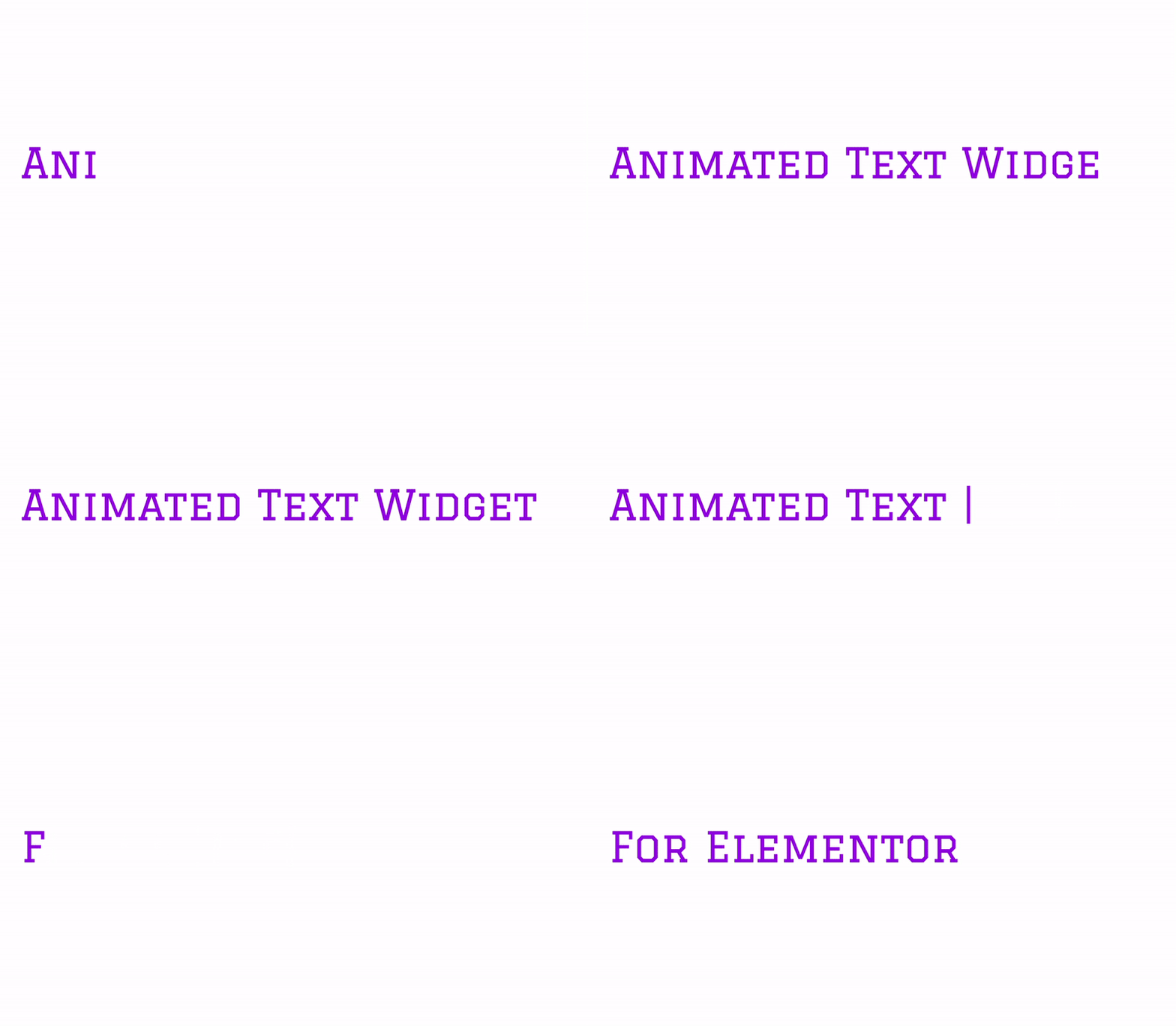
Example of an output showing the cursor.
Faq
The widget includes Typing Text and Rotating Words animation modes.
Yes. Separate multiple text strings using the pipe (|) character.
Yes. Enter multiple words or phrases separated by the pipe (|) character.
Yes. Both animation modes support live preview inside the Elementor editor.
Yes. You can customize typing speed, typing delay, and rotating word speed.
Yes. Rotating words have their own typography and text color controls.
The typing animation allows you to show or hide the cursor.
Reviews
Changelog
1.1.0
- Added Rotating Words animation mode.
- Added Before Text and After Text options for rotating animation.
- Added rotation speed control.
- Added independent color controls for Typing Text and Rotating Words.
- Added independent typography controls for Typing Text and Rotating Words.
- Refactored JavaScript into a class-based implementation for easier maintenance.
- Improved Elementor editor live preview for both animation modes.
1.0.2
- Updated inline documentation for dependency check.
1.0.1
- Fixed layout fluctuation when cursor is hidden.
1.0
- Initial release