Aparimitlabs Database Metrics

Aparimitlabs Database Metrics
Description
Aparimitlabs Database Metrics is a lightweight, high-performance database optimization and monitoring tool designed for WordPress developers and site administrators.
It gives you clear, real-time metrics on database health directly inside your WordPress admin tools without running heavy background processes or dragging down site speed.
Key Features
- Zero Footprint: Loads strictly when stats are viewed—no background overhead or external dependencies.
- Autoload Size Detection: Highlights bloated
wp_optionsdata exceeding recommended thresholds. - Transient Purger: Safely counts and batch-cleans expired transients using secure native nonces.
- Query Performance Counter: Displays real-time query counts and flags slow database executions.
- Strict Security Standards: Built using full capability checks, input sanitization, nonces, and prepared SQL queries.
Installation
- Upload the
database-metricsdirectory to the/wp-content/plugins/directory, or install via the WordPress Plugins menu. - Activate the plugin through the ‘Plugins’ menu in WordPress.
- Navigate to Tools > Aparimitlabs Database Metrics Dashboard to view your database metrics and manage transients.
Screenshots
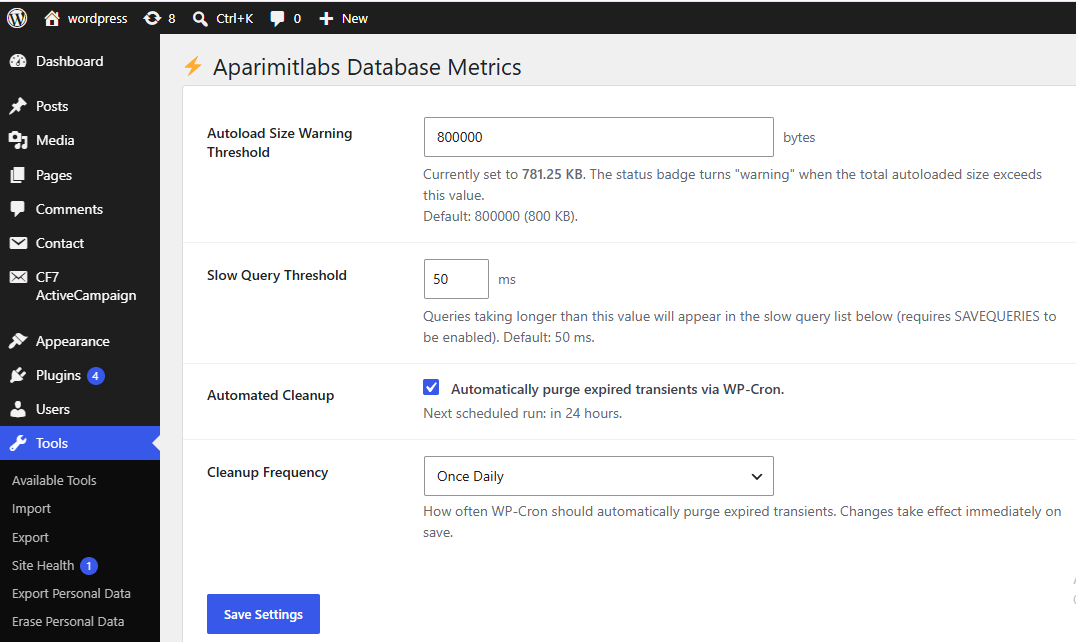
Overview Dashboard displaying real-time database query counts, total execution time, and system health status.

Autoloaded Options Size Analyzer highlighting memory usage thresholds and bloated options.
Transient Purger module for safely identifying and batch-cleaning expired transients.

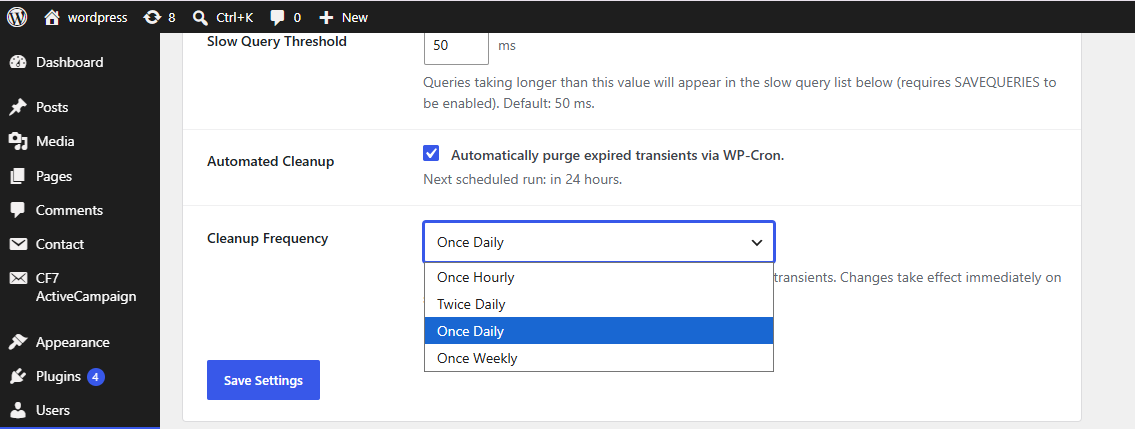
Database Query Monitor settings and performance configuration interface.
Faq
No. Aparimitlabs Database Metrics is engineered to have a zero-footprint execution model. It only calculates metrics when an authorized administrator accesses the metrics dashboard or query stats.
No. Transients are temporary cached data. Clearing expired transients safely frees up space in your database without touching posts, pages, options, or user data.
Reviews
Changelog
1.0.0
- Initial public release. Fully compliance-checked with Aparimitlabs architectural standards.