APL Quick View
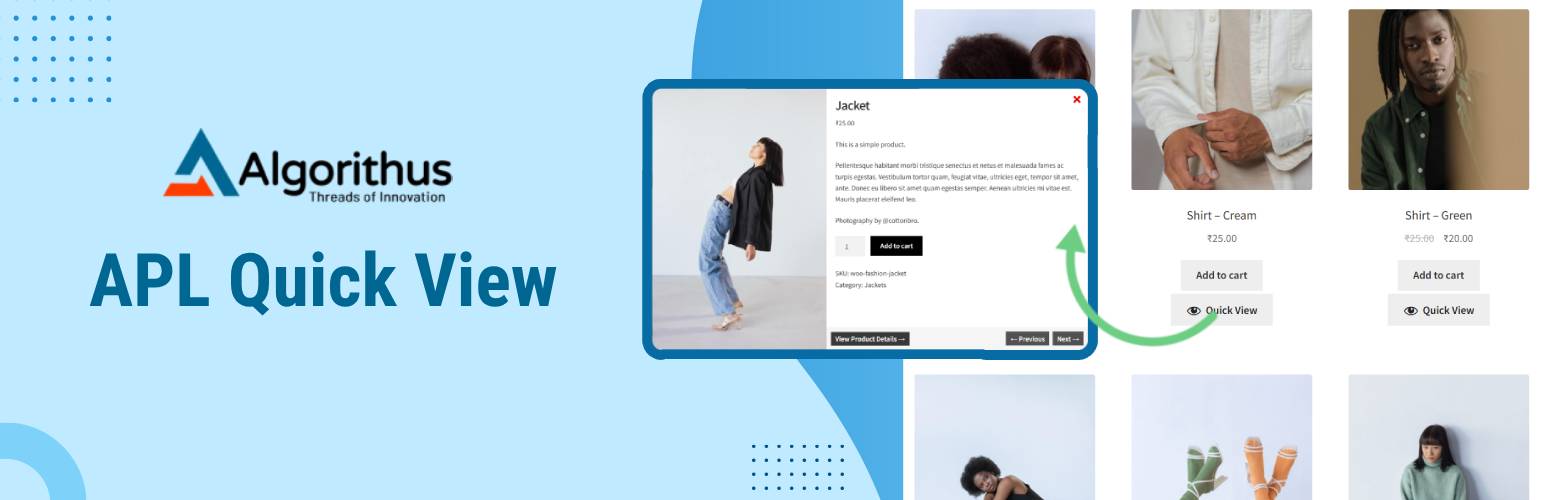
APL Quick View
Description
Transform your WooCommerce store into a seamless shopping experience with APL Quick View. This powerful WooCommerce Quick View plugin enables customers to preview product details instantly in a customizable modal or drawer, ensuring a faster and smoother shopping experience.
Key benefits of APL Quick View:
- Faster Decision-Making:
- Instantly access essential product information, including images, descriptions, and pricing, without navigating to a new page.
- Customizable Interface:
- Tailor the Quick View modal or drawer to match your store’s branding and layout for a cohesive shopping experience.
- Improved User Experience:
- Enhance customer satisfaction by reducing clicks and providing a more streamlined path to purchase.
- Increased Conversions:
- Keep customers engaged by allowing them to explore and add products to their cart directly from the Quick View window.
Make shopping faster, easier, and more enjoyable with APL Quick View—designed to elevate your WooCommerce store’s performance and delight your customers.
Free version features
- Enable Quick View functionality:
- Enable Quick View for WooCommerce products, allowing customers to preview items instantly.
- Enable Quick View on mobile devices:
- Activate Quick View for mobile devices to ensure a responsive and seamless experience.
- Activate Lightbox for an enhanced viewing experience:
- Add a Lightbox effect to zoom and focus on product images.
- Allow product navigation within the Quick View window:
- Enable seamless navigation between products directly in Quick View.
- Select the preferred Quick View mode:
- Choose between modal or drawer display options for Quick View.
- Customize the modal display effect:
- Personalize the animation and appearance of the Quick View modal.
- Choose the type of Quick View button display:
- Select between text, icon, or combination button styles for Quick View.
- Set the label text for the Quick View button:
- Customize the text displayed on the Quick View button.
- Upload a custom icon for the Quick View button:
- Add a unique icon to make the Quick View button visually distinct.
- Define the placement of the Quick View button:
- Position the button on the product page, such as below “Add to Cart.”
- Show the product image in the Quick View window:
- Display a high-resolution image to highlight the product visually.
- Display the product name in Quick View:
- Include the product title for easy identification.
- Include product ratings for a better overview:
- Show product reviews and ratings to build customer trust.
- Show the product price in the Quick View window:
- Provide clear pricing information in the Quick View.
- Display a brief product description (excerpt):
- Highlight key product details with a concise description.
- Add an ‘Add to Cart’ button in Quick View:
- Allow customers to purchase products directly from the Quick View.
- Display product meta details in Quick View:
- Show additional product information, such as categories or tags.
- Show the full product description:
- Include the complete product details for an in-depth overview.
- Customize product image width (in pixels):
- Adjust the width of the product image for an optimal display.
- Customize product image height (in pixels):
- Set the height of the product image to fit your design needs.
- Include a ‘View Details’ button for additional information:
- Add a button to redirect customers to the full product page.
- Set the background color of the modal window:
- Match the modal’s background color with your store theme.
- Customize the color of the modal window close button:
- Personalize the close button’s color for better visibility.
- Set the Quick View button color:
- Choose a button color that complements your store’s branding.
- Choose the text color for the Quick View button:
- Adjust the button text color for better readability.
- Customize the hover color for the Quick View button:
- Define the button color when hovered for a dynamic effect.
- Set the hover text color for the Quick View button:
- Change the button text color on hover for added emphasis.
Curious to see the plugin in action? Check out the live demo of the free version >.
This plugin offers complete customization to seamlessly integrate with your WooCommerce store’s design and improve the user experience.
License
This plugin is licensed under the GPLv2 or later. For more details, see https://www.gnu.org/licenses/gpl-2.0.html.
Installation
- Unzip the downloaded zip file.
- Upload the plugin folder into the
wp-content/plugins/directory of your WordPress site. - Activate
APL Quick Viewfrom Plugins page.
Screenshots

Quick View button displayed on product after "add to cart" button.

Quick View button displayed on product inside the product image.

Quick View modal popup showing product details.

Quick View drawer showing product details.

Customizable general settings screen in WordPress Admin.

Customizable quick view content settings screen in WordPress Admin.

Customizable general style settings screen in WordPress Admin.
Faq
Yes, the plugin works smoothly with most themes that are compatible with WooCommerce.
Definitely! You can customize colors, button styles, the modal or drawer layout, and even add your own custom CSS for further personalization.
Yes, you can easily enable Quick View on mobile devices via the settings.
Yes, you have the option to enable or disable the lightbox feature in the settings.
Yes, you can enable or disable the Flexslider feature through the settings.
Reviews
Great for woo commerce
By 
APL Quick Cart is a game-changer for WooCommerce stores. It streamlines the checkout process with a sleek, user-friendly popup that keeps customers engaged without leaving the page. The design is modern, customizable, and fully responsive on mobile, making shopping seamless and enjoyable. It’s a fantastic tool to reduce cart abandonment and increase sales—super easy to set up and incredibly effective!
Best plugin , good experience, user friendly and easy to use
By 
Have been using this for my store for a while, really does the job greatly.
Best plugin simple and easy to use
By 
Easy to use and simple and effective
This plugin is very helpful and easy to use .
By 
Best plugin that I have experienced till now for who commerce.
Awesome plugin for woo comerce
By 
This plugin help me a lot for quick view
Easy to use this plugin for WooCommerce stores
By 
The seamless experience and instant add-to-cart feature significantly enhance user engagement.
Best plugin for woocommerce plugins
By 
best plugin for woocommerce makes shopping faster smoother by allowing instant product preview
Very Useful Plugin
By 
The plugin is great and does most of what I need and has made my workflow so much easier...
One of the best plugin for WooCommerce stores
By 
APL Quick View makes shopping faster and smoother by allowing instant product previews in a clean modal. The interface is highly customizable, works perfectly on mobile, and really boosts user experience. Highly recommended for any WooCommerce store looking to help customers decide quickly and improve conversion rates—love how easy and effective it is
Changelog
1.0.0
- Initial release includes comprehensive Quick View customization features.
1.0.1
- Fixed Plugin URI issue.
- Fixed Sanitization issue.
1.0.2
- Update readme file.