Appointment, Reservation and Rental Booking for Woocommerce

Appointment, Reservation and Rental Booking for Woocommerce
Description
It is a plugin which allows you to manage your online appointment, reservation and rental bookings.
FREE VERSION DEMO LINK | FREE VERSION DOCUMENTATION LINK
Features
- The plugin is compatible with our Support Ticket System By Phoeniixx plugin.
- Day and Night calculation modes.
- Option to select Dates.
- Product based booking settings
- Option to show to from and to calender fields or single calender field.
FREE VERSION DEMO LINK | FREE VERSION DOCUMENTATION LINK
Take a look at how to set up Appointment, Reservation and Rental Booking for Woocommerce
Premium Features:
PREMIUM VERSION LIVE DEMO | PREMIUM VERSION LINK | DOCUMENTATION LINK
- Can create unlimited bookable products.
- Booking types available – Daily , Weekly , Hourly and Monthly
- Can set Product Booking Availability.
- Can set the base price and block price seperately.
- Can define different ranges for the price.
- Can add unlimited number of resources with one time or per unit cost.
- Can set the Bookings for Individual Type.
- Also can set the price for every individual type.
- Clickable booking calender for admin.
- Admin can create the booking from backend.
- Can set Booking Reminder for Admin and customer both.
- Advanced styling options.
PREMIUM VERSION LIVE DEMO | PREMIUM VERSION LINK | DOCUMENTATION LINK
Premium WordPress Themes
Here is our premium wordpress theme
Our Website
Support Email
NOTE
- Our plugin support the Multisite Network.
Installation
- Install WordPress
- Go to your WordPress admin panel, and then to Plugins. Click on “Add New” and then upload the zip file of the plugin using the “Upload Plugin” button you can find on top of the screen.
Screenshots
Displays the General Settings in the backend.
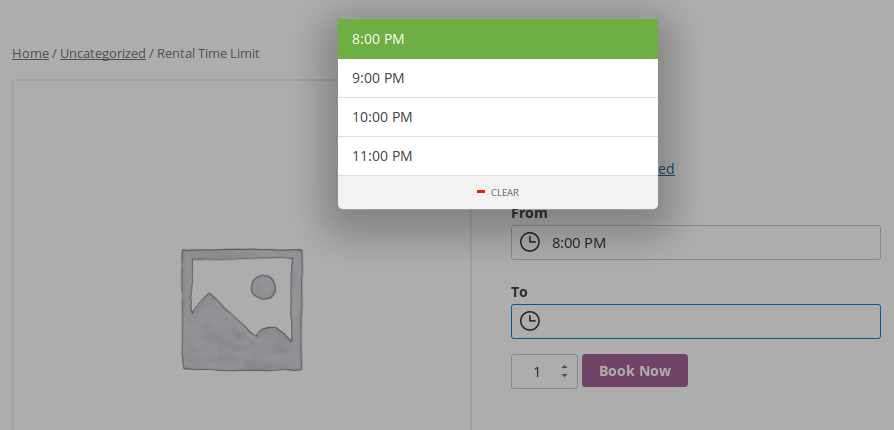
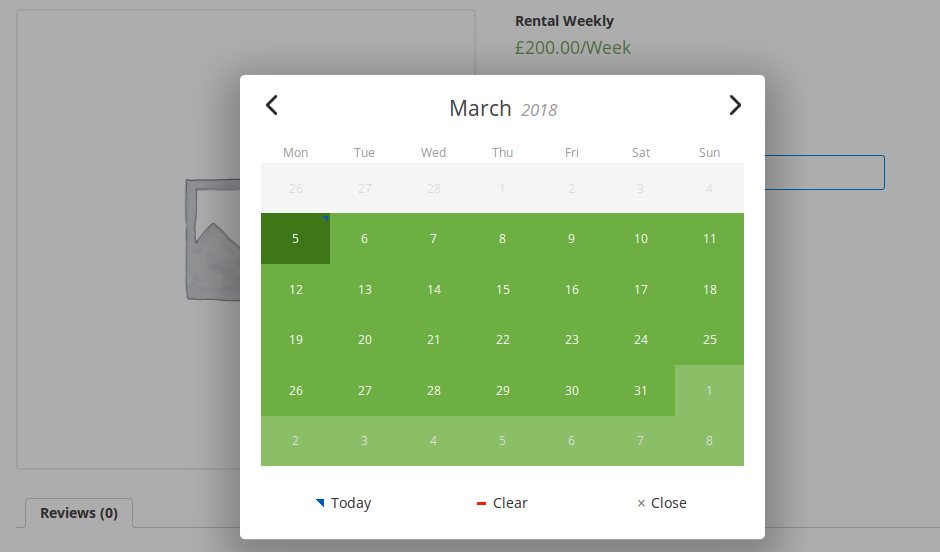
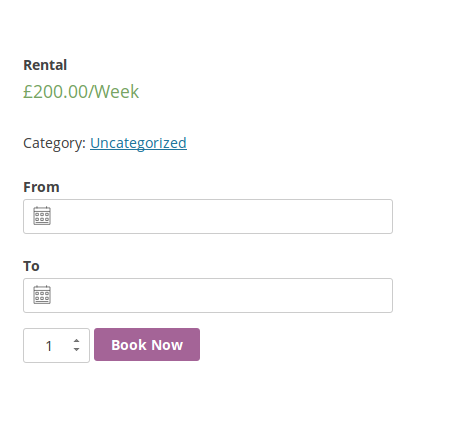
Displays the to from and to calender fields.
Displays the singal calender field.

Displays total number of days or nights and the total price.

Shows the cart totals.


Reviews
This plugin is what I was looking for
By 
Bad interface and service
By 
Bad Service
By 
Great, simple and effective
By 
Doesn't take the reserved item off calendar
By 
Simple and efective
By 
Great Plugin
By 
Changelog
3.0 – 03/02/2020
- compatible with the latest version of woocommerce
2.9 – 19/11/2019
- compatible with the latest version of wordpress
2.8 – 11/11/2019
- compatible with the latest version of woocommerce
2.7 – 13/09/2019
- compatible with the latest version of woocommerce and wordpress
2.6 – 27/02/2019
- compatible with the latest version of woocommerce and wordpress
2.5 – 14/12/2018
- compatible with the latest version of woocommerce and wordpress
2.4 – 05/11/2018
- compatible with the latest version of woocommerce
2.3 – 05/06/2018
- Fixed translation issue
2.2 – 05/05/2018
- Fixed errors
2.1 – 04/04/2018
- Fixed errors
2.0 – 05/03/2018
- New features added
1.5 – 27/10/2017
- compatible with the latest version of woocommerce
1.4 – 12/10/2017
- Added new feature
1.3 – 26/09/2017
- video tutorial added
1.2 – 29/07/2017
- Bug fixes
1.1 – 28/04/2017
- Bug fixes
1.0
- Initial release.