Appointment booking for Next 7 Days.
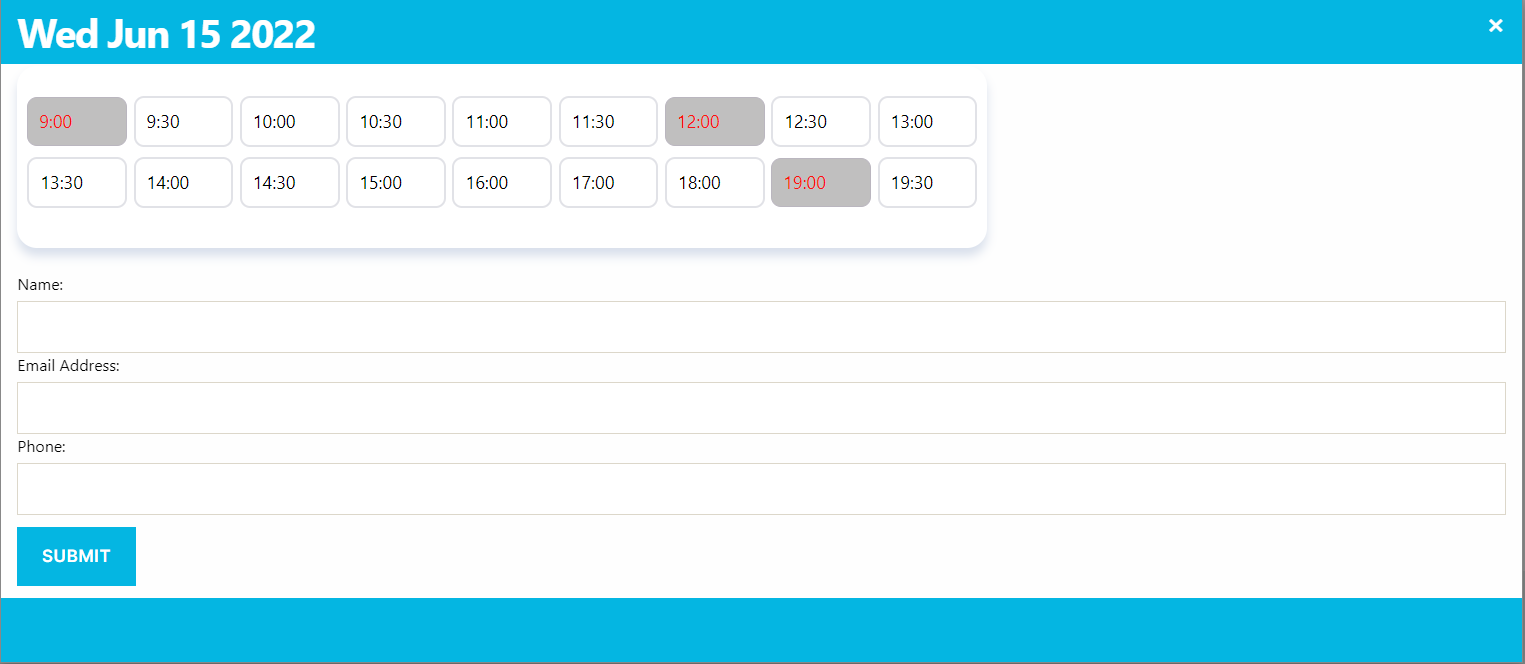
Appointment booking for Next 7 Days.
Description
Appointment booking gives you the ability to Appointment booking for next 7 days, Where admin can set time According to requirements.
Features of Appointment booking plugin:
- Admin Can set time slots according to need.
- Admin can set different timing for meeting or appointment.
- Admin can also set colours for the calendar pop-up and text etc.
- Admin can set appointment success/failed message message for customer
- Admin can set customer information fields , which is required or not.
Installation
From within WordPress
- Visit ‘Plugins > Add New’
- Search for ‘Appointment’
- Activate ‘Appointment’ for WordPress from your ‘Plugins’ menu from WordPress.
- Visit the ‘Appointment’ menu.
Manually
- Upload the appointment/ folder to the /wp-content/plugins/ directory.
- Activate the plugin through the ‘Plugins’ menu in WordPress.
- Visit the ‘Appointment’ menu.
Screenshots

Appointment Options.

Calendar View.

Availability.

Colouration.