Arrow Design Post Publisher for X
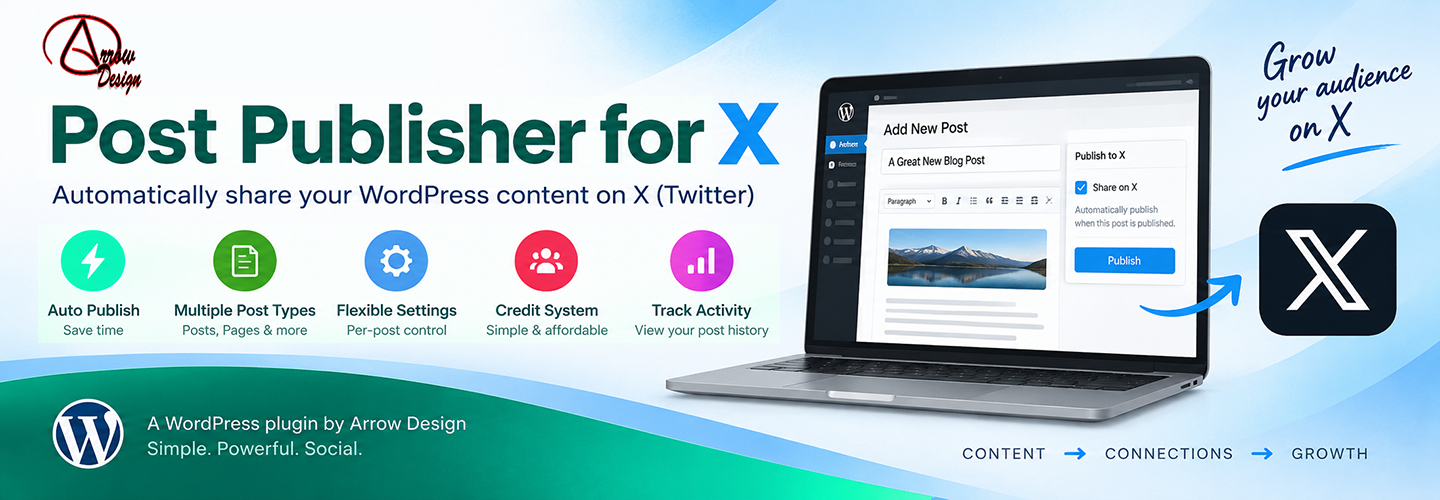
Arrow Design Post Publisher for X
Description
Arrow Design Post Publisher for X automatically publishes eligible WordPress content to X through the Arrow Design publishing service. It is designed for site owners who want a simple way to share WordPress posts and supported post types on X without manually copying content each time.
Choose the WordPress content types you want to publish, automatically send newly published content, optionally send updated eligible content that has never previously been published to X, and view publishing status and recent activity from WordPress admin.
The WordPress plugin is free software. Publishing to X is performed through an external Arrow Design service and requires prepaid publishing credits. The plugin does not include complimentary publishing credits. Credits are purchased separately from Arrow Design.
External Service
This plugin depends on the Arrow Design X publishing service to connect an X account, check publishing-credit availability, and send eligible WordPress content to X.
When you connect an account or publish content, information required to provide those functions is transmitted to the Arrow Design service. Depending on the action, this may include your WordPress site URL, connection/authentication information, content selected for publishing, post text, post URL, media information where applicable, and service-credit/account information.
The Arrow Design service then communicates with X as required to authenticate the connected account and publish content.
Publishing through the Arrow Design service is a paid service and requires prepaid publishing credits. Installing the WordPress plugin itself does not include free publishing credits.
Arrow Design service: https://arrowdesign.ie/
Privacy policy: https://arrowdesign.ie/policy-page/
Terms and conditions: https://arrowdesign.ie/terms-and-conditions/
X: https://x.com/
X privacy policy: https://x.com/en/privacy
X terms of service: https://x.com/en/tos
Installation
- Upload and activate Arrow Design X Publisher.
- Open the plugin settings in WordPress admin.
- Connect the X account you want to use.
- Purchase publishing credits from Arrow Design.
- Configure the eligible WordPress content types and publishing options.
Screenshots


Faq
Yes. The WordPress plugin is free software. Sending content to X uses the external Arrow Design publishing service and requires prepaid publishing credits.
No. Publishing credits are purchased separately.
No further content is sent through the Arrow Design publishing service until additional publishing credits are available.
Reviews
Changelog
0.1.27
- Added the redesigned tabbed publishing dashboard and improved admin styling.
- Added publishing queue management and clearer publishing activity.
- Added publishing and scheduling of eligible existing WordPress content.
- Added support for selected eligible post types, including public custom post types.
- Improved X publication status and recent activity displays.
- Reorganised content controls, queue information, test publishing, connection and credit sections.
- Removed unnecessary connection-service information from the user interface.
- Improved Plugin Check compatibility without changing the existing X connection or broker workflow.
0.1.26
- Removed the WordPress 6.2+ %i database identifier placeholders so the plugin remains compatible with its declared WordPress support range.
- Documented the internally generated plugin table names for Plugin Check.
- No publishing, scheduling, connection, credit or queue behaviour changed.
0.1.25
- Cleaned up Plugin Check database warnings for the plugin-owned publishing queue.
- Dynamic custom-table SELECT queries now use WordPress identifier placeholders.
- Documented intentional direct queue reads/writes for WordPress coding standards.
- Renamed the Plugins-screen action-link callback to use the current plugin prefix.
- No publishing, scheduling, connection, credit or queue behaviour changed.
0.1.24
- Added more space below the Publishing overview heading/status row.
- Vertically centred text within overview and queue statistic cards.
- Added restrained colour accents and subtle gradients to key dashboard states.
- Styling only; publishing, connection, credits, scheduling and queue behaviour are unchanged.
0.1.23
- Removed the user-facing connection service/broker information from Connection & Credits.
- Refreshed the admin interface with a cleaner modern visual style.
- No changes to publishing, X connection, credits, queue or scheduling behaviour.
0.1.22
- Moved the Publishing Queue overview from the Dashboard to the Publishing Activity tab.
- Queue totals continue to include historical published and failed activity.
0.1.21
- Publishing Activity now includes historical X publications from before the queue/scheduling upgrade.
- Published and failed activity totals include both historical activity and the new queue.
- Historical publications are shown alongside queue jobs without changing the existing publishing records.
0.1.20
- Improved existing-content search presentation with thumbnails and status details.
- Published or currently queued content is clearly identified and cannot be queued again.
- Moved the X status column to the end of WordPress content list tables.
0.1.19
- Added manual publishing of existing eligible content.
- Added scheduling for later publishing using the WordPress queue.
- Reworked Publishing Activity into queue management with status filters, attempts, errors and actions.
0.1.18
- Content Controls now lists only public, editor-capable post types suitable for publishing.
- Removed development-only per-content controls explanatory panel.
0.1.17
- Reorganised dashboard sections: automatic publishing moved to Content Controls, test publishing moved to Connection & Credits, and publishing status is now shown beside the overview.
0.1.16
- Dashboard section navigation now switches without a full page reload.
0.1.14
- Updated the plugin name and text domain for WordPress.org review.
0.1.13
- Renamed the plugin to Post Publisher for X.
- Added a Settings link to the WordPress Plugins screen.
- Improved the WordPress.org short description, description and discovery tags.
- Updated the plugin folder, main file and text domain for the new WordPress.org identity.
- No changes to X publishing, broker communication or credit processing.
0.1.11
- Sanitized the broker callback value before its presence check to resolve the final Plugin Check input-sanitization warning.
- No changes to X publishing, broker communication or credit processing.
0.1.10
- Resolved the final Plugin Check nonce-verification warning for the read-only broker callback presence check.
- No changes to X publishing, broker communication or credit processing.
0.1.9
- Added GPL license information to the main plugin header.
- Corrected WordPress.org readme packaging.
- Improved sanitization of read-only admin query parameters.
- Escaped status-badge output for WordPress coding-standard compliance.
- No changes to X publishing, broker communication or credit processing.
0.1.8
- Prepared the plugin for WordPress.org review.
- Clarified that X publishing uses a paid external publishing service.
- Simplified the admin credit display to show the total publishing-credit balance.
- Added external-service and credit requirements to the readme.
- No changes to the existing publishing process.
0.1.7
- Refreshed the WordPress admin interface.
- Added tabbed dashboard sections and content-list publishing status.