asciiplayer
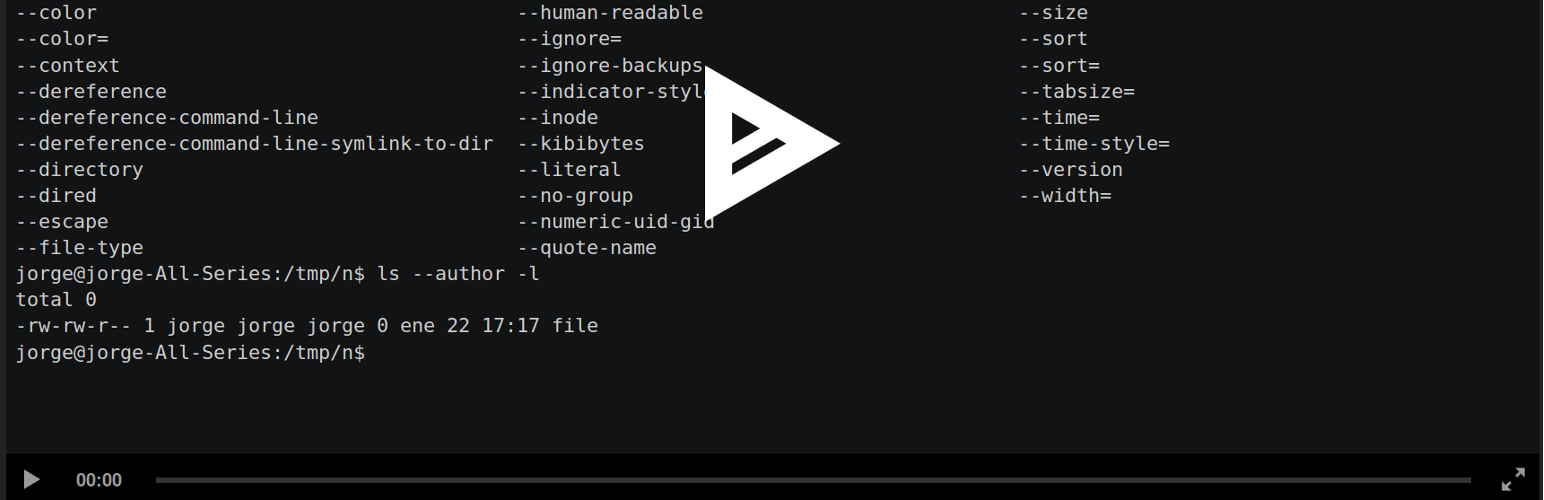
asciiplayer
Description
This plugin lets you easily use the official asciinema-player.
Usage
An asciicast is a recording made with asciinema. Upload your asciicast
anywhere in your web server; you can do that within
Wordpress (just go to the “Media>Add New” menu and upload your asciicast).
Enter the HTML editor to write a post or a page. Then add the
following HTML tag: <asciinema-player src="/demo.json"></asciinema-player>.
Remember to replace the value of the src attribute with the location of
your asciicast.
You can use every option of asciinema-player. Check out
its readme
to find out every option.
Installation
Install this plugin via the plugin directory, or by uploading the files manually to your server.
Faq
Installation Instructions
Install this plugin via the plugin directory, or by uploading the files manually to your server.
Does this plugin contains the official asciinema-player?
Yes.
Reviews
not so good
By 
Title
By 
Changelog
0.1.1
Update player (now it uses version 2.4.1 of asciinema-player)
0.1.0
Initial version