Askora Community Q&A
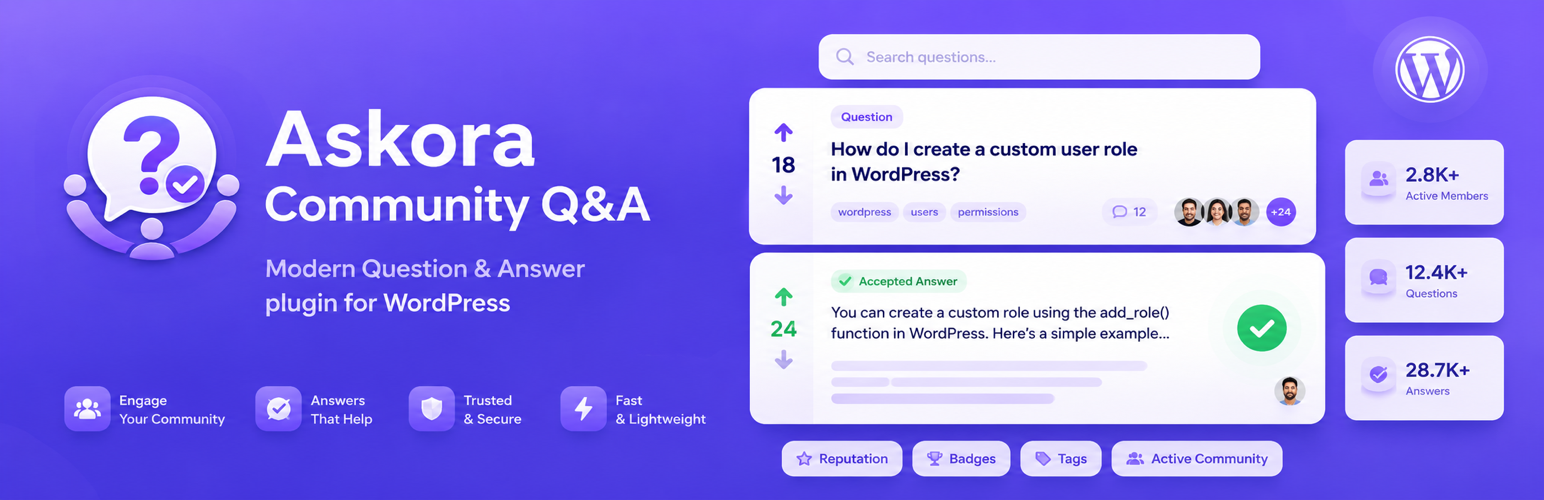
Askora Community Q&A
Description
Askora Community Q&A is a powerful, modern Q&A plugin for WordPress. It enables your community to ask questions, browse answers, reply with rich interactions, and discover helpful content — all through a beautiful AJAX-powered frontend.
Free Features:
- Custom post type for questions with categories and tags
- Frontend question submission form (shortcode)
- Phone number registration and login (no email required)
- AJAX-powered answers/replies using the WordPress comment system
- AJAX search with live results
- AJAX load more and pagination
- Question view counter
- Basic voting/upvote system for questions and answers
- Best answer marking by question author or admin
- Admin/Author/Moderator/Member/Guest role badges
- Responsive, modern card-based UI
- Admin settings page with tabs
- Custom admin columns (Views, Replies, Votes)
- Translation-ready with
.potfile - Developer hooks and filters
- Future Pro architecture (feature gates, SMS stubs, interfaces)
- WordPress.org compliant — no external CDN, no tracking
Available Shortcodes:
[askora_submit_form]— Question submission form[askora_questions]— Question list with AJAX pagination[askora_search]— AJAX live search[askora_login]— Phone login form[askora_register]— Phone registration form[askora_auth]— Combined login/register form[askora_popular_questions]— Most upvoted questions[askora_unanswered_questions]— Questions with no answers
Installation
- Upload the plugin files to
/wp-content/plugins/askora-community-qa/, or install the plugin through the WordPress plugins screen. - Activate the plugin through the Plugins screen in WordPress.
- Go to Askora Settings to configure the plugin.
- Create pages and add shortcodes as needed.
- Flush permalinks: go to Settings Permalinks and click Save Changes.
Faq
No. Askora Community Q&A supports phone number registration and login without requiring an email address. An email is optional.
By default, users must be logged in to ask a question. You can configure reply permissions in the settings.
Add the [askora_questions] shortcode to any page or post.
Yes. Create a folder askora-community-qa/ in your active theme and copy any template file from Frontend/Inc/Templates/ into it. The plugin will load your theme version automatically.
Yes. All strings use the askora-community-qa text domain and a .pot file is included in the languages/ folder.
Reviews
Changelog
1.0.0
- Initial release.
- Question custom post type with categories and tags.
- Frontend shortcodes for questions, answers, search, auth.
- Phone number registration and login.
- AJAX question/answer submission.
- AJAX search, load more, filtering.
- View counter, voting, best answer.
- Role badges (Admin, Author, Moderator, Member, Guest).
- Responsive modern UI.
- Admin settings with tabs.
- Full developer hooks and filters.