AssetPilot – Granular control over frontend assets
AssetPilot – Granular control over frontend assets
Description
AssetPilot gives administrators and developers fine-grained control over frontend assets:
- Disable scripts and styles
- Defer and async scripts
- Preload assets (scripts, styles, fonts, images)
- Set fetchpriority on images and preloads
- Apply rules conditionally (pages, archives, WooCommerce, device, auth, URL)
Getting started
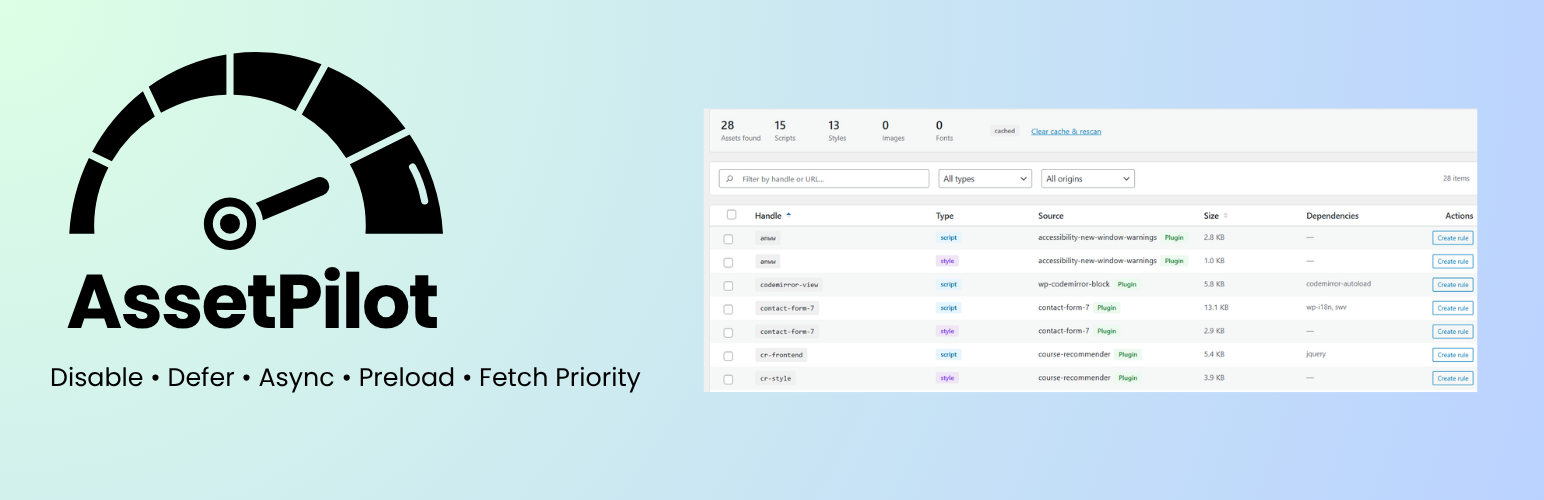
Open Assets from the admin menu, scan a page URL, then create a rule from any asset row (or select several assets for a bulk rule). The Create Rule screen is opened from assets or recommendations — it is not a separate starting point in the menu.
Safe Mode
If the plugin causes issues, visit (while logged in as an administrator):
/wp-admin/?assetpilot-safe-mode=1
This disables frontend runtime modifications for the entire site (not just your browser). The admin UI, REST API, and asset scanning keep working. Clear any page cache after enabling if styles still look missing.
After repeated frontend fatal errors, runtime rules pause automatically for 30 minutes. Resume early from Settings or visit:
/wp-admin/admin.php?page=assetpilot-settings&assetpilot-resume-runtime=1
Development
Source repository: https://github.com/amrelarabi/assetpilot
Human-readable source for the admin and block editor UI lives in assets/src/. Compiled bundles in assets/build/ are generated with @wordpress/scripts.
Build prerequisites: Node.js 18+ and npm.
Build steps:
npm installnpm run build
Third-party frontend libraries (see package.json):
@xyflow/react— dependency graph screenreact-select— multiselect fields in the rule builder
PHP source is under includes/ and is loaded via Composer PSR-4 autoload (AssetControl\ namespace).
Installation
- Upload the plugin to
/wp-content/plugins/assetpilot/ - Run
composer installandnpm install && npm run build - Activate through the Plugins menu
- Go to AssetPilot in the admin menu
Screenshots


Faq
Currently only frontend assets are managed.
Reviews
Changelog
1.0.0
- Initial release