Asta HTML Minifier
Asta HTML Minifier
Description
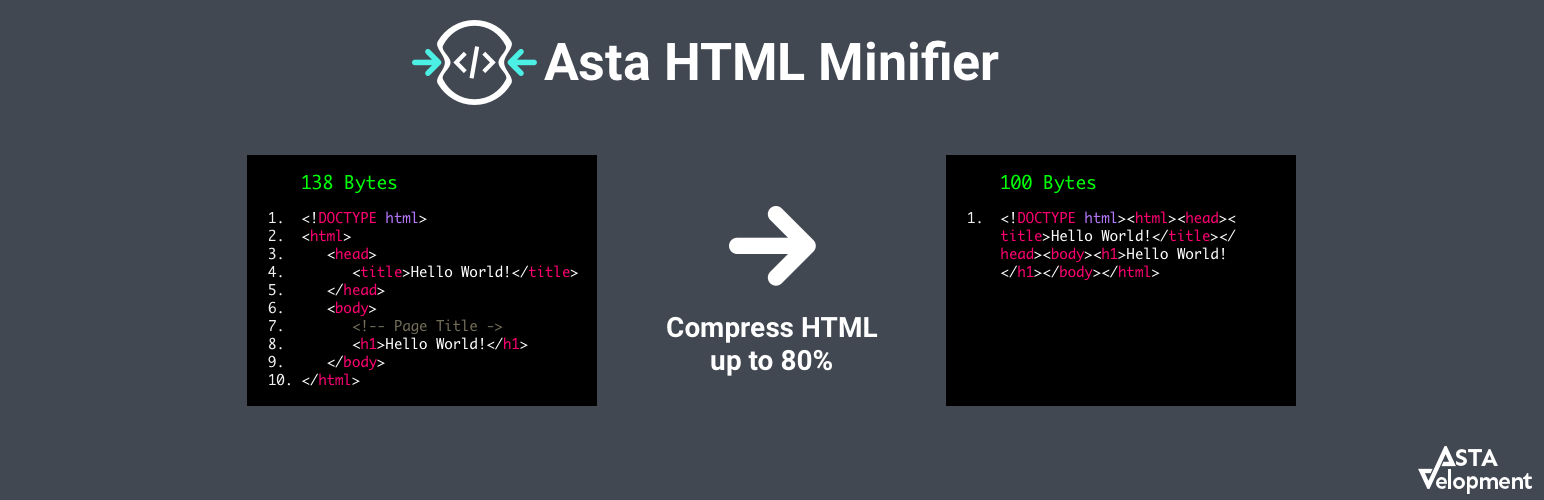
This plugin helps you improve your website’s overall performance, installing the plugin and activating it will automatic strip away all extra white space and HTML comments in your HTML output across your entire website.
There are no extra configuration and settings, it’s simple fast and efficient.
Serving HTML without any white space or comments will reduce all requests to your users which will make your website load faster and improve you users experience.
Important
This plugin uses sessions and it may conflict with server based cache services such as Nginx and Varnish.
Installation
Install the plugin and activate it, the plugin will do the rest for you.
Screenshots

The plugin installed and activated

Minified source code
Faq
Right click on your website and choose the view source option.
If you see no white space or comments (usually marked in green) you can just relax and enjoy this amazing boost to your website, in case you still see white space make sure the plugin is activated.
This plugin just works! It’s simple and transparent!
It won’t take any of your time for setting it up or add any more annoying menus to your admin dashboard.
First make sure it’s caused by this plugin by disabling it and making sure it’s the direct cause, if so please report it with details and we’ll take care of it as soon as possible.
Sure! This plugin is written with Native WordPress functions so it won’t conflict with other plugins so you can feel free to install and activate it without any concern.
Reviews
Works great.
By 
This html minify is up to date and is working great so far.
I hope support for this plugin may stay alive for a long time.
Works For The Most Part
By 
Changelog
1.0.0
- Initial release
1.0.1
- Testing and adding compatibility for older versions of WordPress
- Testing and adding compatibility for older versions of PHP
- Fixing issues in readme file
1.0.2
- Fixing bug with Gutenberg editor by disabling minify HTML in admin sections
1.0.3
- tag fix
1.0.4
- Adding support to new WordPress version 5.3
1.0.5
- Adding support to new WordPress version 5.4
1.0.6
- Adding support to new WordPress version 5.5
1.0.7
- Adding support to new WordPress version 5.6
1.0.8
- Adding support to new WordPress version 5.7
1.0.9
- Adding support to new WordPress version 5.8
1.0.10
- Adding support to new WordPress version 5.9
1.0.11
- Adding support to new WordPress version 6.0
1.0.11
- Adding support to new WordPress version 6.1
1.0.12
- Adding support to new WordPress version 6.1
1.0.13
- Adding support to new WordPress version 6.2
1.0.14
- Adding support to new WordPress version 6.3
1.0.15
- Adding support to new WordPress version 6.4
1.0.16
- Running tests and validations
1.0.17
- Adding support to new WordPress version 6.5
1.0.18
- Adding support to new WordPress version 6.6
1.0.19
- Adding support to new WordPress version 6.7
1.0.20
- Adding support to new WordPress version 6.8
1.0.21
- Adding support to new WordPress version 6.9