Bulk Duplicate Posts & Pages – ATTN MultiClone
Bulk Duplicate Posts & Pages – ATTN MultiClone
Description
Need to create 10, 20, or more copies of the same WordPress page?
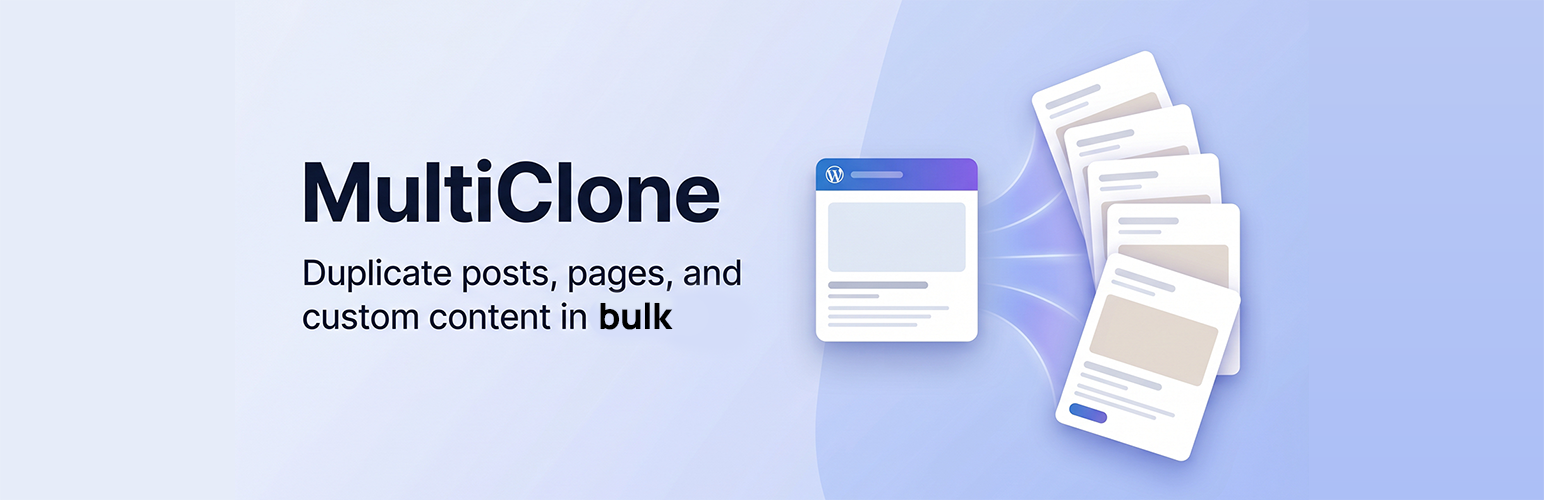
ATTN MultiClone lets administrators select a post, page, or public custom post type, enter the required number of copies, and create them in one operation.
Instead of repeatedly clicking a standard duplicate action, you can generate up to 100 independent draft copies from one simple screen.
What gets copied:
- Title, content, and excerpt.
- Custom fields and post meta.
- Categories, tags, and custom taxonomy terms.
- Featured image assignment.
- Parent, menu order, and discussion settings.
Useful for:
- Reusing landing-page or content templates.
- Preparing recurring posts and structured content.
- Creating test content and workflow samples.
- Producing multiple drafts from a proven starting point.
Every generated copy is saved as a separate draft, leaving the original content unchanged.
Installation
- Upload the plugin files to the
/wp-content/plugins/attn-multiclonedirectory, or install via the WordPress plugins screen. - Activate the plugin through the ‘Plugins’ screen in WordPress.
- Go to Tools > ATTN MultiClone.
- Select a post type, choose the content item, and enter the number of copies.
Screenshots

Select a post type, choose the source content, and enter the number of draft copies to create.

Three draft copies created from one page, ready to review and edit.
Faq
Yes. The plugin supports all public post types.
Yes. The plugin duplicates post meta / custom fields.
Yes. Categories, tags, and custom taxonomy terms are copied.
Yes. The featured image is assigned to the cloned post.
No. Every new copy is saved as a draft so it can be reviewed before publishing.
You can create between 1 and 100 copies in a single operation.
Reviews
Changelog
1.0.5
- Added the caption for the second screenshot.
1.0.4
- Added screenshots demonstrating bulk duplication and the resulting draft copies.
1.0.3
- Improved the plugin name, directory description, tags, and documentation.
1.0.2
- Improved compatibility and plugin metadata.
1.0.0
- Initial release