Attribute Icon for WooCommerce
Attribute Icon for WooCommerce
Description
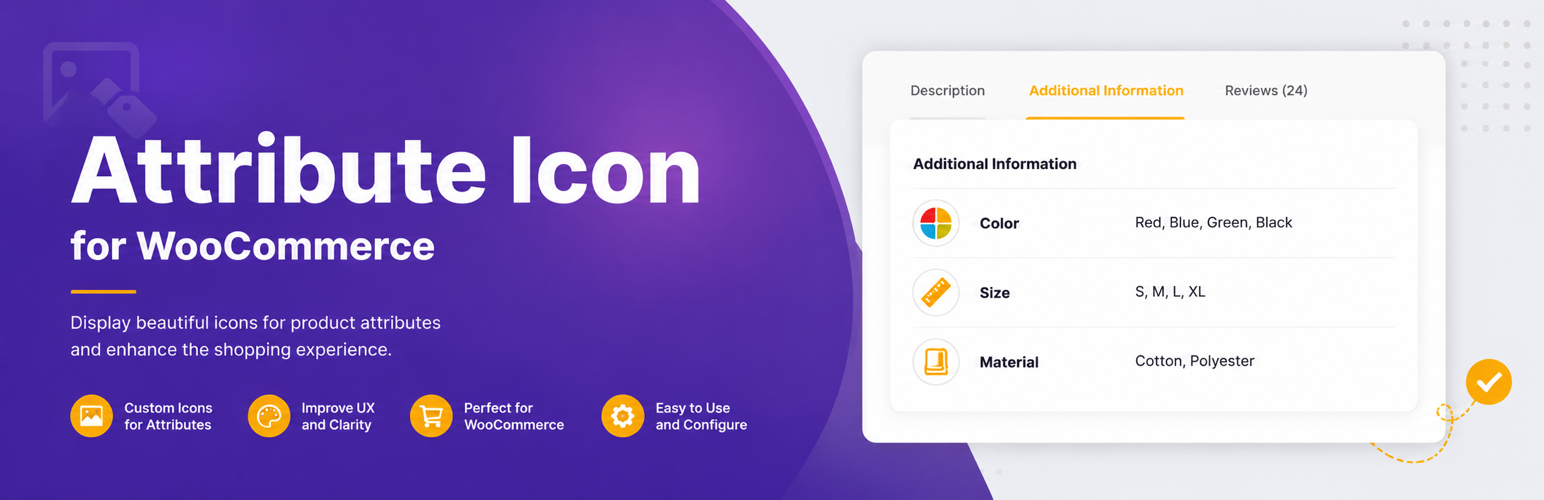
Attribute Icon for WooCommerce extends the WooCommerce attribute system with icon support. Each attribute (Color, Size, Material, etc.) gets a native WordPress media uploader field. Upload an icon — it appears before the attribute label on the single product page.
Feature summary:
- Icon upload field on every attribute — add and edit screens.
- Icon column in the attribute list table.
- Frontend display via
woocommerce_attribute_labelfilter (automatic). - Template helpers for custom themes —
render_image()andget_image_html(). - No configuration. Activate and every attribute gets the field.
- Uses WordPress media library — no custom uploader, no external dependencies.
Installation
- Upload the plugin folder to
/wp-content/plugins/or install via Plugins > Add New. - Activate the plugin. WooCommerce must be active.
- Edit any attribute (Products > Attributes > Edit). An icon upload field appears.
Screenshots

Icon upload field on the Add New Attribute screen — dashed upload zone and Upload Icon button.

Attributes list table with the Icon column showing the uploaded icon alongside each attribute.

Edit Attribute screen with an icon set — Change Icon and Remove buttons.

Frontend product page — attribute icon displayed beside the label in the Additional Information tab.
Faq
Yes. If your theme uses wc_display_product_attributes() or woocommerce_attribute_label, icons appear automatically. For custom templates, use the static helpers:
`
use AttrIconWoo\AttributeFrontend;
echo AttributeFrontend::get_image_html( $attribute_id, ‘thumbnail’, ‘Color’ );
`
The image attachment ID is stored in wp_options under the key attricfo_attribute_image_{id}. The actual file uses the WordPress media library.
Icons stop displaying on the frontend. Options are preserved — reactivate and icons return. No data loss.
All attricfo_attribute_image_* options are removed. Deleting via the Plugins screen runs the uninstall routine.
Reviews
Changelog
1.0.0
- Initial release.
- Admin icon field on attribute add/edit screens.
- Icon column in attribute list table.
- Frontend display via
woocommerce_attribute_labelfilter. - Template helpers for custom theme integration.
- Uninstall cleanup of options.