AttributeHub for WooCommerce
AttributeHub for WooCommerce
Description
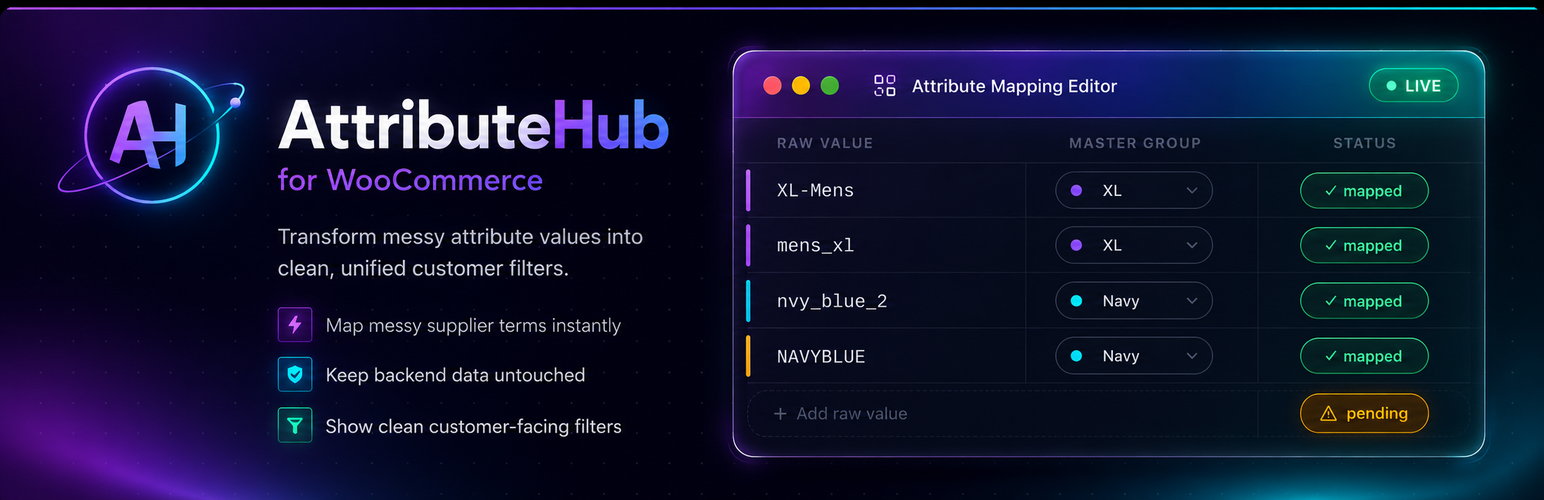
AttributeHub for WooCommerce is a master attribute mapping plugin that creates a safe display layer between your messy backend attribute values and clean, customer-friendly filters — without touching your original product data.
The Problem
Many WooCommerce stores import products from suppliers, ERPs, CSV files, or dropshipping sources. The backend product data often contains supplier abbreviations, color codes, and internal values that look terrible in customer-facing filters:
Your current filter might look like this:
– 14KGD
– RHCRY
– BK
– 1GOLD
– 2SILVER
– BLK
– BCK
– MULTIBK
Customers should see:
– 14K Gold
– Rhodium Crystal
– Black
– Gold
– Silver
The Solution
AttributeHub creates a master attribute directory where you map many backend values to one clean master label. The frontend filter shows only master labels, and filtering by “Black” automatically includes all products with any of the mapped raw values (BK, BLK, BCK, MULTIBK, etc.).
Your backend data is never modified — safe for inventory systems, ERP syncing, and future imports.
Features
- Attribute Scanner — Detects ugly, abbreviated, and duplicate attribute values across all your WooCommerce attributes
- Master Attribute Directory — Create clean master labels and map multiple backend values to each
- Clean Frontend Filters — Your layered nav shows master labels instead of supplier codes
- Smart Filter Query Expansion — Filtering by “Black” returns ALL products mapped to Black, regardless of which code they use
- Preview Mode — See exactly what your filters will look like before going live
- Product Metabox — See the mapping status of each attribute on any product
- Hide Unmapped Values — Optionally suppress unmapped/ugly values from frontend filters
- Duplicate Detection — Groups near-identical attribute values for batch mapping
- CSV Export — Export your mapping configuration for backup or staging workflows
- WooCommerce HPOS Compatible — Works with High Performance Order Storage
Pro Version
AttributeHub Pro adds:
- Secondary Color Tags — A gold earring with black stones appears in BOTH Gold and Black filters
- AI Label Suggestions — AI suggests clean names for messy supplier codes (98% accuracy on abbreviations)
- Auto-Map New Imports — Rules engine automatically maps new product attributes on import
- CSV Import — Import mapping configurations from CSV (perfect for agencies)
- Advanced Rules Engine — Pattern-based auto-mapping: “starts with BK Black”
- Bulk Editor — Spreadsheet-like interface for managing hundreds of mappings at once
- Filter Analytics — Track which filters customers click and which convert best
- Scheduled Scans — Automatically detect new unmapped values from nightly imports
- Email Reports — Get notified when new unmapped attribute values appear
- FacetWP, YITH, Elementor Compatibility — Works with popular filter plugins
Perfect For
- Jewelry stores with metal/stone codes
- Fashion and apparel stores with vendor-specific size/color naming
- Wholesale and B2B stores with ERP-exported attributes
- Dropshipping stores with inconsistent supplier data
- Agencies managing WooCommerce stores with imported catalogs
External Services
This plugin loads SweetAlert2 from the jsDelivr CDN for admin modal dialogs and notifications. This library is only loaded on AttributeHub admin pages and is never loaded on the frontend of your site.
- Service: jsDelivr CDN
- Library: SweetAlert2 (MIT License)
- URL:
https://cdn.jsdelivr.net/npm/sweetalert2@11/ - When: Admin pages only (AttributeHub menu pages and WooCommerce product edit screen)
- Data sent: No personal data is transmitted. The browser fetches the library file from jsDelivr’s servers; jsDelivr may log standard access data (IP, user agent) per their privacy policy.
Installation
- Upload the
attributehub-for-woocommercefolder to/wp-content/plugins/ - Activate the plugin through the Plugins menu in WordPress
- Go to AttributeHub in your WordPress admin menu
- Click Scan Now to detect your existing attribute values
- Create master groups (e.g., “Black”, “Gold”) and map your backend values to them
- Your frontend filters will immediately show clean master labels
Screenshots

Dashboard overview with per-taxonomy mapping stats

Attribute Scanner showing ugly/duplicate detection

Master Attribute Directory — create and manage master labels

Mapping Editor — drag-and-drop interface for mapping values

Preview mode — before/after filter comparison

Product metabox showing mapping status per attribute
Faq
No. AttributeHub never modifies, renames, or deletes your original attribute terms. It creates a separate mapping layer that only affects how terms are displayed on the frontend and how filter queries work. Your backend data remains exactly as-is.
No. Since AttributeHub doesn’t touch your actual attribute terms, any inventory system, ERP, or supplier integration that uses the original attribute values will continue to work normally.
AttributeHub works natively with WooCommerce’s built-in Layered Navigation widget. For other filter plugins (FacetWP, YITH, etc.), compatibility bridges are available in AttributeHub Pro.
By default, unmapped values are shown as-is in your filters. You can enable “Hide Unmapped Values” in Settings to suppress them from the frontend until they’re mapped.
CSV export is available in the free version. CSV import (for staging-to-production workflows) is a Pro feature.
When a customer clicks “Black” in your filter, AttributeHub intercepts the WooCommerce product query and automatically expands it to include all products with any of the mapped raw values (BK, BLK, BCK, MULTIBK, etc.). Products are returned correctly without the customer needing to know about the backend codes.
Reviews
Changelog
1.0.0
- Initial release