AuditySEO Canonical Manager
AuditySEO Canonical Manager
Description
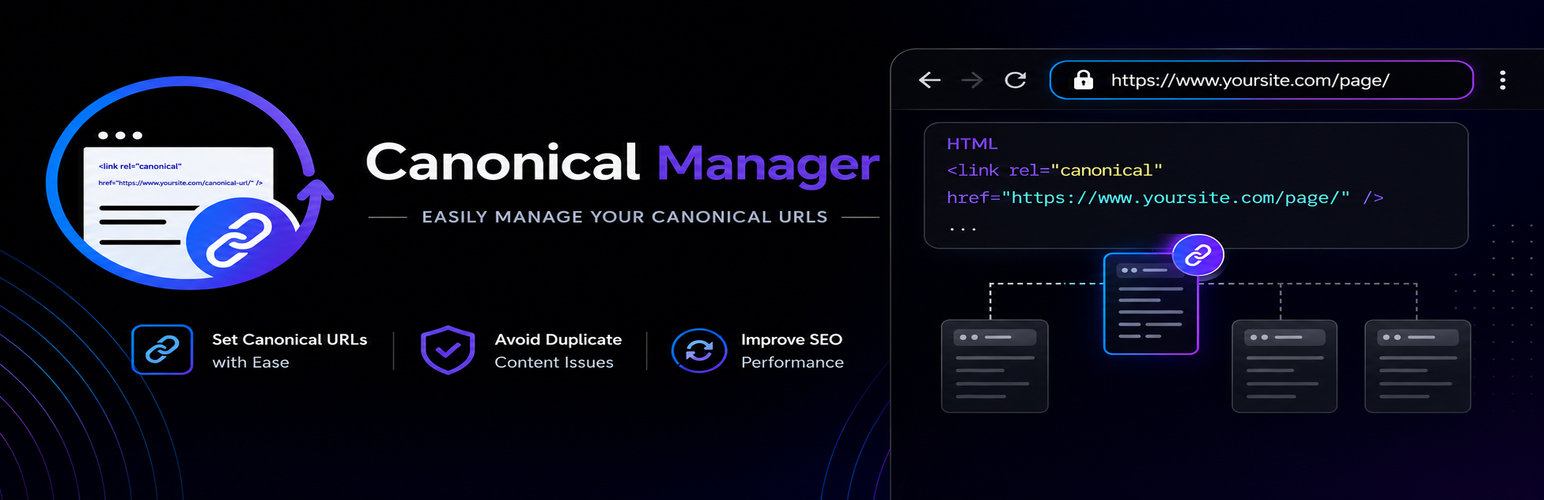
AuditySEO Canonical Manager gives you complete, granular control over the canonical URL of every page on your WordPress site: posts, pages, custom post type entries, taxonomy terms, archive pages, and even the pagination pages WordPress generates automatically.
Missing or incorrect canonical tags are one of the most common technical SEO problems on WordPress sites. They let search engines index duplicate versions of the same content, split your ranking signals across multiple URLs, and waste crawl budget on pages that should never compete for the same keywords. AuditySEO Canonical Manager fixes this at the source, so every URL on your site points search engines to the page you actually want ranked.
Free features
- Lists pages, posts, custom post types, terms and archives in a dedicated AuditySEO Canonicals admin screen.
- Shows the default canonical URL that WordPress (or your SEO plugin) would output for each item.
- Detects content pagination created with the
<!--nextpage-->tag. - Detects pagination of the posts page (
page_for_posts) based on the number of published posts andposts_per_page. - Detects pagination of taxonomy term and archive listings.
- Lets you set a custom canonical URL per item and per pagination page.
- Applies your overrides through the canonical filters of WordPress core, Rank Math and Yoast SEO.
- Rewrites the
<link rel="canonical">tag in the final HTML output as a fallback for themes, caches and plugins that print a canonical outside of those filters. - Imports and exports canonical overrides via CSV, with a dry-run preview before bulk changes are applied.
- Validates canonical URLs when you save them (HTTP status, redirects, noindex, external domain) without blocking the save, and flags the affected item with the reason until it is fixed.
- Filters the editor by status, override state and pagination.
Pro features
Upgrade to AuditySEO Canonical Manager Pro to unlock:
- History & restore – every change to a canonical override is recorded with the user and date, and can be rolled back with one click.
- Automatic canonical fixes, applied site-wide:
- Replace pagination canonicals that point to page 1 with each page’s own self-referencing URL.
- Strip tracking parameters (utm_*, gclid, fbclid, msclkid, and more).
- Strip display-variant parameters (print, amp, output, format, replytocom, and more).
- Force the canonical to always match the requested URL exactly, including its query string.
The free version is fully functional on its own and does not require the Pro upgrade to manage canonical overrides, detect pagination, validate URLs or import/export CSV files.
Installation
- Upload the
audityseo-canonical-managerfolder to the/wp-content/plugins/directory, or install the plugin through the Plugins Add New screen in WordPress. - Activate the plugin through the Plugins screen in WordPress.
- Open the AuditySEO Canonical Manager menu item to browse your content and set canonical overrides.
- Use the Import/Export tab to back up or bulk-edit canonicals via CSV.
Faq
Yes. AuditySEO Canonical Manager hooks into the canonical filters of WordPress core, Rank Math and Yoast SEO, and also rewrites the canonical tag in the final HTML as a fallback so your overrides are always respected, regardless of which SEO plugin you use.
No. The Canonical Editor and CSV Import/Export are fully free and functional on their own. The Pro version adds change history with rollback and automatic site-wide canonical fixes, and is clearly marked inside the plugin.
No. The plugin validates the URL (HTTP status, redirects, noindex, external domain) and shows a warning on the affected item, but it never blocks you from saving.
Per-item overrides are stored in post meta and term meta. Archive overrides, settings and history are stored in the options table. All of this data is removed automatically when the plugin is uninstalled.
The plugin uses the Freemius SDK to manage the optional Pro upgrade, licensing and update notifications. This is only used for account, license and update related features and follows the Freemius privacy policy. No content from your site is sent anywhere as part of the canonical editing features themselves.
Reviews
Changelog
1.0.1
- Changed: Renamed the plugin to AuditySEO Canonical Manager and updated the text domain, slug references, class names, constants, hooks, options, handles and CSS prefixes to use the audityseo_cm / AuditySEO_Canonical_Manager prefix.
- Changed: Updated the WordPress admin menu position from 3 to 50 to avoid placing the plugin above core admin menu items.
- Changed: Replaced the WordPress.org directory-style icon filename with assets/logo.png and configured Freemius to use that local logo in its screens.
- Fixed: Moved inline admin menu badge CSS from direct style output to WordPress enqueue APIs.
- Fixed: Improved sanitization for submitted canonical override arrays, entity payloads, validation notices, saved issue records, CSV import preview data and upload temp file handling.
- Fixed: Isolated premium-only history, rollback and automatic canonical settings logic behind Freemius premium-only processing, while keeping non-functional Pro placeholders, badges and upgrade notices visible in the free build.
- Fixed: Prevented the free placeholders for History & Restore and Settings from rendering functional forms or real premium data.
1.0.0
- Fix: the Account/Pricing/Contact menu items could remain hidden after activating a premium license; a stuck license-activation flag is now cleared automatically.
- Removed the internal debug logging system and debug HTML comment from the canonical tag output.
0.1.0
- Initial release: canonical editor, pagination detection, CSV import/export, save-time validation, history & restore, and automatic canonical fixes.