Aurora AI
Aurora AI
Description
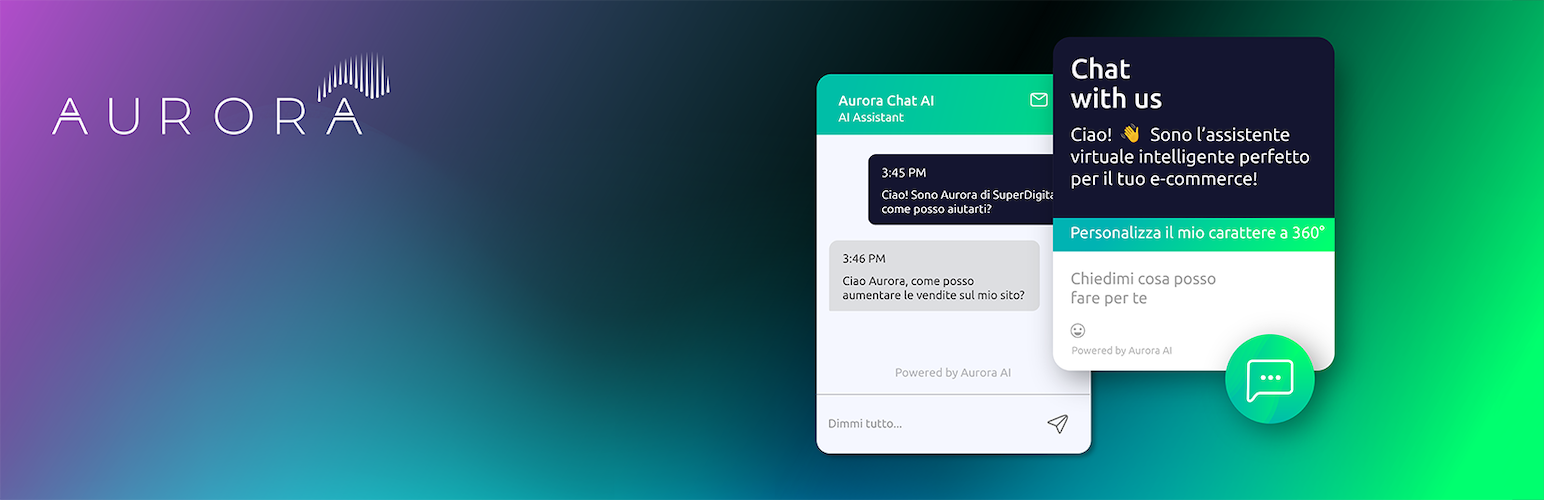
Aurora AI integrates an AI-powered chatbot into your website. This plugin provides an easy way for website owners to manage interactions with users via AI.
This plugin relies on an external service provided by Aurora AI (https://www.itsaurora.ai).
The plugin connects to the Aurora AI platform to embed the chatbot on your website. By using this plugin, you agree to Aurora AI’s Terms of Service and Privacy Policy.
Installation
- Upload the
aurora-aifolder to the/wp-content/plugins/directory. - Activate the plugin through the ‘Plugins’ menu in WordPress.
- Configure the plugin by adding your chatbot ID in the settings page under “Aurora AI”.
Faq
You can get your chatbot ID from the Aurora AI dashboard after configuring your chatbot.
Reviews
Changelog
1.1.1
- Minor improvements.
1.1
- Updated chat window height for better user experience
- Improved z-index for better compatibility with various websites
- Added scrollbar detection to automatically adjust button size
- Enhanced message handling for better performance
1.0
- Initial release of the plugin.