Avacy CMP
Avacy CMP
Description
Avacy CMP connects your WordPress site to Avacy, a Consent Management Platform (CMP). You need an Avacy account: the plugin does not work on its own.
The plugin does four things.
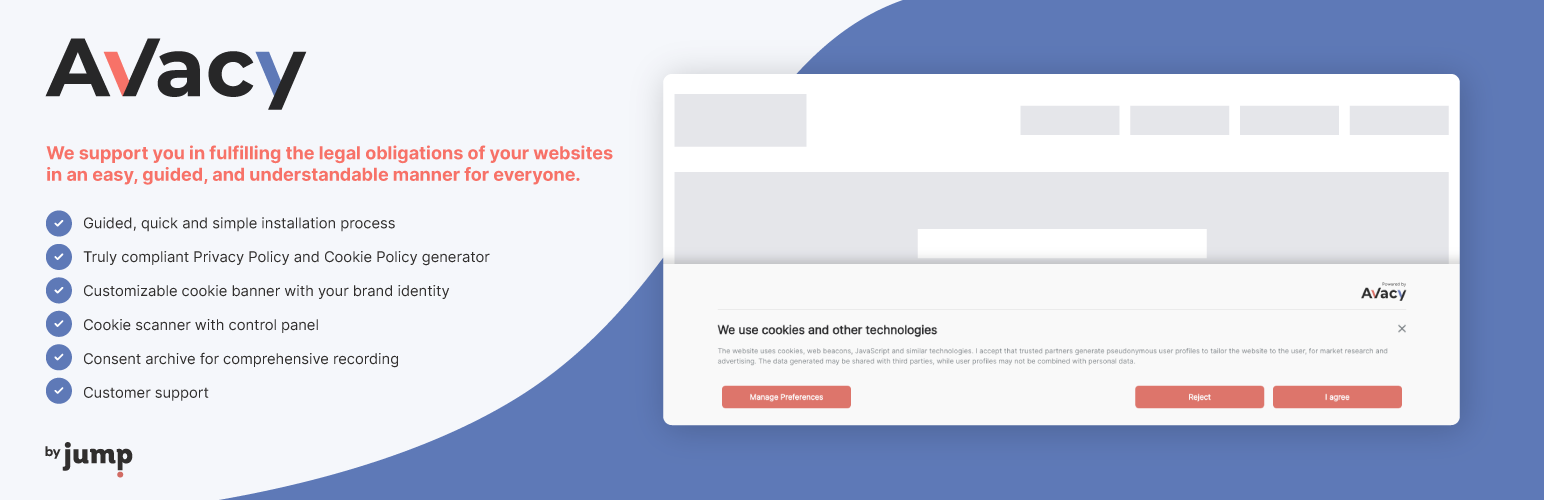
Cookie banner. It shows the Avacy cookie banner on your site. The banner version (v2 or v3) is the one set on your webspace in Avacy, and the plugin follows it. The banner is designed and published in Avacy, not in WordPress.
Preemptive block. It can block the scripts of your vendors until the visitor gives consent. The rules come from the vendor list you manage in Avacy. The plugin keeps a local copy of that list, refreshed every 6 hours. You can also refresh it with a button in the settings page. A script that matches a vendor (by its src or by its inline code) is held back, and it runs only after the visitor consents to that vendor and its purposes.
Consent archive for forms. It can send to the Avacy consent archive the consents given through your forms. For each form you choose, in the settings page:
- the “Save” switch, which turns the sending on or off for that form;
- the fields to send;
- the field that identifies the user.
Supported forms: Contact Form 7, WPForms, Elementor Forms (Elementor Pro), HTML Forms and the WooCommerce checkout. To use the archive you need an Access Key, which you create in the consent archive section of Avacy.
WP Consent API. When the WP Consent API plugin is active, Avacy registers itself as a compliant CMP, sets the optin consent type, and passes the banner choices to wp_set_consent. Google Consent Mode flags are mapped to WP Consent API categories like this:
functional: always allowed;preferences:personalization_storage;statisticsandstatistics-anonymous:analytics_storage;marketing: any ofad_storage,ad_user_data,ad_personalization.
The integration does nothing when WP Consent API is not installed.
External services
This plugin connects to two services run by Avacy (Jump Group). Both are needed for the plugin to work.
Avacy CDN
Address: https://{team}.avacy-cdn.com, where {team} is your Avacy team name. The domain can be changed by Avacy, which communicates it to the plugin.
- Banner. When the banner is shown, the browser of each visitor loads the banner script and its settings and texts from the CDN. The visitor’s browser sends its normal request data (for example the IP address) to the CDN.
- Vendor list. When the preemptive block is on, your site downloads the list of vendors to block from the CDN. The request carries your team name and webspace key in the address. It happens about every 6 hours, when you press the refresh button, when you change the webspace key, and when you save the settings for the first time with the block on. No visitor data is sent.
Avacy API
Address: https://api.avacy.eu.
- Settings. When an administrator opens or saves the Avacy settings page, the plugin sends your team name and webspace key to check them. If an Access Key is set, it sends the Access Key too. The answer tells the plugin which banner version and which CDN domain to use.
- Form consents. When a visitor submits a form whose “Save” switch is on, and an Access Key is set, the plugin sends to Avacy: the visitor’s IP address, the consent type, whether consent was given, the values of the fields you selected, the identifier field you chose, the legal documents linked to the form (for example privacy policy and cookie policy), the source (“plugin”) and the HTML of the form as proof. The Access Key is sent as authorization.
- Banner consents. If the consent archive is on for your webspace in Avacy, the banner sends each choice of a visitor to the archive: the choice made and, after the first one, the id of the previous record. The request comes from the visitor’s browser, so it also carries the visitor’s IP address. Nothing is sent when the archive is off.
Avacy terms of use: https://avacysolution.com/termini-e-condizioni/
Avacy privacy policy: https://api.avacy.eu/jumpgroup/privacypolicy/14/en
Installation
- In your WordPress admin, go to Plugins > Add New, search for “Avacy CMP”, then click Install Now and Activate. You can also upload the plugin ZIP file, or copy the
avacyfolder to/wp-content/plugins/, and activate it from the Plugins menu. - Open the “Avacy CMP” item in the admin menu.
- Enter your Avacy team name and the webspace key. You find the key at the end of the webspace configuration in Avacy, or in the webspace settings under “Avacy integration on your webspace”.
- Click Save. The plugin checks the data with Avacy and shows a confirmation.
- In the “Cookie banner” tab, turn on “Show the cookie banner on the website”.
- Optional: in the “Preemptive Block” tab, turn on the block and save.
- Optional: in the “Consent Archive” tab, enter the Access Key created in Avacy, save, and choose which forms to send.
If you do not have an Avacy account yet, you can create one at https://avacy.eu/registration.
Screenshots

Guided, quick and simple installation process in Avacy.

Customizable cookie banner with your brand identity.

Cookie scanner with control panel.

Customer support.

Everything under control in the web space dashboard.

All your web spaces together in one Team.
Faq
Yes. The plugin shows a banner and applies rules that you create in Avacy. Without an account, and without the team name and the webspace key, it does nothing.
In Avacy, not in WordPress. The settings page has a link to the banner section of your webspace.
Check these points, in order:
- The Access Key is set in the “Consent Archive” tab and is valid.
- The “Save” switch of that form is on. A form with the switch off sends nothing. Updating to 1.4.0 does not turn the switches on for you.
- At least one field of the form is selected.
- The form is one of the supported ones.
Contact Form 7, WPForms, Elementor Forms (Elementor Pro), HTML Forms and the WooCommerce checkout.
No download happens when a page is viewed. The plugin reads a local copy of the vendor list, which is refreshed in the background about every 6 hours. If Avacy is not reachable, the site keeps working with the last copy. The page is scanned for matching scripts before it is sent to the browser.
About every 6 hours, when you press “Refresh the vendor list”, and when you change the webspace key. The settings page shows when it was last updated.
Only scripts that match a vendor in your list. Data blocks, such as application/ld+json, are never touched.
Yes. If the WP Consent API plugin is active, the integration turns on by itself. You do not need to configure anything.
They are two versions of the Avacy banner. Avacy decides which one your webspace uses, and the plugin loads that one. Keep the plugin up to date, so it is ready when Avacy moves your webspace to v3.
Reviews
Ottimo plugin
By 
Davvero un'ottima soluzione: facile da installare e configurare, è l'ideale per adeguarsi facilmente alla cookie law e GDPR. Consigliatissimo!
Changelog
1.4.1
The settings page now uses the same names as Avacy: “Access Key” and “Consent Archive”.
- The key that connects the consent archive is now called “Access Key”, as in Avacy. The key you already saved keeps working: nothing to do.
- The “Consent Solution” tab is now “Consent Archive”.
- The link in the “Consent Archive” tab opens the Access Key page of Avacy directly.
1.4.0
Support for the new Avacy cookie banner, and a faster, more reliable preemptive block.
- Important: after updating, turn on the “Save” switch of every form whose consents you want to keep sending to Avacy. Forms with the switch off no longer send their consents. You find the switch in the “Consent Archive” tab of the settings page.
- Ready for the new Avacy banner: the plugin loads the version your webspace is set to. Update the plugin before Avacy switches your webspace over.
- Faster pages: the vendor list is kept on your site and refreshed every six hours, so an Avacy outage no longer reaches your visitors.
- More reliable preemptive block: it no longer breaks structured data or modern scripts, and a new webspace key takes effect at once.
- The settings page shows the banner version in use and when the blocking rules were last updated, with a button to update them now.
- Fixes: your credentials are no longer cleared when Avacy is briefly unreachable; uploads from Media no longer end up in the wrong year/month folder; no more fatal error on WordPress 5.3–5.8 with PHP 7.4; no more Contact Form 7 notices in the debug log.
- Security hardening.
- Tested up to WordPress 7.1.
1.3.1
Verified and extended compatibility testing up to WordPress 7.0 (Playwright/Playground e2e suite plus manual wp-env QA against WordPress 7.0.1, PHP 8.2 — no errors, warnings or deprecation notices found).
1.3.0
Integrate WP Consent API: when the WP Consent API plugin is active, Avacy auto-registers as a compliant CMP, forces optin consent type and bridges the banner avacy_consent event to wp_set_consent via a small JS adapter. Google Consent Mode flags are mapped to WP Consent API categories (personalization_storage preferences, analytics_storage statistics + statistics-anonymous, ad_* marketing, functional always allow). No admin UI: the integration stays dormant when the WP Consent API plugin is not installed.
Older versions are listed in the file changelog.md inside the plugin.