bSlider – Create Responsive Image, Post, Product, and Video Sliders

bSlider – Create Responsive Image, Post, Product, and Video Sliders
Description
Create responsive sliders for images, posts, WooCommerce products, and videos with multiple layouts, animations, and customization options in WordPress. Design and display carousels, grids, and thumbnail sliders directly in the block editor with simple block and shortcode support.
bSlider | Documentation | Pricing | Support | Demo
bSlider makes it easy to build engaging sliders without coding. Choose from smooth transitions like fade, slide, or flip, and customize titles, buttons, indicators, and arrows. Add slides quickly, reorder them with drag-and-drop, and adjust settings per device for fully responsive layouts.
You can use bSlider for product showcases, portfolios, testimonials, or hero sections. It works with any WordPress theme. You can add sliders using the Gutenberg block or place them anywhere with a shortcode.
Key Features – Free Version
- Shortcode Support – Insert sliders anywhere on your site, even outside Gutenberg, using shortcodes.
- Unlimited Slides: Create as many slides as you need for products, portfolios, or content highlights.
- Easy Slide Management: Quickly duplicate or remove slides for faster editing and organization.
- Customizable Content Styles: Style titles and descriptions with flexible typography and design controls.
- Navigation Buttons: Add left and right arrows with customizable size, color, and border radius.
- Slide Indicators: Choose from different styles and positions to help users navigate easily.
- Autoplay Controls: Turn autoplay on or off, set custom duration, and adjust timing per slide.
- Hover Pause: Pause the slider when users hover, improving interactivity and focus.
- Overlay Colors: Add color overlays on slides for better contrast and text visibility.
- Slide Animations: Apply smooth transitions like fade, slide, or flip to catch attention.
- Content Positioning: Align text and elements at the default or middle area of the slide.
- Arrow Styling: Customize arrow size, height, width, border, and color to match your theme.
- Carousel Layout: Create looping, autoplay carousels with horizontal or vertical direction.
- Grid Layout: Display sliders in responsive grids with adjustable column and row gaps.
- Thumbnails Layout: Add thumbnail navigation with overlay, autoplay, and border options.
- Post Slider Options: Query posts by category or tag, show excerpts, and limit content length.
- WooCommerce Slider: Highlight products with content length and excerpt display controls.
- Video Slider Options: Enable popup playback with repeat, mute, autoplay, reset, or hide controls.
- Basic Video Controls: Show a large play button and restart option for easier interaction.
- Gutenberg Block: Add sliders directly in the block editor with full customization.
- Custom Slider Height: Easily define and set the perfect height for your sliders.
- Dynamic Indicators: Fully customize indicator types, positioning, and direction (Horizontal or Vertical).
- Carousel Enhancements: Toggle visibility for Navigation Arrows and Pagination Indicators with a single click.
- Grid Flexibility: Set items per page and choose your preferred pagination style (Standard Button or Load More).
- Post Per Page: Control the exact density of your content.
- Advanced Sorting: Organize content by specific criteria (Order By) and direction (ASC/DESC).
- Post Offset: Skip specific posts to create unique layouts and avoid duplication.
- Playback Settings: New options for Auto-play, Loop/Repeat, and Muted starts.
- Comprehensive Player Controls: Empower users with a full suite of controls including Play/Pause, Mute, Rewind/Fast-Forward, and real-time displays for Progress, Current Time, and Duration.
bSlider Pro – Unlock Premium Features
bSlider Pro gives you more design power and control. Add advanced effects, flexible layouts, and interactive options to create engaging, professional sliders.
What’s New in the Pro Version?
- Custom HTML Wrapper Tags: Options to use specific tags like h1-h6 for better structure and SEO.
- Slider Transition Effects: Professional animation effects for seamless slide transitions.
- Left/Right Inner Gap: Customizable internal spacing between slider items.
- Dual Slide Direction: Support for both horizontal and vertical movement paths.
- Custom Arrow Styles: Unique navigation arrow designs to match your branding.
- Slide on Mouse Wheel: Ability to navigate through slides using the mouse scroll wheel.
- Arrow Follow Mouse: Interactive navigation arrows that dynamically follow the cursor.
- Slide on Mouse Drag: Smooth drag-to-slide functionality for a tactile user experience.
- Lazy Load Enable: Optimizes performance by deferring the loading of offscreen images.
- Move From Edge: Precise control over the spacing of content from the slider edges.
- Video Reset On End: Automatically restarts videos from the beginning once they finish.
- Video Auto Hide Controls: Automatically hides playback UI during periods of inactivity.
- Advanced Video Tools: Includes Mute, PIP (Picture-in-Picture), AirPlay, Download, and Fullscreen.
- Pagination Position: Flexible alignment for pagination buttons within grid layouts.
- Include/Exclude Posts & Products: Manually select exactly which items to display or hide.
- Exclude Current Post: Prevents the post being currently viewed from appearing in the feed.
- Grab Cursor Interaction: Displays a “grab” icon to improve carousel usability.
- Thumbnail Direction & Navigation: Controls for thumbnail flow and dedicated navigation arrows.
- Thumbnail Styling: Custom settings for thumbnail position, dimensions, borders, and color overlays.
- Box Model Controls: Full management of Margin, Padding, Border, and Border Radius.
- Advanced Typography: Comprehensive styling for fonts, sizes, and text behavior.
- Interactive Color States: Set specific colors for both standard and hover states.
- Animation Timing: Granular control over animation duration and start delays.
- Clickable CTA Buttons: Add custom button labels and URLs directly into slide content.
- Smart Link Behavior: Option to open button links in a new browser tab automatically.
- Advanced Carousel Styles: Create unique carousels with ticker, grid, and 3D effects.
Upgrade to Pro to unlock all premium features.
How to Use bSlider – Quick Start Guide
Getting started is easy!
Follow these steps:
Step-by-Step Setup
- Go to Plugins Add New.
- Search for bSlider.
- Click Install Now, then Activate.
- In the block editor, add the bSlider block, choose a slider type and layout, configure settings, and publish.
- Or insert the provided shortcode anywhere to show your slider.
Enjoy smooth, responsive sliders on your site!
Live Demo | Try the Pro Version
- For installation help click on Installation Tab
User Feedback
⭐⭐⭐⭐⭐ Super easy to use, and responsive support
❛❛Been very happy with our pro purchase. Did have a few issues, but the developer is very responsive and supports this plugin well.!❜❜
⭐⭐⭐⭐⭐ Just what I needed
❛❛Even better than some premium blocks!❜❜
⭐⭐⭐⭐⭐ easy-to-use page image + dynamic text configuration plug-in
❛❛Hello:
Gutenberg’s simple and easy-to-use page image + dynamic text configuration plug-in look terrific!
Thank you!❜❜
⭐⭐⭐⭐⭐ Excelente plugin
❛❛Very easy to use!❜❜
– Did you like this plugin? Dislike it? Have a feature request? Please share your feedback with us
Check out our other WordPress Plugins
- HTML5 Audio Player – Best audio player plugin for WordPress.
- PDF Poster – A fully-featured PDF Viewer Plugin for WordPress.
- StreamCast – A fully-featured Radio Player Plugin for WordPress.
- 3D Viewer – Display interactive 3D models on the webs.
Source Code
You can find the source code, report bugs, and contribute to the development of this plugin on our GitHub repository:
BSlider on GitHub
Third-Party Libraries
This plugin bundles the following third-party JavaScript/PHP libraries.
Bootstrap
- Source: https://getbootstrap.com/
- GitHub: https://github.com/twbs/bootstrap
- License: MIT – https://github.com/twbs/bootstrap/blob/main/LICENSE
- Purpose: Provides responsive carousel/slider functionality, grid layout, and UI components used in the slider interface.
Plyr
- Source: https://plyr.io/
- GitHub: https://github.com/sampotts/plyr
- License: MIT – https://github.com/sampotts/plyr/blob/master/LICENSE.md
- Purpose: A simple, accessible HTML5 media player used for video slide playback with customizable controls.
LazyLoad
- Source: https://github.com/verlok/vanilla-lazyload
- GitHub: https://github.com/verlok/vanilla-lazyload
- License: MIT – https://github.com/verlok/vanilla-lazyload/blob/master/LICENSE
- Purpose: Enables lazy loading of slide images to improve page performance by deferring off-screen image loading.
Font Awesome
- Source: https://fontawesome.com/
- GitHub: https://github.com/FortAwesome/Font-Awesome
- License: SIL OFL 1.1 (Fonts), MIT (CSS) – https://fontawesome.com/license/free
- Purpose: Provides scalable vector icons used for slider navigation arrows and UI elements.
bpl-tools
- Source / GitHub: https://github.com/bPlugins/bpl-tools
- License: GPL-2.0-or-later – https://www.gnu.org/licenses/gpl-2.0.html
- Purpose: Shared utility library providing admin dashboard components and common Gutenberg editor controls.
- External Services: The library may connect to bPlugins, WordPress.org, and Freemius services for product data and checkout functionality. See full details: https://github.com/bPlugins/bpl-tools#external-requests–why-they-are-made
Freemius Lite SDK
- Source: https://bplugins.com/
- GitHub: https://github.com/bPlugins/freemius-lite-sdk
- License: GPL-2.0-or-later – https://www.gnu.org/licenses/gpl-2.0.html
- Purpose: Provides an opt-in consent form for usage tracking and analytics to help improve the plugin. No data is sent before explicit user consent.
- External Services: Communicates with
api.bplugins.com(activation events) andwp.freemius.com(opt-in processing) only after user opt-in. See bPlugins Privacy Policy and Freemius Privacy Policy.
External Link (Placeholder Image)
- Source: https://bblockswp.com/wp-content/demo/img/green-hill.jpg
- Source: https://templates.bplugins.com/wp-content/uploads/2025/02/n-39.jpg
- Source: https://templates.bplugins.com/wp-content/uploads/2025/02/n-37.jpg
- Purpose: This image is hosted on our own server and is strictly used as a fallback/dummy placeholder in the editor preview when a user has not yet selected or uploaded their own image content. It is not loaded on the frontend for site visitors.
Installation
From Gutenberg Editor:
- Go to the WordPress Block/Gutenberg Editor
- Search For b-Slider Block
- Click on the b-Slider Block to add the block
Download & Upload:
- Download the b-Slider plugin (.zip file)
- In your admin area, go to the Plugins menu and click on Add New
- Click on Upload Plugin and choose the
b-slider.zipfile and click on Install Now - Activate the plugin and Enjoy!
Manually:
- Download and upload the b-Slider Block plugin to the
/wp-content/plugins/directory - Activate the plugin through the Plugins menu in WordPress
Screenshots
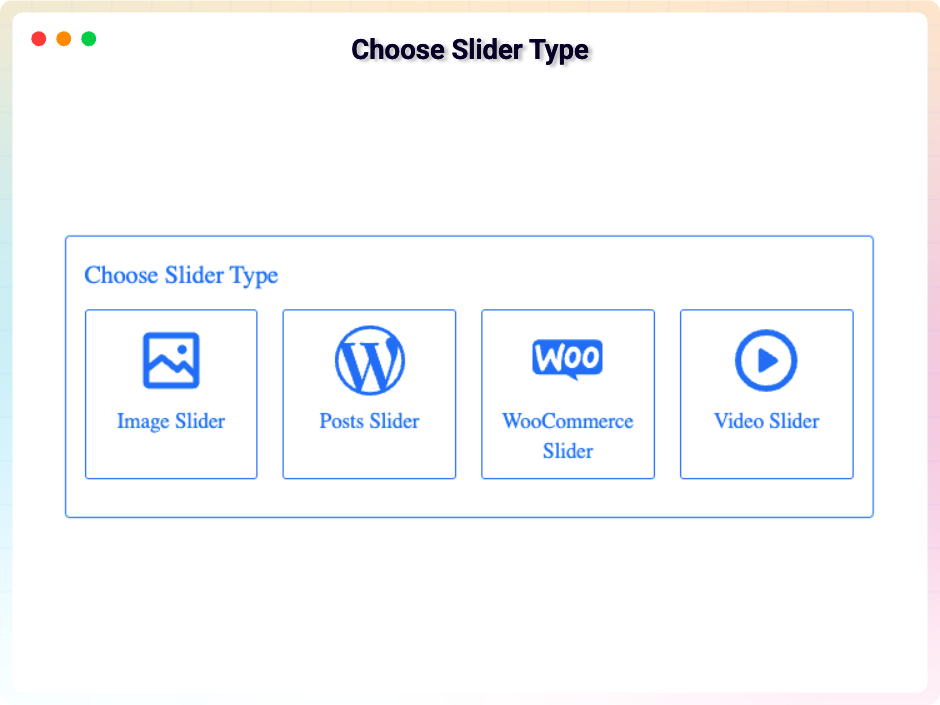
Choose Source Type
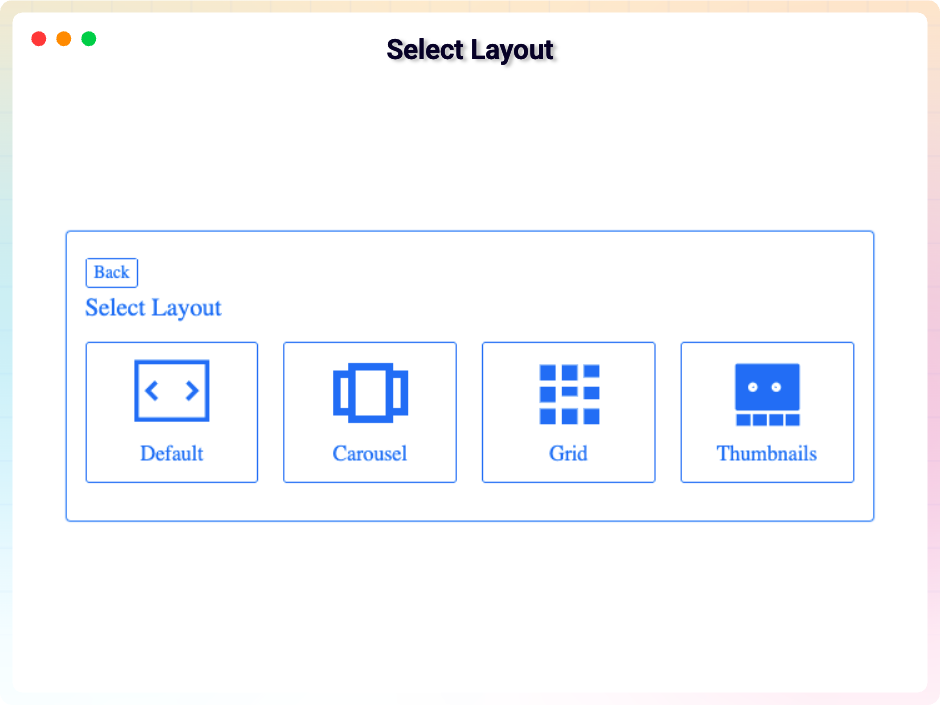
Select Layout Type
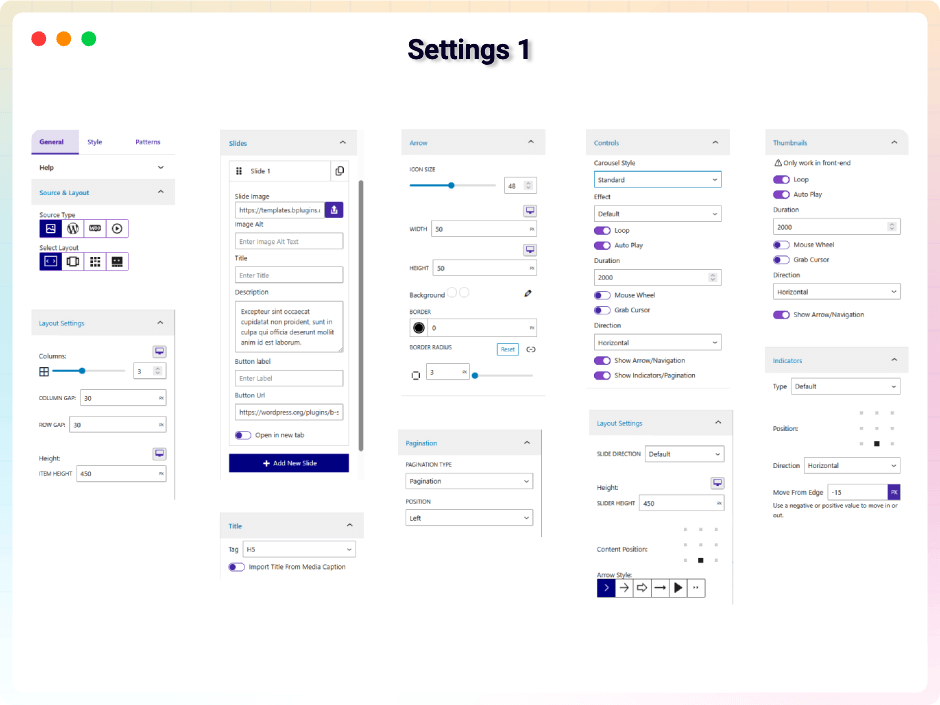
Settings 1
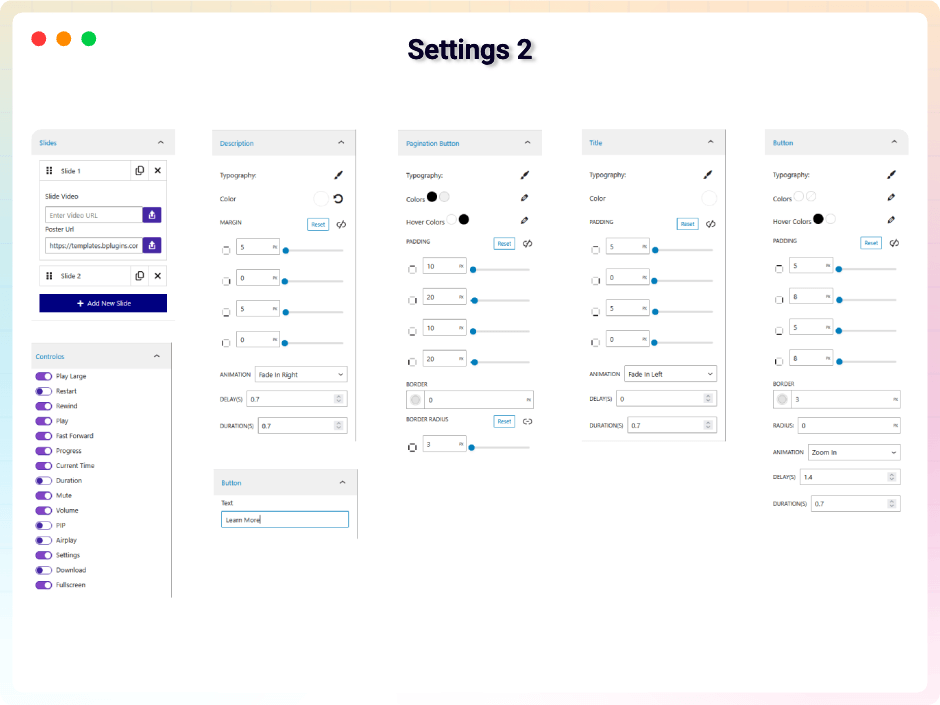
Settings 2
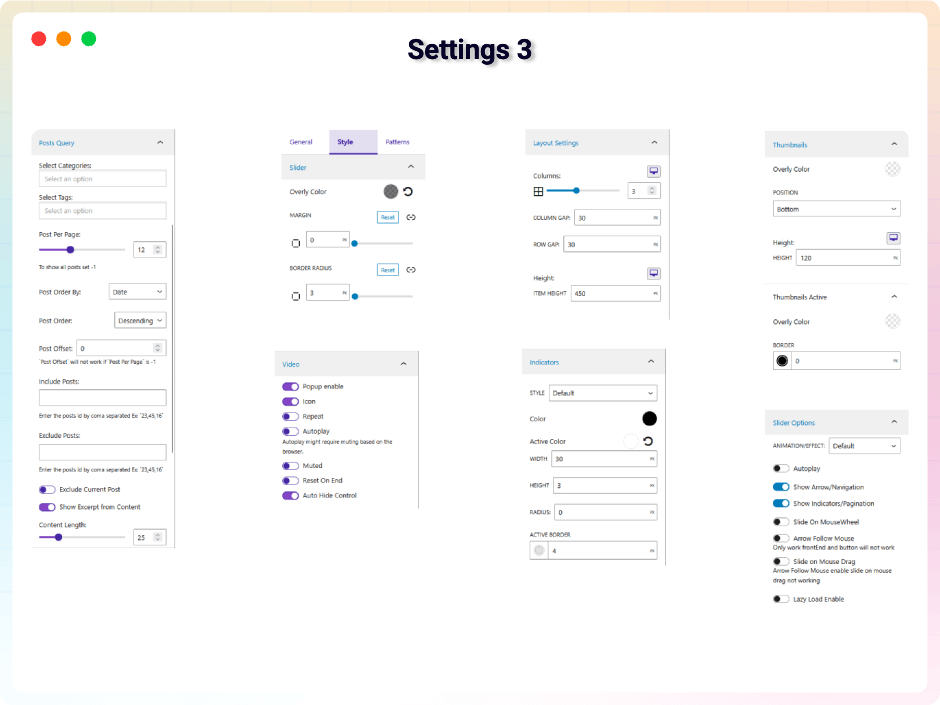
Settings 3
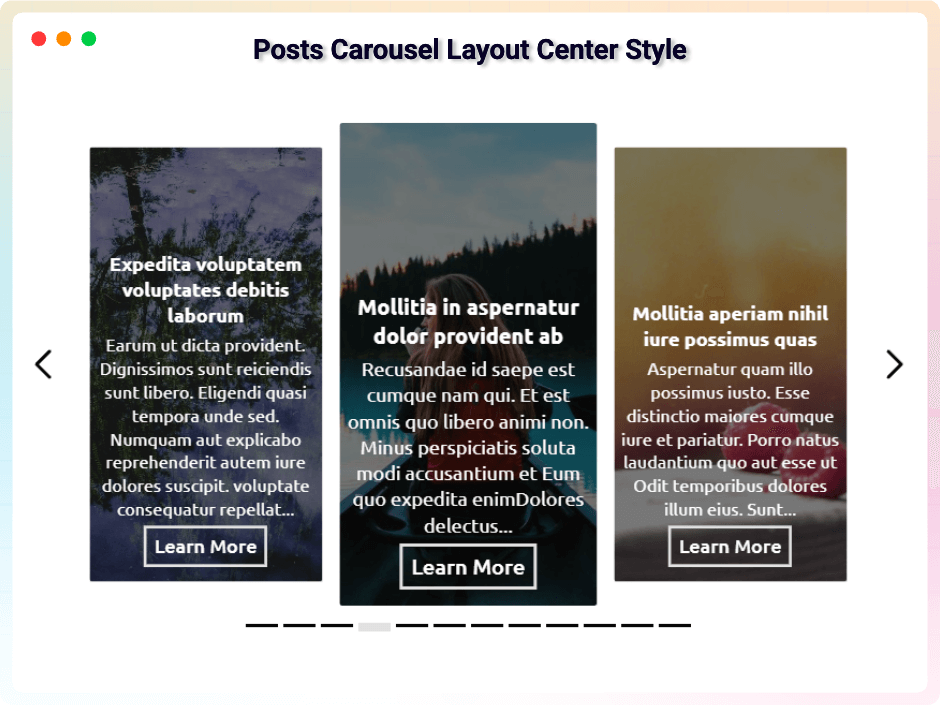
Posts Carousel Layout Center Style
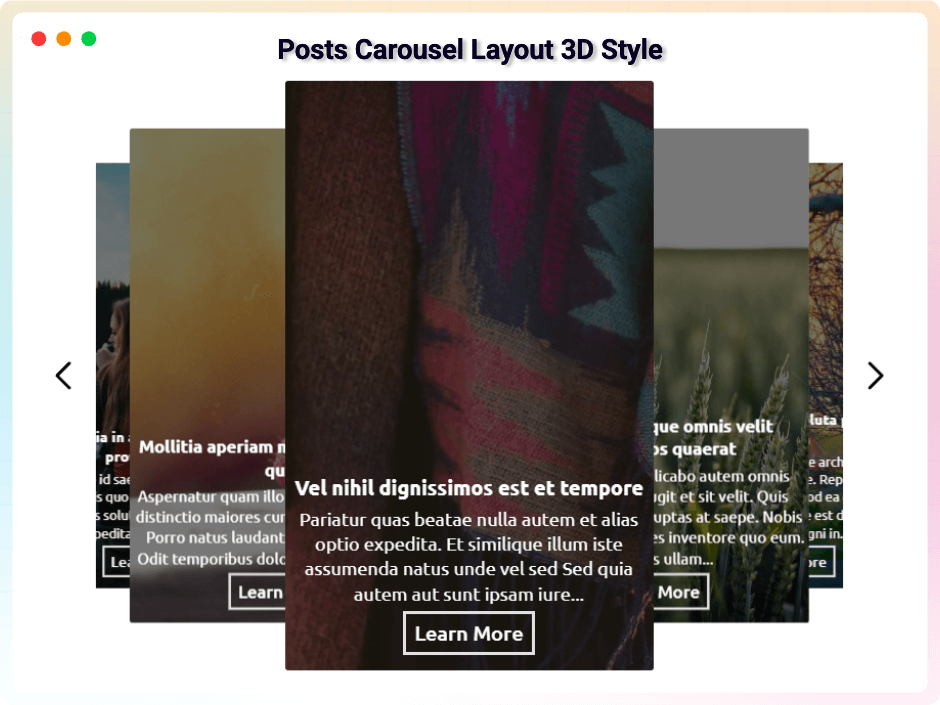
Posts Carousel Layout 3D Style
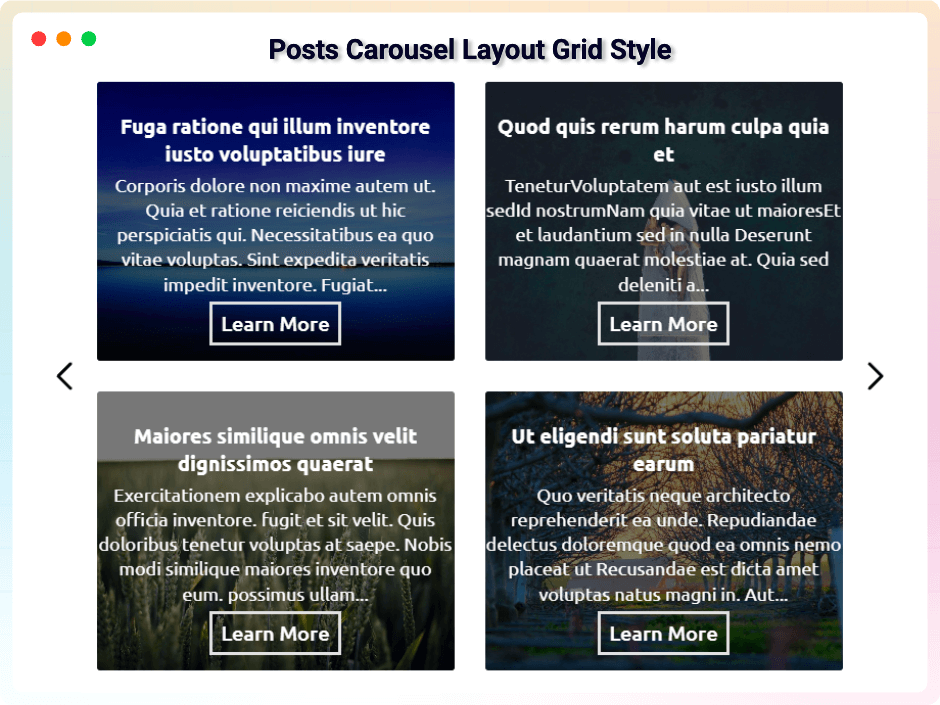
Posts Carousel Layout grid Style
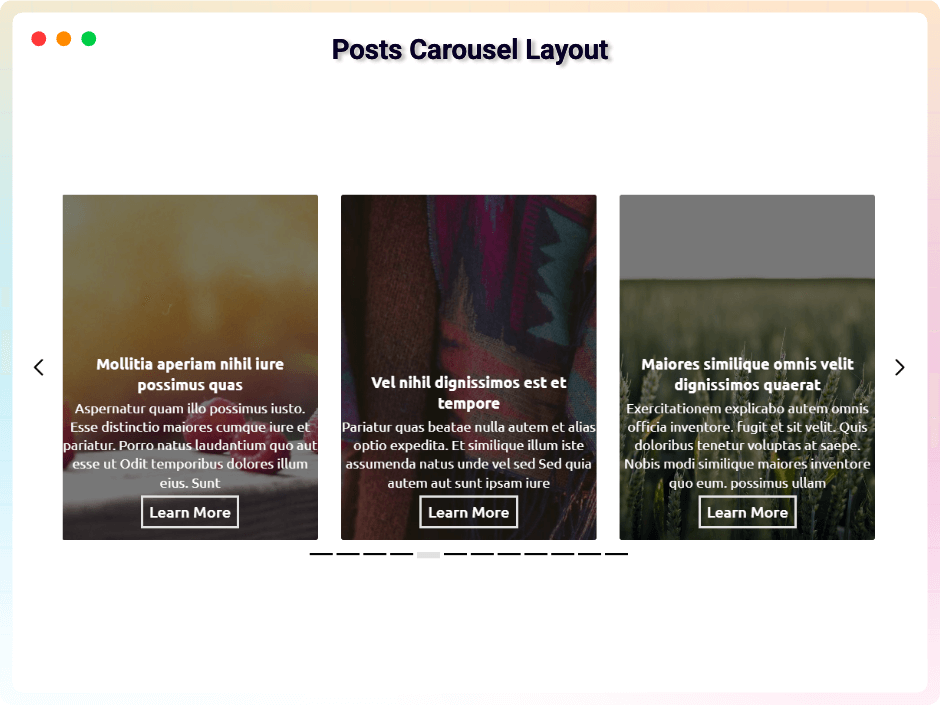
Posts Carousel Layout
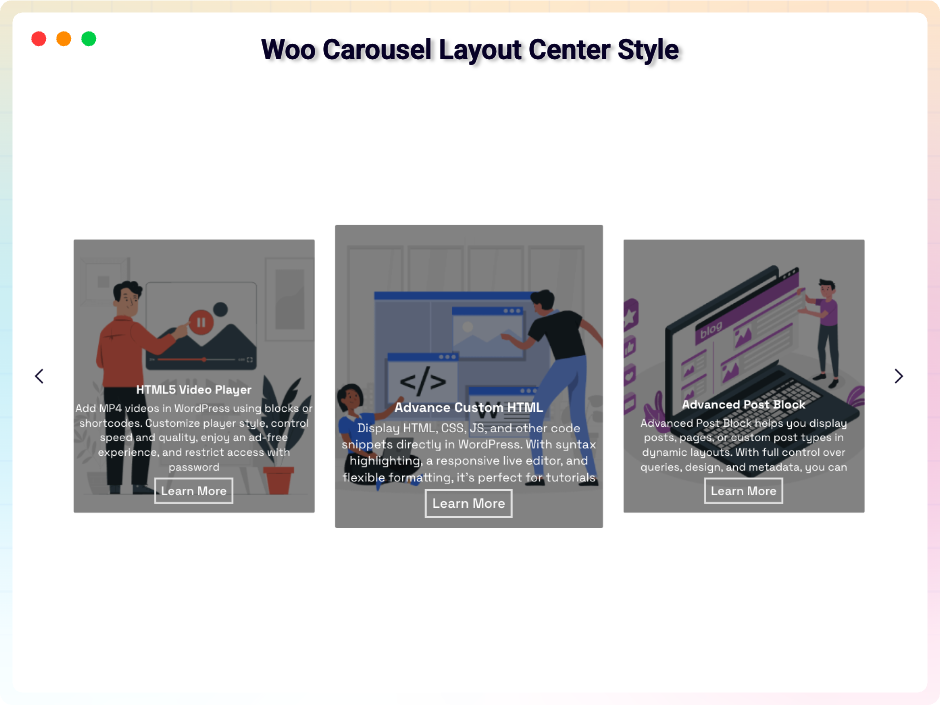
Woo Carousel Layout Center Style
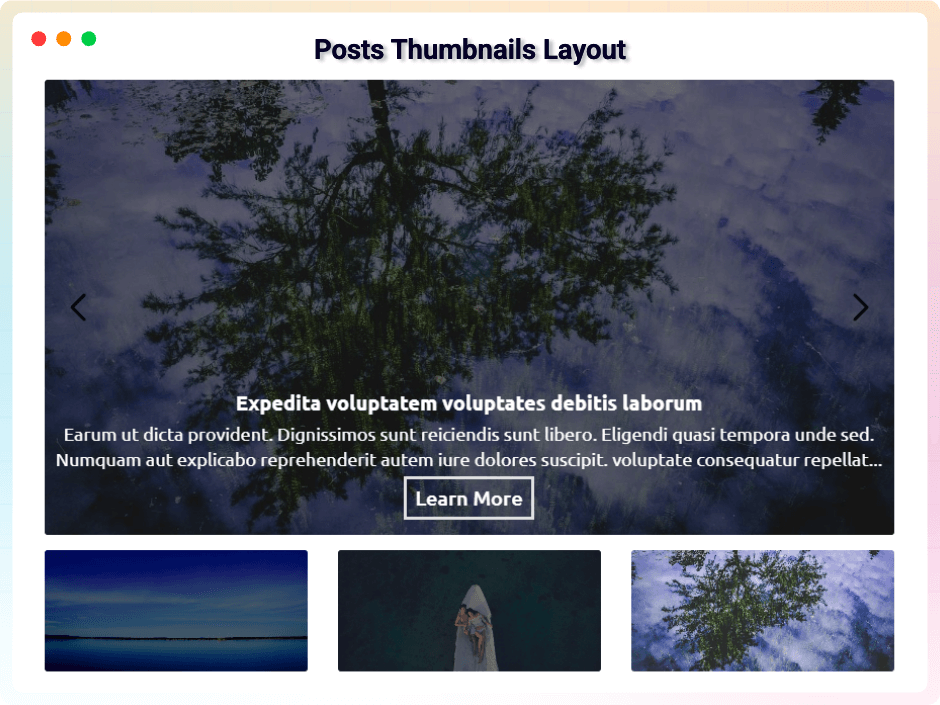
Post Thumbnails Layout
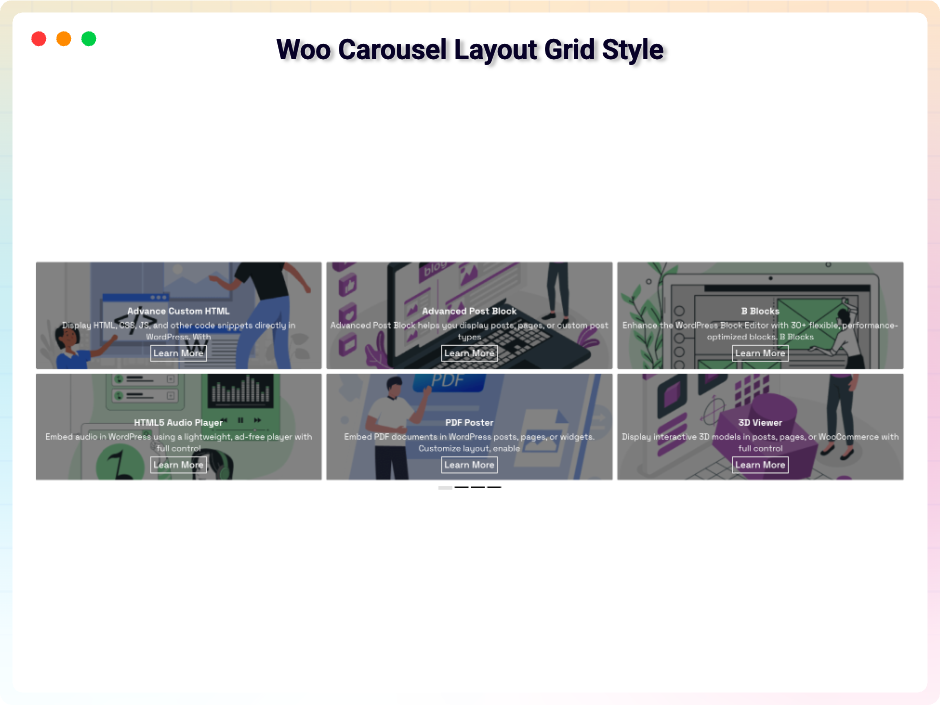
Woo Carousel Layout Grid Style
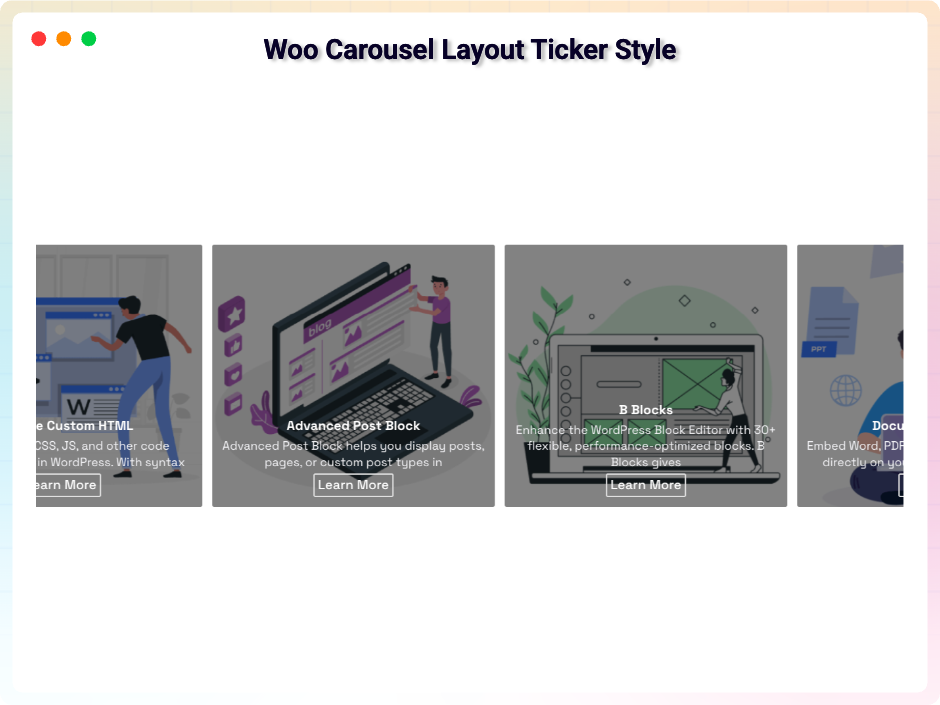
Woo Carousel Layout Ticker Style
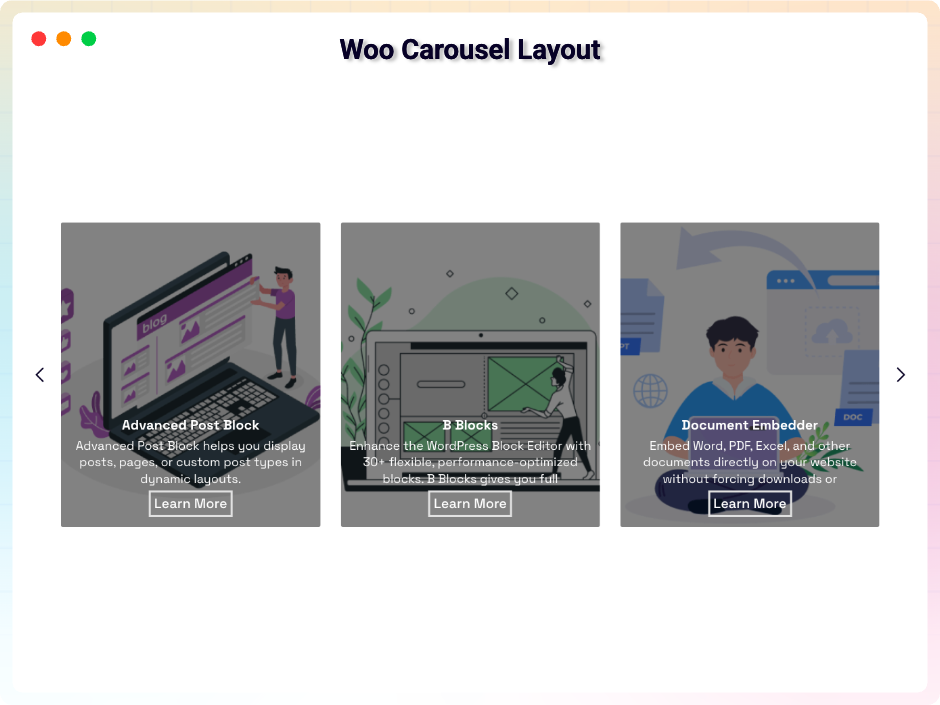
Woo Carousel Layout
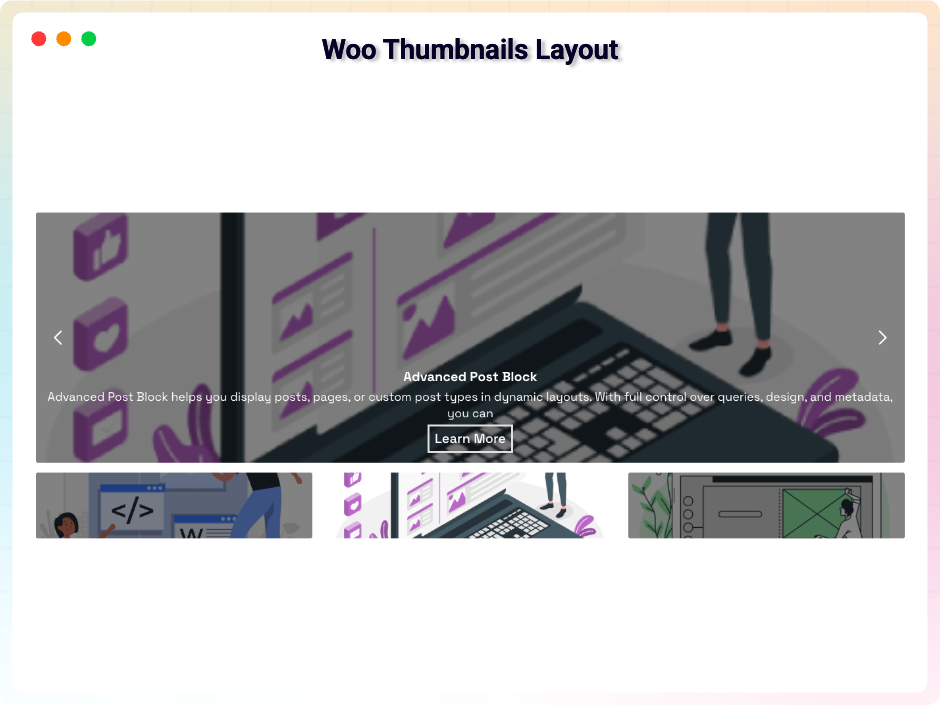
Woo Thumbnails Layout
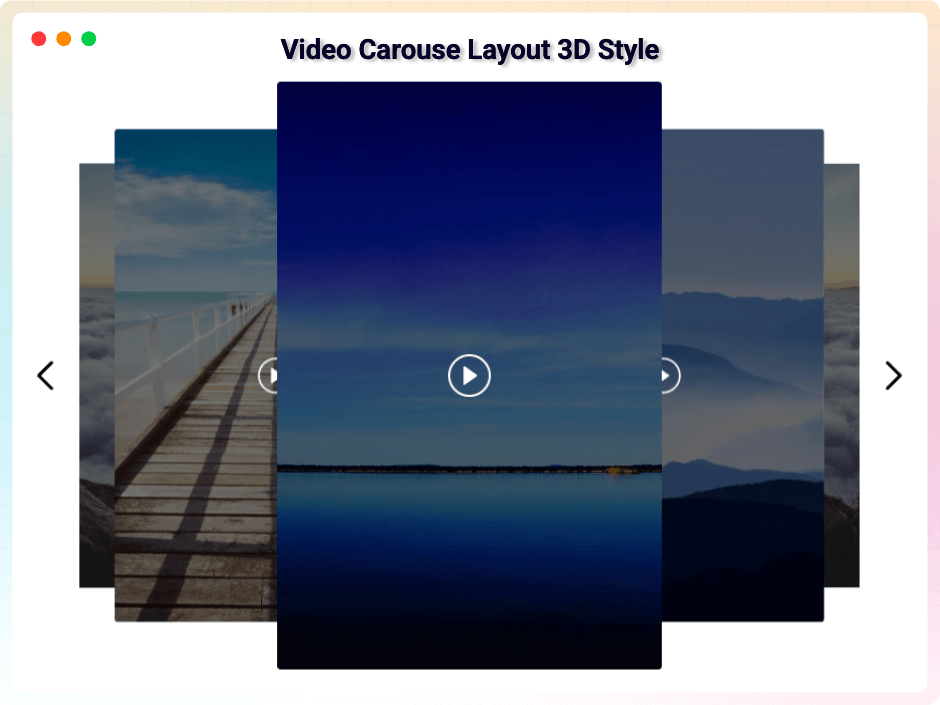
Video Carousel Layout 3D Style
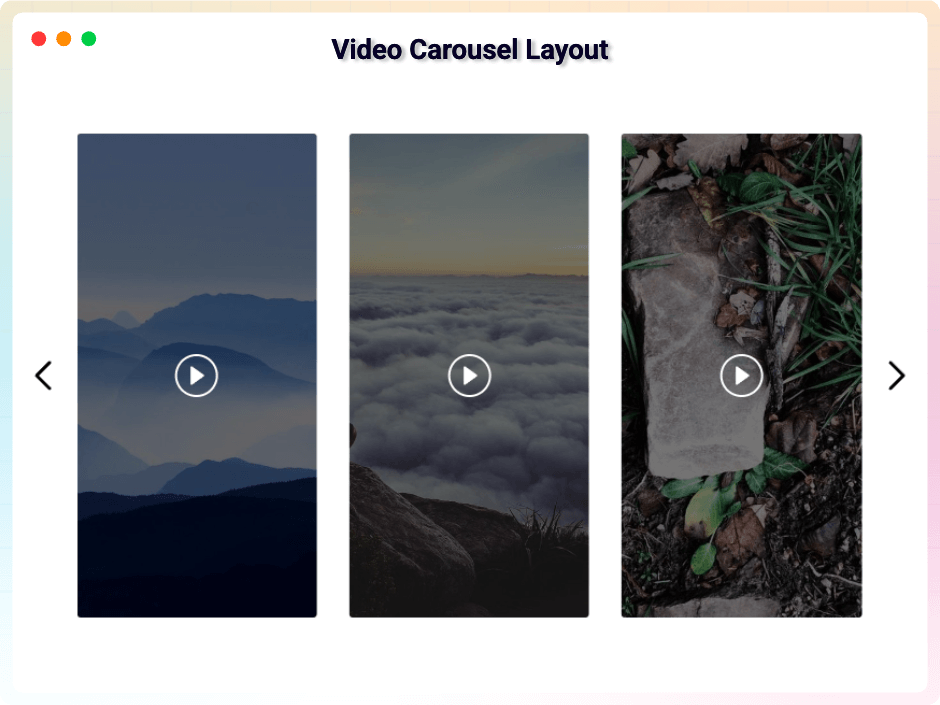
Video Carousel Layout
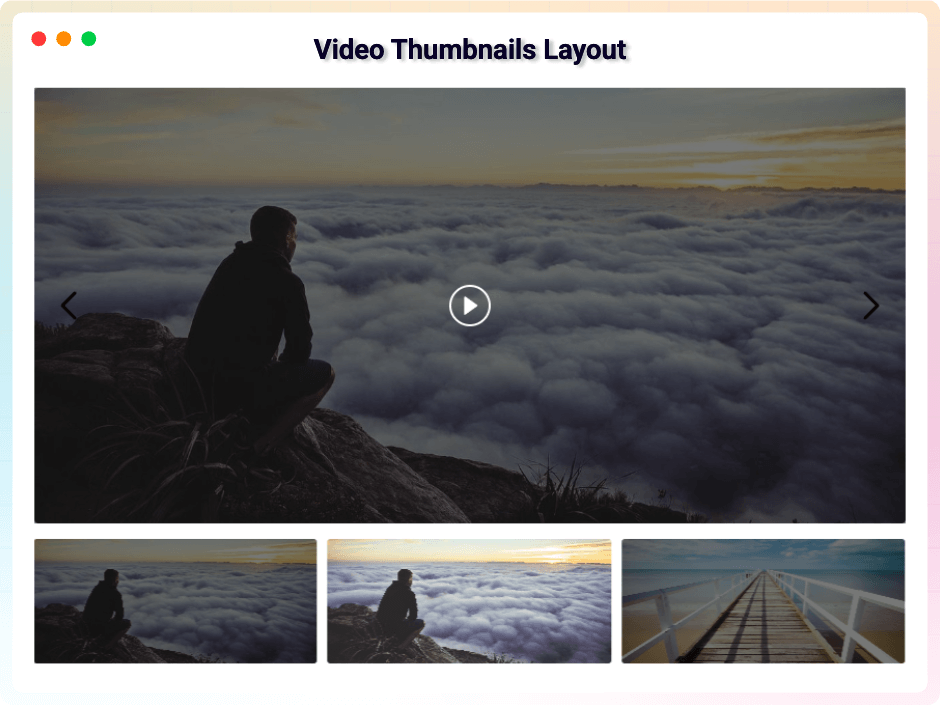
Video Thumbnails Layout
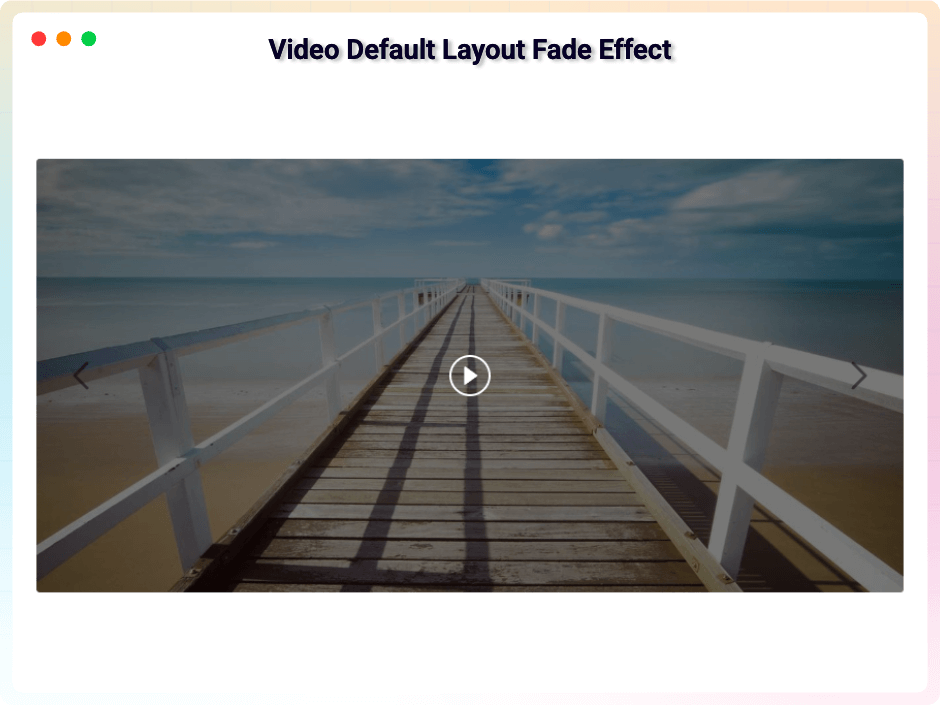
Video Default Layout Fade Effect
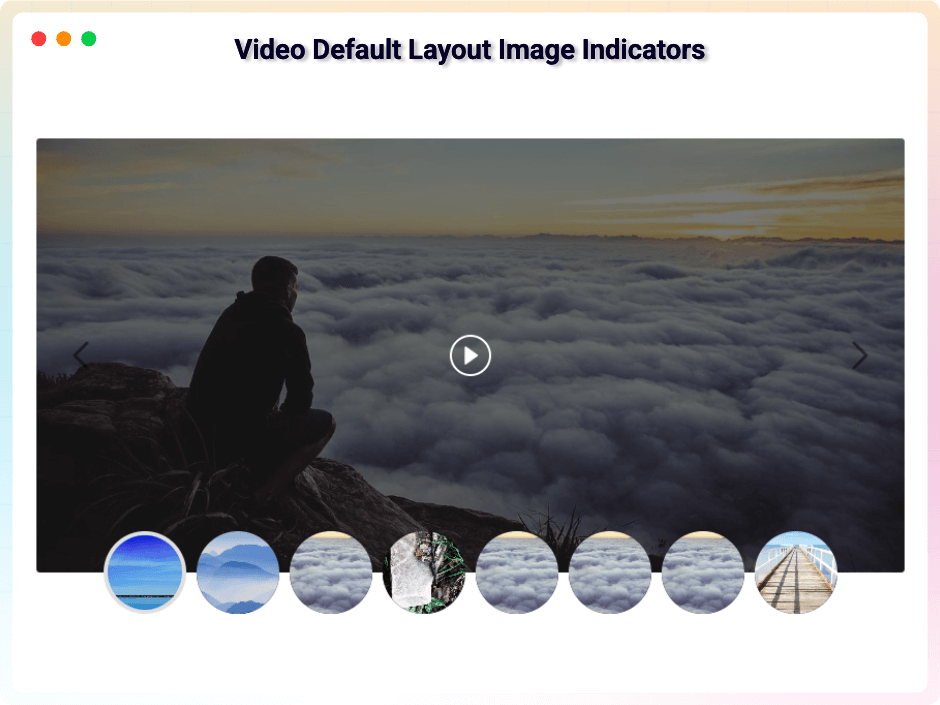
Video Default Layout Image Indicators
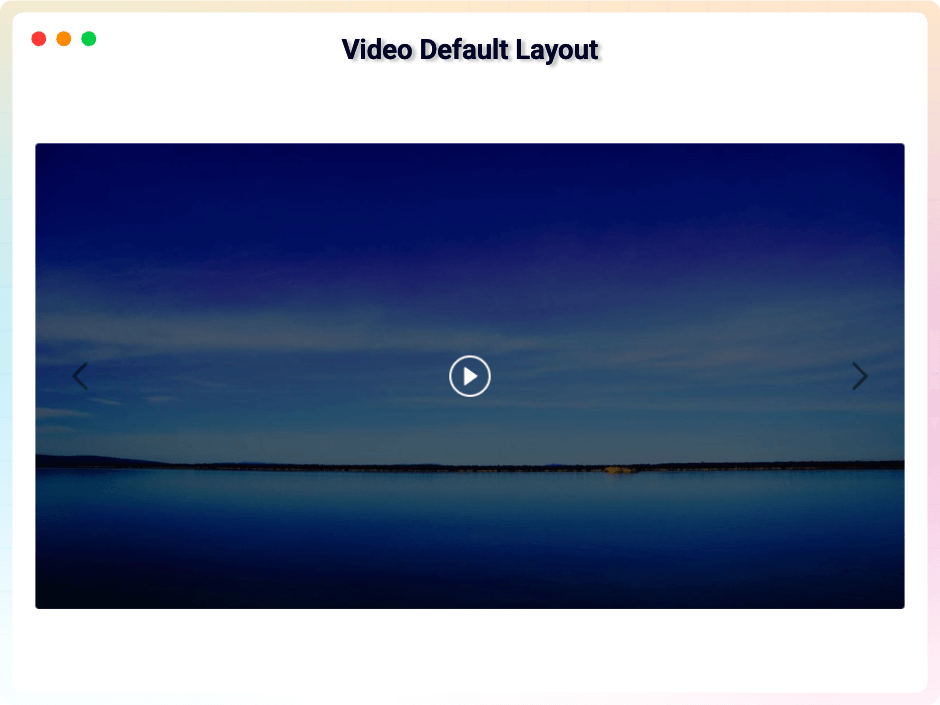
Video Default Layout
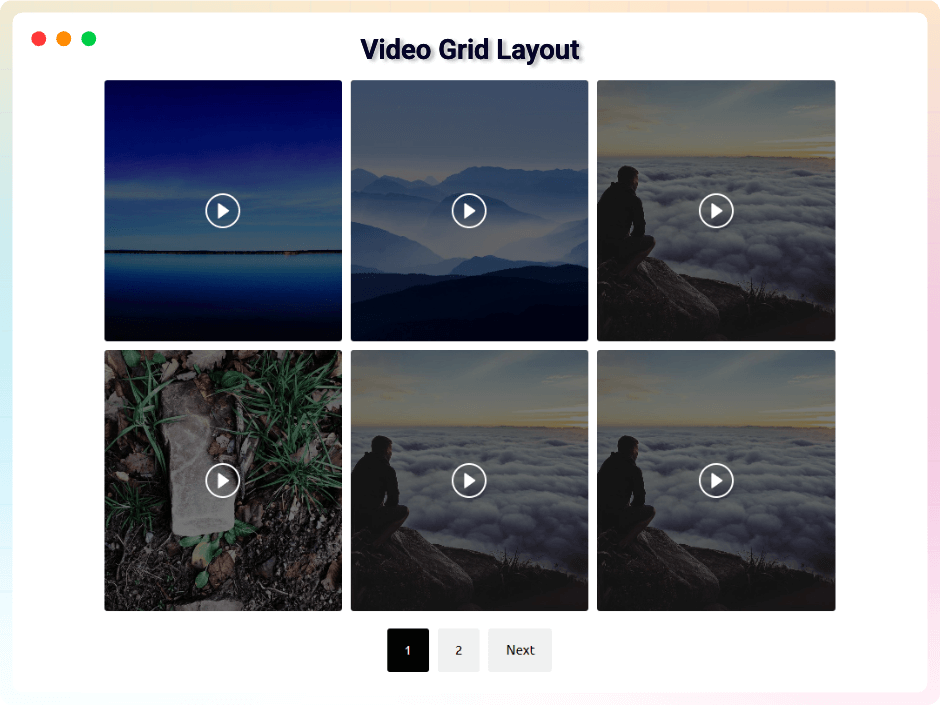
Video Grid layout
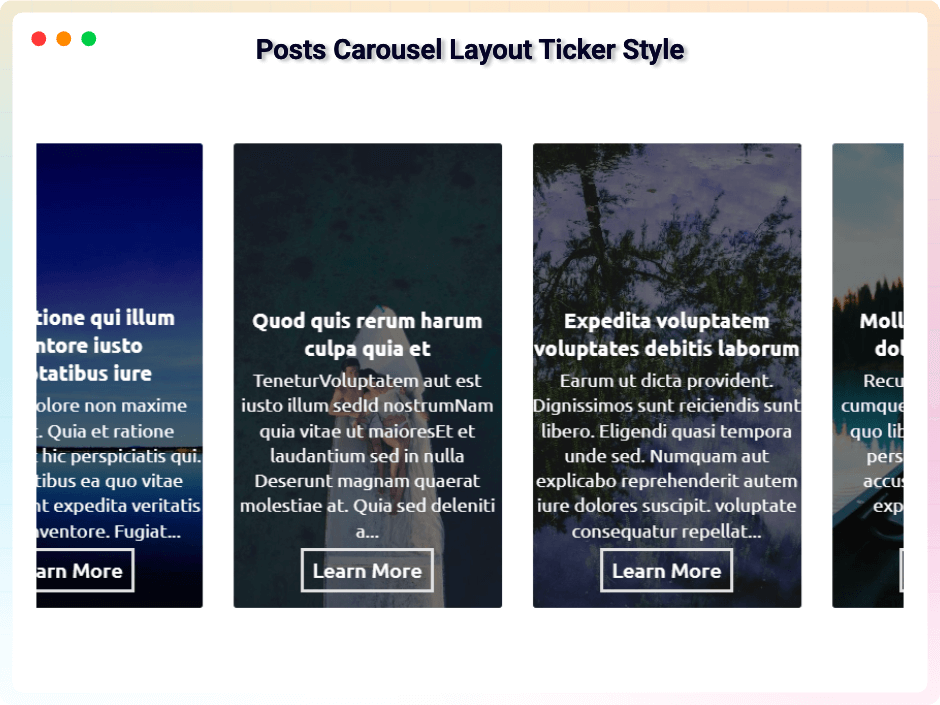
Posts Carousel Layout Ticker Style
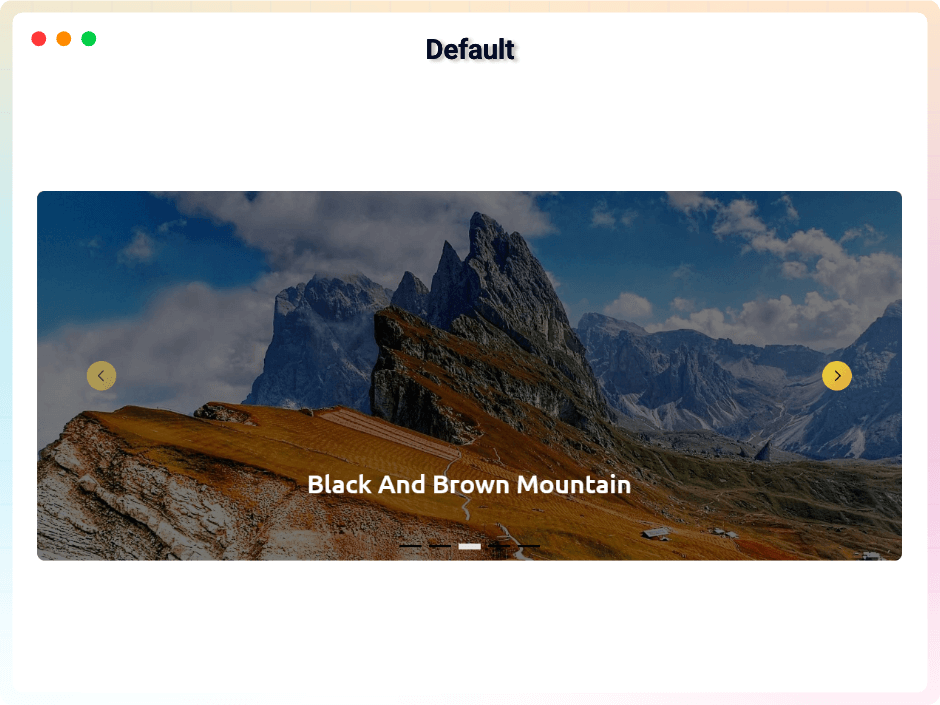
Default
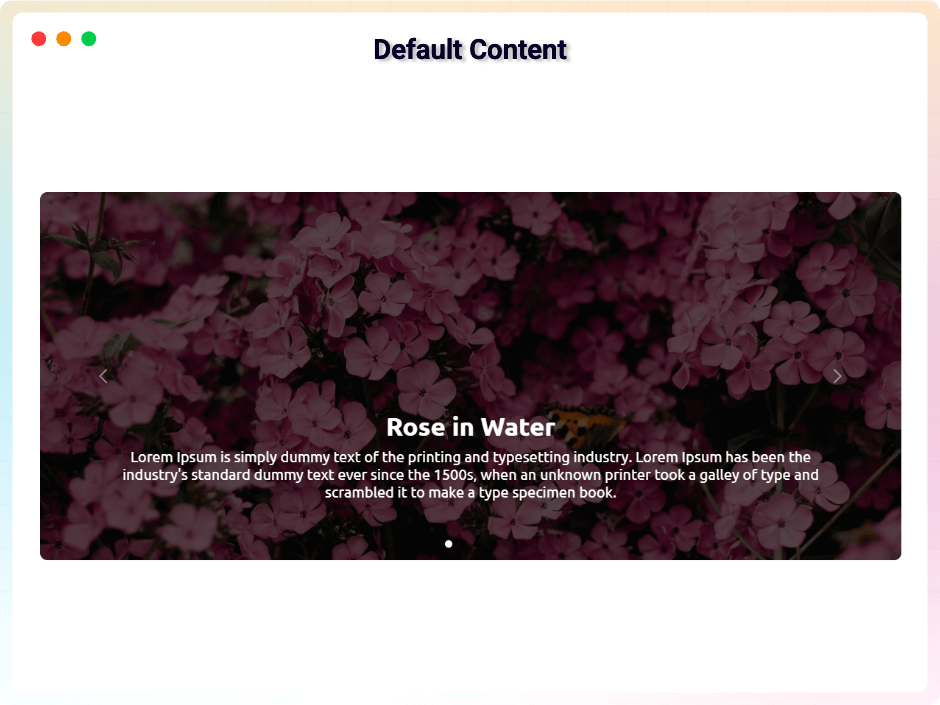
Default Content
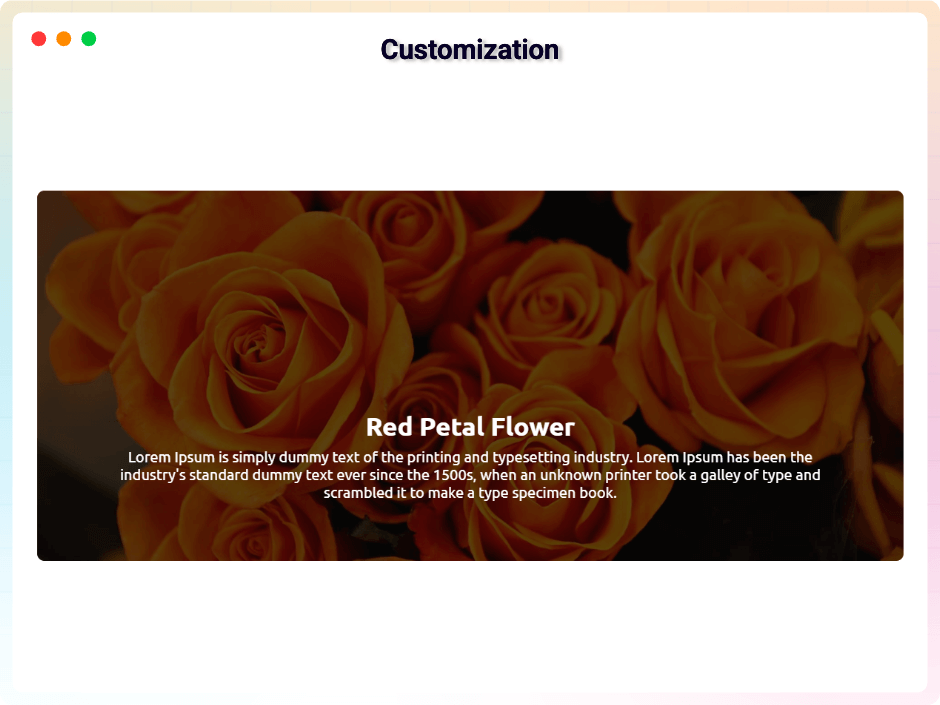
Customization
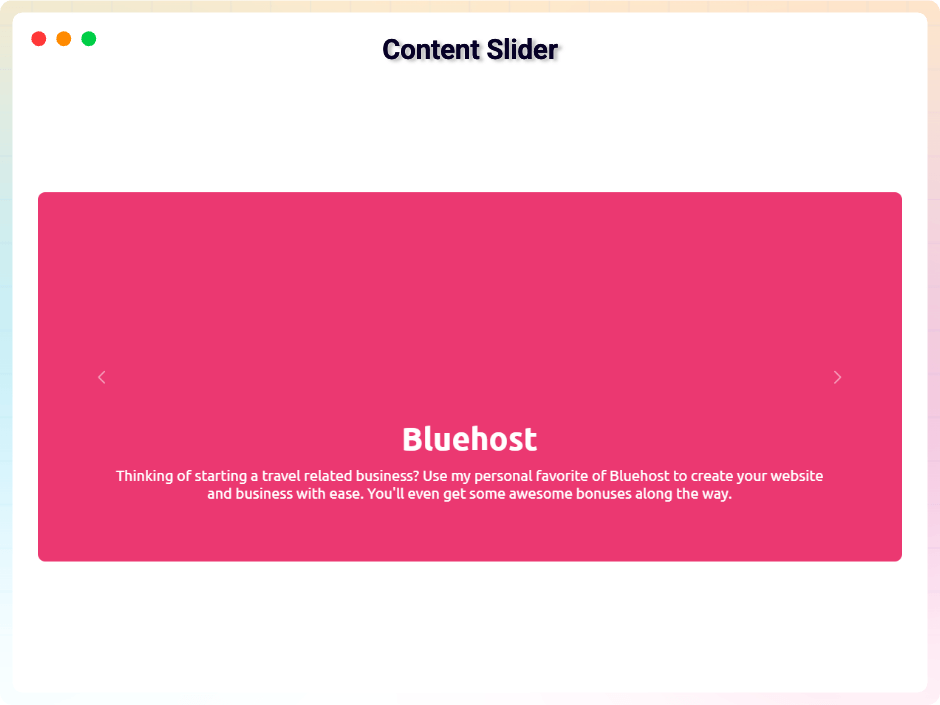
Content Slider
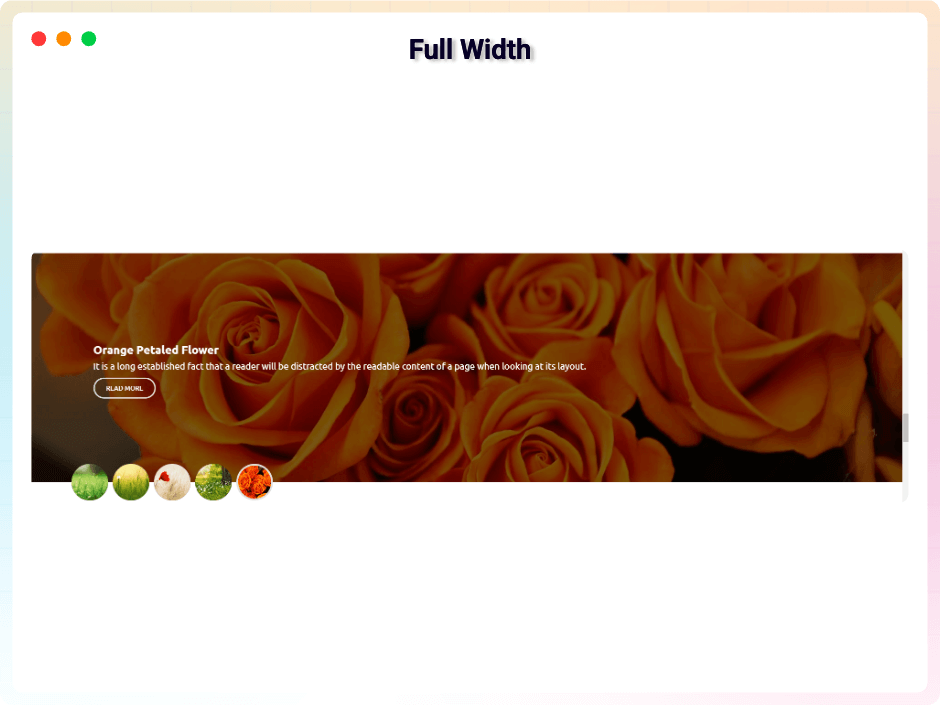
Full Width
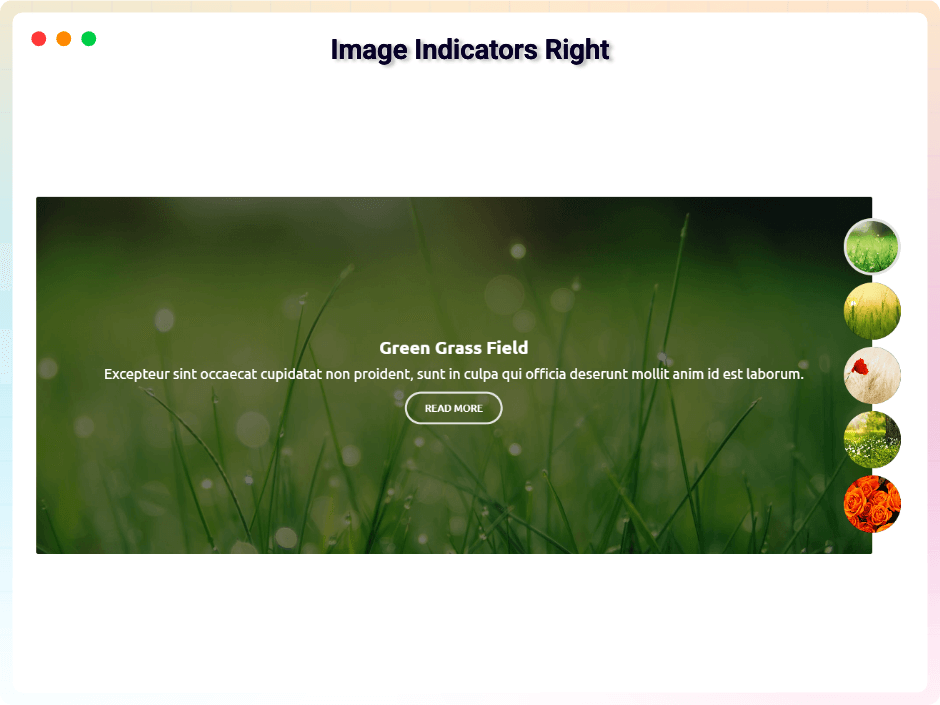
Image Indicator Right
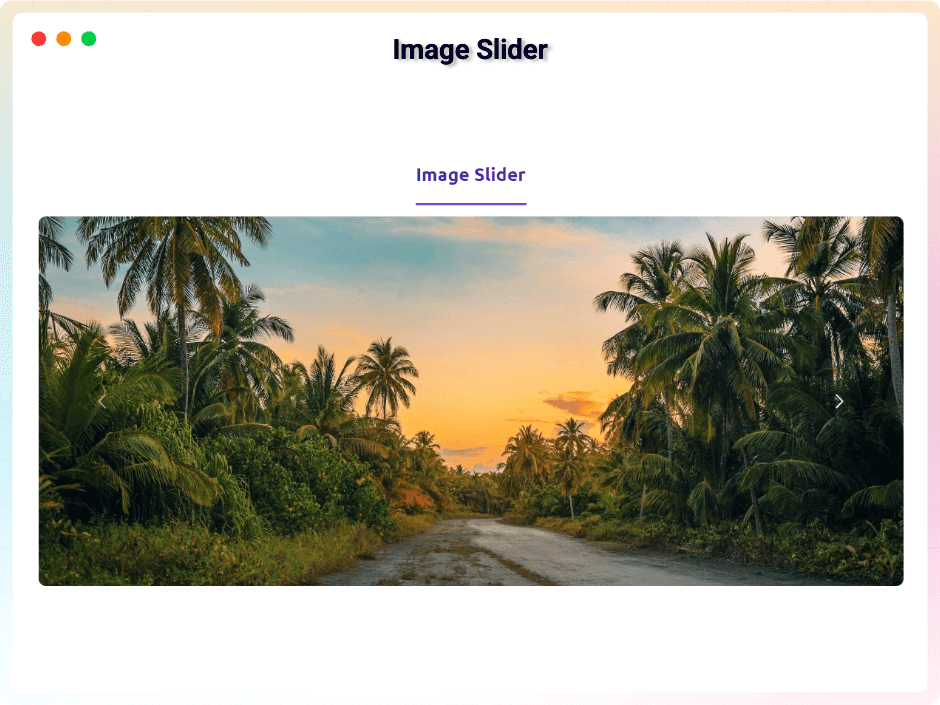
Image Slider
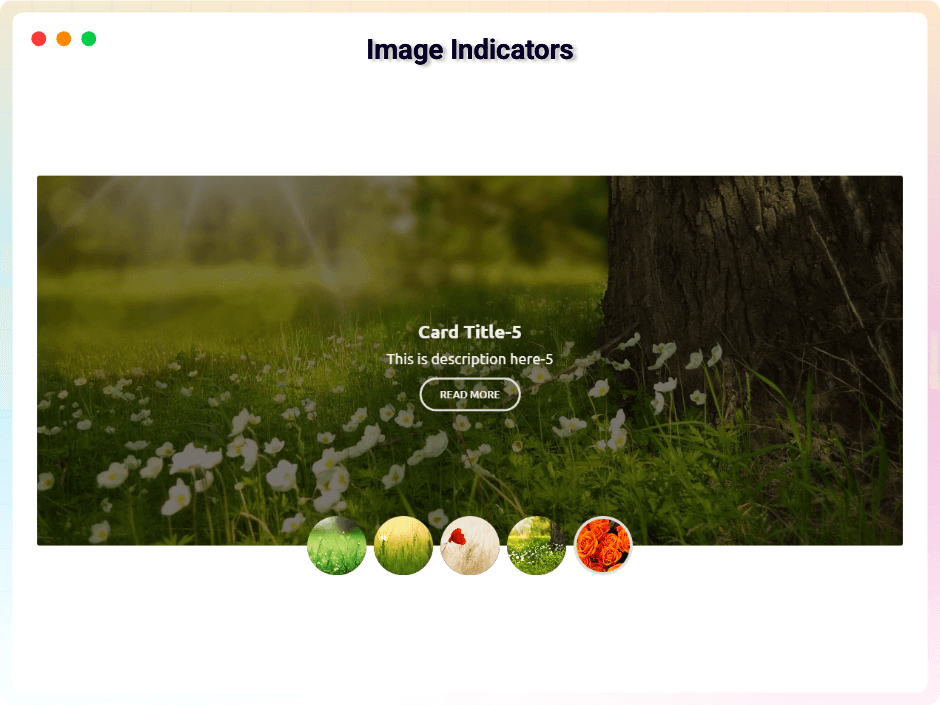
Image Indicators
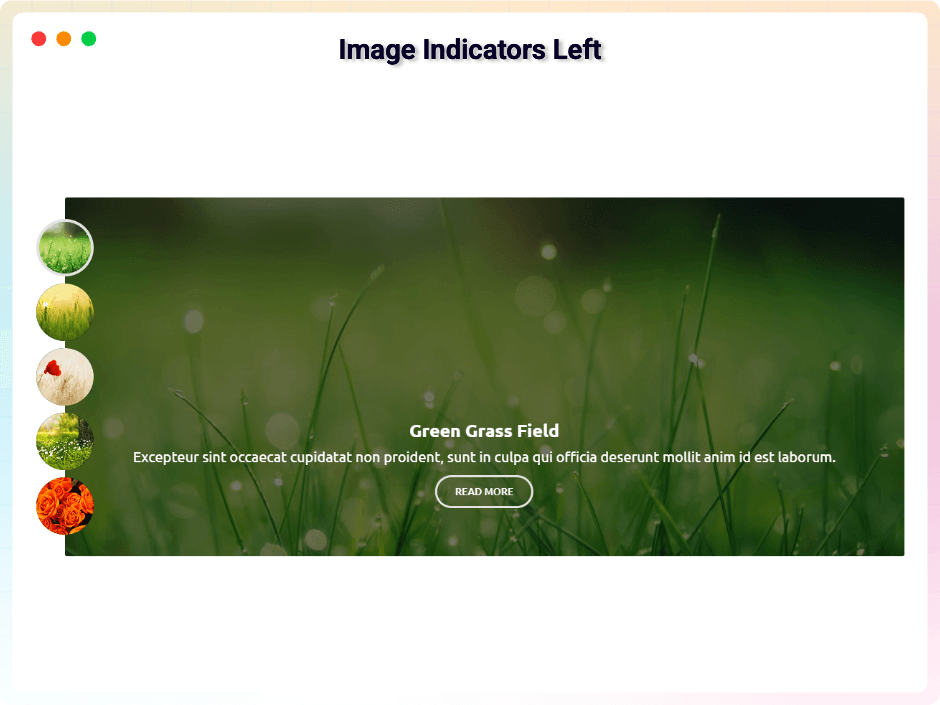
Image Indicators Left
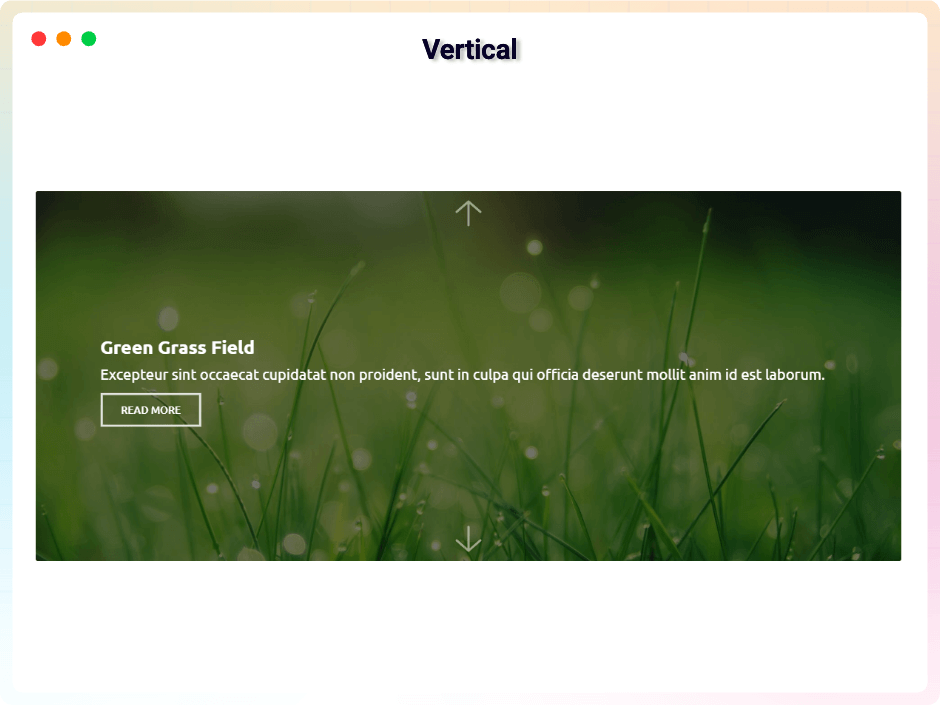
Vertical
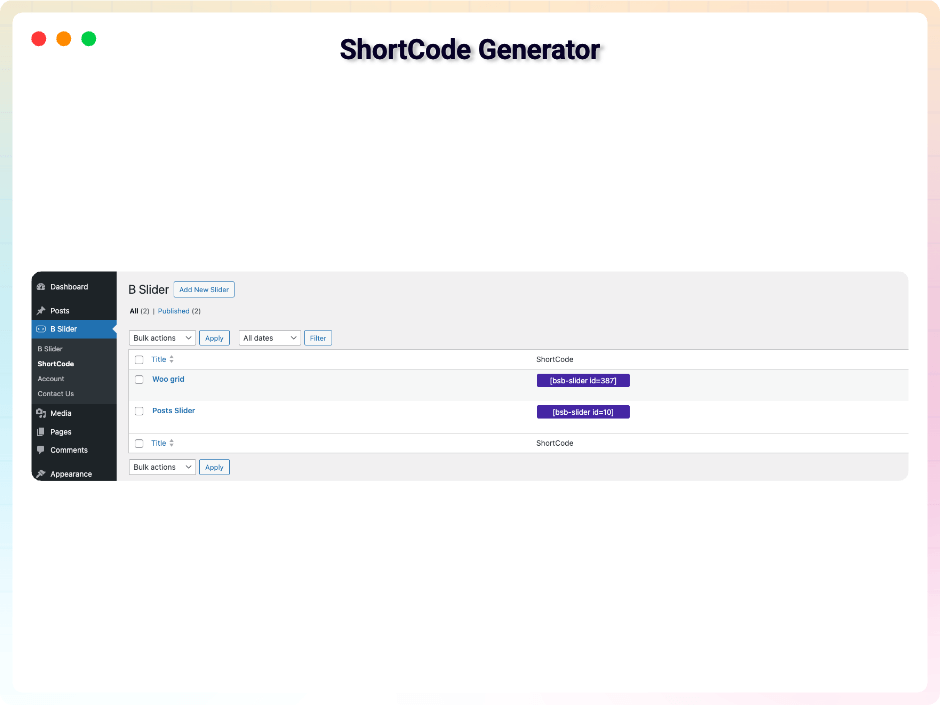
Shortcode Generator
Faq
Yes, Slider Block is a free Gutenberg block plugin.
Yes, it will work with any standard WordPress theme.
Yes, you can change block settings from the Gutenberg block editor’s right sidebar.
You can use unlimited times as you want.
You can post your questions on the support forum here
Please report security bugs found in the source code of the bSlider plugin through the Patchstack Vulnerability Disclosure Program. The Patchstack team will assist you with verification, CVE assignment, and notify the developers of this plugin.
Reviews
Great support
By 
I had a problem with the plugin on my website. The team could not reproduce this problem in the first instance. After I had given them admin rights, the problem was solved within a day.
Compliment for the great support.
dangerous plug in highjack my site
By 
Don't install this plugin "B Slider", it's dangerous for your website, once installed it doesn't even work, gives error on the website, and then won't even edit the page. And the more cruel thing is that it is not even disabled, neither by the admin nor by the developer. This is a dangerous situation. In which my website is stuck. It seems that this plugin has hijacked my website and made it a slave, now the plugin is neither un-installing nor giving an edit option. Nor is fixing my site. I'm stuck. . My site is down, my efforts are in vain
For me - too much bloat 😭
By 
Just to mention, due to one block on the frontend - the entire Bootstrap CSS, entire React JS, complete fontAwesome.css are all loaded. Woow? You can say goodbye to fast page speed.
The only good thing is that those are not loaded on every page, but only on those using blocks.
Super easy to use, and responsive support
By 
Been very happy with our pro purchase. Did have a few issues, but the developer is very responsive and supports this plugin well.
Pro versions wil not be actitvated
By 
Buy the pro version. Activated the plugin. Everything looks activated, but the pro features won't be working
Just what I needed
By 
Even better than some premium blocks
easy-to-use page image + dynamic text configuration plug-in
By 
Excelente plugin
By 
Easy to use, many options for configuration and customization
By 
Simple, Free but Reliable
By 
Changelog
2.0.14 – 24 June, 2026
- Update: Added new modern dashboard.
2.0.13 – 20 May, 2026
- Fix: The backend defaults, carousel, and thumbnail layouts slides have been fixed and are now working properly.
2.0.12 – 13 May, 2026
- Update: Fixed a security vulnerability through responsible disclosure.
2.0.11 – 9 May, 2026
- Update: Removed restricted “Locked Fields” to improve user flexibility
- New: Custom Slider Height: Easily define and set the perfect height for your sliders.
- New: Dynamic Indicators: Fully customize indicator types, positioning, and direction (Horizontal or Vertical).
- New: Carousel Enhancements: Toggle visibility for Navigation Arrows and Pagination Indicators with a single click.
- New: Grid Flexibility: Set items per page and choose your preferred pagination style (Standard Button or Load More).
- New: Post Per Page: Control the exact density of your content.
- New: Advanced Sorting: Organize content by specific criteria (Order By) and direction (ASC/DESC).
- New: Post Offset: Skip specific posts to create unique layouts and avoid duplication.
- New: Playback Settings: New options for Auto-play, Loop/Repeat, and Muted starts.
- New: Comprehensive Player Controls: Empower users with a full suite of controls including Play/Pause, Mute, Rewind/Fast-Forward, and real-time displays for Progress, Current Time, and Duration.
- Improved: Overall code quality and strengthened security protocols.
2.0.10 – 5 April, 2026
- Added a new modern dashboard;
2.0.9 – 7 Feb, 2026
- The free plugin now supports shortcodes.
2.0.8 – 22 Jan, 2026
- There were some minor issues with the title and the query, but I have resolved them.
2.0.7 – 18 Jan, 2026
- Patchstack ( Cross Site Scripting) problem solved;
2.0.6 – 1 Dec, 2025
- offer link added;
2.0.5 – 27 Nov, 2025
- Some issues have been resolved.
2.0.4 – 11 Nov, 2025
- freemius sdk updated;
2.0.3 – 18 Sept, 2025
- Solved the image max-width and margin.
2.0.2 – 23 Aug, 2025
- Resolved the conflict between Modula Image Gallery and bSlider.
2.0.1 – 12 Aug, 2025
- Resolved all security vulnerabilities identified by Wordfence;
2.0.0 – 9 Aug, 2025
- Fixed missing authorization check that allowed authenticated users (admin) to install arbitrary plugins;
1.1.30 – 24 July, 2025
- fixed defaultProps;
1.1.29 – 23 July, 2025
- Resolved dashboard target element issue;
1.1.28 – 8 July, 2025
- Added four source types: Image, Posts, WooCommerce, and Video;
- Added four layout types: Slider, Carousel, Grid, and Thumbnails;
1.1.27 – 18 April, 2025
- Compatible with WordPress 6.8;
1.1.26 – 11 April, 2025
- Some problem fixed;
1.1.25 – 1 March, 2025
- Some problem fixed.
1.1.24 – 26 Jan, 2025
- Fixed a security issue through responsible disclosure.
1.1.23 – 21 Dec, 2024
- Code maintenance and removal of redundant code.
1.1.22 – 17 Dec, 2024
- SingleTon patterns and plugin actions hooks action hooks trigger.
1.1.21 – 23 Nov, 2024
- _load_textdomain_just_in_time notice solved
1.1.20 – 6 Oct, 2024
- Some issues fixed.
1.1.19 – 18 August, 2024
- Pro modal update
1.1.18 – 9 July, 2024
- Allows dragging and dropping of slide items (Pro Features).
1.1.17 – 24 June, 2024
- Remove extra code.
1.1.16 – 5 May, 2024
- Fixed security issues.
1.1.15 – 20 March, 2024
- Added option to include alt text for slider images
1.1.14 – 5 March, 2024
- Some mistakes improved.
1.1.13 – 29 Feb, 24
- Validated JS and HTML code.
1.1.12 – 6 Dec, 23
- An animation effect of fade-in has been added.
1.1.11 – 24 Nov,23
- Added an option to show/hide the title from the media image’s caption or title.
1.1.10 – 23 Nov,23
- Automatically select the image caption or title to add as the slide title.
1.1.9 – 14 Nov,23
- Use responsive device settings for the left/right inner gap, arrow width, and height.
1.1.8 – 9 NOV,23
- WordPress version update
1.1.7 – 25 OCT,23
- The package is being used for lazy loading images
1.1.6 – 5 Oct,23
- Fixing the responsive issue with the image indicator
1.1.5 – 20 sept 2023
- Sdk some issues have been resolved
1.1.4
- Using Multiple Tags in Titles and Adding the admin.css File
1.1.3
- Some issues have been resolved
1.1.2
- Slider height can be set according to the device
1.1.1
- Pro license key properly working
1.1.0
- Title and Description responsive device added
1.0.9
- Bootstrap file update
1.0.8
- Pro version release
1.0.7
- Update arrow background and color option
1.0.6
- Space between the plugin class and additional classes
1.0.5
- BoxControl Components Problem fix.
1.0.4
- Slider Arrow size option added.
- Slider Arrow height and width, Border Radius, color option added.
1.0.3
- Screenshot Update
- Problem Fix
1.0.2
- Slider Animation Option.
- Slider Content Default/Middle Option.
- Title Typography.
- Description Typography.
1.0.1
- Slider Height Option.
- Slider Border Radius Option.
- Slider Full Responsive.
- Slider Title And Description Animation.
- Slider Content Middle.
- Indicator Style Update.
1.0.0
- Initial Release