Bablic Website Translation

Bablic Website Translation
Description
Bablic is a Software as a Service (SaaS) connector. This plugin is the WordPress interface to that service: it stores one project key and, after you save that key, loads the Bablic snippet on the public site. It does not translate posts inside WordPress, and it does not sell plans from the dashboard.
A Bablic account and project key are required for translations to appear. If you already have a project, paste the key under Settings Bablic and save. If you need an account, create one at https://dashboard.bablic.com/create-account/. An empty key means the site is not connected. That is not a trial and does not lock paid features inside this plugin.
After you save a project key, the plugin enqueues https://edge.bablic.com/moxie.min.js in the public document head (not in wp-admin). That file is Bablic’s hosted runtime, not plugin source. The script tag includes your project key as a data-oljs attribute. If the key is empty, no frontend script is loaded.
Translations run on Bablic, not as a second WordPress language. Visitor requests for translated pages are handled by the Bablic service after the snippet loads.
This plugin’s PHP does not call a Bablic HTTP API, does not load remote CSS or fonts, and does not add a language switcher in PHP. Language UI, if any, comes from the Bablic snippet after it loads. The snippet may store a language preference in the visitor’s browser.
What this plugin stores
The plugin stores one WordPress option: bablic_project_key. Uninstalling the plugin deletes that option.
External services
This plugin connects to Bablic, a website translation service operated by Bablic (part of TransPerfect). The service is used to display translations of your website to visitors.
- What is loaded and when: Only after an administrator saves a project key under Settings Bablic, every page load on the public site requests
https://edge.bablic.com/moxie.min.js(Bablic’s hosted runtime). The script is not loaded in wp-admin. - What data is sent: The script tag includes your project key in the
data-oljsattribute. The visitor’s browser also sends the standard request data that accompanies any web request, such as the IP address, user agent, and the page URL (referrer). - Other Bablic hosts: After it loads, the hosted runtime may call
https://nva.bablic.com/andhttps://notify.onelinkjs.com/to fetch and display translations, which sends the same kind of standard browser request data. - Account creation:
https://dashboard.bablic.com/is opened only if an administrator clicks “Create a Bablic account” on the settings screen. - Nothing is sent before a key is saved: With an empty project key, the plugin loads no Bablic script and contacts no Bablic server. The plugin’s PHP code does not contact external servers, including on activation.
Bablic terms of service: https://www.bablic.com/terms/
Bablic privacy policy: https://www.bablic.com/privacy/
Installation
- Install the plugin from Plugins Add New, or upload the
bablicfolder to/wp-content/plugins/. - Activate the plugin on the Plugins screen.
- Open Settings Bablic.
- If you already have a project key, paste it and save. If you need an account, create one at https://dashboard.bablic.com/create-account/.
- After you save a key, the public site loads the Bablic snippet in the document head.
Screenshots

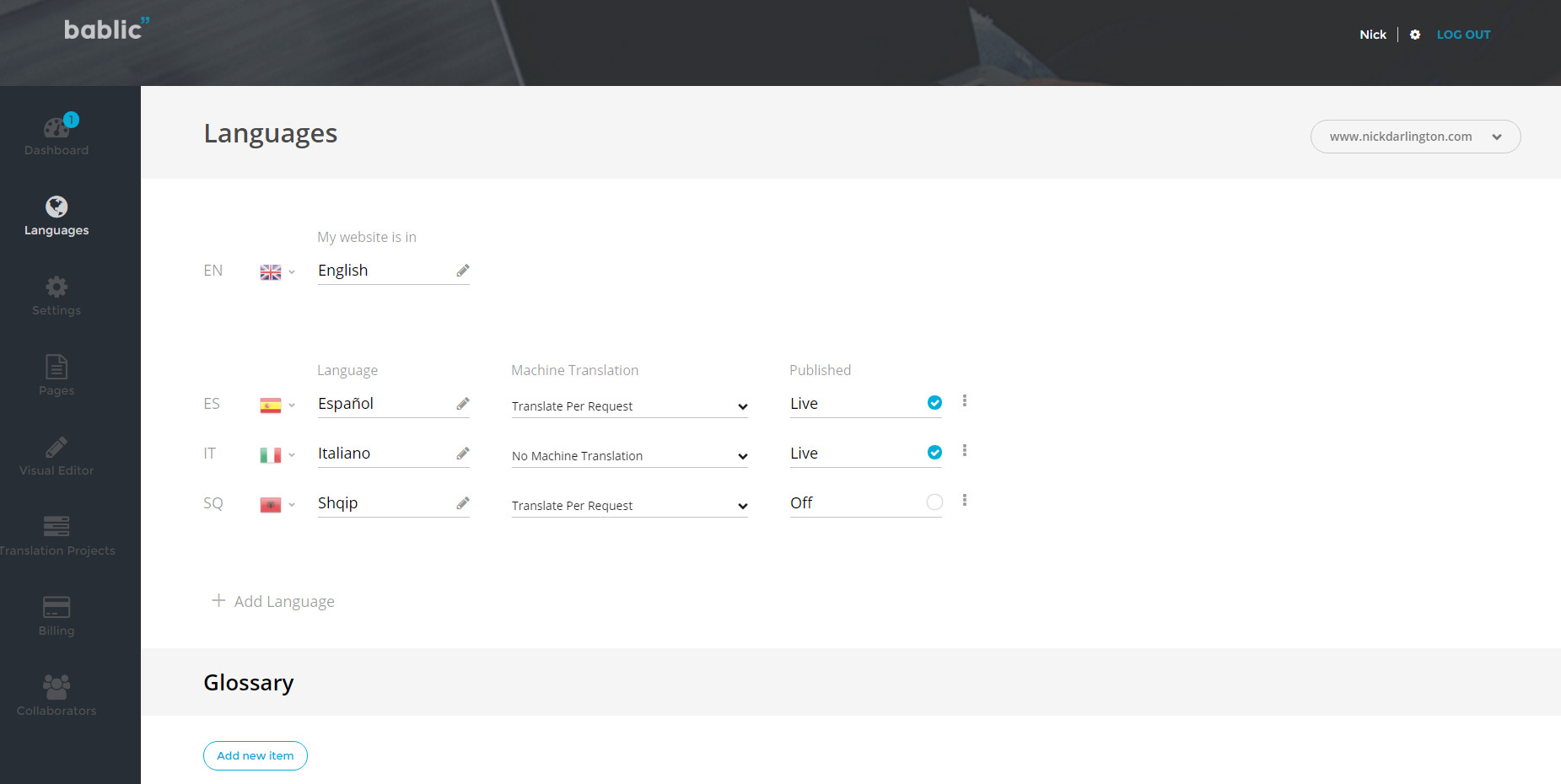
Faq
Yes, if you want translations on the public site. This plugin is a connector, not a standalone translator. Create an account at https://dashboard.bablic.com/create-account/ or paste a key you already have.
Bablic. See the External services section for which hosts are contacted, what data is sent, and when.
Translations run on Bablic, not as a second WordPress language. This plugin does not create WordPress language files or duplicate posts per language.
No. An empty project key means the plugin does not enqueue the Bablic script. That is “not connected,” not a trial period.
Privacy policy: https://www.bablic.com/privacy/
Terms of service: https://www.bablic.com/terms/
WordPress runs uninstall.php, which deletes the bablic_project_key option.
Reviews
Easy to use and quick customer service
By 
Very pleased
By 
Excellent product
By 
Poor Customer Service + Translation Problems
By 
Easiest app for localization. 1st class support
By 
Connects to your website to any language
By 
Simplest way to have a multi-language site in no time
By 
Awesome solution, wokring very well. Forget WPML or multisite solutions
By 
Very smart and efficient localization solution.
Also the support is very efficient
1 language?
By 
1 language?
you are a joker.
Changelog
3.0.1
- Renamed the plugin display name to Bablic Website Translation.
- Readme: added an External services section and clarified installation and FAQ text.
- Builds the Bablic script tag through the WordPress script loader instead of a hand-written tag.
- Removed the manual translation loader; WordPress.org loads translations automatically.
3.0.0
- Bablic 2.0 rewrite, snippet connector.