Banana Addons for Elementor

Banana Addons for Elementor
Description
Banana Addons for Elementor extends the Elementor page builder adds 35+ widgets and 2+ features to Elementor, helping you build beautiful and functional WordPress websites.
Useful Links
Demo | Docs | Videos | Github | Support | FacebookGroup | Get Pro
Video Tutorial
Include soon!
Widgets In BananaAddons Free Version
- Info Card: Create information boxes.
- Progress Bars: Showcase progressive information.
- Review: Add feedback, reviews, & ratings.
- Embed Content: Add third-party content within site.
- Simple Heading: Add Simple Heading for wordpress site.
- Image Compare: Showcase before/after images.
- Team Member: Showcase team members.
- Dual Button: Add two buttons within one container.
- Testimonial: Add testimonial sections.
- Avatar Group: Show avatar as stack views.
- Pricing Table: Build pricing table.
- PayPal Button: Add PayPal Button in site.
- Flex Card: Create Flex Card items.
- Post List: List any posts.
- Hover Link: Add animated link hover effects.
- PDF Viewer: PDF Viewer widget.
- Call to Action: Call to Action widget.
- Contact Form 7: Contact Form 7 widget.
- WPForm: WPForm widget.
- Ninja Forms: Integrate Ninja Forms with Elementor for easy form creation.
- Site Logo: Customize site’s logo.
- Site Title: Design site’s title.
- Count Down: count-up clocks, and repeating schedules, to websites.
- List Group: Build eye-catching lists with advanced customization.
- Timeline: Make your timelines and roadmaps that stand out.
- Stamp Photo: You can create stamp-like photo frame effects.
Widgets in BananaAddons Pro Version
- Text Animation: Animated headings/texts with it.
- Animated Heading: Show animated heading in site.
- Flip Box: Create 3d-flipped items.
- Logo Carousel: Add multiple logos as carousel.
- Advanced Heading: Show advanced heading in site.
- Advanced Google Map: Show advanced Google Map in site.
- Image Masking: Show Image in beautiful shape Masking.
- Business Hours: Display Business Hours in site.
- Code Highlighter: Showcase code snippets beautifully.
- Testimonial Carousel: Showcase testimonials in carousel.
- Facebook Feed: Bring Facebook-feed within site.
- Open Street Map: Embed Open Street Map within site.
- Smart PayPal Button: Add Smart PayPal Button in site.
- Stripe Buy Button: Add Stripe Buy Button in site.
- Post Title: Add and style post’s title.
- Page Title: Stylize page titles.
Free Extensions of BananaAddons:
- Wrapper Link: Hyperlinked to any section/container.
- Equal Height: It offers equal heights to all column in a section.
- Banana Clone: It offers duplicate an existing page.
Missing-Anything?
If you miss anything Submit ideas.
Satisfied With Our Work?
We truly appreciate your support. If our work brought a smile, please spread the joy by giving us a 5***** rating would mean a lot to us.
External Services
This plugin includes optional widgets that connect to third-party services.
Google Maps
Service URL: https://maps.google.com
Data Sent:
– User browser requests map data directly from Google when the widget is displayed.
Facebook
Service URL: https://developers.facebook.com/
Data Sent:
– User browser requests facebook feed data directly from Facebook page when the widget is displayed.
Stripe
Service URL: https://stripe.com
Data Sent:
– Payment-related information when a payment widget is used.
PayPal
Service URL: https://paypal.com
Data Sent:
– Payment-related information when a PayPal widget is used.
OpenStreetMap & Leaflet JS
Service URL: https://www.openstreetmap.org
Data Received:
– User browser requests map data directly from OpenStreetMap through Leaflet JS when the widget is displayed.
– Some of the static assets will be loading directy from leafletjs.com CDN.
Installation
Step 1: Upload the plugin file to install by navigating through Plugins➔Add New➔Upload Plugin➔Choose File to Install from your WordPress dashboard or you can simply search for the Banana Addons plugin from the plugin directory by going to Plugins➔Add New and search for the plugin in the search tab to install it on your WordPress site.
Step 2: After successful installation, you have to click the “activate” button to activate the Banana Addons for Elementor.
Step 3: When you activate Banana Addons for Elementor you will be redirected to our BananaAddons Dashboard Home Tab.
For a more detailed explanation check out the following documentation
Screenshots

Review widget with image offset
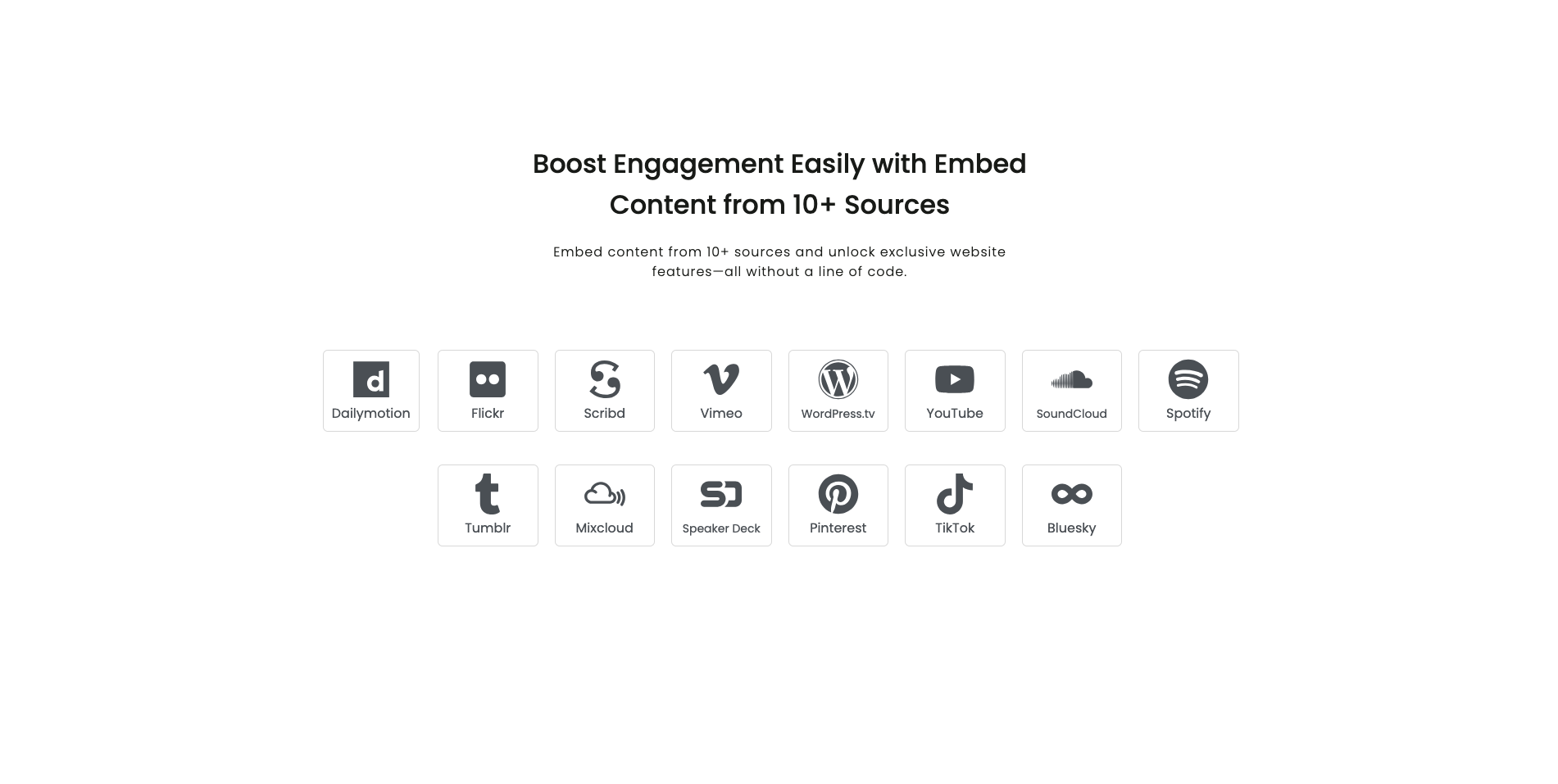
Embed Content widget - Embed third-party content

Team member widget

Team member Custom Shape
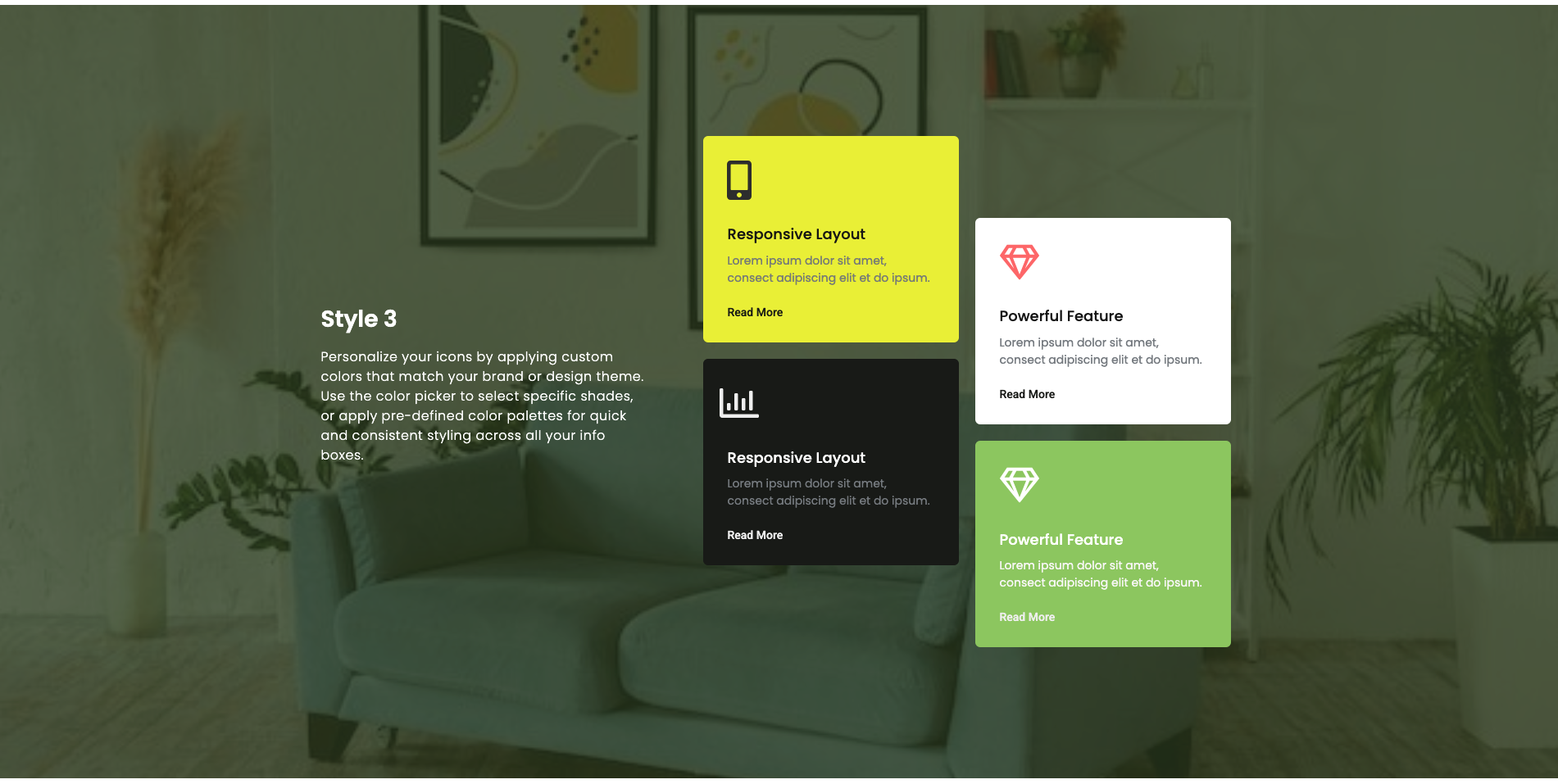
Info card widget
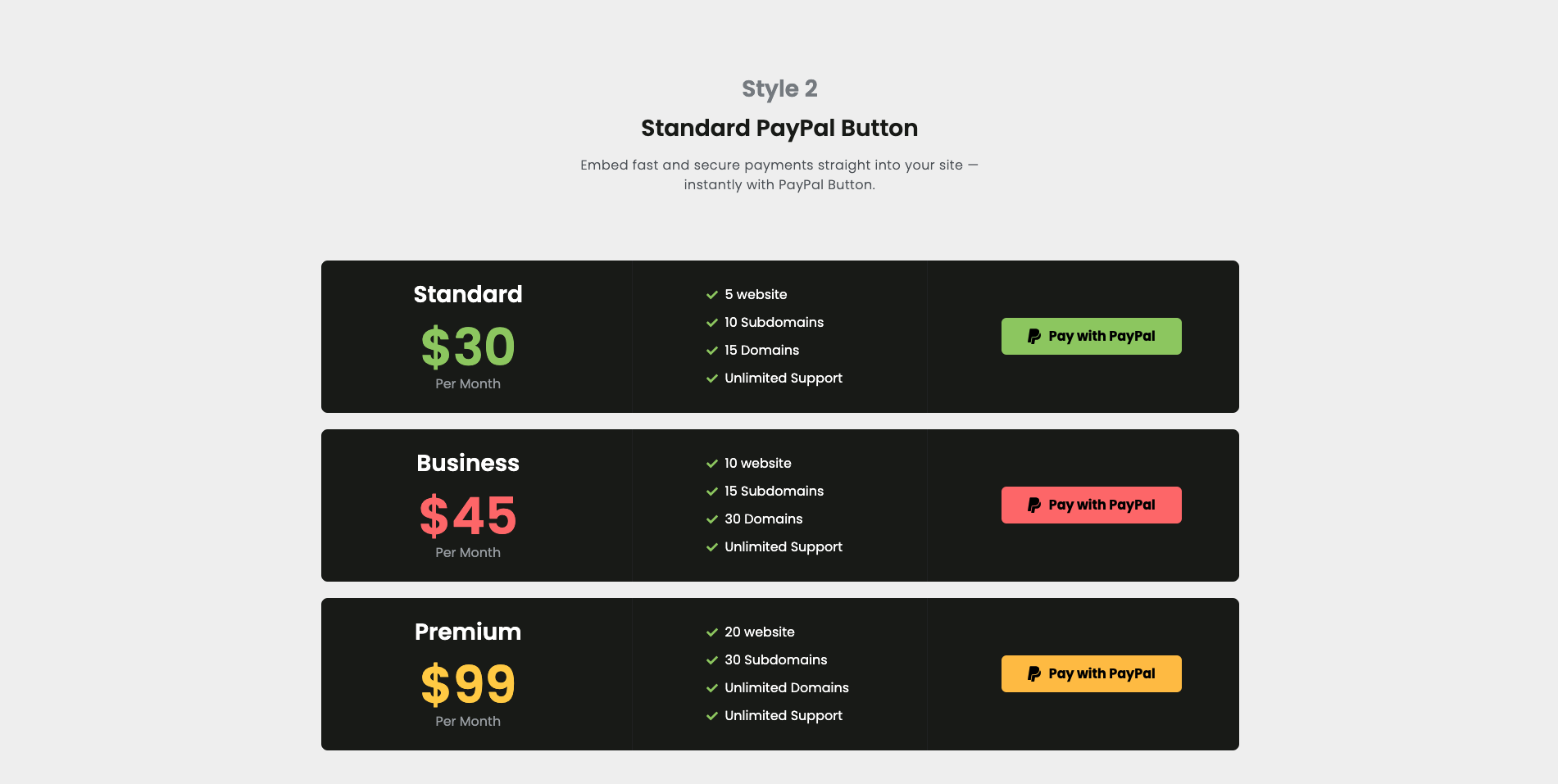
Paypal Button widget
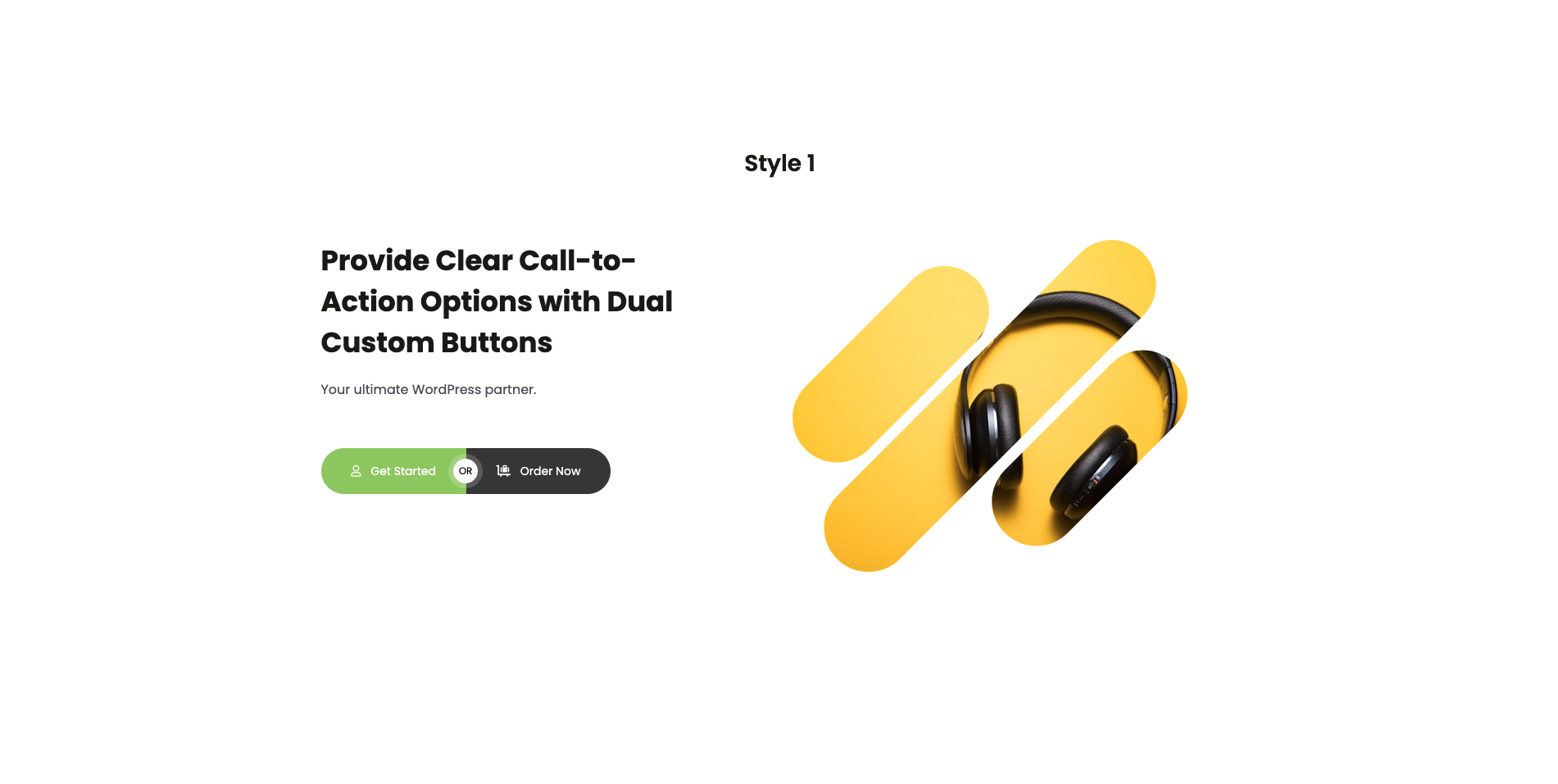
Dual button widget
Faq
No, Banana Addons requires Elementor to work. You can’t use it without Elementor.
Yes. It includes additional features like Wrapper Link for other addons or extensions.
Yes. It works with any WordPress theme that supports Elementor, and it performs best with the Hello Elementor theme.
Yes, without a doubt.
No, updating will not break your site or pages using our plugin. We ensure maximum stability, but we recommend taking a backup before updating. If any issue occurs, simply restore your backup and contact our support team.
Reviews
Game-changer for Elementor! Lightweight, feature-rich, and easy to use.
By 
I’ve been using Banana Addons for Elementor on my projects, and it has genuinely elevated my website design workflow. It comes with a broad range of unique, modern, and highly customizable widgets that make building professional web pages effortless.
Key Highlights:
- Lightweight & Fast: Doesn't slow down page load speed or bloat the site.
- Slick Design: The pre-designed elements look modern and professional right out of the box.
- Easy Customization: Deep styling controls make it super easy to tweak designs without writing custom CSS.
- Smooth Compatibility: Works seamlessly with the latest WordPress and Elementor updates.
Highly recommended for web developers, designers, and site owners looking to expand Elementor's capabilities. 5 stars all the way! ⭐⭐⭐⭐⭐
Extra hub for elementor
By 
I have use this plugin. It's good and easy to use. A+++