Bangladesh Delivery Charge Calculator
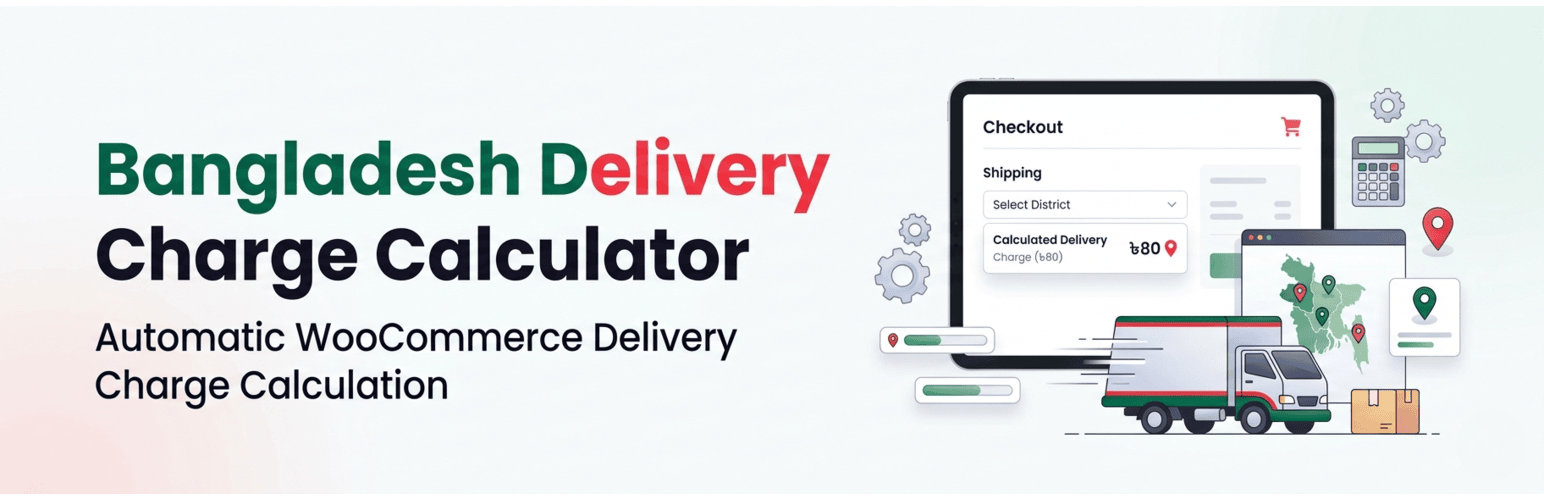
Bangladesh Delivery Charge Calculator
Description
Automatically calculates WooCommerce shipping charges based on Bangladesh districts and areas with dynamic checkout rules.
Watch the demo of the plugin in action:
Features include:
- Dynamic Location Selection: Automatically loads Bangladesh districts and areas, creating a smooth and intuitive checkout experience.
- Custom Shipping Mapping: Map specific shipping methods (such as “Inside Dhaka” or “Outside Dhaka”) to districts and areas dynamically.
- Block Checkout Compatibility: Fully compatible with both classic shortcode checkout pages and modern WooCommerce Block Checkout.
- Lightweight & Fast: Built using native WordPress AJAX and optimized for performance.
Installation
- Upload the plugin files to the
/wp-content/plugins/bangladesh-delivery-charge-calculatordirectory, or install it via the WordPress plugins screen. - Activate the plugin through the ‘Plugins’ menu in WordPress.
- Navigate to WooCommerce > Shipping Rules to configure location-based shipping logic.
- Navigate to WooCommerce > District Areas to customize the district and area dropdown options.
- Configure shipping prices from WooCommerce > Settings > Shipping.
This plugin extends WooCommerce core shipping functionality by introducing dynamic district and area-based shipping rules.
Screenshots

Shipping configuration in WooCommerce settings.

Setting up location-based shipping rules.

Customizing district and area dropdown options.

Checkout page with automatic shipping method selection for Dhaka areas.

Automatic shipping calculation for other districts.

Final order summary with applied shipping rules.
Faq
Yes. The plugin integrates with both classic checkout and the new WooCommerce Block Checkout system.
Yes. Go to WooCommerce > Shipping Rules to configure default shipping methods. This is required for the plugin to function correctly.
Reviews
Changelog
1.0.1
- Initial release of Bangladesh Delivery Charge Calculator.