Barilo Light – Top Bar Message
Barilo Light – Top Bar Message
Description
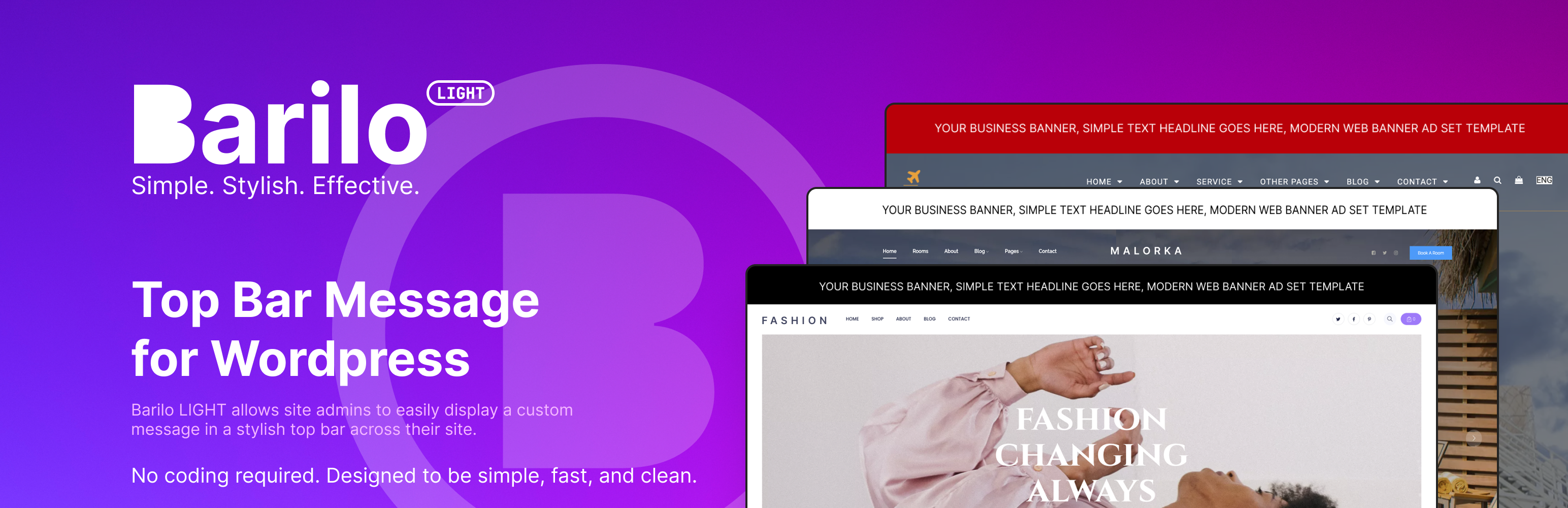
Barilo Light allows site admins to easily display a custom message in a stylish top bar across their site. Useful for:
- Announcements or alerts
- Holiday greetings
- Special deals and promotions
- Maintenance notices
- Welcoming new visitors
- Contact info (email and phone)
Features:
- Simple message text with optional HTML links (e.g.
<a href="...">Click here</a>) - Background and text color pickers (choose any color, not just presets)
- Optional phone link (tappable on mobile)
- Optional email link
- Option to temporarily hide the bar (only admin can do that)
- Optional “hide after date” – automatically stop showing the bar after a specific day
- Designed to be lightweight and easy to use
Installation
- Upload the plugin folder to the
/wp-content/plugins/directory or install via the WordPress dashboard. - Activate the plugin through the ‘Plugins’ menu.
- Go to
Settings Barilo Lightand customize your message and colors.
Screenshots

Frontend top bar as seen by visitors

Settings screen with message and color options
Faq
No. In this version the bar is persistent and visible site-wide.
Yes. You can add simple HTML links in the message field, for example:
Welcome! Click here
Only safe HTML tags are allowed (mainly <a>), everything else is stripped for security.
If you set a “Hide after date”, the bar will keep showing until that date (inclusive).
Starting the next day, the bar automatically stops being displayed.
If you leave the date empty, the bar will show indefinitely (unless you manually hide it).
If you add a phone number, the bar will show a tappable phone link (especially useful on mobile).
If you add an email address, the bar will show a clickable mailto: link.
If you add both, they appear next to your message with spacing between them.
Both phone and email are optional and if you dont need them you can display just simple text.
Barilo Light is designed to work with most modern WordPress themes. If your theme uses wp_body_open, it will appear immediately after the opening <body> tag.
We do not guarantee compatibility with every theme. Always make a backup and test on a staging site before going live.
Yes. The message input is limited to 100 characters to ensure a clean and non-intrusive display.
✅ Yes. This plugin does not collect or store any user data.
Reviews
Changelog
1.1.0
- Added support for HTML links in the message text (safe
<a>tags) - Switched background and text colors to WordPress color pickers (any color)
- Added optional phone field (tappable
tel:link) - Added optional email field (
mailto:link) - Added “Hide after date” option to automatically stop showing the bar
- Added “Hide message” checkbox to temporarily disable the bar
- Fixed mobile z-index issue where the bar could overlay the menu
- Small UI tweaks in the settings page and better descriptions
1.0.0
- Initial release