Basic Interactive World Map
Basic Interactive World Map
Description
LIVE DEMO
We update the plugin in the above link more frequently.
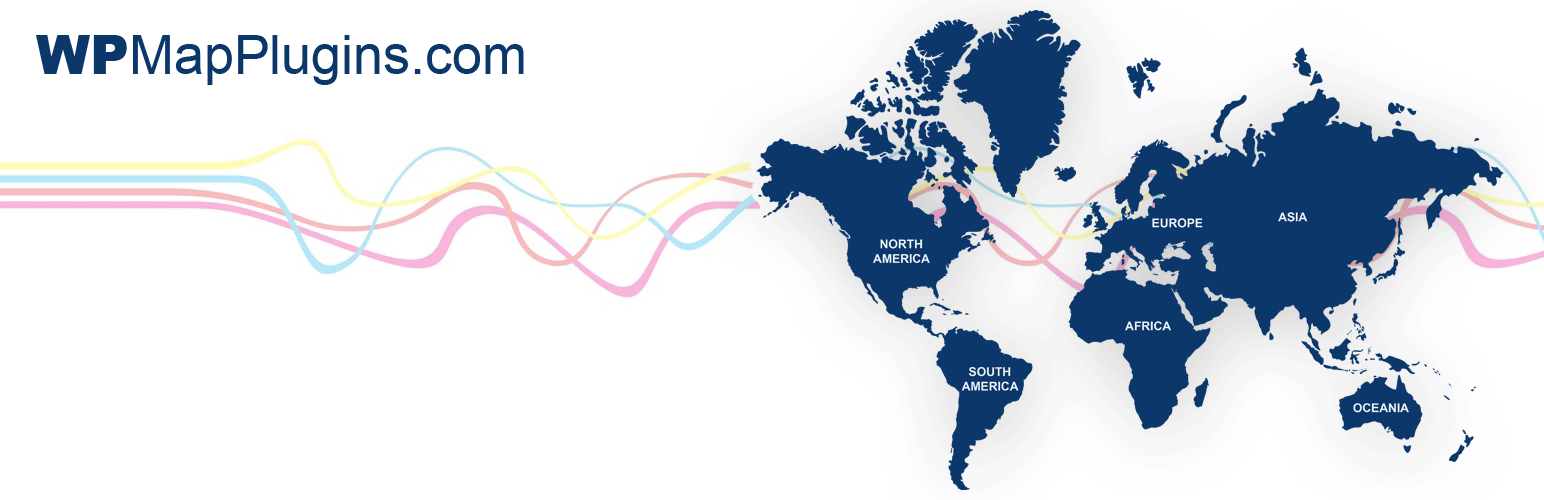
Download this interactive world map WordPress plugin and customize the map colors, links, hover description for each continent through an easy to use admin panel without any coding knowledge, then insert the map shortcode in any page/post to display the map.
Do you need an interactive world map with clickable countries?
Features:
- Interactive world map with 6 clickable continents.
- Does NOT require ANY coding knowledge.
- Customize each continent individually (colors, link, hover information, etc)
- Very easy to use dashboard.
- Works perfectly on desktop along with mobile devices.
- Install and customize the map in minutes then embed this shortcode
[wd_map]in any page or post to display the map.
Installation
- Install the plugin .zip file through your WordPress ‘Plugins’ screen directly, or Upload the plugin files to the
/wp-content/plugins/basic-interactive-world-mapdirectory. - Activate the plugin through the ‘Plugins’ screen in WordPress.
- Now, you will see a new menu button in the left side bar of your WordPress called ‘World Map’, click it and customize your map then save the changes.
- Use this shortcode
[wd_map]to display the map in any page or post.
Screenshots

Well organized and easy to use admin panel interface
Faq
Yes, you can write any text and add images.
No, it’s SVG based and works perfectly on desktop along with mobile devices ‘smartphone’.
Yes.
Yes.
No, but you can buy the Multiple Instances World Map Package to get 3 instances of the plugin and install each one to get a different styled map.
Yes, also you can buy individual continent maps with their clickable countries and place each of them in a page and link it to the world map page.
Yes, simply un-check the (active) box beside that continent to make it inactive. also you can use a plain or grey color for it.
Yes, we can customize the map for what you need as a freelance customization service, just drop us a line through the contact form here.
Reviews
The only best word map plugin
By 
Nice Plugin, but not translatable
By 
Brilliant plugin! Great customer support and service
By 
Changelog
1.0
- Initial release.
2.0
- Adding more options including a Bulk Edit, and enhancements of the map graphics.
2.7
- Complete rebuilt of the plugin script to follow the latest security guidelines and add more options.
Note: If you have the old version, you will need to delete it then install the new version and recustomize the map colors, links, etc.
Note: We recently created a new world map plugin with clickable countries, so we had to rename some of this plugin file to avoid conflict, so you may need to reinstall the plugin and click the “Restore default” button in the map dashboard, we apologize for inconvenience.