Prime Slider – Hero Slider, Carousel, WooCommerce & Post Slider Elementor Addons
Prime Slider – Hero Slider, Carousel, WooCommerce & Post Slider Elementor Addons
Description
Prime Slider is an Elementor addon that lets you build and customize a slider for any purpose. You can design a hero slider for your homepage, a post slider to feature recent articles, an ecommerce slider to highlight products, or a Content Slider to organize information in a clean, dynamic layout. Everything works smoothly inside Elementor’s drag-and-drop editor.
The plugin includes 57+ widgets, 8 skins, 3 essential features, a slider extension and 120+ ready-made sliders that help you create visually appealing and fully responsive designs.
Available Slider Types:
✅ Hero Slider
✅ Logo Slider
✅ Image Slider
✅ Content Slider
✅ Carousel Slider
✅ Post Slider
✅ Video Slider
✅ WooCommerce Product Slider or E-commerce Slider
✅ Testimonial Slider and more
Prime Slider makes it simple to create Elementor sliders that adapt beautifully to any device or layout. Each widget is easy to customize and optimized for performance to help you deliver engaging user experiences without code.
Free Demo | Prime Slider Pro | Documentation
Featured on WPTuts:
Prime Slider – An Elementor addon to Add and Design Sliders Effortlessly
There are some key things our plugin covers to boost your website slider creation.
-
Design and Usability: You can use distinct design elements, including buttons, titles, arrows and more with advanced Elementor Addon based sliders.
-
Customization Options: You can choose or select various slide layouts, colors and fonts, slider animations and the appearance and placement of navigation elements.
-
Effortless Workflow: You can arrange slides and place content utilizing visual editors.
-
Boosts user engagement: Encourage users to click, explore and stay longer.
-
Showcases prioritized content: Feature important content, including Promotions, Sales, etc.
-
Improved Storytelling: Engage users by telling a visual story with ease.
-
Image SEO basics: You can set titles and alt text on images to follow common on-page SEO practices
Features
-
Interactive elements: Enable you to engage with slides through clickable elements, including interactive videos.
-
Responsive Design: Layouts adapt for phones, tablets and desktops.
-
Autoplay with pause functionality: Allows you to set automatic slide transitions with the option to pause on hover.
-
Multimedia Support: This includes image sliders, video sliders, text sliders and more.
-
User Interaction: Allows easy-to-use navigation controls for users to browse through slides manually.
-
Performance Optimization: Lightweight, fast-loading and caching-friendly for efficiency.
-
Integration and Compatibility: The Elementor addons of the slider plugin work seamlessly with Elementor plugins and WordPress themes.
-
Support and Documentation: Provides guides and tutorials to help you set up and customize the slider.
-
SEO Optimization: Allows you to add titles, alt text and titles to images for better SEO.
-
Accessibility: Make your slider accessible to screen readers.
-
Multilingual Support: RTL and translation-ready for global audiences.
-
Regular Updates: Frequent updates for new features, security, bug fixes and more.
Free Core Widgets of Prime Slider for Elementor 🔥
Post 👇
- Blog – Blog based slider for WordPress with a visually appealing interface and smooth transitions.
- Coral Slider Skin – Coral skin enhances your blog slider with thumb post modules and scroll-down navigation.
- Folio Slider Skin – Folio skin provides a modern, automated blog slider with clear graphics and smooth transitions.
- Zinest Slider Skin – Vibrant post interface with animated blog info and thumb post gallery for better user engagement.
- Fiestar – A polymorph slider combining post accordion and slider for an enhanced landing page feature.
- Flogia – Retina-ready slider with animated navigation and floating thumb gallery to engage visitors.
- Mercury – A minimalistic Elementor post slider with smooth transitions, great for showcasing blog posts.
- Pacific – Simple and effective slider with a dramatic post background and seamless navigation.
- Rubix – Unique slider with a fresh and innovative design, perfect for dynamic content delivery.
- Storker – Fast-paced post delivery with smooth transition effects, ideal for engaging audiences.
- Vertex – A seamless slider combining visual graphics with cool animations for optimal user experience.
Custom
- General – Optimistic slider with smooth transitions and text animations, suitable for any website.
- Crelly Slider Skin – Crelly skin adds fluid color swatches and a wide canvas to bring out the beauty of your posts.
- Meteor Slider Skin – Meteor skin offers sleek minimalism with slow transitions and thumb posts for engaging interactions.
- Slide Slider Skin – A minimalistic design focused on your business identity, great for hero pages.
- Isolate – Product-focused slider featuring images, mega heading and interactive navigation buttons.
- Locate Slider Skin – Minimalistic design that showcases your product with colorful social share buttons and smooth navigation.
- Slice Slider Skin – Heavier version of Isolate with more graphics, transitions and a thumb video button.
- Dragon – A charming slider perfect for displaying posts, products and services with smart navigation and animations.
- Elysium – Elegant slider for showcasing featured products or services with a smooth navigation interface.
- Mount – Ideal for impactful hero pages with broad animated headlines and HD background transitions.
- Omatic – A versatile slider designed for a wide range of websites with smooth transitions and modern effects.
- Sequester – Engaging minimalistic slider with animated navigation, mega heading and social share buttons.
- Sniper – Perfect for fashion or portfolio websites, featuring a full-width background and thumb gallery for a dynamic interface.
- Tango – A carousel-type slider that focuses on one piece of content at a time, making it perfect for product or image displays.
Fullscreen 👇
- Multiscroll – Creative, dynamic full-screen slider with cursor scroll-based transitions for an engaging user experience.
- Pagepiling – Minimalistic background graphics and sleek slider scrolling effects, offering a fun and fast page transition experience.
Widgets for WooCommerce 🔥
- WooCommerce – Display your products in a slider with detailed information, including price and add-to-cart options.
- Woocircle – With this specialized WooCommerce slider, showcase products in circular layouts for a fresh and unique visual appeal.
- Woolamp – A minimalistic WooCommerce slider designed to enhance the customer shopping experience with smooth navigation.
Handy Features 🔥
- Live Copy or Paste – Copy and paste demo content directly from the Post Kit website to your own site.
- Duplicator – Duplicate posts, pages or Elementor templates with ease for faster design replication.
More free widgets and extensions are coming soon…
Pro Widgets of Prime Slider for Elementor 🔥
Post 👇
- Fluent – A full-width slider designed to create a dynamic and engaging blog interface.
- Knily – A wide base display slider with floating thumb tabs for showcasing content in style.
- Marble – A unique slider that presents posts like a horizontal timeline with customizable options.
- Material – A clean and professional slider that gives your content a polished and sophisticated look.
Custom 👇
- Astoria – Elegant slider for hero pages with social share buttons for a more engaging visitor experience.
- Avatar – Creative image slider with a breathtaking interface to take your content to the next level.
- Crossroad – A fun and unique slider for displaying posts with a new concept of art.
- Custom – Create your own custom template and select it in the custom slider to personalize your design.
- Escape – Escape slider offers a bold design with creative navigation and animations for a modern site look.
- Flexure – Full-width slider with background synchronization and a tab-like layout to change images by hovering over titles.
- Fortune – Fortune slider makes showcasing content easy with dynamic transitions and engaging effects.
- Monster – A minimalistic content slider for featured posts or products with a full-width layout and smooth navigation.
- Paranoia – A unique, eccentric slider with fun post layout animations for a memorable user experience.
- Pieces – Futuristic slider designed for blog sites with engaging, fun animations and transitions.
- Prism – The pristine slider is designed to capture attention with centered item images and a clean background.
- Coddle – A simple, elegant slider perfect for delivering key content with seamless transitions.
- Reveal – A slider with active reveal transitions designed to boost user engagement and attention.
- Woo HotSpot – WooCommerce-focused slider designed to make product discovery easier for customers.
- Titanic – Titanic slider offers stunning, large-scale content slides for impactful presentations.
- Pandora – A sleek, dynamic slider with fluid transitions and a modern design.
- Turnar – Dynamic slider with rotating elements and interactive transitions for captivating visual storytelling.
- Motion – Animated slider featuring smooth motion effects and kinetic elements for enhanced user engagement.
Remote Control 👇
- Remote Arrows – Separate the navigation from sliders and use remote arrows to control them from a different place on your site.
- Remote Fraction – Add fraction navigation to any slider, regardless of its position, with this remote control widget.
- Remote Pagination – Display the number of posts left in the query with remote pagination for enhanced user interaction.
- Remote Thumbs – Link a thumb gallery to any slider to make it more interactive and visually appealing.
3rd Party Widgets 🔥
- Event Calendar – Display event countdowns and details in a beautifully designed calendar slider.
Widgets for WooCommerce 🔥
- Wooexpand – Accordion-style slider fully integrated with WooCommerce for better product showcasing.
- WooStand – An eye-grabbing WooCommerce slider to present featured products with smooth transitions.
Handy Extension 🔥
- Adaptive Background – Automatically adjusts the background image or color based on the content to create dynamic, engaging visuals.
Featured By – Famous Publications 🎇
themesCode:
Thanks to Imran Emu, a professional Web Designer and Developer, for featuring Prime Slider on the YouTube channel titled themesCode and finding it helpful for his viewers.
Uriel Soto, expert in WordPress and Elementor, makes helpful WordPress tutorials for everyone. Prime Slider, an add-on for Elementor, has been featured on Youtube Channel named Uriel Soto by this guy.
A dedicated WordPress enthusiast, Fran Salas creates informative video content focused on plugins, templates and extensions. His tutorial-style videos showcase tools like Prime Slider, an advanced add-on for Elementor, demonstrating its features and capabilities in detail.
A mastermind of outstanding WordPress products, including the Astra theme, has a YouTube channel. Thankful to the energetic team who made an excellent video spotlighting Prime Slider and shared it on Brainstorm Force, a channel for WordPress Tutorials.
Common Issues and Solutions: 🐣
- Elementor editor fails to load
Ans. This is due to your server’s PHP settings. You can increase the PHP memory limit from the wp-config.php file or php.ini file
View Documentation
Need Help? 🙂
Is there any feature that you want to get in this plugins?
Please use the suggest page to message us about the features we should add to our products.
Needs assistance to use these plugins?
Feel free to Contact us 💌 or check our widget Tutorials to learn about how to use them efficiently.
External services
This plugin connects to the following external services. In each case only the data described is sent, and only under the stated conditions.
-
BdThemes Blog Feed (
https://bdthemes.com/feed) — used to display recent BdThemes blog posts and product news in the plugin’s WordPress dashboard widget. The feed is fetched over RSS when an administrator opens the WordPress dashboard, and the result is cached in a transient. No personal data and no site data are sent; the request carries no parameters. Provided by BdThemes — Terms of Use, Privacy Policy. -
WordPress.org Plugins API (
https://api.wordpress.org/plugins/info/1.2/) — used to look up the free companion plugins offered on the plugin’s setup wizard and “Other Plugins” screen, and to download them when an administrator chooses to install one. Only the plugin slug being looked up is sent; no personal data and no site data are sent. This is the official WordPress.org service — Terms, Privacy. -
Vimeo (
https://vimeo.com) — used only by the Isolate widget’s lightbox when the site owner has entered a Vimeo video URL for a slide. The visitor’s browser loads the Vimeo player for that public video URL when the lightbox is opened; the plugin’s PHP makes no request to Vimeo. The visitor’s IP address and browser data therefore reach Vimeo at that point, as with any embedded video. Provided by Vimeo — Terms of Service, Privacy Policy. -
BdThemes newsletter (
https://marketing.sigmative.com) — used only if an administrator opts in to the BdThemes newsletter on the setup wizard’s welcome screen. The opt-in checkbox is unticked by default. If it is ticked when the administrator clicks “Get Started”, the email address entered there, together with the first and last name from that administrator’s WordPress profile, is sent to subscribe them to the newsletter. Nothing is sent when the box is left unticked. Provided by BdThemes — Terms of Use, Privacy Policy.
No data is sent to any external service unless one of the situations above occurs. The plugin does not phone home, does not collect analytics or telemetry, and does not check for updates outside of WordPress.org.
Other bdthemes.com, primeslider.pro, store.bdthemes.com, account.bdthemes.com and feedback.bdthemes.com addresses that appear in the plugin’s admin screens are ordinary links to documentation, support and product pages. Nothing is sent to them unless an administrator clicks the link and opens the page themselves.
Source Code and Build Process
This plugin is not obfuscated. The complete, human-readable source for every minified/compiled asset is bundled inside the plugin, in the src/ directory:
src/js/— uncompiled JavaScript for the front-end, editor, admin and per-module scripts (e.g.src/js/modules/ps-omatic.jsis the source ofassets/js/modules/ps-omatic.min.js).src/less/— the LESS source that compiles to the CSS inassets/css/.src/admin/,src/images/,src/fonts/— admin scripts, images and fonts.
The compiled/minified files in assets/ are generated from src/ with Grunt. To rebuild them:
- Install dependencies:
npm install - Run the build:
npm run build(ornpx grunt)
The build configuration is in gruntfile.js and package.json (both included in the plugin). Bundled third-party libraries (e.g. bdtUIkit, Swiper, Chart.js) retain their original license/version header comments identifying their upstream source.
Installation
This section describes how to install the plugin and get it working.
e.g.
- Install using the WordPress built-in Plugin installer, or Extract the zip file and drop the contents in the
/wp-content/plugins/directory - Activate the plugin through the ‘Plugins’ menu in WordPress
Screenshots
Prime Slider Intro
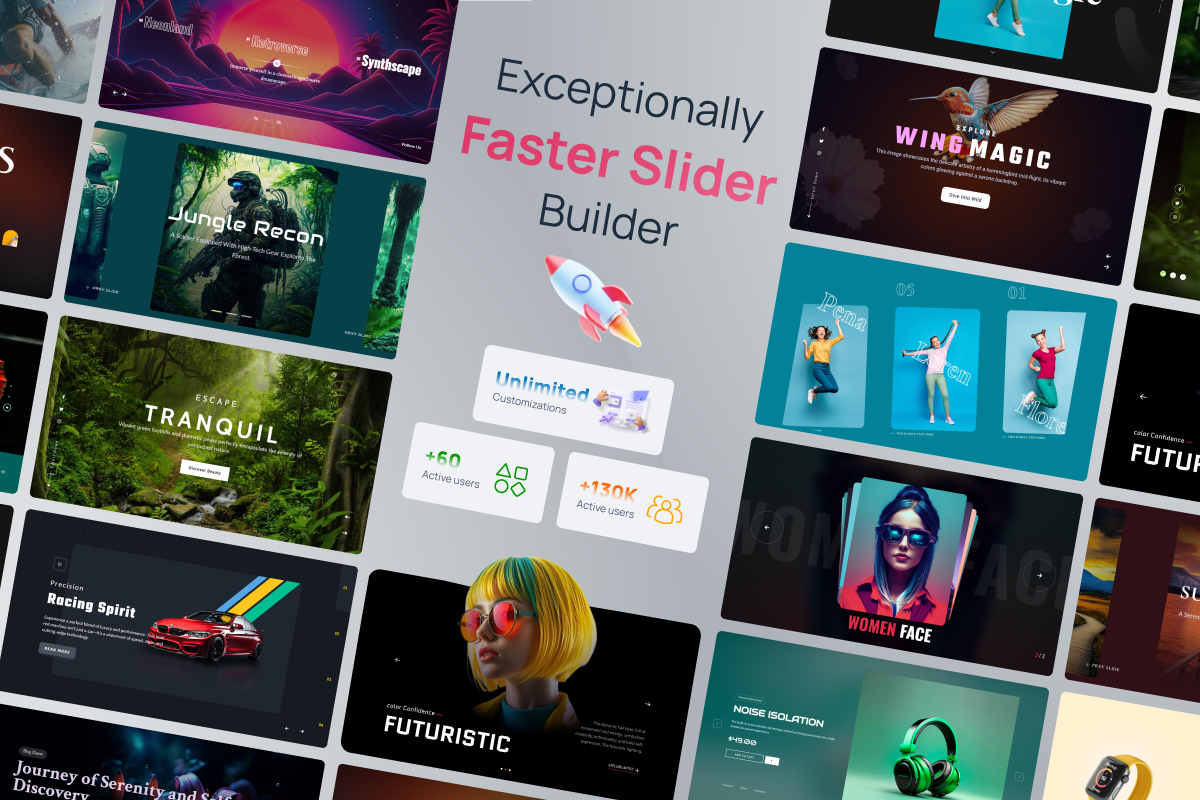
Best features in prime slider
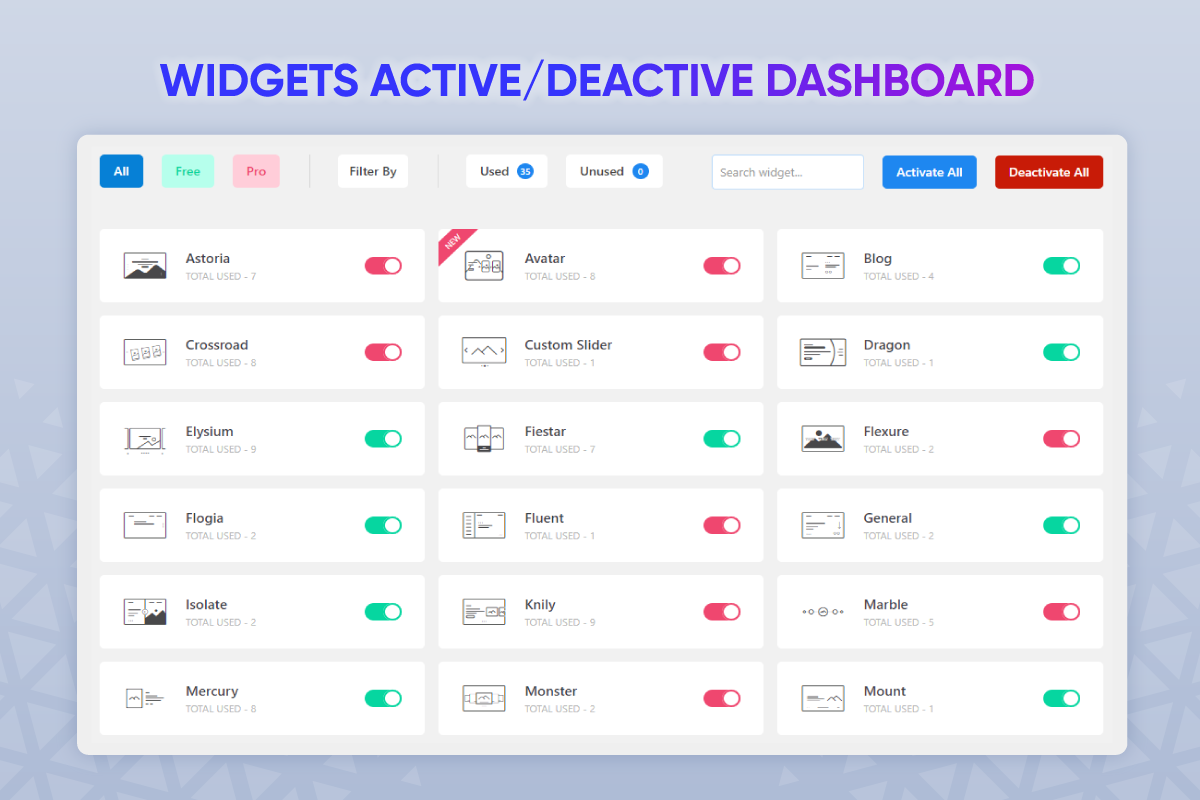
Widget demo of prime slider
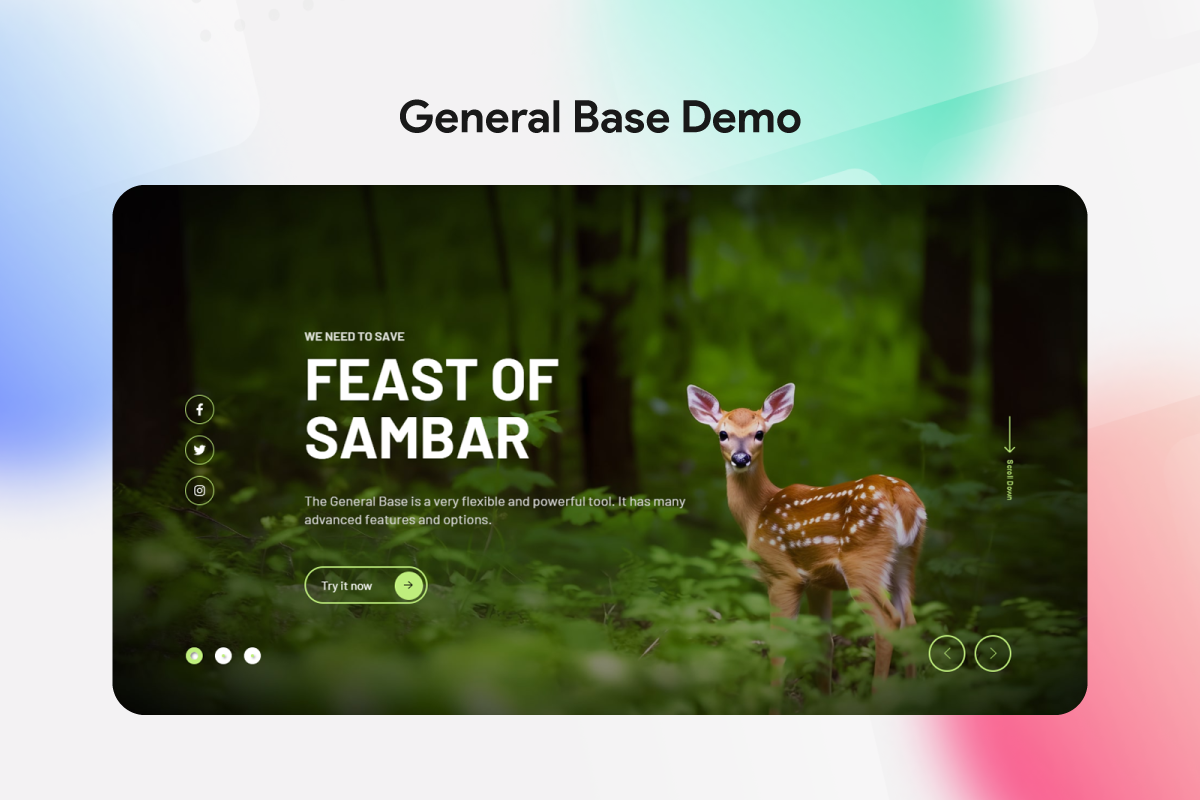
General Slider demo #1
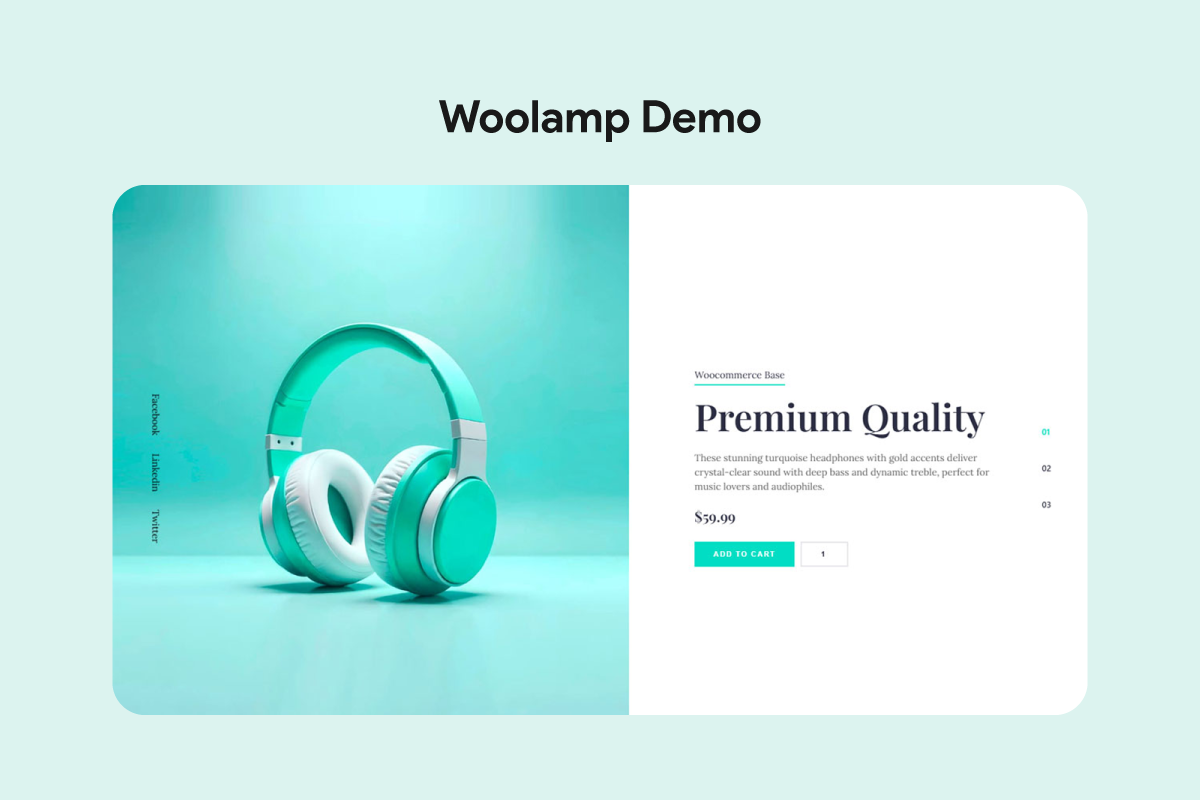
WooLamp Slider demo
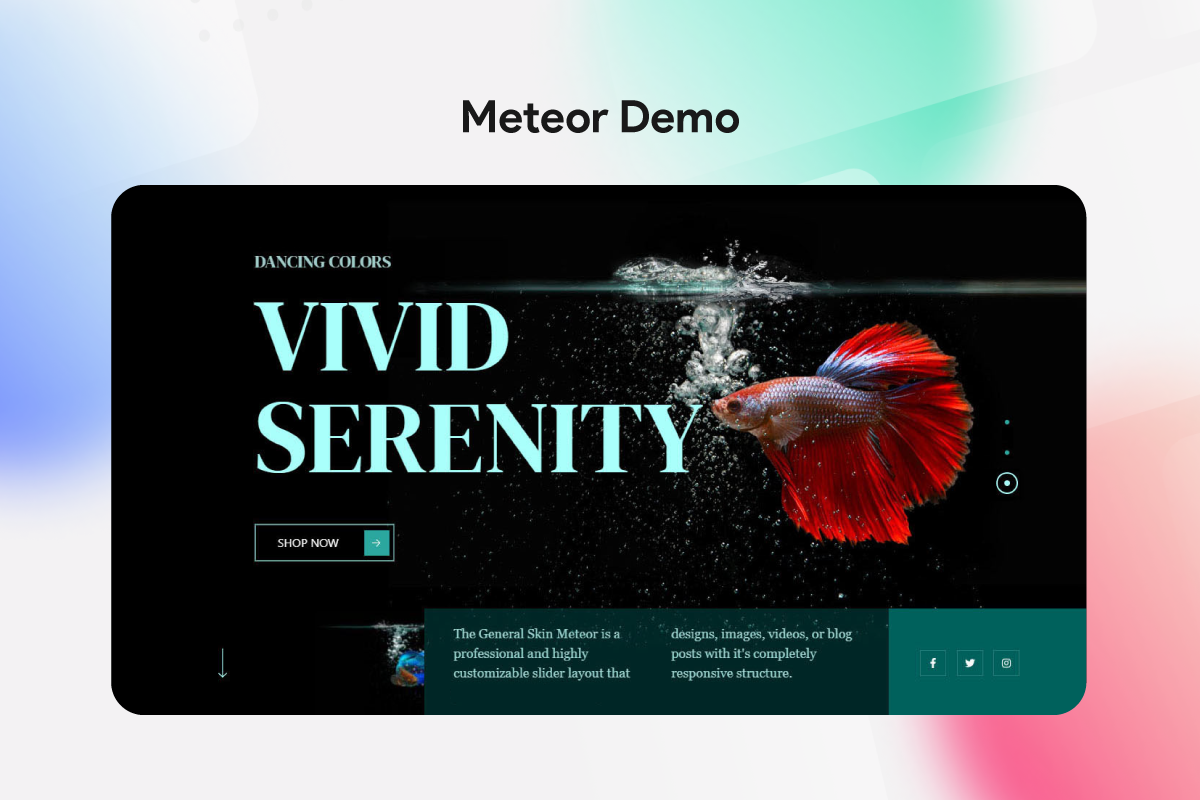
General Skin Meteor demo
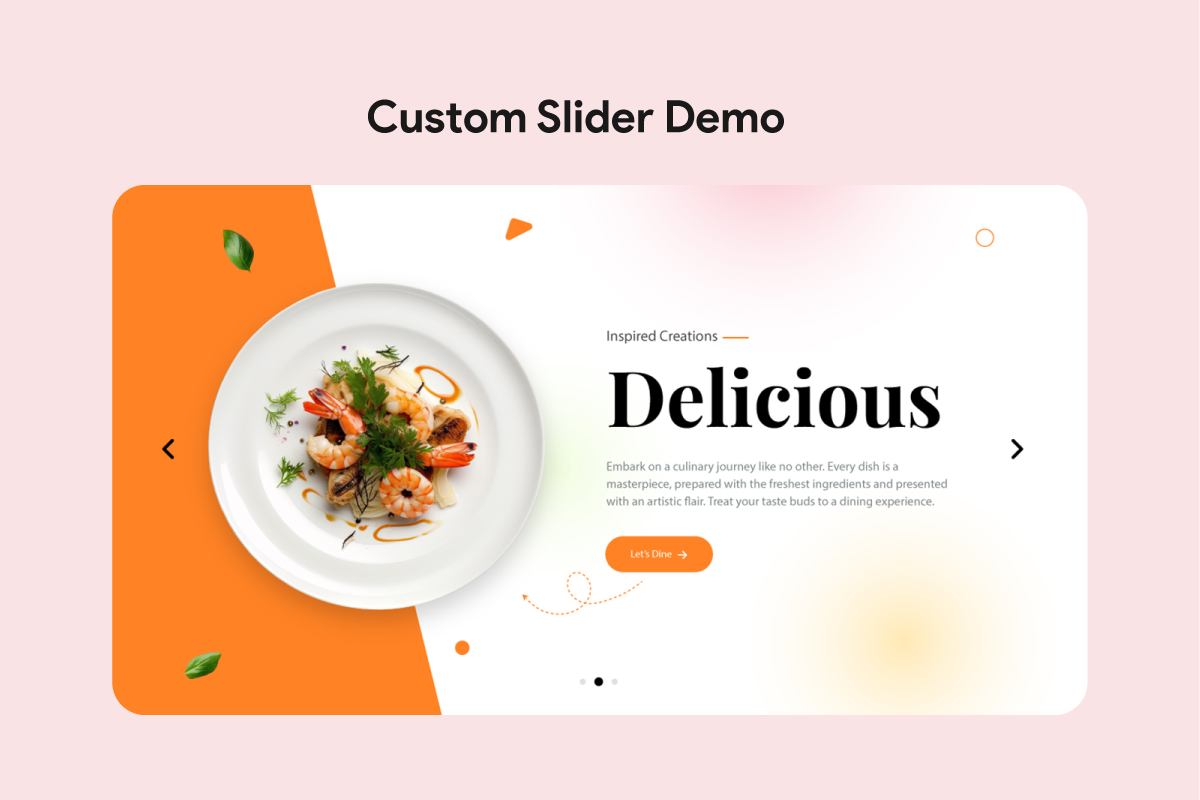
Custom Slider demo #1

Custom Slider demo #2
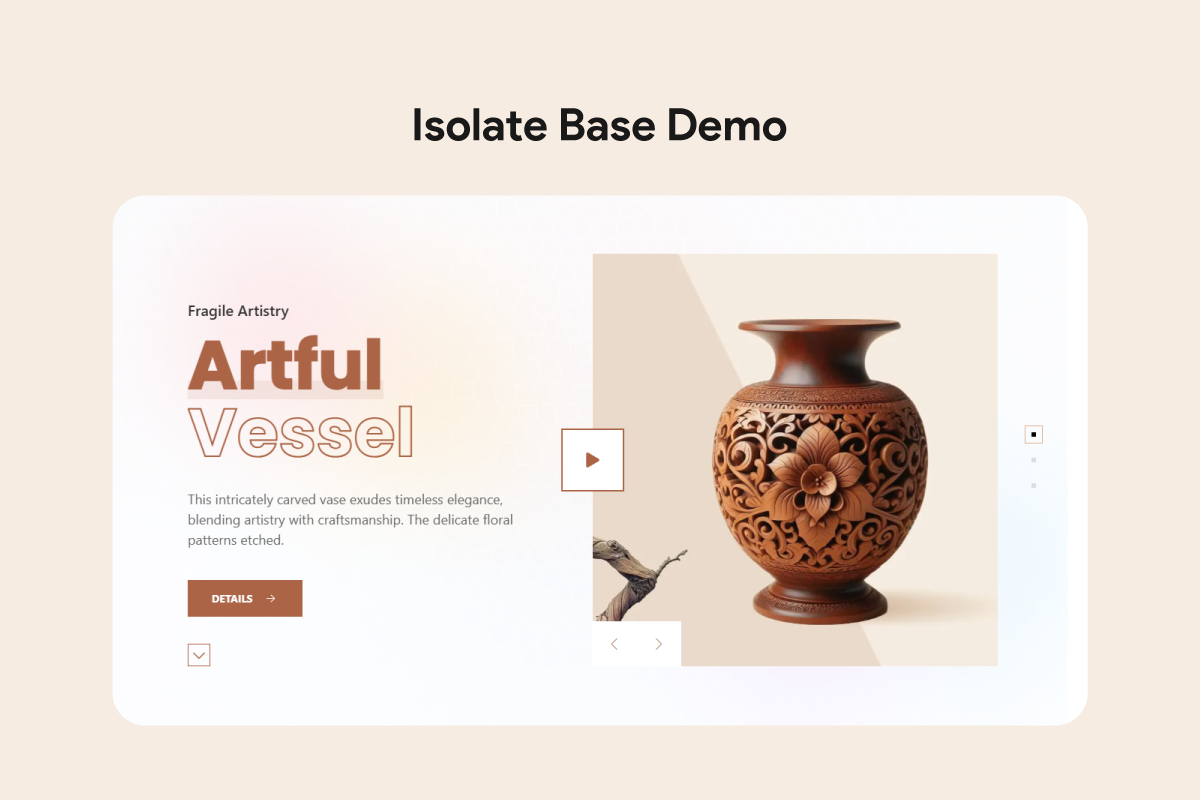
Isolate Slider demo
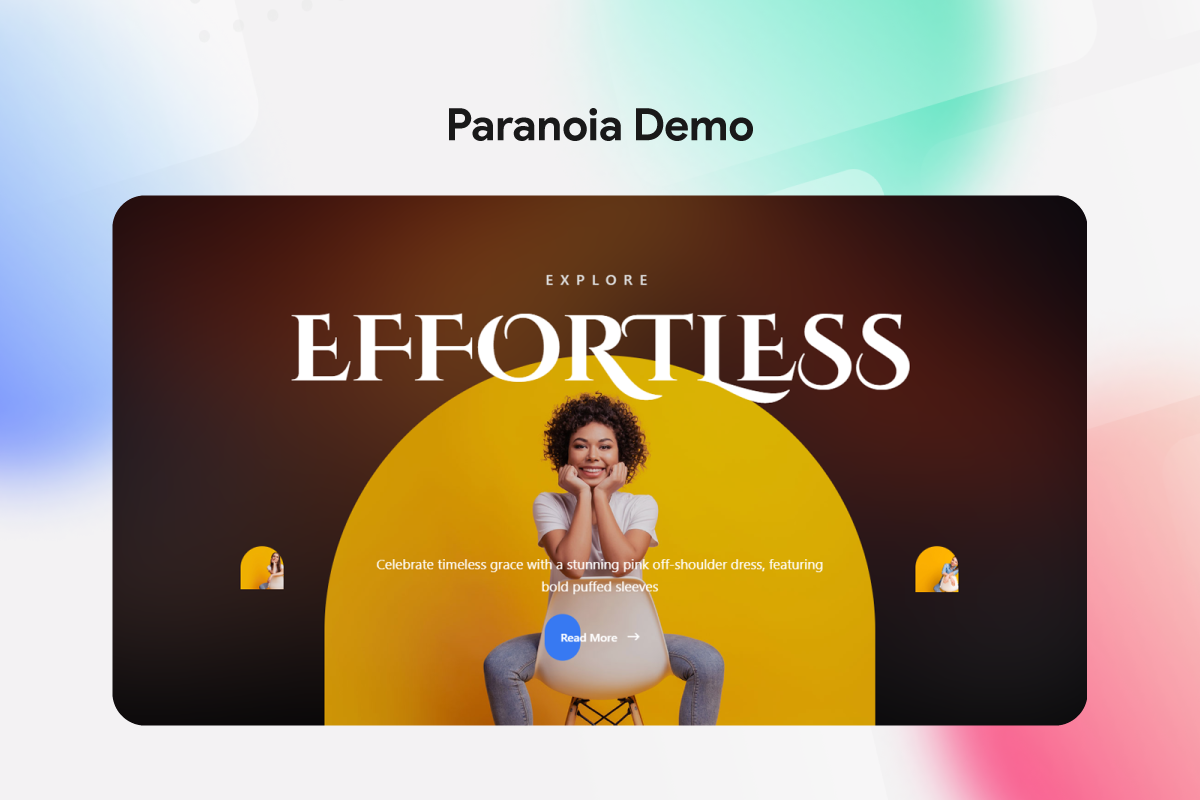
Paranoia Slider demo
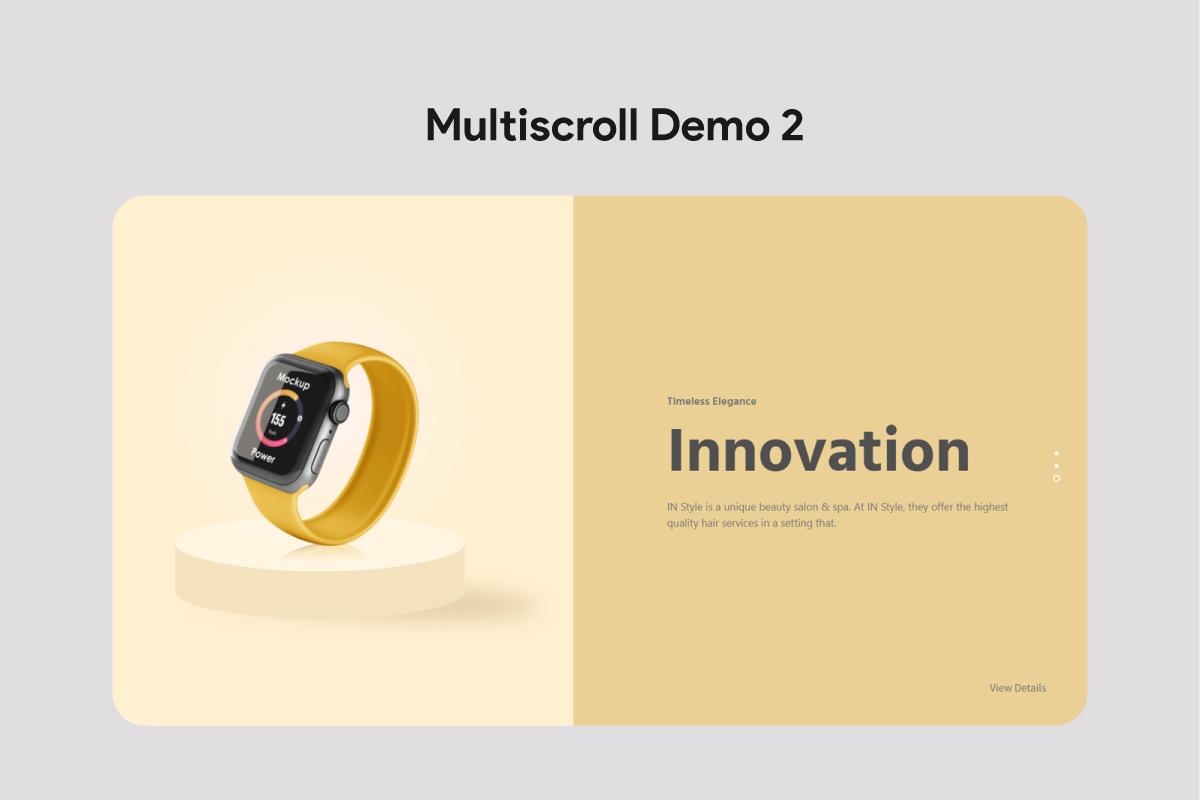
Multiscroll Slider demo
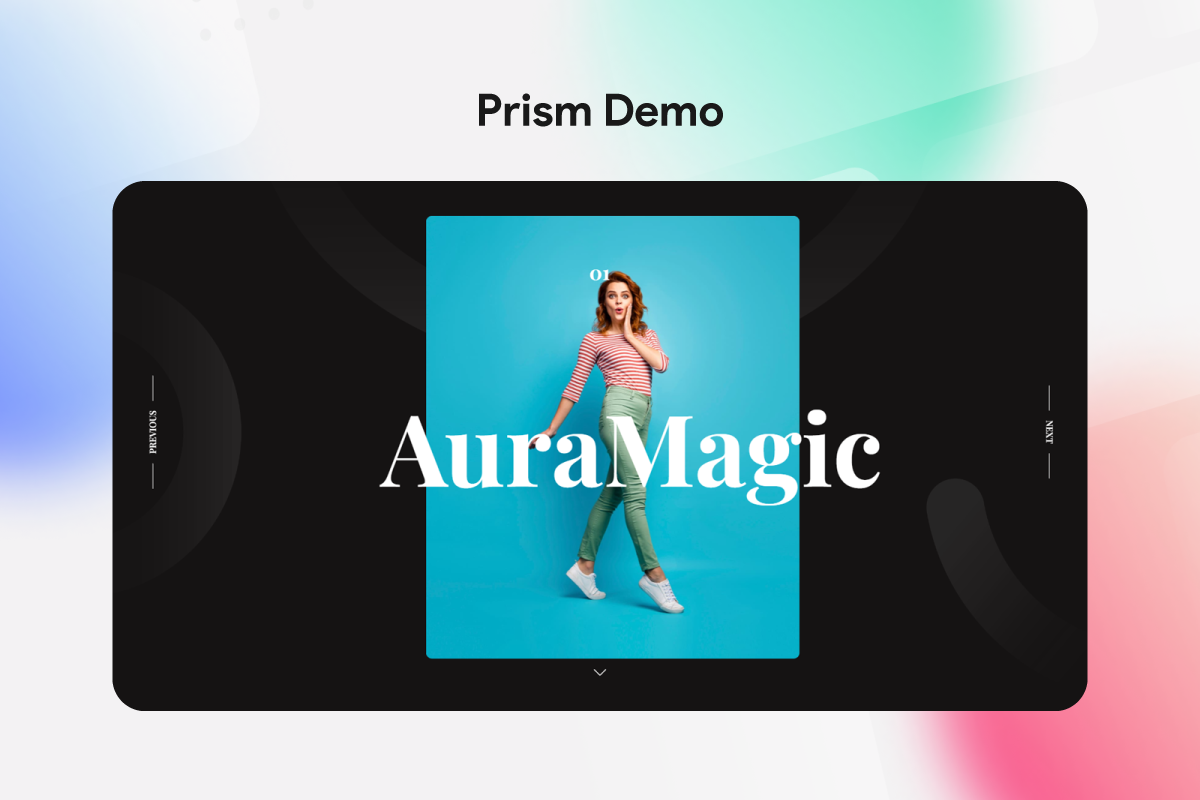
Prism Slider demo
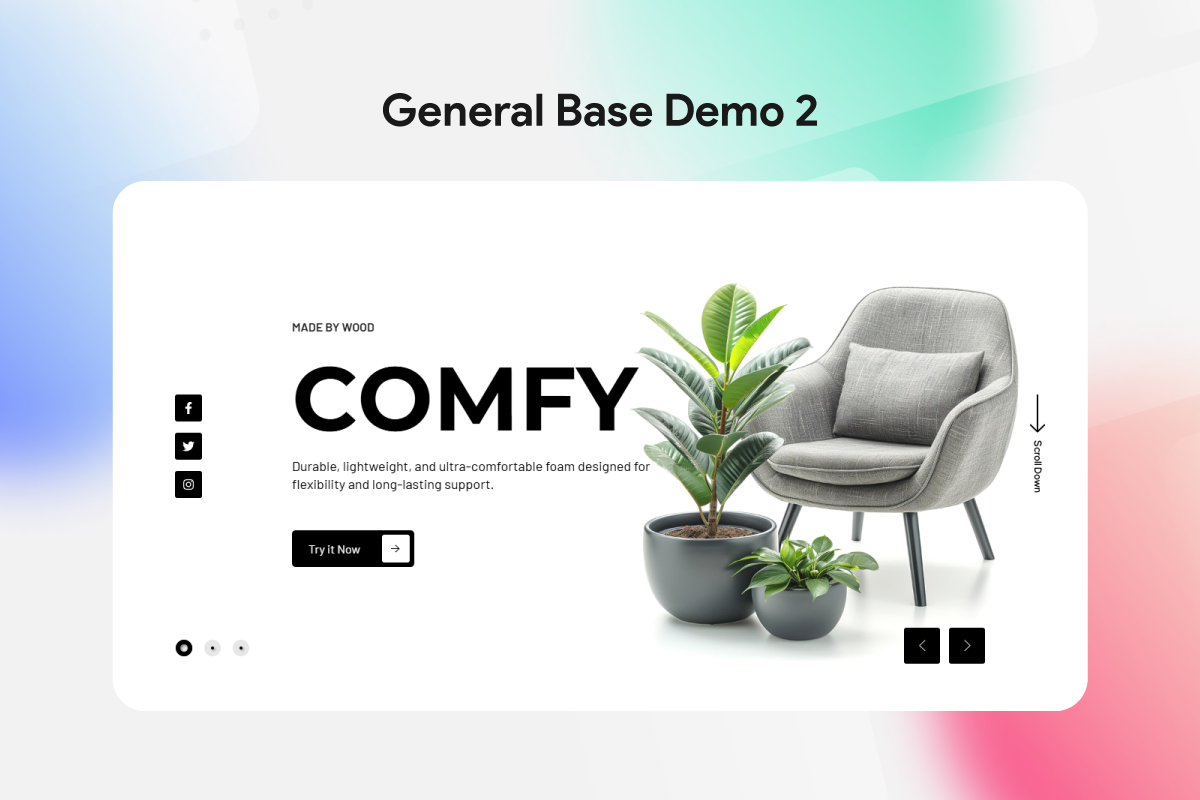
General Slider demo #2
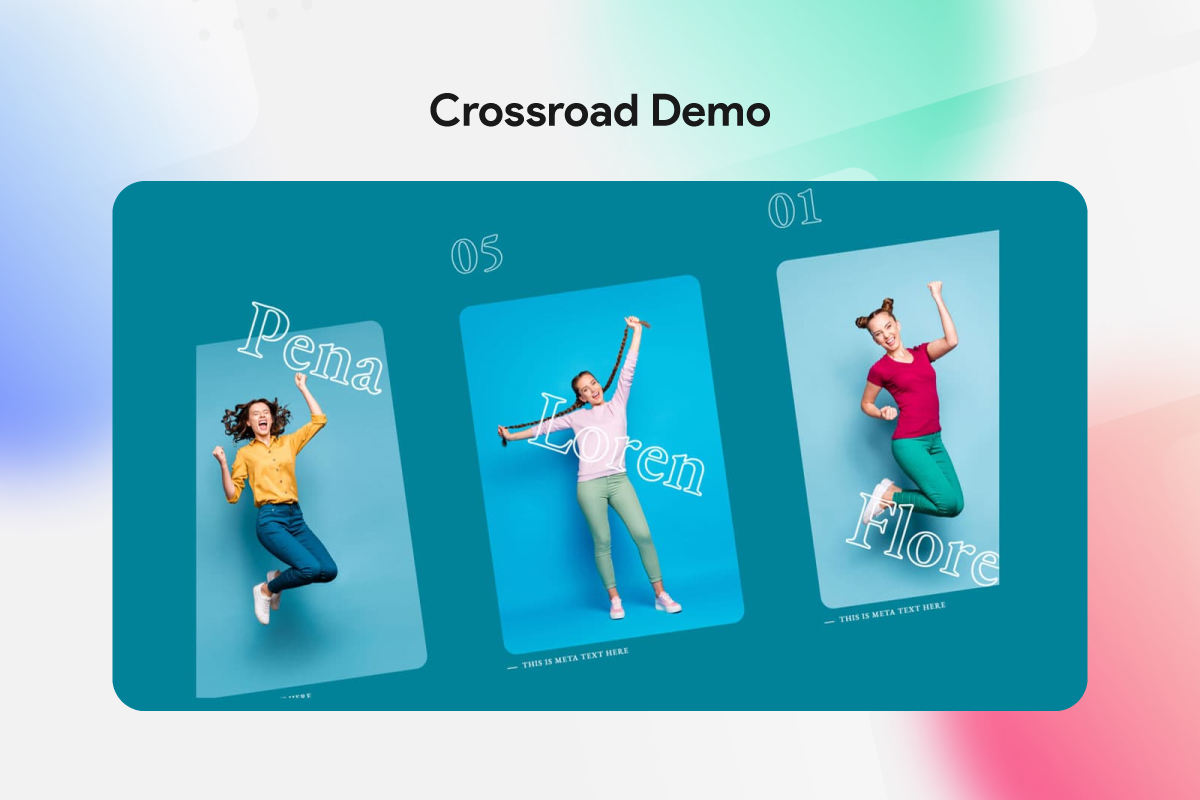
Crossroad Slider demo
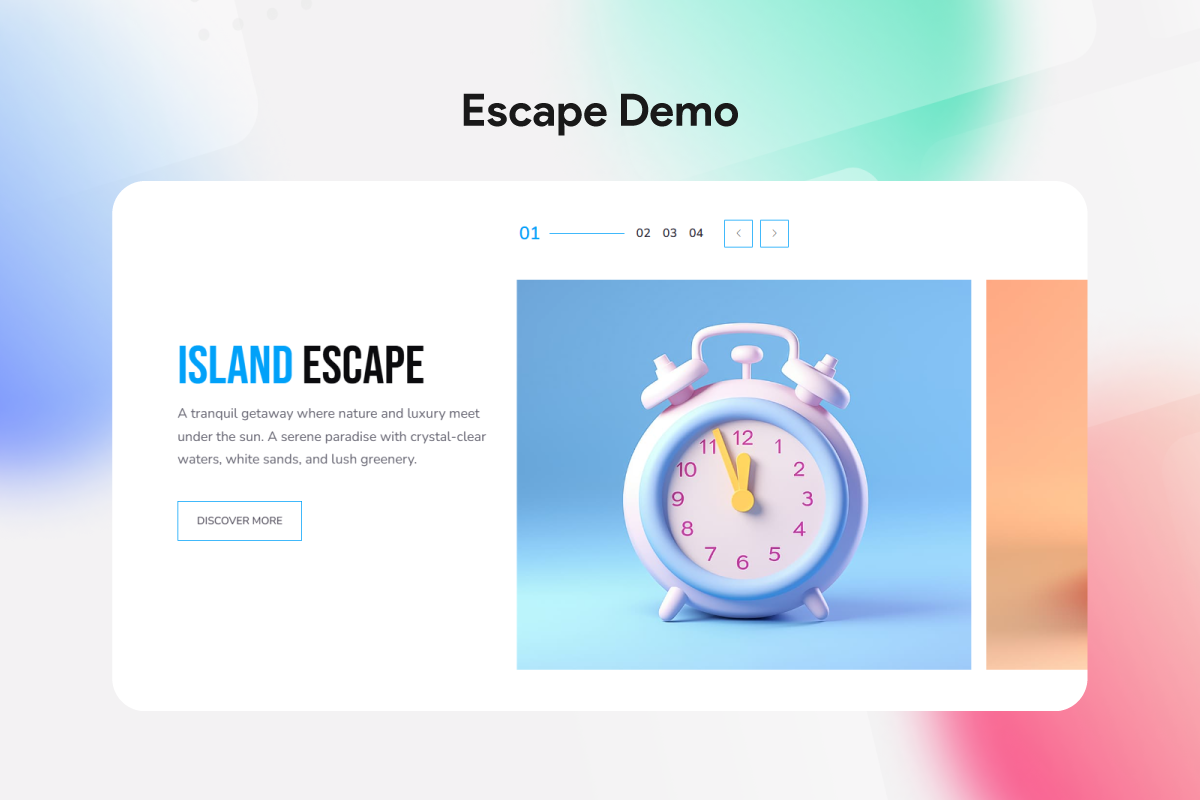
Escape Slider demo
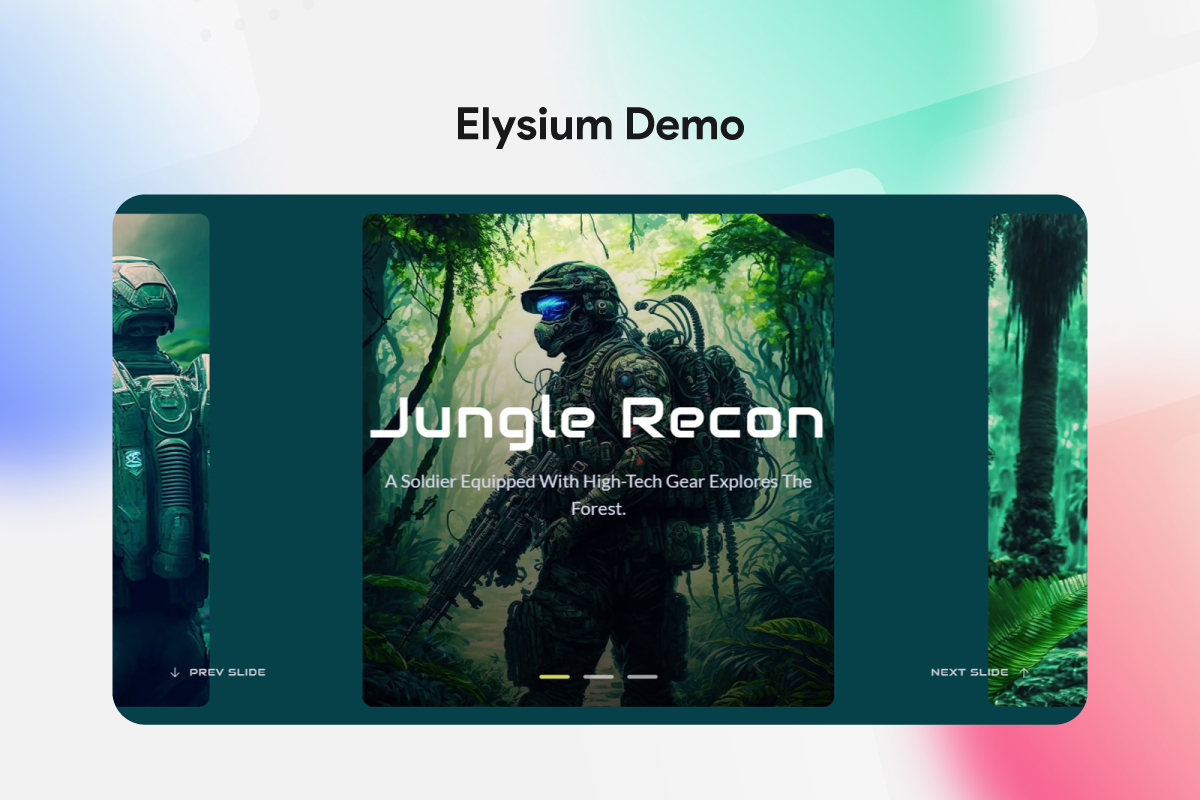
Elysium Slider demo
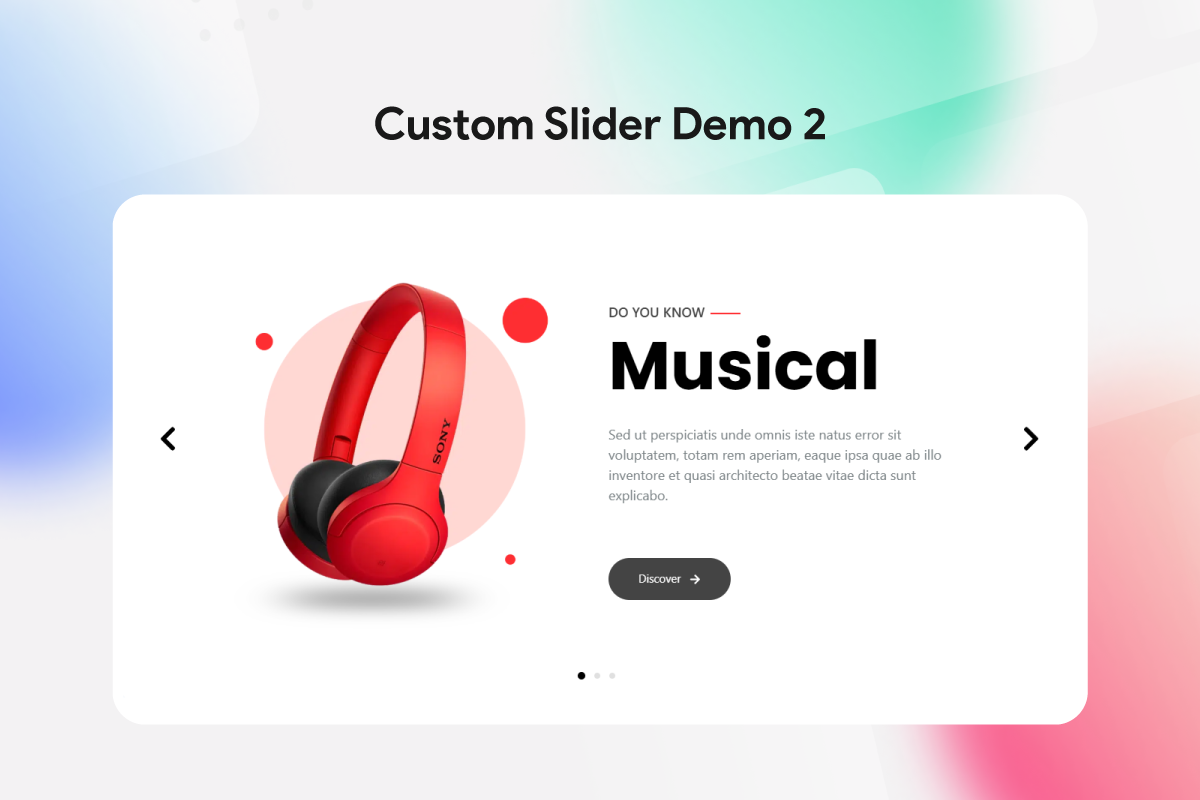
Custom Slider demo #3
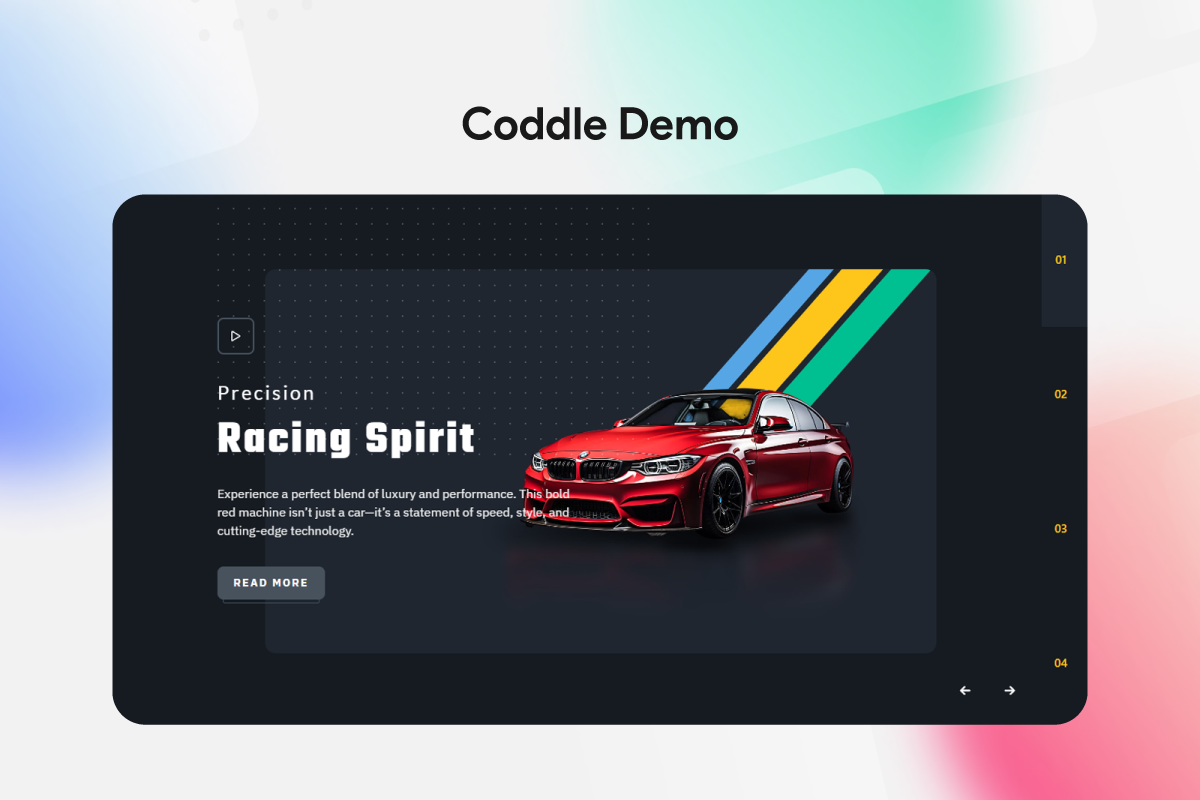
Coddle Slider demo
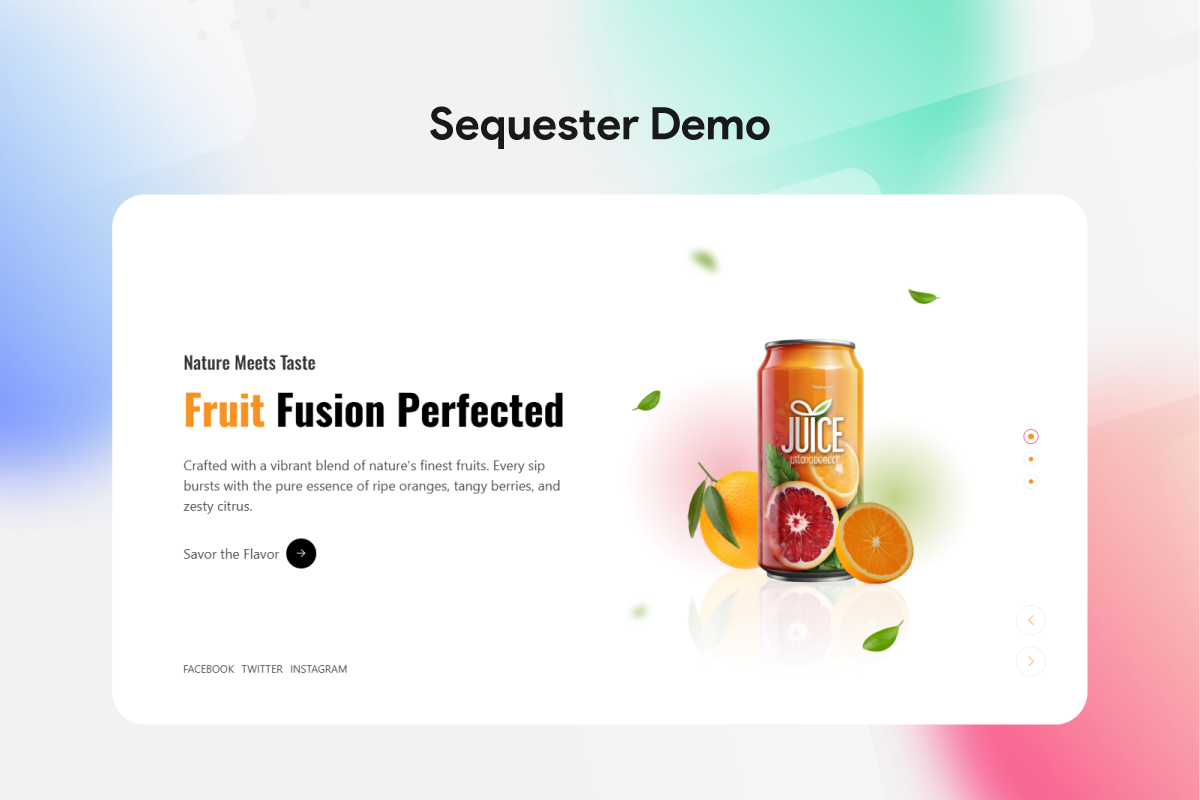
Sequester Slider demo
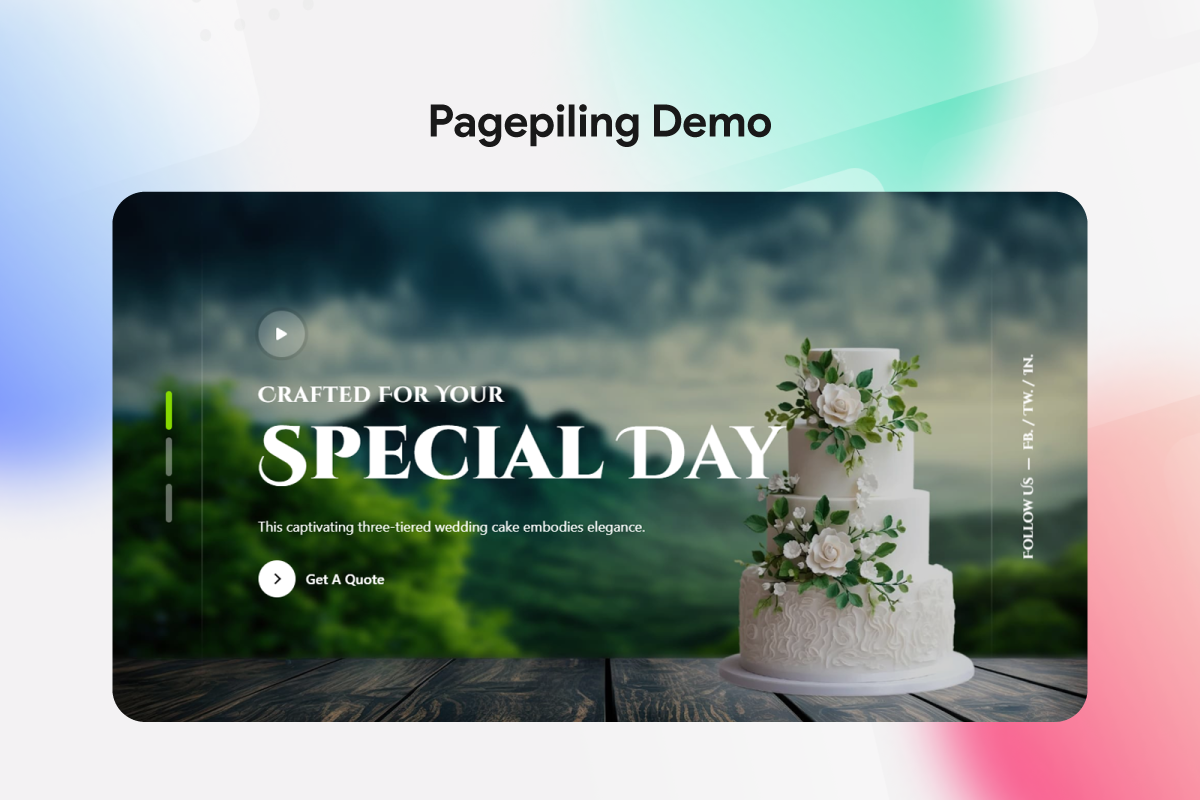
Pagepiling Slider demo

Woocommerce Slider demo
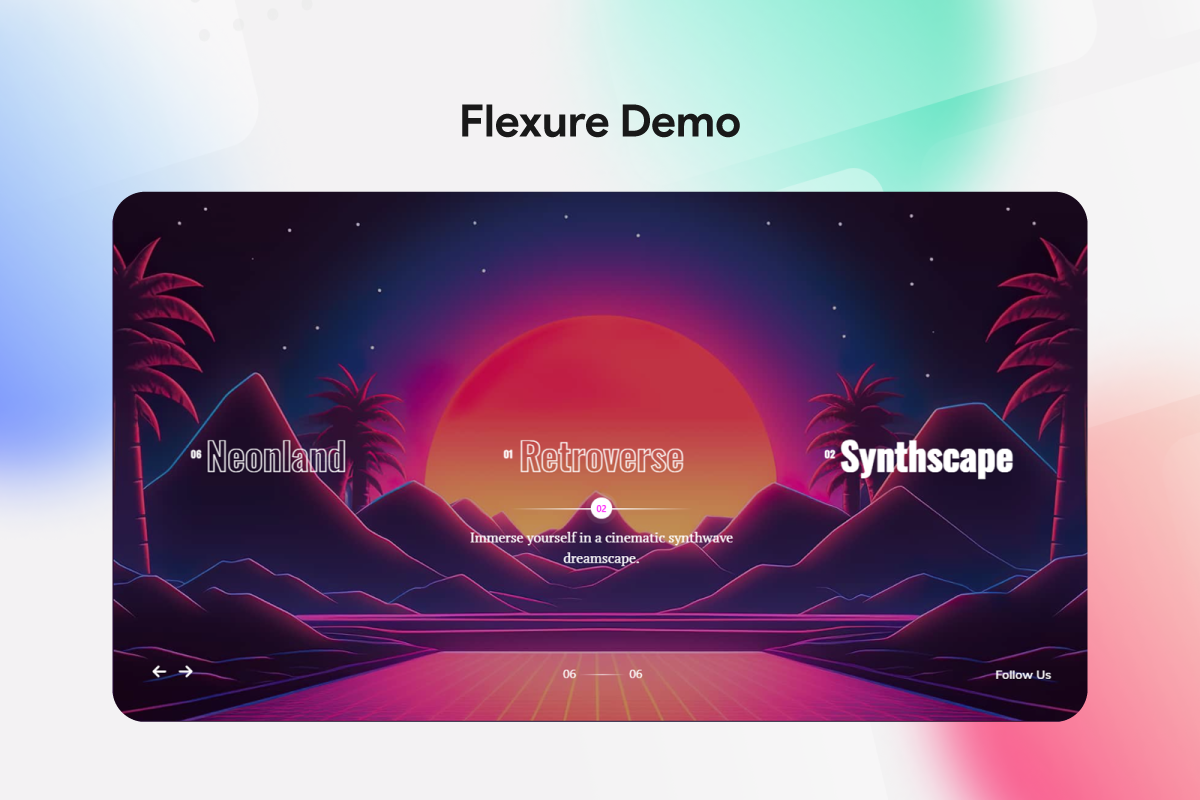
Flexure Slider demo
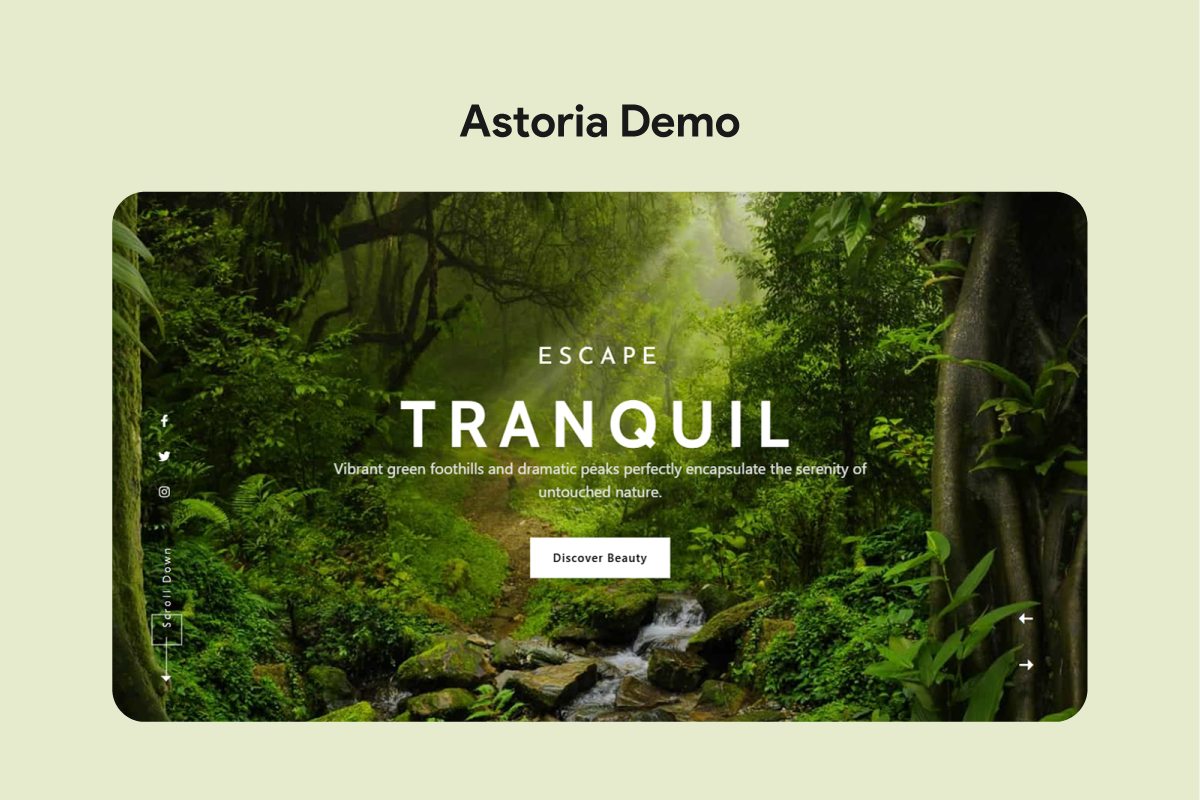
Astoria Slider demo
Check our others popular plugins
Faq
- The dashboard script and styles in build/admin are compiled from the human-readable source in src/admin/app, which ships with the plugin. Run
npm installand thennpm run build:adminto rebuild them.
- Just download Prime Slider on your WordPress website and drag-n-drop slider widgets/modules inside the target page where you want to use the slider.
- Of course, we offer detailed guidelines for each module/widget of Prime Slider in order to introduce you to the features and functions properly.
- Contact us on LiveChat or send us a support ticket so we can learn and fix the issue. Our developer team is always ready to support our customers.
- Yes, Prime Slider is made to fit any kind of display size (mobile, tablet, laptop or PC) and offers 100% responsiveness.
- Of course, you can. Prime Slider lets you customize the font using a dedicated Typography option for all slider widgets, texts, headings and meta so you can enjoy complete freedom over the layout.
- Absolutely. With Prime Slider, you can use as many widgets as you want inside a single webpage and that will not affect your website and never conflict with any elements.
- Just open the target page using Elementor page builder and drag-n-drop the Prime Slider modules/widgets inside the page or post.
- There is no need to do that. Each Prime Slider widget comes with a built-in customizable header, so you can use the slider to completely design your entire webpage with nothing else but Prime Slider.
- Yes, Prime Slider supports both http:// and https:// protocols.
- You can report security bugs through the Patchstack Vulnerability Disclosure Program. The Patchstack team helps validate, triage and handle any security vulnerabilities. Report a security vulnerability.
- Prime Slider has been tested on popular managed WordPress hosting environments, including Kinsta.
- Yes! Prime Slider works seamlessly with both Elementor Free and Elementor Pro. You do not need an Elementor Pro license to use our free widgets.
- No. Prime Slider uses an on-demand asset loading system. Only the CSS and JavaScript files for the specific widgets placed on a page are loaded. You can also disable unused widgets inside the Prime Slider admin dashboard.
- Yes. Prime Slider includes dedicated widgets for WooCommerce products as well as standard WordPress posts and custom taxonomies.
- Yes. All Prime Slider widgets feature native touch-swipe navigation, keyboard controls, and customizable responsive breakpoints for desktop, tablet, and mobile devices.
- Yes! With our Live Copy / Paste feature, you can browse any slider from our Demo Library and paste the entire section directly into your Elementor editor.
Reviews
Huge security case in 2026, everyone was left completely alone, zero information
By 
You can search in the forum for the following post from August 2026: "[Prime Slider] Administrator accounts created (Vulnerability)"
I am not allowed to share links here, and I am not going to spend any more time on this plugin. Just do yourself a favor and carefully look into it before installing it.
Top!!! Simplificou tudo.
By 
Parabéns aos desenvolvedores. Ótimas soluções de sliders com um visual incrível.
Awesome Slider Plugin
By 
I've tried many plugins and this one was the best I've found so far. The price for it was great as well. I paid for the Pro version as I wanted the extra sliders and abilities and I wasn't disappointed!! Their technical support via chat was amazing and very timely. I would highly recommend this plugin!!
Amazing plugin
By 
This is an extremely good and advanced application! I can only recommend it….
Nag, nag, nag
By 
You nagged me so often and for so long that I'll finally give you a review.
It sucks, the only reason these poorly designed and ugly plugin is still on our site is the devs who put it there refuse to remove it. Every time I open a page this plugin nags me to make a review, finally i decided it was time to leave one.
Please for the love of God, don't install this plugin.
Thanks to the professional creators of this plugin.
By 
Excellent
👌✅♥️🤩👍👏🫶
Superb
Intrusive ad in all WP dashboard pages
By 
This plugin adds an ad (summer sales) in all WP dashboard pages that can be removed if the Memcached (SG Speed Optimizer) is active. Even if I close the ad, it appears on the next page or when I refresh the page, again and again.
It is very annoying.
Update: The support team fixed the issue quickly. I edited my rating (to a more positive one) because they were very responsive in dealing and fixing the issue.
nice feature
By 
The slider works great on mobile as well as desktop version. cool features round up a great plugin, will continue using it.
Clean, Powerful, and Surprisingly Flexible
By 
I’ve tested a lot of slider plugins and Prime Slider honestly impressed me. It's clean, smooth, and doesn’t weigh my site down like some of the others. Even the free version gave me more than I expected – layouts, customization, and integration with Elementor felt super intuitive.
It also looks great across devices, which is big for me since I’m building a modern front end for a production supply company. The typography control and responsiveness were chef’s kiss. 😎
Didn’t run into bugs, and the support documentation helped me tweak what I needed. Solid work – hats off to the dev team.
Good Job.
By 
new, very practical tools.
Changelog
5.0.0 [20th October 2026]
- Added: New admin dashboard
- Added: Up To 86% Off menu in the free version, linking to the BdThemes deals page
- Added: BdThemes deals notice on the Dashboard, Plugins screen and plugin dashboard; “Don’t Show Again” hides it in every BdThemes plugin
- Improved: Accessibility (WCAG 2.2 AA) of the dashboard, setup wizard and slider controls: contrast, keyboard access and labels
- Improved: Asset Optimization now refreshes Elementor’s cached asset lists after an update or a widget change, as in Element Pack
- Fixed: Setup wizard now activates the plugins it installs
- Fixed: Setup wizard template import no longer adds sample posts or turns on unfiltered uploads
- Fixed: Setup wizard scripts load only on the wizard screen
- Fixed: Live Copy/Paste now uses Elementor’s copy and paste
- Fixed: Duplicator SQL error on posts without meta
- Fixed: PHP 8.1 deprecation notice when a widget title is hidden
4.7.3 [18th October 2026]
- Security: Fixed an unauthenticated stored XSS via comment content (reported by crow via Wordfence)
4.7.2 [13th October 2026]
- Security: Further hardened the stored XSS fix against the remaining reported bypasses (reported by nh4tvd)
4.7.1 [11th October 2026]
- Security: Hardened the stored XSS fix from 4.7.0 against two reported bypasses (reported by nh4tvd)
4.7.0 [6th October 2026]
- Security: Fixed a stored XSS via data-bdt-svg attributes in post content (reported by Intrudify)
- Added: Asset Optimization option that combines the CSS and JS of the widgets a page uses into one file each
- Improved: UIkit and helper CSS/JS load only on pages that use a Prime Slider widget
- Improved: Pages without Prime Slider widgets load no Prime Slider assets, lowering Total Blocking Time and speeding up Largest Contentful Paint
4.6.2 [30th September 2026]
- Fixed: Blog widget’s Coral skin broke the layout of the rest of the page when the query returned no posts
- Fixed: Clicking the next-slide thumbnail in the blog widget’s Coral skin did nothing
- Fixed: Blog widget’s Zinest skin showed ten items in its featured strip, including pages and products, instead of three posts. Selected featured posts now also keep the order they were picked in
- Fixed: Blog widget showed no categories when the query source was Manual Selection, Current Query or Related
- Fixed: Blog widget’s Background Image Settings had no effect while the Kenburns Animation was turned on
- Fixed: Blog widget’s Default skin showed an empty image for posts without a featured image
- Fixed: Dynamic tags in Social Link items were ignored by the blog widget’s Default, Coral and Zinest skins
- Fixed: The Scroll Down button did nothing when the Section ID was entered with a leading “#”
- Fixed: Clearing the Autoplay Interval made the slider change slides non-stop
- Fixed: A Text Limit that cut through a shortcode left part of the shortcode in the post text
- Fixed: A widget’s Query ID filter also ran for every other query on the page instead of only the widget’s own query
- Fixed: The Current Post option under Exclude By did not work when Ignore Sticky Posts was turned off
- Fixed: Titles containing characters such as “&” or quotes were shown as HTML entities in the query search fields
- Fixed: Saving a page with the blog widget logged PHP warnings when WPML was active
- Fixed: The blog widget’s Size Ratio control had no visible label, and the Separator Color label was misspelled
- Fixed: The query search fields showed Contributors the titles of other authors’ drafts, and let users without the List Users capability search people by e-mail address or list users who have never published anything
- Changed: Blog widget no longer shows different posts on the second and later pages of a paginated archive
- Changed: Blog widget shows a notice in the editor when its query finds no posts, and nothing on the live site
- Improved: Blog widget’s Coral skin runs its post query once per render instead of four times
- Improved: The blend type, Section ID and Text Limit settings only accept valid values
4.6.1 [23rd September 2026]
- Updated: System improved
4.6.0 [10th September 2026]
- Fixed: The System Status charts on the dashboard never appeared, and the browser console reported “Cannot use import statement outside a module” and “Chart is not defined”. The bundled Chart.js was the module build, which cannot run as an ordinary script
- Fixed: Every template on the setup wizard’s last step failed with “Invalid Import URL”. The template files were missing from the plugin, and the release build excluded them as well
- Fixed: The Activate button on the dashboard’s Other Plugins tab led to “The link you followed has expired”. The link’s separators were HTML-encoded inside a script, so WordPress never received the plugin name or the security token
- Added: The Other Plugins tab and the setup wizard’s integration step now show each plugin’s own logo instead of a generic placeholder icon
- Changed: The Other Plugins tab lays its cards out in three columns and uses the same card design as the setup wizard’s integration step
- Changed: Removed the plugin description from the Other Plugins cards
- Improved: The client IP helper no longer trusts forwarding headers supplied by the caller. Sites behind a reverse proxy or CDN can opt back in with the new prime_slider_trusted_proxies filter
- Changed: Removed the unused uglify build dependency, clearing every critical advisory reported against the development toolchain
4.5.4 [6th September 2026]
- Fixed: Pagepiling widget did not work on the front end (“pagepiling is not a function” in the console)
- Fixed: Multiscroll widget did not work on the front end
- Improved: Both widgets now log a warning instead of throwing an error when their library is missing
4.5.3 [3rd September 2026]
- Updated: System improved
4.5.2 [31st August 2026]
- Improved: Every slider control in this plugin is now fully usable. 116 controls across the free widgets (Show Excerpt, Content Max Width, Offset, Overlay, Swiper Effect, Query ID and others) were previously greyed out with a “PRO” badge and are now available to everyone
- Changed: Advanced Animation and Reveal Effects moved to Prime Slider Pro, which supplies the GSAP, SplitText, anime.js and RevealFx engines they need. Prime Slider Pro 4.5.2 or later adds them back to these widgets
- Changed: The Shutters, GL, Slicer and Tinder swiper effects moved to Prime Slider Pro along with the third-party libraries that power them
- Updated: bdtUIkit 3.21.7 to 3.25.21 and Chart.js 3.9.1 to 4.5.1
- Fixed: Corrected the Terms of Use link in the readme, which pointed at a page that no longer exists
- Fixed: Admin notice dismissals are stored under this plugin’s own transient and user-meta prefix instead of a key taken straight from the request
- Fixed: The setup wizard no longer loads WordPress upgrader files on front-end requests, and only imports the templates bundled with this plugin
- Improved: Every global function, class, hook, AJAX action, nonce, option, transient and script/style handle this plugin registers now carries the plugin’s own prefix. The five public helper functions kept deprecated aliases so existing integrations keep working
- Fixed: The Terms and Authors fields in a widget’s Query section were empty and unusable. The editor registered the
search control under a different name than the one the server declared, so no options ever loaded - Fixed: A loop variable on the setup wizard’s integration screen shadowed a WordPress global
- Fixed: Removed unused licence key and e-mail accessors and the Pro renewal redirect from the free plugin; the free plugin no longer reads any licence data
- Improved: Replaced a direct filesystem write during template import with Elementor’s own uploads manager, and switched a raw json_encode() to wp_json_encode()
- Fixed: Author name in the blog widget’s folio skin was plain text instead of a link to the author archive
- Fixed: Flogia widget’s Show Title control also hid the post text when it was turned off
- Fixed: Isolate widget’s Slice skin sub title was shown or hidden by the Show Title control instead of its own Show Sub Title control
- Fixed: Isolate widget’s Sub Title HTML Tag control had no effect in the Slice skin, and changing it in the Locate skin broke the sub title’s styling
- Fixed: Isolate widget’s Wrapper, Navigation and Scroll Down style controls could appear or stay hidden regardless of their related switcher due to a duplicated condition
- Fixed: Rubix icon hover border color control linked to a non-existent border control
- Fixed: Sniper fraction pagination heading and typography controls linked to show title instead of show pagination
- Fixed: Woocircle open/close button hover border color controls linked to incorrect border conditions
- Fixed: WooCommerce category hover border color control always visible regardless of category border setting
- Improved: Flogia widget’s slider style controls are now split into separate Title, Text, Category and Author sections instead of a single tabbed group
4.5.1 [18th August 2026]
- Fixed: Used and Unused counts were missing on the 3rd Party Widgets tab, leaving both status indicators as identical filled circles
- Fixed: Plugin names and descriptions on the Other Plugins tab displayed raw HTML entity codes instead of dashes and ampersands
- Fixed: A bundled template with an unexpected file type could stop the rest of the setup wizard’s final step from rendering
- Fixed: Setup wizard’s final step no longer triggers PHP warnings when the bundled template data is missing or malformed
- Fixed: Duplicate install requests were sent when the Other Plugins list reloaded
- Security: Escaped the remaining remote plugin values before rendering them on the Other Plugins tab
- Improved: External links in the setup wizard and Other Plugins tab now open with rel=”noopener noreferrer”
- Updated: Video Tutorials link in the setup wizard now points to the Prime Slider playlist
- Removed: Deprecated BdThemes product-feed remote endpoint (returned an empty response) and its unused fetch code
4.5.0 [14th August 2026]
- Compliance: Corrected “Requires at least” / “Tested up to” to major WordPress versions and matched the text domain to the plugin slug
- Compliance: Documented external services and the source/build process in the readme
- Compliance: Removed the White Label, Version Rollback and Custom CSS/JS features from the free plugin
- Compliance: Removed the translation auto-update filter
- Security: Hardened settings save, nonce and request-input handling; confined the feedback option writes to the plugin’s own namespace
- Improved: Dashboard now exposes a neutral extension point so add-ons can register their own tabs
4.4.11 [13th August 2026]
- Compliance: Corrected “Requires at least” and “Tested up to” to major WordPress versions
- Compliance: Text domain now matches the plugin slug (bdthemes-prime-slider-lite) across all strings
- Compliance: Documented external services in the readme
- Compliance: Removed the custom CSS/JS code-injection feature
- Compliance: Removed the White Label feature from the free build (available in the Pro version)
- Compliance: Removed the version rollback feature
- Compliance: Removed a filter that interfered with WordPress translation updates
- Security: Sanitized nonce and request inputs; hardened settings sanitization
4.4.10 [13th August 2026]
- Security: Added a safety-net module that blocks the known malicious host, scrubs payloads from the notification feed and detects/cleans artefacts left by the notification-feed compromise
- Security: Restricted settings save to the plugin’s own options and sanitized stored values
- Security: Escaped remote plugin data before rendering it in the setup wizard
- Security: Removed the unauthenticated registration and added a capability check to the plugin catalog request
- Security: Added an object-injection guard to the template import unserialize call
4.4.9 [12th August 2026]
- Updated: System improved
4.4.8 [11th August 2026]
- Fixed: Slider accessibility tree now uses the standard carousel pattern resolving PageSpeed/Lighthouse accessibility.
- Added: Accessible names for slider navigation arrows and pagination dots
4.4.7 [10th August 2026]
- Updated: Admin API Biggopti removed
4.4.6 [8th August 2026]
- Fixed: Security issue where data returned by the promotions API could be injected as script into the WordPress admin area
- Fixed: Promotion links and images are now restricted to http(s) and mailto addresses
- Updated: Security improved
4.4.5 [5th August 2026]
- Fixed: Sniper widget sub-title now escapes issue fixed
4.4.4 [26th July 2026]
- Added: Inactive Dot Color control added in the blog widget
- Added: Tooltip text and background color controls in the blog widget
- Added: Tooltip text and background color controls in the general and isolate widgets
- Fixed: Title style tab now only shows when show title is enabled in the flogia widget
- Fixed: Button text control now only shows when show btton is enabled in the blog widget
- Fixed: PHP deprecation issue on the meteor skin in the general widget
- Updated: Security improved
4.4.3 [14th July 2026]
- Fixed: Output escaping issues in the mercury, mount, omatic and pacific widgets
- Fixed: Output escaping issues in multiple widgets
4.4.2 [29th June 2026]
- Fixed: Active thumb background, border and line color controls not applying correctly in the rubix widget
- Fixed: Title color changing unexpectedly when a title link is added in the sequester widget
- Fixed: Pause on Hover control now only shows when autoplay is enabled
- Fixed: Meta separator rendering incorrectly when only author or date is shown in the storker widget
- Fixed: Page speed issue fixed ( Thanks to Chris )
4.4.1 [15th June 2026]
- Fixed: Swiper GL effect not working properly in the omatic and sniper widgets
- Fixed: Active pagination separator line incorrectly changing color on hover in the pacific widget
- Fixed: Pagination dot color and opacity not applying correctly in the storker widget
4.4.0 [3rd June 2026]
- Added: Ring widget added (pro)
- Fixed: Quantity field height now matches the add to cart button in the woocircle widget
4.3.1 [21st May 2026]
- Updated: Made compatible with WordPress version 7.0
- Fixed: Pause on Hover issues in the pacific, elysium and rubix widgets
4.3.0 [10th May 2026]
- Added: Panorama widget added (pro)
- Updated: System improved
Details changelog here