J2W Migration

J2W Migration
Description
The J2W Migration plugin provides a comprehensive solution for migrating your Joomla website content to WordPress.
Key Features
- Database Connection Testing – Test and validate your Joomla database connection before migration
- User Migration – Import Joomla users to WordPress with Same Password
- Article Migration – Convert Joomla articles to WordPress posts with Gutenberg and Elementor support
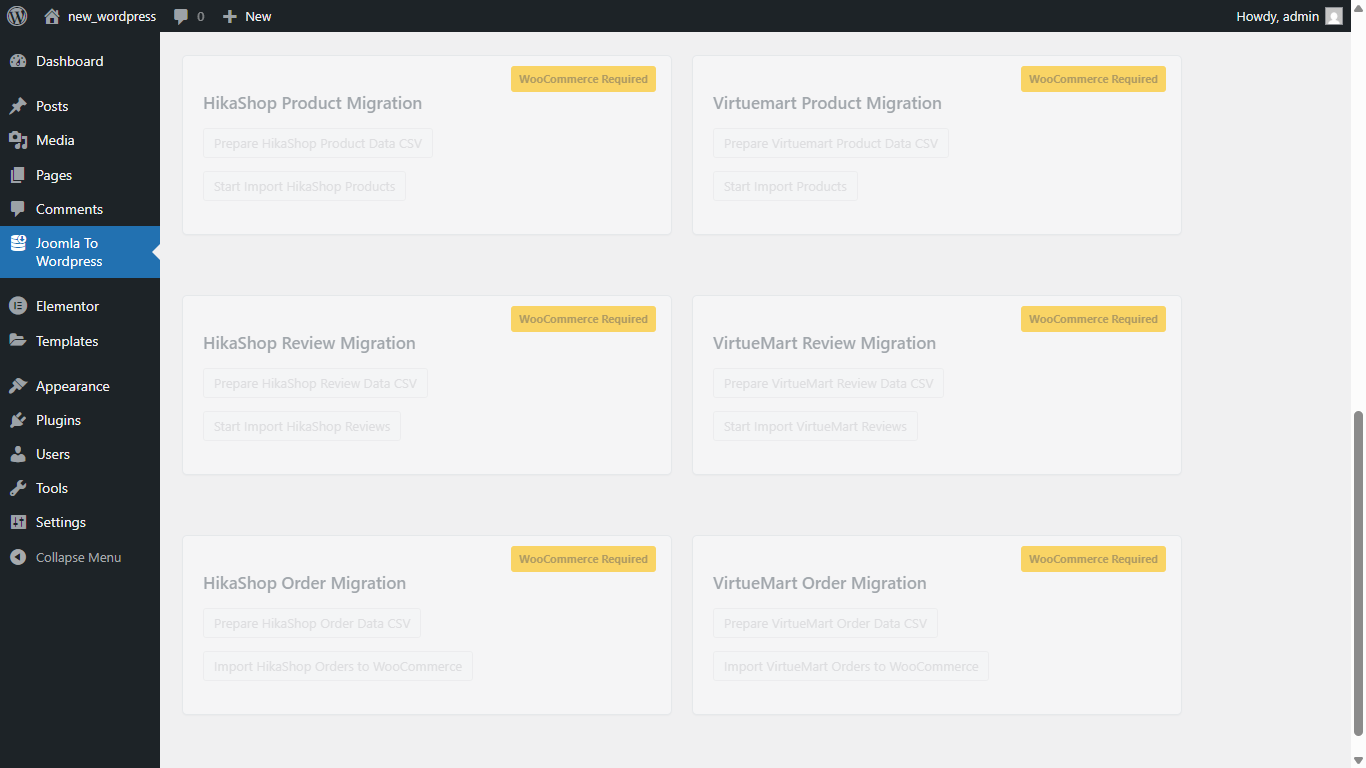
- VirtueMart Product Migration – Import VirtueMart products to WooCommerce
- HikaShop Product Migration – Import HikaShop products to WooCommerce
- Review Migration – Import product reviews from VirtueMart and HikaShop
- Order Migration – Import order history to WooCommerce
- Progress Tracking – Real-time progress bars during migration
- SEO Support – Yoast SEO meta description and focus keyword migration
Joomla to WordPress Migration (Elementor Ready)
VirtueMart to WooCommerce Migration
Privacy & Data Collection (Optional — Opt-In Only)
This plugin includes an optional, opt-in usage tracking feature to help us improve the plugin. This feature is disabled by default.
After activation you will see a one-time notice asking whether you’d like to participate. You can also enable or disable it at any time from the Joomla To WordPress admin page.
What data is collected (if you opt in)
- Site URL (collected with your explicit consent)
- WordPress version
- PHP version
- MySQL / MariaDB version
- J2W Migration plugin version
- Plugin activation status (active or deactivated)
- Active plugin flags — whether WooCommerce, Elementor, and Yoast SEO are installed (yes/no only)
- WooCommerce version (if installed)
- Active theme name and version
- Multisite or single-site
- Site language / locale
- Server OS type
- Total published posts and pages count
What is NEVER collected
- Joomla database credentials (host, username, password, database name)
- Admin email address or username
- Visitor or customer IP addresses
- Customer names, orders, or purchase history
- Any payment or financial information
How to opt out
Go to Joomla To WordPress admin page scroll to bottom click Opt Out at any time.
Privacy Policy
https://beatbrainsolutions.com/privacy-policy/
Installation
- Upload the
beatbrain-joomla-migrationfolder to/wp-content/plugins/ - Activate the plugin through the Plugins menu
- Navigate to Joomla To WordPress in your admin menu
- Configure your Joomla database connection and start migrating
Screenshots
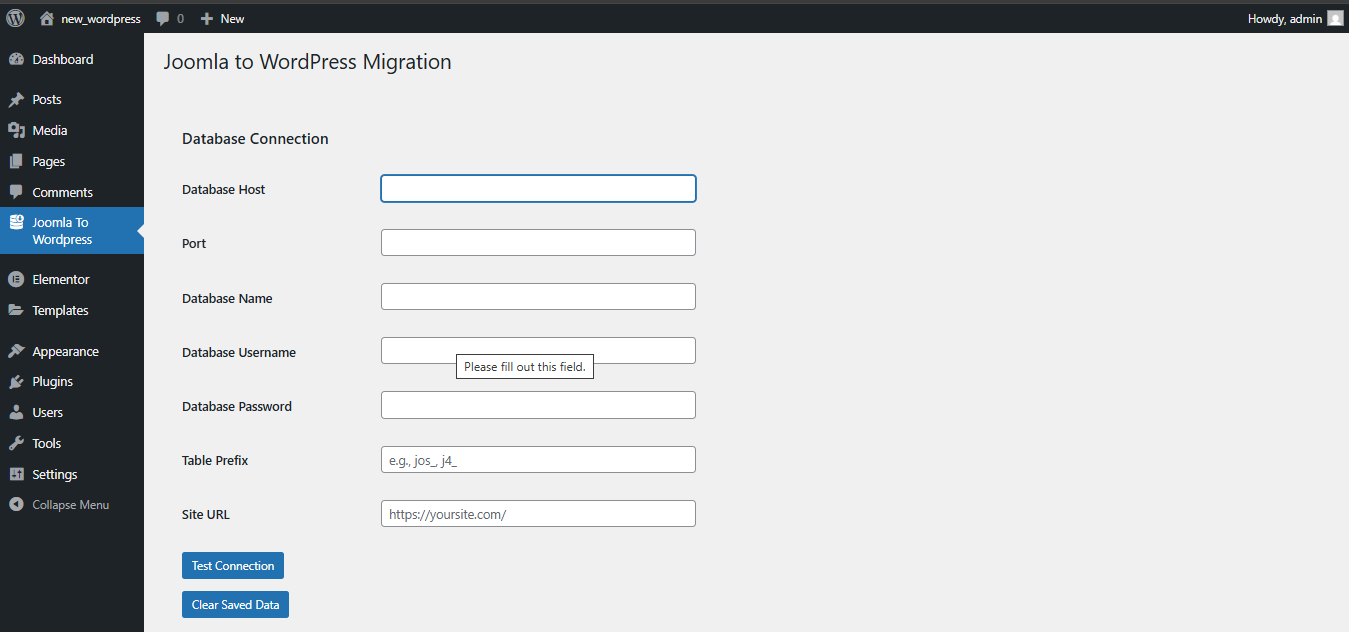
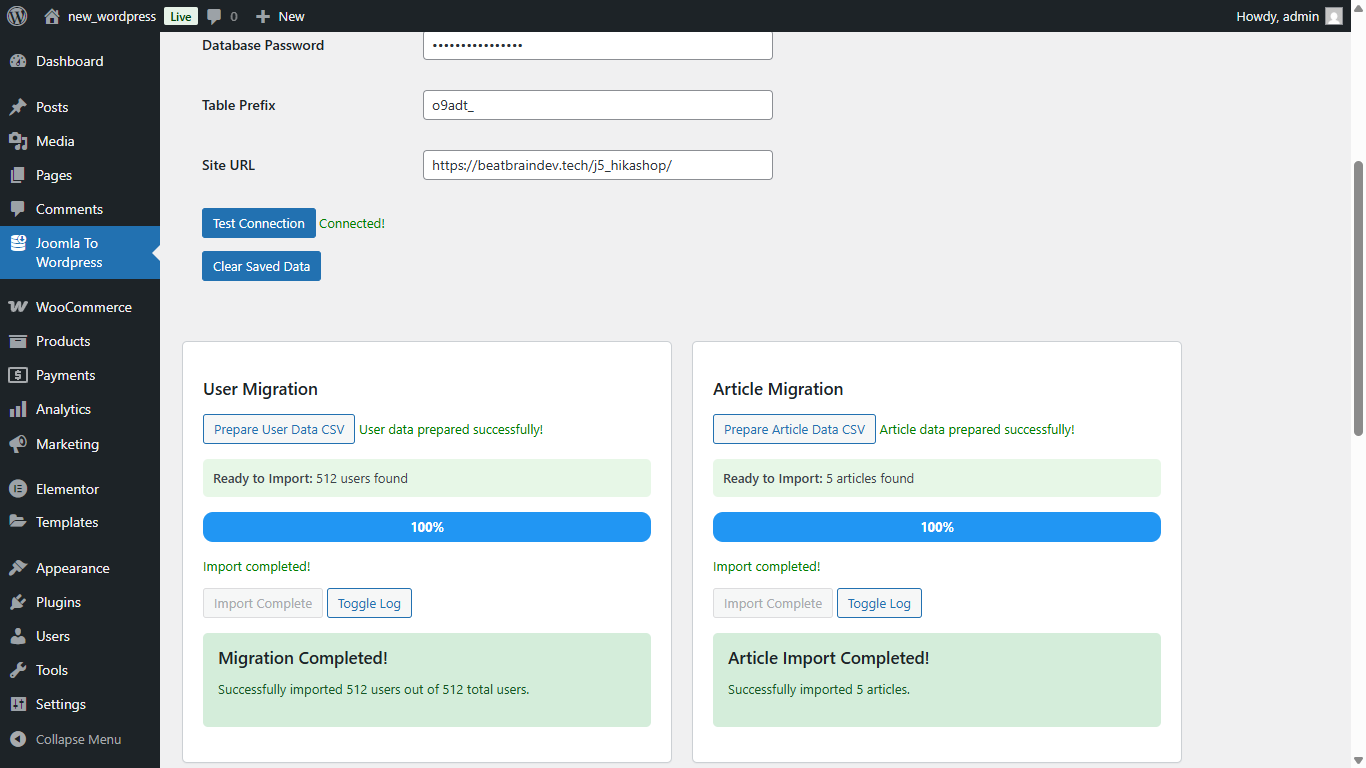
Database connection configuration and testing interface
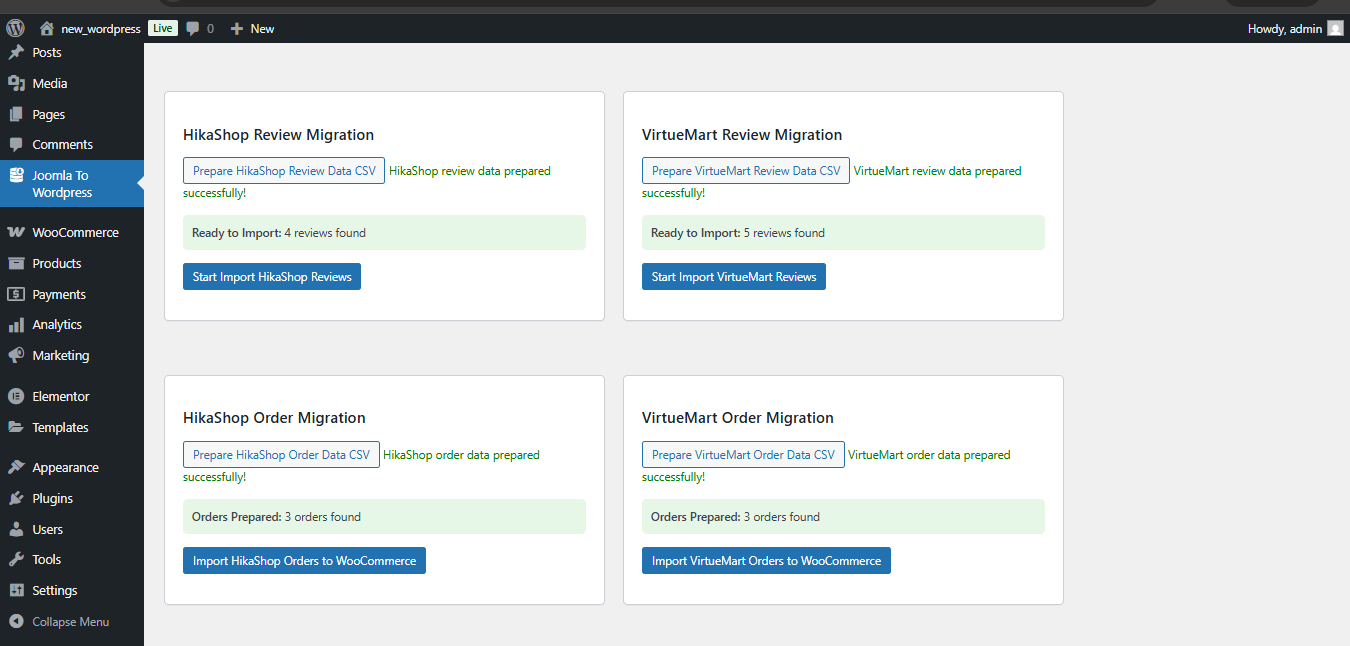
User migration with batch processing and progress tracking
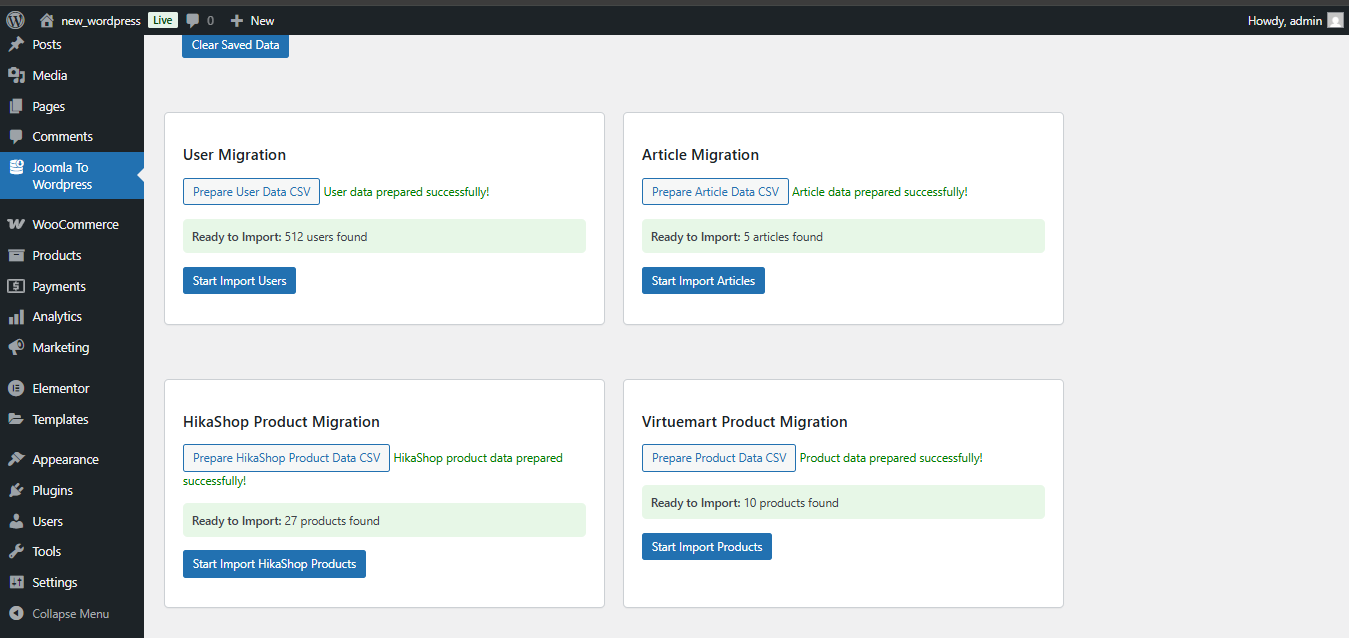
Article migration with category and tag mapping
VirtueMart product migration with image handling
HikaShop product migration interface
Faq
Joomla 5.x installations with standard database structures.
Absolutely not. Your Joomla database host, username, password, and database name are NEVER collected or transmitted.
No. Completely optional and opt-in only.
Yes. Go to the Joomla To WordPress admin page, scroll to the bottom, and click “Opt Out”.
Reviews
Changelog
1.3
- Updated compatibility and tested version for WordPress 7.0
- Fixed bugs and improved plugin performance and stability
1.2
- Articles now migrate to blogs with Gutenberg grid block
- Added Yoast SEO support for meta description and focus keyword
1.1
- Articles migrate with Elementor layout integration
- Fixed product dimension issues
- Fixed SKU generation for product variants
1.0
- Initial release