Before After Image Comparison Slider
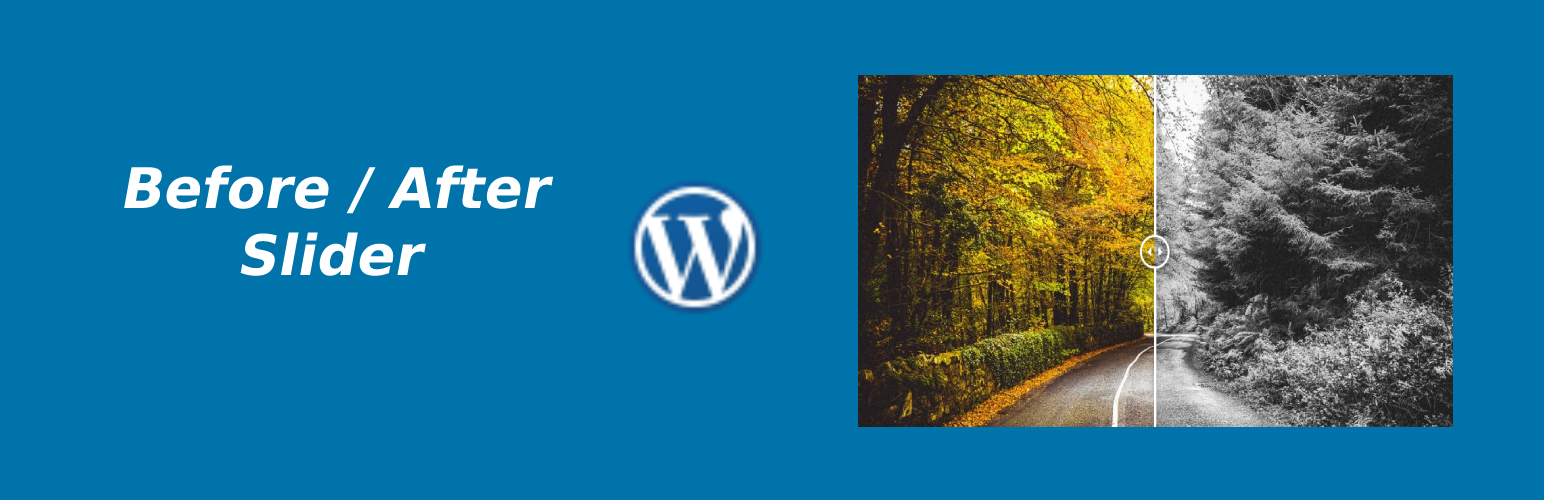
Before After Image Comparison Slider
Description
Before After Image Comparison Slider plugin help you to make an Image comparison slider before/after.
Features
- Fully responsive.
- Easy to use.
- Easy Installation.
- Translation ready
Installation
- Go to Plugins > Add New.
- Search for “Before After Image Comparison Slider”.
- Click “Install Now”.
OR
- Download the zip file.
- Upload the zip file via Plugins > Add New > Upload.
Activate the plugin. Look for “Before After Image Slider” in the admin menu.
Screenshots

Settings

Frontend Horizontal

Frontend Vertical
Reviews
Changelog
1.0.3
- WordPress 6.6 compatibility check
1.0.2
- WordPress 6.0 compatibility check
1.0.1
- Bug Fixed: data sanitization
1.0.0
- Initial Release