WOW Best WP Blocks

WOW Best WP Blocks
Description
Best WP Blocks help you create content blocks which can be used in posts, pages and widgets.
Installation
From WordPress backend
- Navigate to Plugins -> Add new.
- Click the button “Upload Plugin” next to “Add plugins” title.
- Upload the downloaded zip file and activate it.
Direct upload
- Upload the downloaded zip file into your
wp-content/plugins/folder. - Unzip the uploaded zip file.
- Navigate to Plugins menu on your WordPress admin area.
- Activate this plugin.
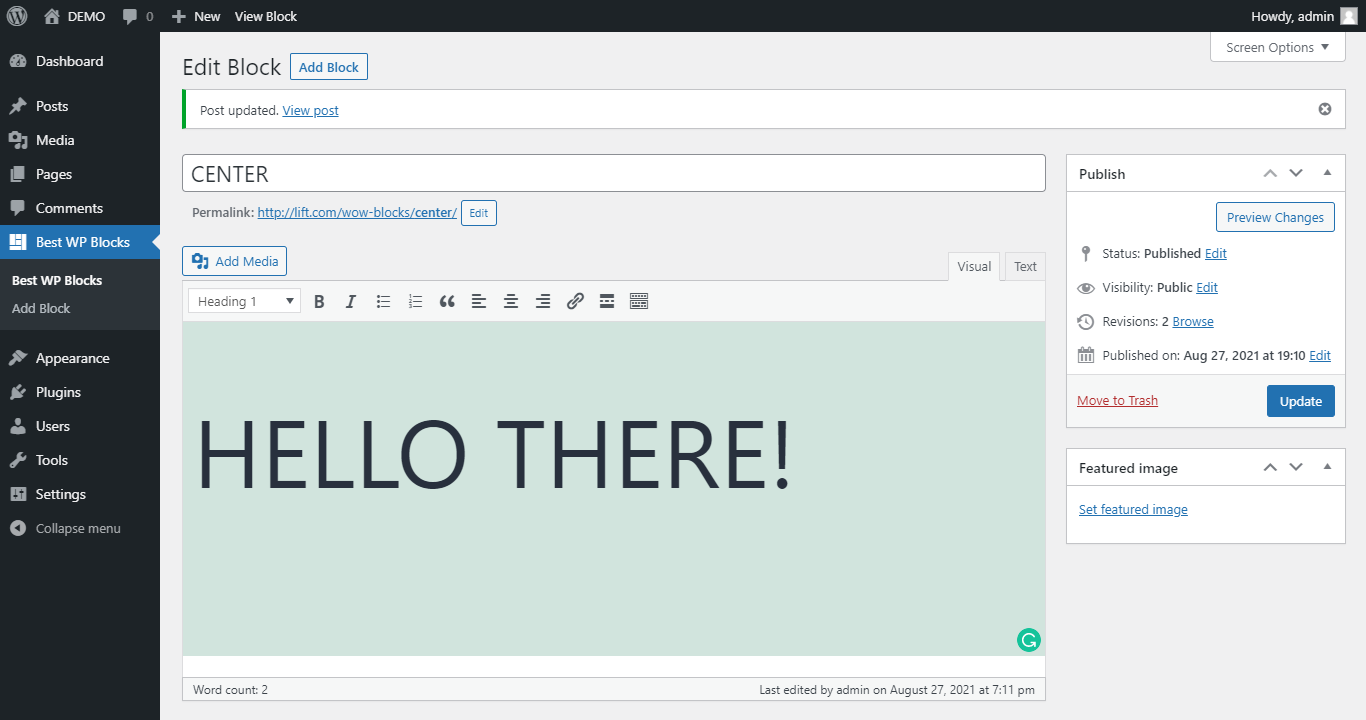
Screenshots


Reviews
Changelog
1.2.0
- Add meta box
1.1.0
- Add Thumbnail
1.0.1
- Tested with WP v6.1
1.0.0
- First version.