Better Customizer Reset
Better Customizer Reset
Description
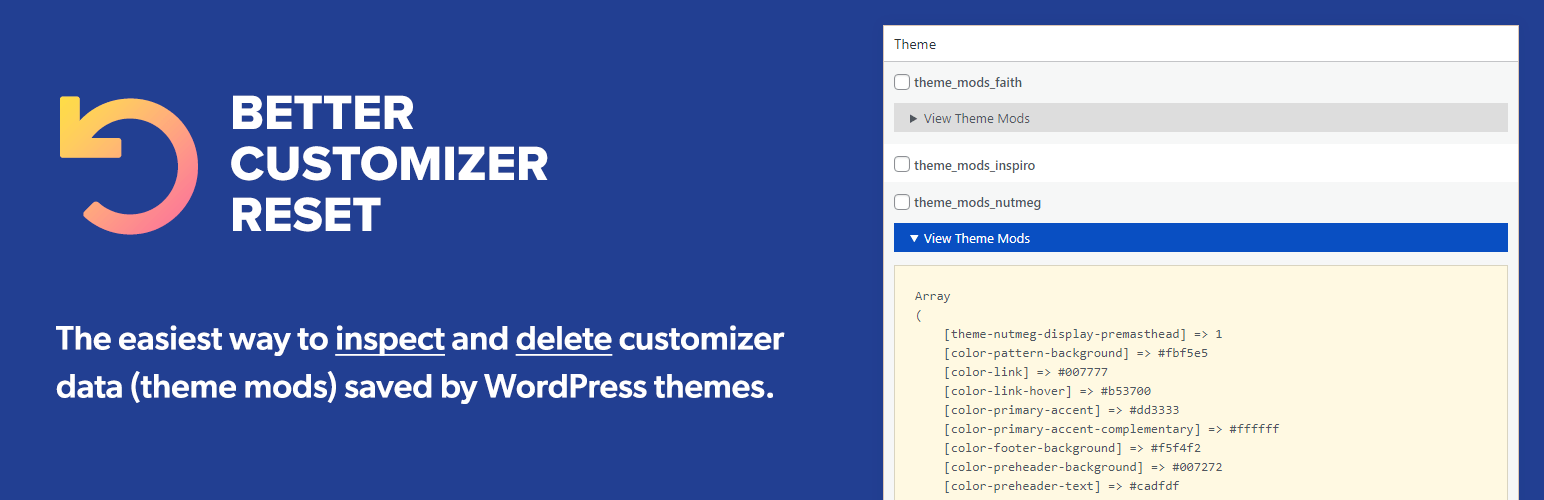
Inspect and delete Customizer values saved by WordPress themes.
Better Customizer Reset allows you to view and delete theme settings and customizer settings added as theme_mods.
Installation
Starting with Better Customizer Reset consists of just two steps: installing and activating the plugin.
Install Better Customizer Reset from within WordPress
- Visit the plugins page within your dashboard and select “Add New”;
- Search for and install “Better Customizer Reset”;
- Activate Better Customizer Reset from your Plugins page.
Install Better Customizer Reset via FTP
- Upload the “better-customizer-reset” folder to the /wp-content/plugins/ directory;
- Activate the Better Customizer Reset plugin through the ‘Plugins’ menu in WordPress.
After Activation
- You should see a new “Better Customizer Reset” page in the Tools section.
Faq
No. Better Customizer Reset does not affect the front-end of your website.
Yes, absolutely! This plugin can delete theme mods added by any theme, as long as that theme saves its settings as theme_mods and not as options.
Please feel free to contact us if you have any other questions.
Reviews
Changelog
1.0.2
Corrected list of plugin tags.
1.0.1
Fixed bug with the active theme not being included in the list of themes.
1.0.0
Release Date: November 3, 2021
- Initial release