Better Social Field for Directorist
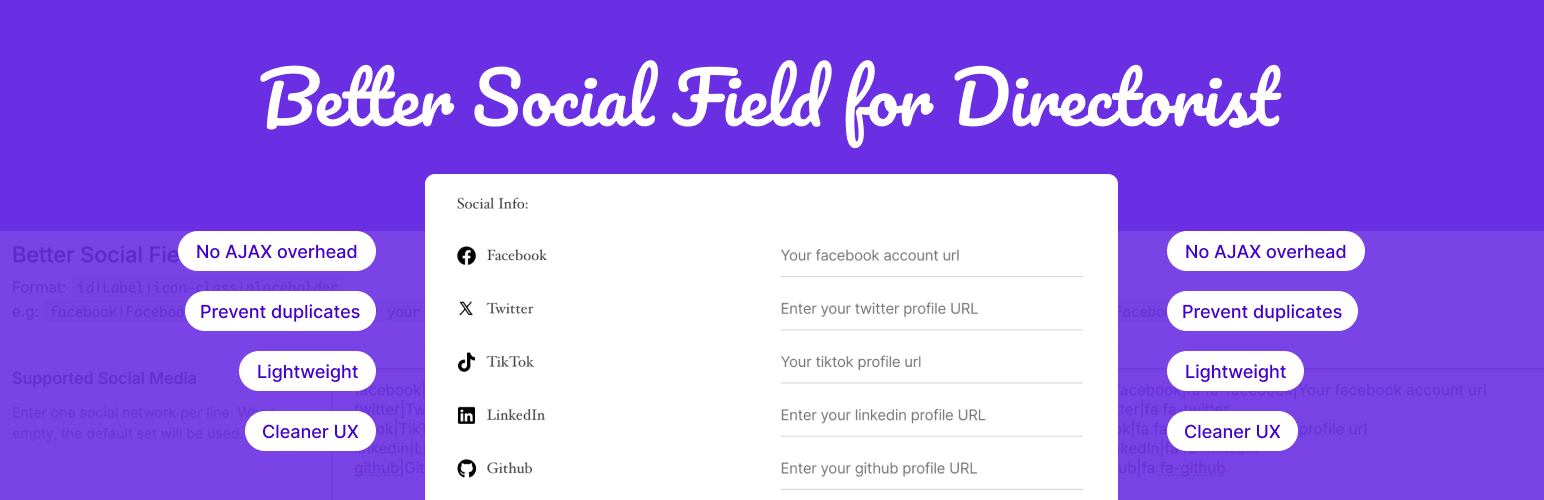
Better Social Field for Directorist
Description
The Better Social Field for Directorist improves the default social media field experience in the Directorist directory plugin.
By default, Directorist’s social media field uses a dropdown + repeater structure that:
– Sends an unnecessary AJAX request for every new icon added.
– Shows all social networks, even those irrelevant to your directory niche.
– Allows duplicate social entries (e.g., multiple Facebook links).
– Creates a slow and confusing user experience for listing owners.
This plugin fixes all of that!
🚀 Key Improvements:
- No AJAX overhead: Adds multiple social icons instantly, client-side only.
- Cleaner UX: Direct inline editing — no need for repetitive clicks.
- Prevent duplicates: Each social network can only be added once.
- Smart filtering: Define which social networks your directory uses.
- Lightweight: No bloat, no dependencies — just improved logic and UI.
Perfect for any directory site that wants faster, more intuitive listing forms.
Features
- Instant field rendering without AJAX requests.
- Choose which social platforms to display (filter out unused ones).
- Prevent adding the same social platform twice.
- Sleek and minimal UI that fits natively into the Directorist design.
- Compatible with all modern browsers.
- Works seamlessly with the latest Directorist version.
💼 Hire Me
Need help customizing Directorist or building your own WordPress plugin, theme or site?
I specialize in WordPress plugin and site development, performance optimization with 10+ years of experience.
Installation
- Upload the plugin files to
/wp-content/plugins/better-social-field-for-directorist, or install via the WordPress Plugins screen. - Activate the plugin through the ‘Plugins’ screen in WordPress.
- The better social field will automatically replace the default one in your Directorist listing forms.
Screenshots

Listing form view — Better social field for directorist

Settings panel — Better social field for directorist
Faq
Yes. Once activated, the default social field is replaced by the optimized version.
Yes. You can configure which social networks are available from settings panel. Directory Listings > Settings > Extensions > Better Social Field.
Yes. Your existing social links will continue to work as before — this plugin only changes the UI, not your data.
Absolutely. The field inherits your theme and Directorist’s default styles.
Reviews
Great enhancement to the Directorist social field experience.
By 
The clean UI and lightweight design fit perfectly with Directorist. This plugin makes the social field much faster and more user-friendly. A great enhancement overall!
Changelog
1.0.0 – 26 Oct 2025
- Initial release