BH Custom CSS3 Preloader – Just Plug and play
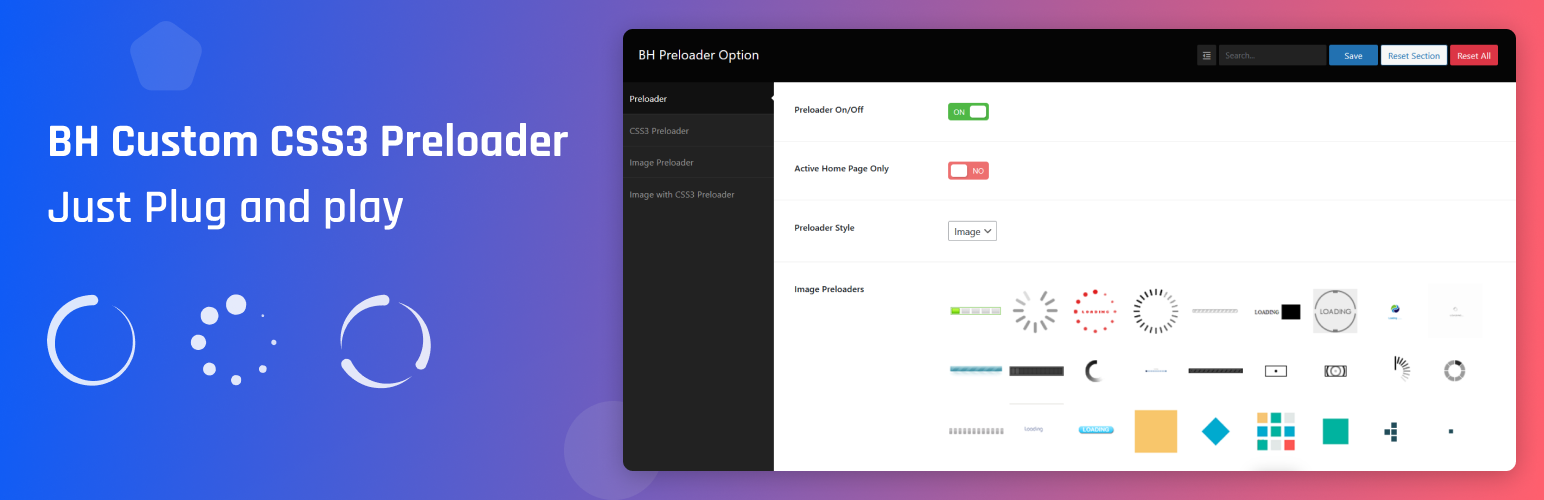
BH Custom CSS3 Preloader – Just Plug and play
Description
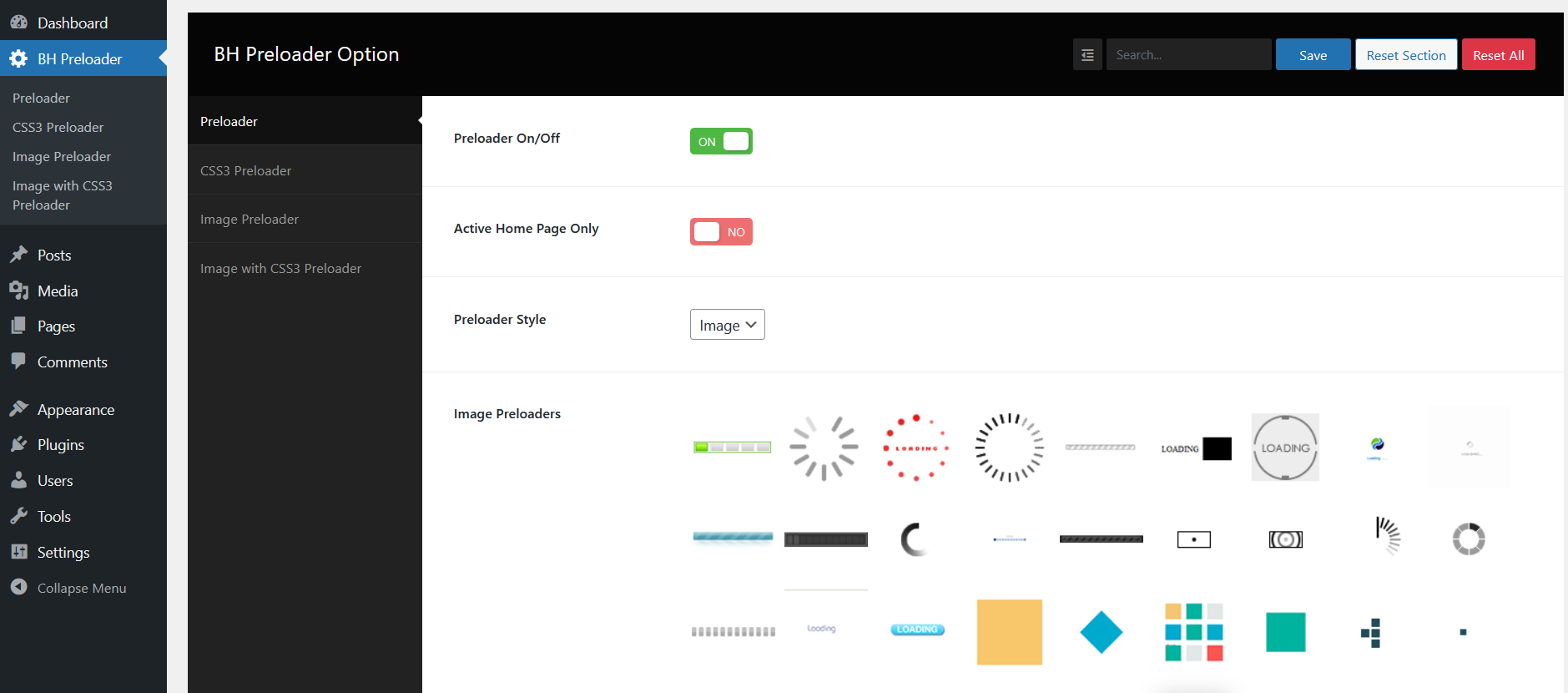
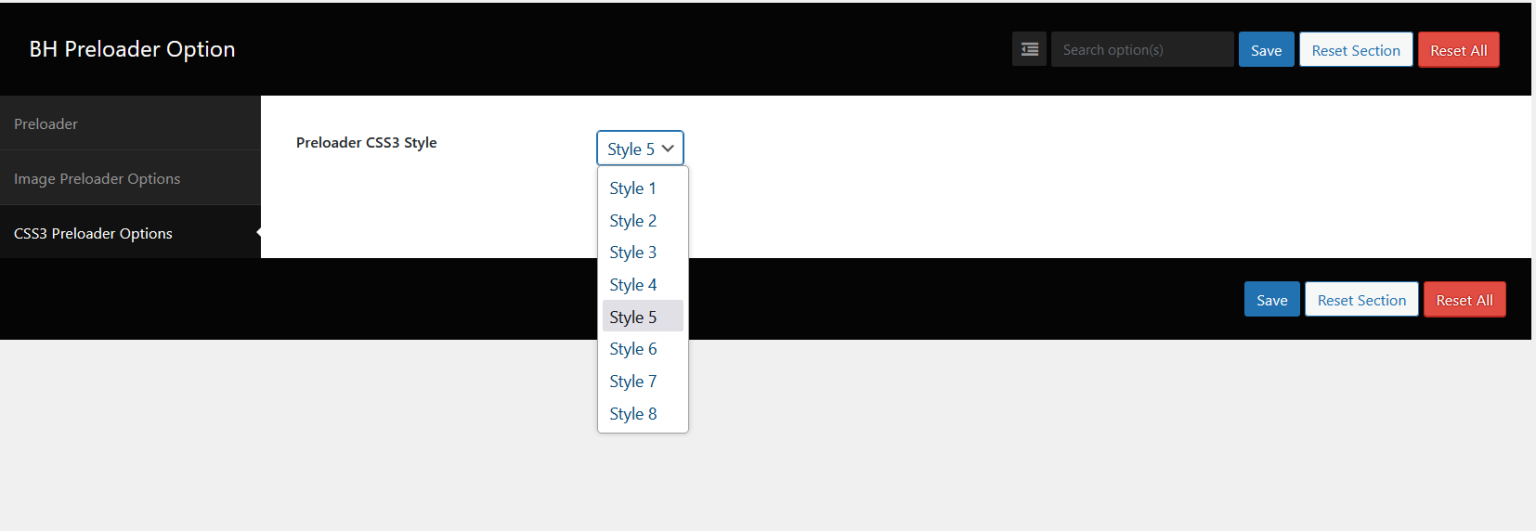
The BH Custom Preloader Plugin is a powerful and user-friendly tool designed to enhance the user experience on your website by adding stylish and fully customizable preloaders. Once activated, the plugin enables a preloader feature that displays while your site content is loading, helping to reduce bounce rates and improve perceived performance. It comes equipped with 8 unique CSS3-based preloader styles, offering smooth animations that blend seamlessly with modern website designs. In addition to the built-in styles, the plugin supports image-based preloaders, giving you the flexibility to use your own branding elements or graphics.
Color customization options are available for all preloader types, allowing you to match the animation to your site’s color scheme effortlessly. The plugin also includes an intuitive settings panel called Advanced Preloader Settings, where you can configure every aspect of the preloader behavior — including animation type, duration, background color, and loading icons — without touching any code. Whether you’re a beginner looking for easy setup or a developer wanting more control, the BH Custom Preloader Plugin provides a robust and flexible solution to make your website look polished and professional from the very first second.
View Demo | Upgrade to Pro Version
Features
✅ Easy Installation
✅ Plug and Play
✅ Image / Logo Preloader
✅ 8 Css3 Preloader
✅ 40 Preloader Images Included
✅ Advanced Plugin Option
✅ Unlimited Color Options
✅ And Much More options ……
Try the PRO version
PRO features
✅ Easy Installation
✅ Plug and Play
✅ 35 CSS3 Preloader Style
✅ Attactive Preloader Images
✅ Logo with CSS3 Preloader Style Option – Newly Added
✅ Custom Logo/Image Upload Option
✅ Advanced Plugin Option
✅ Unlimited Color Option
✅ Preloader Size Option
✅ Free Support For lifetime
✅ Free Update For lifetime
✅ And Many More Options..
Installation
- Upload
bh-custom-preloaderto the/wp-content/plugins/directory - Activate the plugin through the ‘Plugins’ menu in WordPress
- Go to Settings menus change option what you want.
Screenshots

screenshot-1.png
screenshot-2.png
screenshot-4.png
Faq
Yes. You can use this in any version of wordpress.
After install, the plugin will add a menu under Settings called “BH Custom Preloader Settings”, from here you can change everythings
Reviews
The Pro Plugin destroys the Site (Support doesn't help)
By 
The free plugin worked so well that I bought the Pro plugin.
Unfortunately, after activating it, the site broke down. Error 500. After trying to install the Pro plugin together with the free plugin, then without the free plugin, and even on a test site where the Pro plugin was installed for the first time, I had to restore a backup every single time and wasted about 3 hours of my life.
The support responded quickly, but wanted admin access to my site and when I didn’t grant it, they refused a refund and weren’t very friendly either.
I won’t open a PayPal dispute for that small amount of money, but I definitely cannot recommend buying this plugin. The only question was whether to give 1 or 2 stars, because the free plugin does work.
Excellent
By 
Really cool and perfect for all websites
No support and didn't work with DIVI
By 
Exactly what I needed!
By 
I purchased the pro version of this plug-in for $5 and it is so worth it!
Excellent support - I emailed the author asking how to change a setting (the length of time for the custom image preloader to fade) and he rewrote the option in to the plug-in for me.
Thank you so much!
Really cool
By 
Just perfect, thanks
Changelog
- 2.5 – Fixed Minor security Issues
- 2.4 – Fixed Minor Issues
- 2.3 – Added 8 CSS3 Preloader and Fixed Minor Issues
- 2.2 – Compatible with WordPress 6.8 and Fixed Some Bugs
- 2.1 – 12 New Preloader Image Added
- 2.0 – Added Setting Link and Fixed Issues
- 1.9 – Updated Plugin Files
- 1.8 – Fixed plugin security Issues
- 1.7 – Fixed plugin security Issues
- 1.5 – Fixed plugin security Issues
- 1.5 – Updated Plugin Dashboard options and added Css3 Preloader