Bikram Quiz

Bikram Quiz
Description
Bikram Quiz is a lightweight, easy-to-use plugin that lets you create three types of assessments:
- Surveys – Collect feedback without scoring
- Quizzes – Fun assessments with instant feedback
- Exams – Strict assessments with pass marks and certificates
Features
- Three assessment modes: Survey, Quiz, and Exam
- Multiple question types: Multiple Choice, True/False, Short Text
- Automatic grading and scoring
- Digital PDF certificates with unique verification codes
- Public certificate verification page
- Gutenberg block and shortcode support
- Mobile-friendly responsive design
- GDPR compliant with data export/erase tools
- Lightweight and fast – no external API calls or accounts required
Usage
Shortcode:
[bikram_quiz id=”1″]
Gutenberg Block:
Search for “Bikram Quiz” in the block inserter.
Certificate Verification
Every issued certificate has a unique code that can be verified at:
yoursite.com/?bq_verify=CERTIFICATE_CODE
Credits
This plugin bundles FPDF, a free PHP library for PDF generation created by Olivier Plathey, used here to generate downloadable certificate PDFs. FPDF is released under a permissive free license that is compatible with the GPL.
Installation
- Upload the
bikram-quizfolder to/wp-content/plugins/ - Activate the plugin through the ‘Plugins’ menu in WordPress
- Go to ‘Bikram Quiz’ in your admin menu to create your first quiz
- Use the shortcode
[bikram_quiz id="1"]or the Gutenberg block to display it
Screenshots
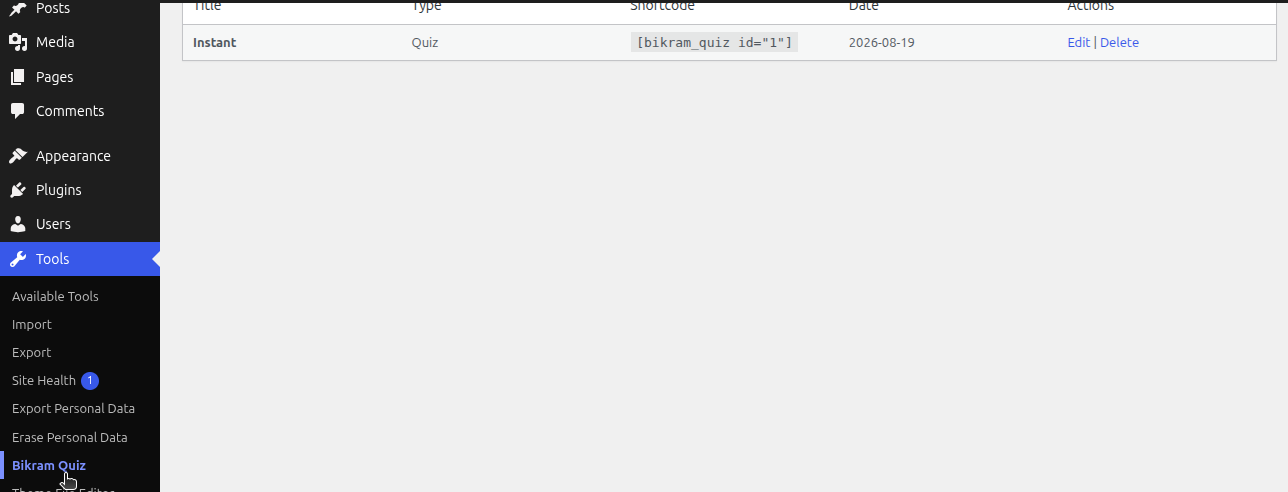
The plugin lives under Tools → Bikram Quiz, keeping your admin menu uncluttered — manage all your quizzes from one list.

Create a new quiz, survey, or exam. Set the pass mark, choose the type, and optionally add a certificate background image.
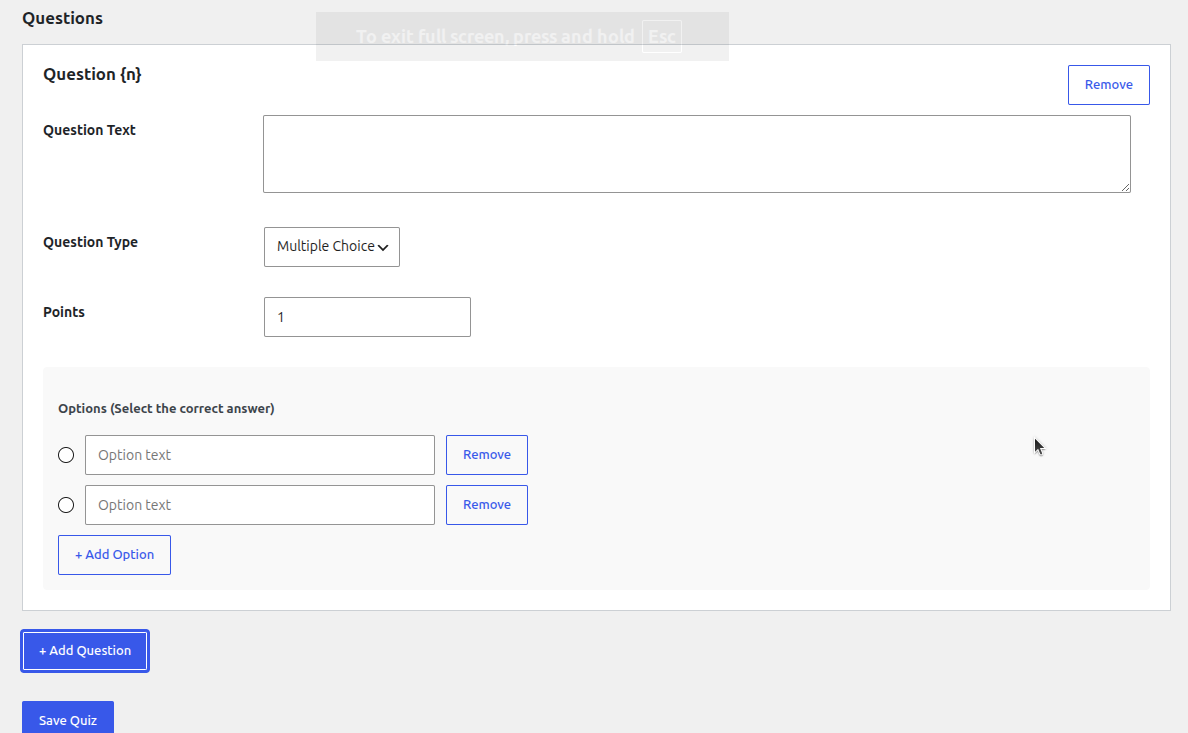
Build your questions with multiple-choice options, per-question point values, and instant answer marking.
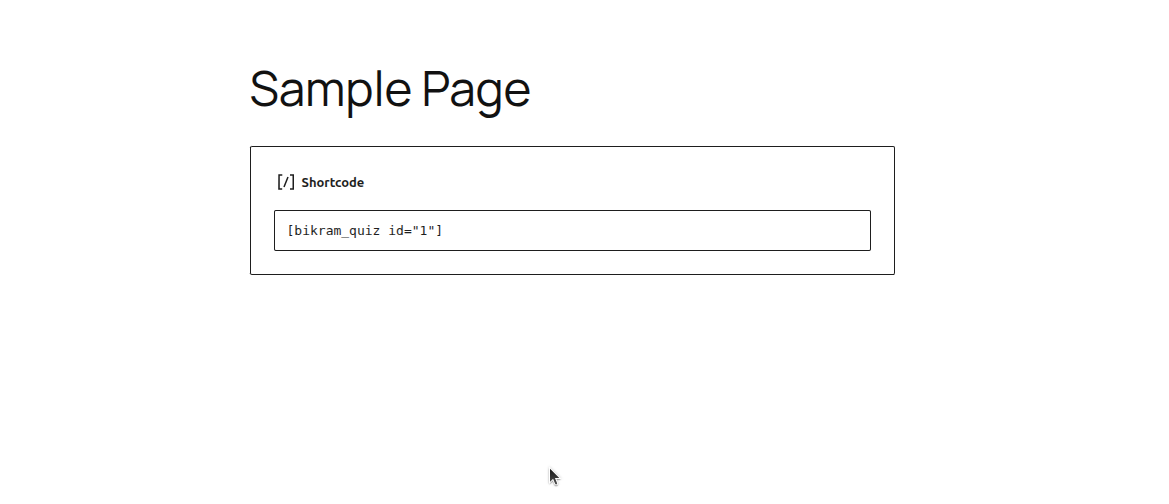
Drop a quiz anywhere on your site with a simple shortcode.

A generated certificate using a custom decorative background image, set via the new Media Uploader.

The default certificate style when no background image is selected.
Faq
When editing your quiz, click the “Choose Image” button next to Certificate Background Image and select or upload an image from your Media Library. A live preview will appear once selected.
Yes, users can retake any quiz. Each attempt is saved separately.
Yes! Every certificate has a unique code. Anyone can verify it by visiting yoursite.com/?bq_verify=CODE.
Yes, guests can take quizzes by providing their name and email.
Reviews
Changelog
1.0.2
- Fixed: Resolved fatal error during certificate generation by including missing FPDF font files.
- Added: Native WordPress Media Uploader for selecting the certificate background image.
- Improved: Replaced plain text URL input with an interactive “Choose Image” button and live preview.
- Fixed: Removed invalid PHP tags from external JavaScript file to prevent syntax errors.
1.0.1
- Fixed invalid Plugin URI.
- Renamed FPDF class to prevent namespace conflicts.
- Moved admin menu to the “Tools” section for better hierarchy.
1.0.0
- Initial release
- Support for surveys, quizzes, and exams
- Digital PDF certificates
- Public certificate verification
- Gutenberg block and shortcode
- GDPR compliance